Support
Support is handled by email through the address published on the homepage; no help centre or documentation is listed.
Generate original paintings and preview them on your own wall in AR

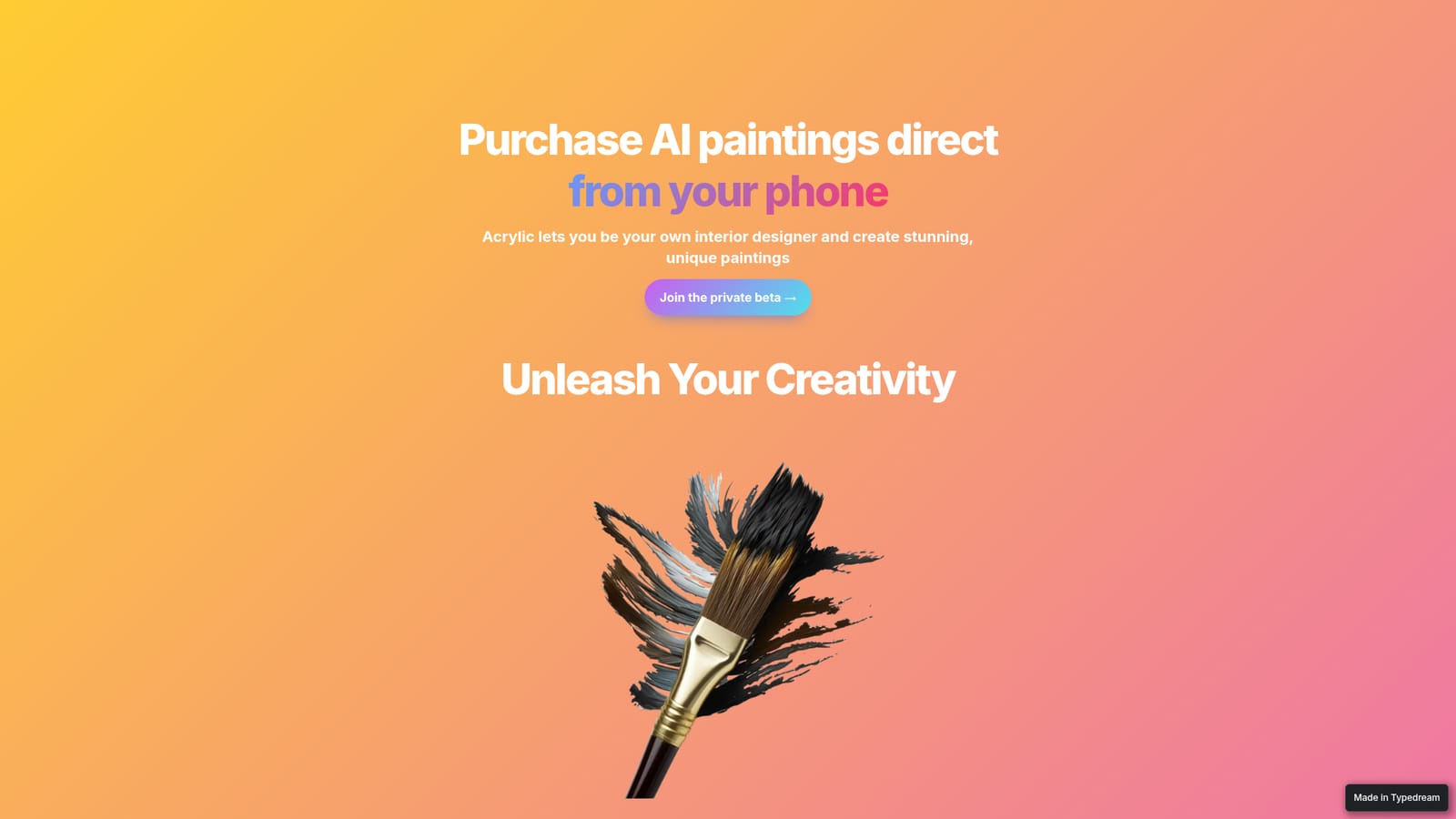
Acrylic is a casual chatting tool that generates original paintings and preview them on your own wall in AR. Acrylic generates original paintings and lets buyers preview them on their own walls in augmented reality before ordering a printed canvas.
Acrylic is a mobile-first concept for generating artwork and turning it into physical canvas. The pitch is simple: describe the look you want, let the tool produce a high quality image in seconds, then view that image staged on your own wall through augmented reality before deciding whether to buy it as a printed painting. The emphasis sits on home decor rather than pure image generation, so the output is judged by how it looks above a sofa, not by how it scores on a benchmark. The interface is built for people without design training. Preset selections guide the first attempt, and the homepage frames experimentation as the alternative rather than the requirement. That positioning puts Acrylic closer to interior styling apps and print-on-demand art shops than to general purpose image generators, which typically stop at a download. The promised flow is generate, stage, order, all inside the phone app, with Apple Pay used for checkout. Where it fits among alternatives is narrow but clear. A hobbyist who wants a specific colour palette or subject matched to a room gets a single path from prompt to framed canvas, while buyers who only need digital art have no reason to use it. The project is at private beta stage, so details on pricing, model choices, print sizes and delivery are not published yet. Anyone evaluating it should treat the augmented reality preview and the canvas ordering as the two features worth testing, and should check current availability through the beta sign up before planning a purchase.
Support is handled by email through the address published on the homepage; no help centre or documentation is listed.
Apple Pay is the only integration named on the homepage, used for in app checkout.
Generation of original paintings from short descriptions, preset style selections for guided results, high quality image output in seconds, augmented reality staging that places a painting on your own wall, and ordering of the chosen artwork as a printed canvas paid for with Apple Pay.
 AI Angels400+ customizable AI girlfriends for NSFW chat, voice calls, and roleplay
 Candy AIExperience the future of companionship with AI friends who chat, role-play, and connect with you on a human level.
 ourdream.aiA vast AI roleplay platform with millions of characters for chat, images, video and voiceAI Angels400+ customizable AI girlfriends for NSFW chat, voice calls, and roleplayCandy AIExperience the future of companionship with AI friends who chat, role-play, and connect with you on a human level.ourdream.aiA vast AI roleplay platform with millions of characters for chat, images, video and voice


%201-svg%20(1).png)