Free trial
The tool is free to try without registering, up to a daily word limit. Signing up extends the free allowance and requires no credit card.
Learn moreRewrite AI-generated text into natural, human-sounding prose.
Own AI-Text-Humanizer.com? Verify ownership to get a dofollow link

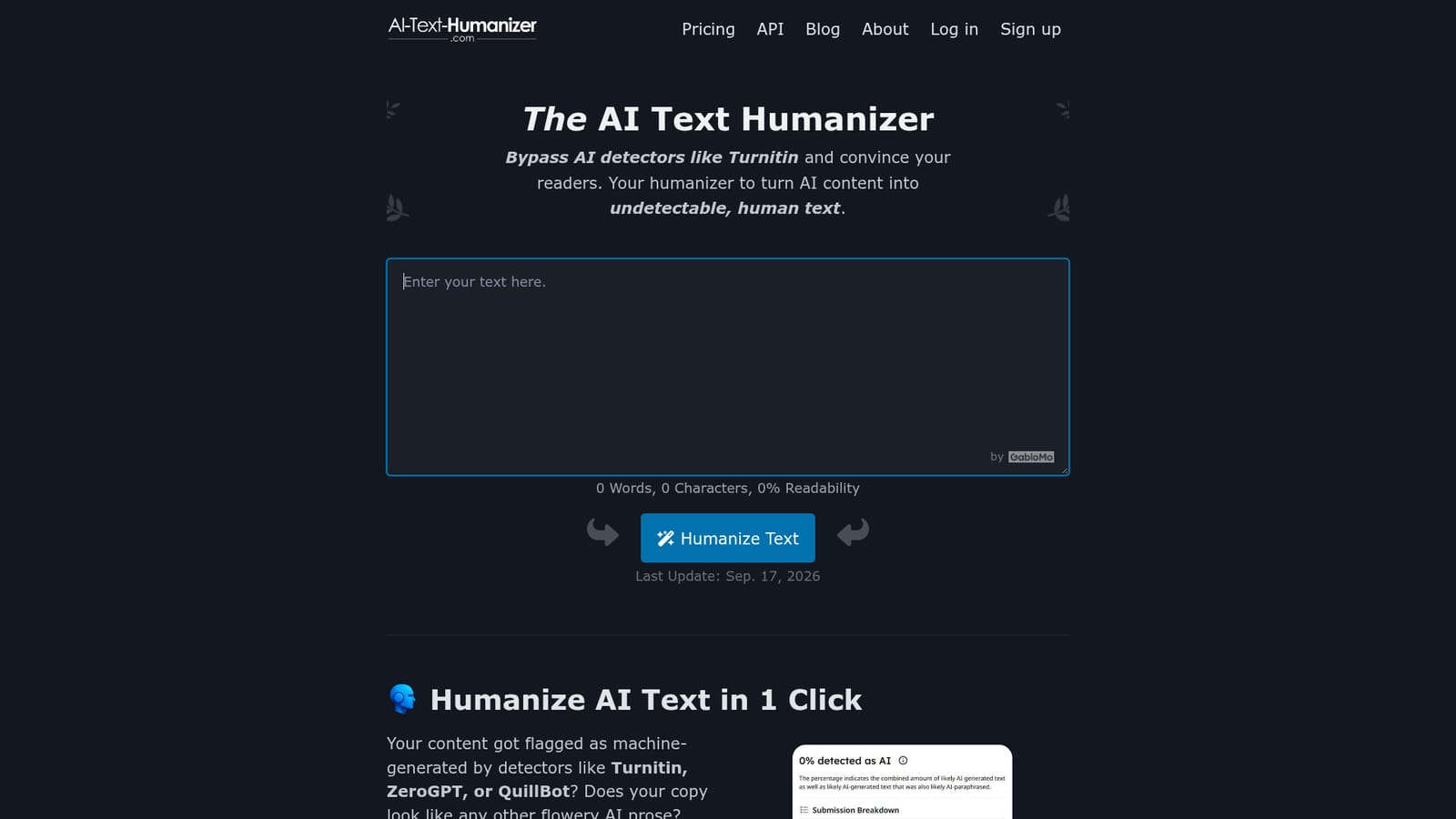
AI-Text-Humanizer.com is an AI detection remover tool that rewrites AI-generated text into natural, human-sounding prose. An online paraphraser that rewrites AI-generated text into plainer, more human-sounding prose. It targets detector bypass (Turnitin, ZeroGPT, QuillBot and others) and shows readability scores before and after.
AI-Text-Humanizer.com is a browser-based rewriting tool built for one job: taking text that a large language model produced and reworking it so it reads like something a person wrote. The site's pitch is blunt about the use case. Content that gets flagged by detectors such as Turnitin, ZeroGPT, QuillBot, GPTZero, AIscan24 and Copyleaks is the input; plainer, more varied prose is the output. The homepage walks through a side-by-side example where a ChatGPT paragraph fails six detectors before processing and passes all six afterward, with a readability score climbing from 53% to 64% along the way. The mechanism is pattern breaking rather than simple synonym swapping. The company describes custom prompts that push text toward less common, plain language, followed by a pass that disrupts the repetitive structures and formal filler that machine writing tends to fall back on. Citations are meant to survive the rewrite, and readability scoring is shown for both input and output so users can see whether sentences got easier to digest. Results are regenerated fresh on each click, so the same paragraph can be run repeatedly until a version lands. Text can be dropped in as a sentence, a paragraph or several pages, in most common languages, and the interface works on desktop and mobile browsers. The audience is broad by design: students finishing assignments, marketers and SEO writers cleaning up drafts, journalists rephrasing machine paragraphs, and companies producing emails, product copy or social posts that should not read like a template. Free users get a daily word allowance, after which a sign-up or a paid plan is required, and PRO subscribers also get API access for piping the rewriter into their own software. The main caveat sits with the detector-bypass framing itself. The site concedes it cannot guarantee every scanner is defeated, and notes that some detectors produce false positives on genuinely human writing. Tone cannot be steered: the tool tries to preserve whatever register the input had, so anyone wanting a different voice is pointed elsewhere. A watermark is added to comply with the EU AI Act, though the company says no detector reads it.
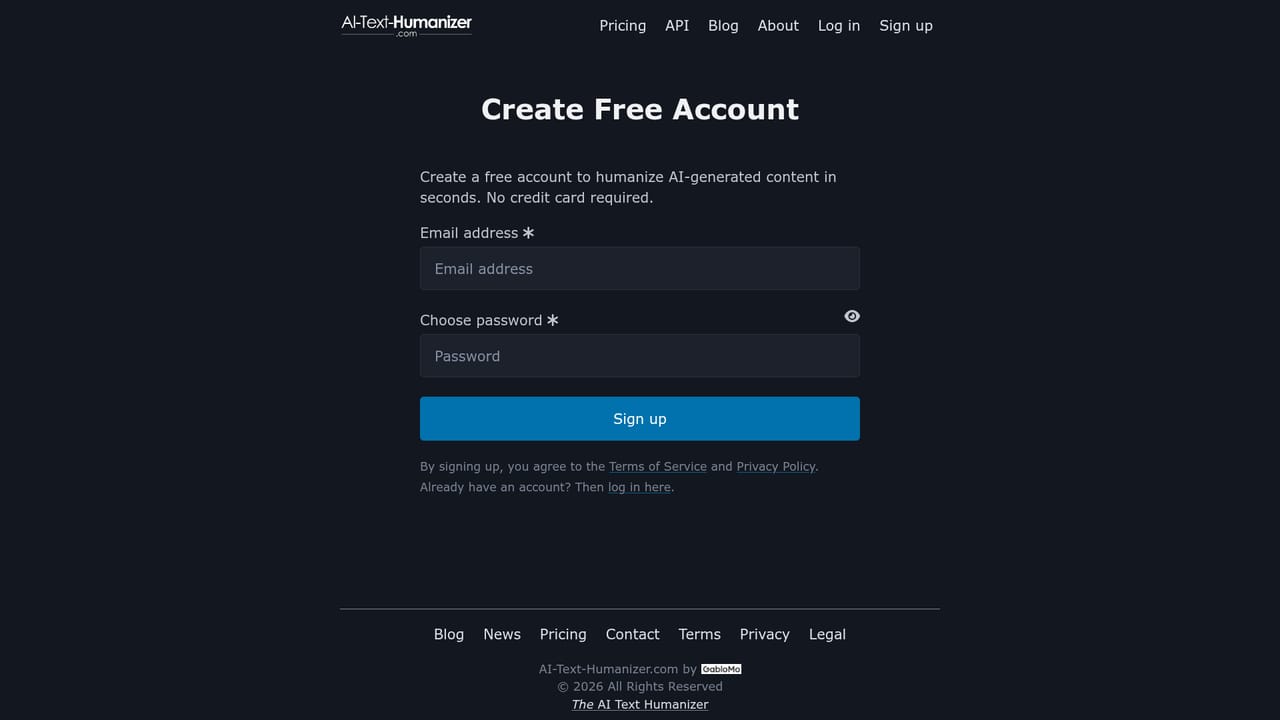
The tool is free to try without registering, up to a daily word limit. Signing up extends the free allowance and requires no credit card.
Learn moreThere is a free tier limited by a daily word allowance, with no credit card needed to sign up. A PRO tier exists and adds API access; exact plan prices and word limits are not stated on the homepage, so check the pricing page.
Learn moreSupport runs through a contact page, and feedback is actively requested since the tool is under ongoing development. A blog and newsletter cover humanizers and detectors.
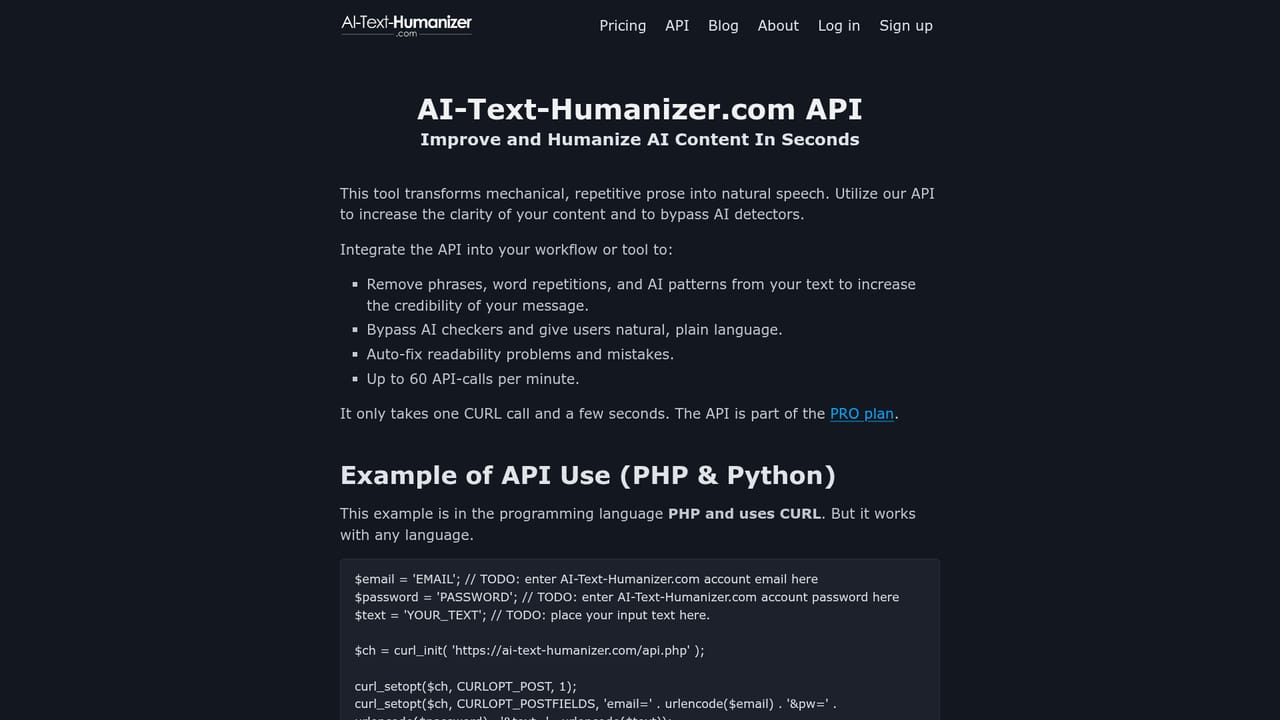
Learn morePRO subscribers can call the humanizer through an API to embed rewriting in their own software. No other third-party integrations are listed.
Learn moreRewrites AI text into human-sounding prose, strips LLM watermarks and adds its own EU AI Act compliant mark that detectors ignore, keeps citations, and reports word and character counts plus readability scores for input and output. Handles sentences through multi-page documents in most common languages, runs in modern browsers on desktop and mobile, and offers regenerated results on each run plus API access for PRO users.
Learn more AI Angels400+ customizable AI girlfriends for NSFW chat, voice calls, and roleplay
 Candy AIExperience the future of companionship with AI friends who chat, role-play, and connect with you on a human level.
 ourdream.aiA vast AI roleplay platform with millions of characters for chat, images, video and voiceAI Angels400+ customizable AI girlfriends for NSFW chat, voice calls, and roleplayCandy AIExperience the future of companionship with AI friends who chat, role-play, and connect with you on a human level.ourdream.aiA vast AI roleplay platform with millions of characters for chat, images, video and voice