Aistro

AI astrologer for your birth chart, daily fortune and synastry

Beginner
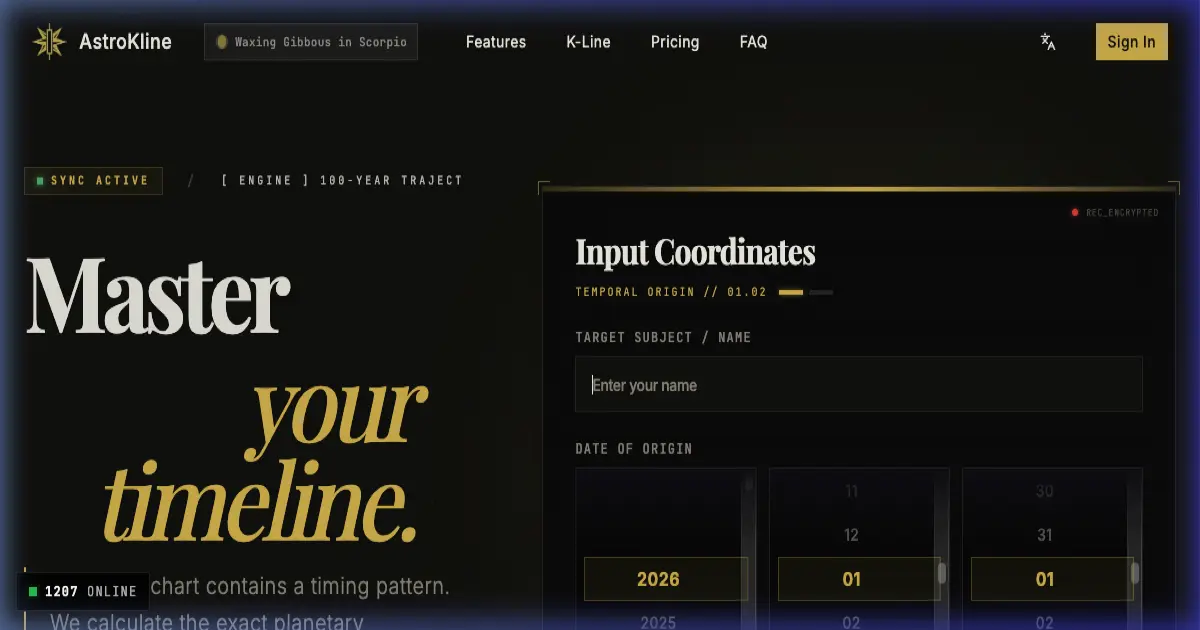
Screenshot of Aistro, AI astrologer for your birth chart, daily fortune and synastry

What is Aistro?

Aistro is a mobile astrology app with a conversational AI astrologer. It covers zodiac and planet explanations, personalized answers on emotions, career and wealth, synastry chart comparison with friends, and a daily fortune forecast, with astrological data stored through DID Spaces.

Aistro is a mobile astrology app that pairs traditional chart reading with a conversational AI astrologer. It is built for people who already follow their sun sign and want something more specific than a generic horoscope: you share your zodiac sign and the situation on your mind, and the assistant responds with guidance framed around celestial movements. The app also covers zodiac and planet exploration, so users can read up on signs and planetary influences rather than only asking questions. The feature set splits into four areas. Zodiac and Planets explains the signs and their meanings. The AI astrologer chat is the core interaction, where you describe a problem and receive personalized commentary on emotions, career or wealth. Synastry compares your chart with a friend's, positioning chart comparison as a way to understand relationships. Daily Fortune gives a repeating forecast so there is a reason to open the app each day. Predictions are tailored to zodiac traits rather than written for a mass audience. In practice the app is a phone-first experience, distributed through the App Store and Google Play, with no desktop client described. Aistro states that astrological data is held in decentralized storage through DID Spaces, which the company presents as a privacy and security measure. The astrology plus astronomy positioning is a deliberate separation from pure entertainment apps: the assistant is described as operating on celestial movements when it answers a question. Aistro sits between free sun-sign horoscope apps and live human readings. It is the easier option if you want an immediate answer at any hour, and the more structured option if you want chart comparison with friends and a daily forecast in one place. Anyone who wants a professional astrologer's interpretation or published research on chart accuracy will not find that here, and the app's own blog is better read as introductory astrology education than as evidence for its predictions.

How do you use Aistro?

  1. 1Install Aistro on iOS or Android
    Download the app from the App Store or Google Play using the badges on the homepage. Both store listings are linked directly from the site.
  2. 2Read up on signs and planets
    Start with the Zodiac and Planets section to understand the traits attached to your sign before asking the astrologer anything. This context makes the chat answers easier to interpret.
  3. 3Ask the AI astrologer your question
    Open the astrologer chat, state your zodiac sign and describe the worry or decision you want help with. The assistant replies with guidance tied to celestial movements and your sign's traits.
  4. 4Compare charts with a friend
    Use the Synastry feature to bring in a friend's chart and read the comparison. It is framed around understanding differences and strengthening the relationship.
  5. 5Check the daily fortune
    Return to the Daily Fortune forecast for a short recurring reading on career and love. It works as a daily habit rather than a one-off deep reading.
  6. 6Browse the astrology blog
    The blog covers birth charts and the relationship between astrology and AI, and is the best place to build background knowledge between app sessions.

Pros and cons

Pros

  • Combines zodiac reference material with a chat astrologer in one app, so learning and asking questions happen in the same placeAI
  • Synastry comparison gives a concrete use case beyond solo horoscopesAI
  • Daily fortune forecast provides a repeatable reason to return to the appAI
  • Answers are framed around the user's stated sign and question rather than a single mass-market horoscopeAI
  • Astrological data is described as stored in decentralized DID Spaces, which is unusual for this categoryAI

Cons

  • No pricing, subscription tiers or credit limits are stated on the homepage, so cost is unknown before installingAI
  • The homepage gives no detail on how the AI model is trained or evaluated, so prediction quality cannot be judged in advanceAI
  • Phone-only distribution: there is no web app or desktop version for people who prefer a larger screenAI
  • Synastry appears limited to comparing with friends, with no mention of wider chart reports or export optionsAI
  • The knowledge section is a small set of introductory blog articles, not a structured astrology courseAI

How much does Aistro cost?

Features

Four core features: Zodiac and Planets exploration for sign and planetary meanings, a dedicated AI astrologer chat for personalized answers on emotions, career and wealth, synastry analysis that compares your chart with a friend's, and a daily fortune forecast. The assistant is described as working from celestial movements, and astrological data is stored in decentralized DID Spaces.

Frequently asked questions about Aistro

  • How do you use Aistro?
    The walkthrough on this page covers 6 steps: 1. Install Aistro on iOS or Android 2. Read up on signs and planets 3. Ask the AI astrologer your question 4. Compare charts with a friend 5. Check the daily fortune 6. Browse the astrology blog.
  • What platforms does Aistro support?
    Aistro is available on iOS and Android.
  • What are the limitations of Aistro?
    No pricing, subscription tiers or credit limits are stated on the homepage, so cost is unknown before installing. The homepage gives no detail on how the AI model is trained or evaluated, so prediction quality cannot be judged in advance. Phone-only distribution: there is no web app or desktop version for people who prefer a larger screen.

Status

StatusActive
Views0
Outbound clicks0
Added10/21/2026

Platforms

iOSAndroid

Pricing

FreeFreemium