Free trial
A free start is offered on the homepage and signup is open, but the length and limits of any trial are not stated there.
Learn moreAn AI support agent that sticks to your documentation.
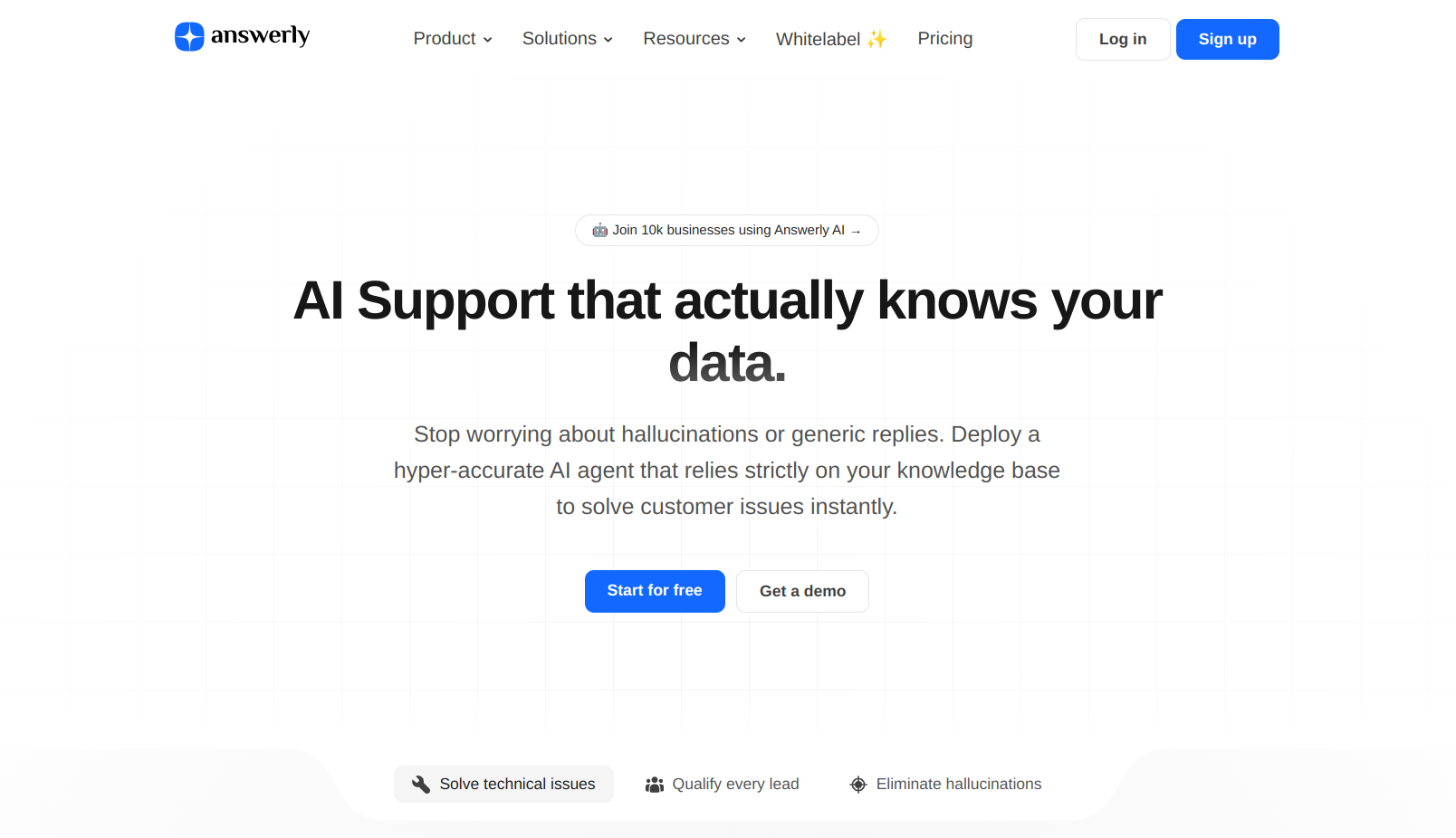
Answerly turns your documentation into a customer support agent that answers strictly from your own data. It ingests websites, PDFs and Google Sheets, ranks priority QA pairs, scores agent performance, and captures leads through forms inside the chat.
Answerly is an AI customer support agent built around one promise: answers come from your own knowledge base, not from the model's imagination. You feed it documentation and the agent replies to customer questions using that material, with citations attached so a visitor can check the source. The product is aimed at small and mid-sized teams that want to deflect repetitive support tickets without handing customers a bot that confidently invents refund policies or shipping times. Training happens in a single hub. Answerly crawls your website, reads uploaded PDFs and syncs with Google Sheets, combining these sources through what the company calls Hybrid Vector Search. You can also write QA pairs and rank them so the agent consults the most important answers first. The chat widget is embedded on any site through native plugins for WordPress, Webflow, Shopify, Framer, Wix and Squarespace, or through custom HTML for anything else. Two features separate it from a plain chatbot. Agent Health scores performance from real conversations and flags knowledge gaps, the questions the agent handled poorly, so you know which QA pairs to write next. Native Forms open inside the chat window and collect contact details or lead data without sending the visitor to another page, then sync that data to a connected CRM or tool. The fit is clearest for documentation-heavy businesses: SaaS help desks, agencies managing support for several clients, and ecommerce stores with a stable set of policy questions. Teams that need open-ended conversational ability or a voice channel should look at broader support suites. Answerly trades flexibility for precision, and the design choices throughout reflect that trade. Pricing tiers are not detailed on the homepage, so check the pricing page before committing. An API and developer docs are published for teams that want to build on top of the platform.
A free start is offered on the homepage and signup is open, but the length and limits of any trial are not stated there.
Learn moreA public help center and API documentation are available, and a contact email is listed for reaching the team.
Learn moreNative embedding guides exist for WordPress, Webflow, Shopify, Framer, Wix and Squarespace, with custom HTML for other stacks. Forms sync to more than 20 tools including CRMs. An API is documented.
Learn moreTraining hub with Hybrid Vector Search across websites, PDFs and Google Sheets. Ranked QA pairs set answer priority. Citations accompany replies. Agent Health scores performance from live conversations and flags knowledge gaps. Native Forms collect data in the chat window and sync with over 20 integrations. Embeddable on major CMS platforms or via custom HTML.
Learn more AI Angels400+ customizable AI girlfriends for NSFW chat, voice calls, and roleplay
 Candy AIExperience the future of companionship with AI friends who chat, role-play, and connect with you on a human level.
 ourdream.aiA vast AI roleplay platform with millions of characters for chat, images, video and voiceAI Angels400+ customizable AI girlfriends for NSFW chat, voice calls, and roleplayCandy AIExperience the future of companionship with AI friends who chat, role-play, and connect with you on a human level.ourdream.aiA vast AI roleplay platform with millions of characters for chat, images, video and voice


