Beauty Calculator

Upload a portrait, get a beauty score built from facial landmark ratios

Beginner
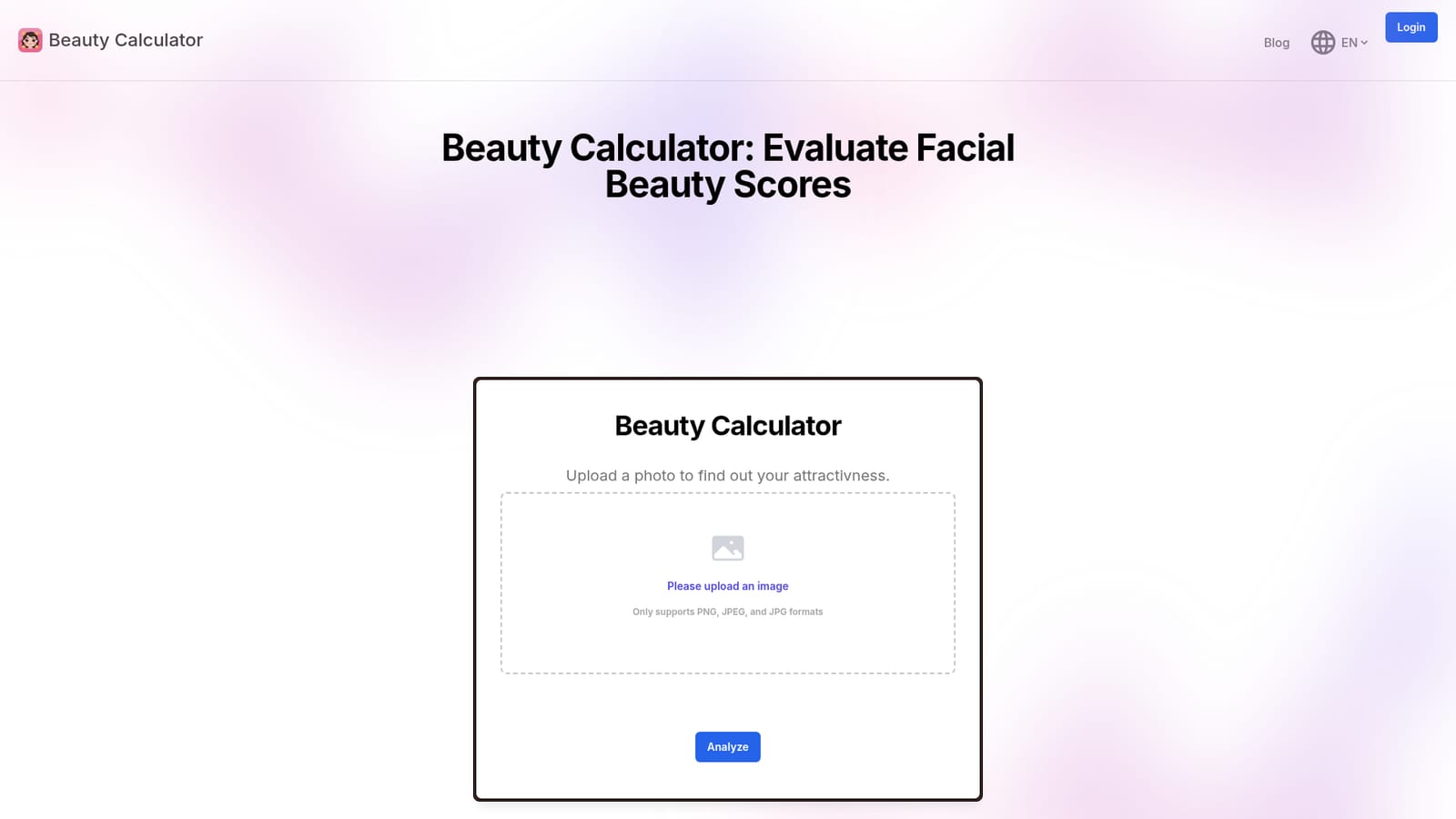
Screenshot of Beauty Calculator, Upload a portrait, get a beauty score built from facial landmark ratios

What is Beauty Calculator?

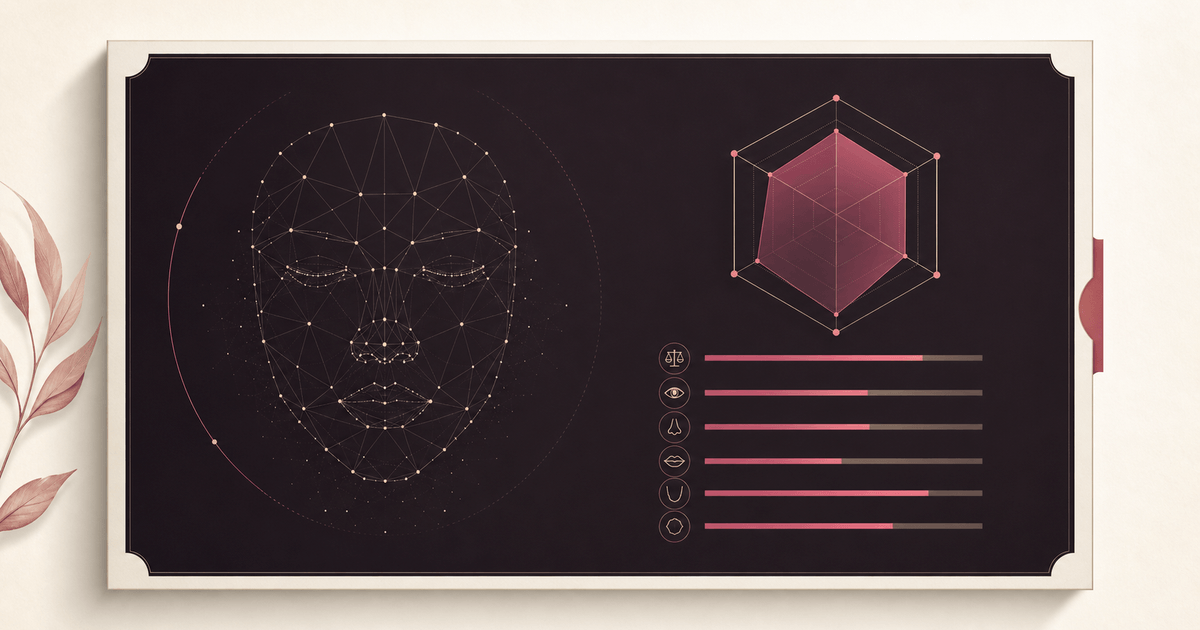
Beauty Calculator is a face rating tool. A free browser tool that analyzes a single portrait photo, detects facial landmarks, and returns a numeric beauty score based on proportions such as eye distance, nose length and mouth width. Best for casual curiosity and aesthetic experimentation, with clear photo guidelines for better accuracy.

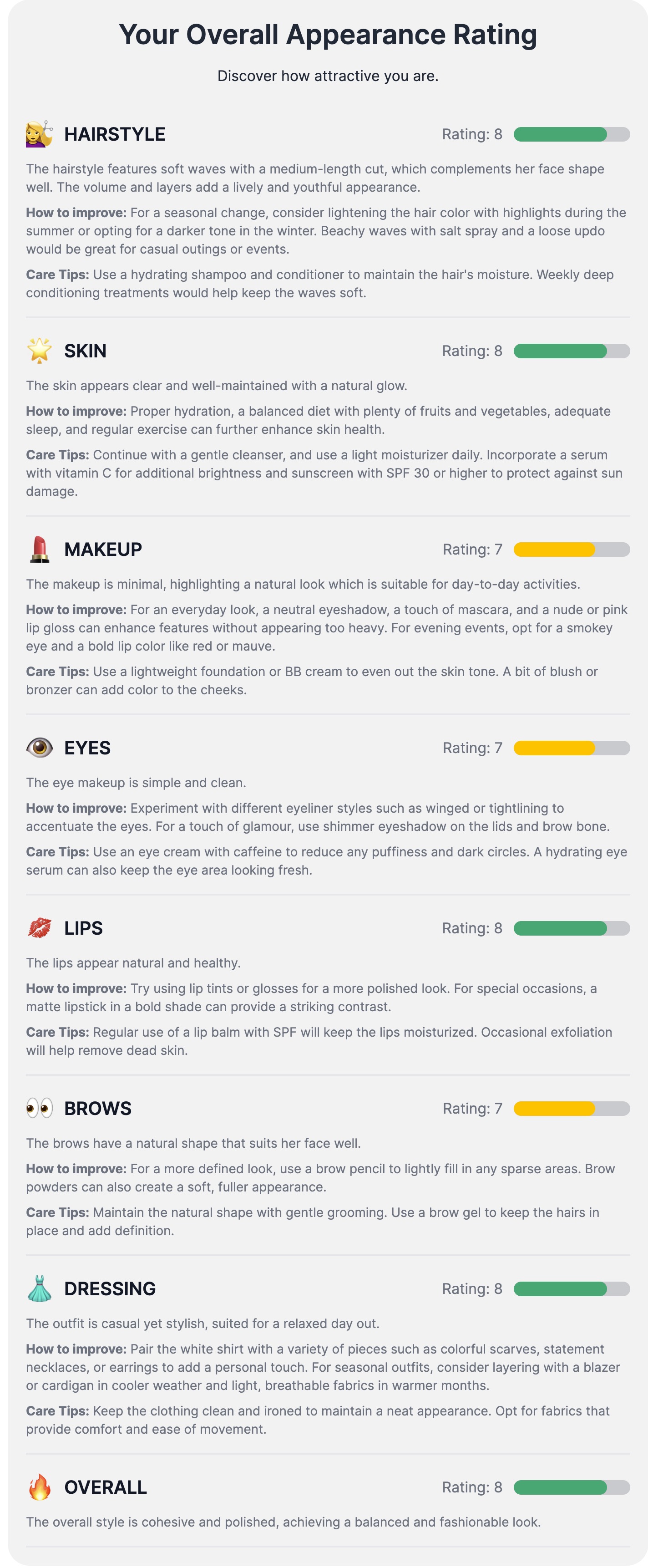
Beauty Calculator is a browser based face rater that turns a single portrait photo into a numerical beauty score. The tool detects facial landmarks on the uploaded image and then measures ratios between them, including eye distance, nose length and mouth width, to judge how closely a face matches conventional aesthetic proportions. Results appear seconds after the image is processed, and the page frames the output as an educational read on symmetry and balance rather than a definitive verdict on appearance. The workflow is deliberately minimal. There is no account setup described on the site and no editing suite around the analyzer: a visitor uploads a PNG, JPEG or JPG file, waits a few seconds while the analysis runs, and receives a score alongside the metric breakdown. The homepage advises on input quality, asking for a clear front facing shot with neutral expression and even lighting, one person per frame, and no blurry or distant captures. Those guidelines matter because landmark detection degrades quickly when the face is angled, small in frame or partly obscured. It is aimed at curious general users rather than clinicians or researchers. People who want a quick, low effort read on facial proportions, or who enjoy comparing scores with friends, are the obvious audience, and the site also courts photographers and aesthetics hobbyists interested in the geometry behind attractiveness judgments. Because the tool runs in the browser and works on phones, the barrier to trying it is close to zero. Within the wider field of face rating tools, Beauty Calculator positions itself on simplicity and transparency of method: it names the ratios it evaluates instead of returning an unexplained number. It does not claim to offer personalized advice, and the FAQ directs anyone serious about changing their appearance to a professional. Treat the score as a curiosity and a rough illustration of proportional analysis, not a measurement of worth.

How do you use Beauty Calculator?

  1. 1Open the analyzer
    Go to beautycalculator.net and scroll to the upload interface on the homepage, where the image input sits.
    Beauty Calculator — Open the analyzer
  2. 2Choose a suitable photo
    Pick a clear, front facing portrait with neutral expression and good lighting, showing only one person. Skip blurry, distant or group shots.
  3. 3Upload the image
    Click the upload button and select a PNG, JPEG or JPG file from your device. A preview appears so you can confirm the right photo before scoring.
  4. 4Run the analysis
    Trigger the analyze action and wait a few seconds while facial landmarks are detected and the ratio metrics are computed.
  5. 5Read the results
    Review the beauty score and the facial measurements behind it, then reset or load another image to compare a different portrait.

Pros and cons

Pros

  • Runs entirely in the browser with no software install requiredAI
  • Names the ratios it evaluates, so the score is not a complete black boxAI
  • Works on mobile devices for quick uploads and resultsAI
  • Offers practical photo guidelines that improve result reliabilityAI
  • Handles a range of face shapes and ethnic backgrounds according to the siteAI

Cons

  • No pricing, plan or usage limit information appears on the homepageAI
  • Accuracy depends heavily on a single well lit, front facing photo, so casual snapshots can skew resultsAI
  • Group photos or distant shots are not supported well, which limits real world useAI
  • The underlying model and scoring scale are not published, making validation difficultAI
  • The score carries no personalized aesthetic guidance beyond proportion feedbackAI

How much does Beauty Calculator cost?

Features

Facial landmark detection on uploaded portraits, ratio based scoring across eye distance, nose length and mouth width, instant results in the browser, image preview and reset before and after analysis, plus on page guidance on lighting, framing and single subject photos.

Frequently asked questions about Beauty Calculator

  • How do you use Beauty Calculator?
    The walkthrough on this page covers 5 steps: 1. Open the analyzer 2. Choose a suitable photo 3. Upload the image 4. Run the analysis 5. Read the results.
  • What platforms does Beauty Calculator support?
    Beauty Calculator is available on Web App, iOS and Android.
  • What are the limitations of Beauty Calculator?
    No pricing, plan or usage limit information appears on the homepage. Accuracy depends heavily on a single well lit, front facing photo, so casual snapshots can skew results. Group photos or distant shots are not supported well, which limits real world use.

Status

StatusActive
Views0
Outbound clicks0
Added10/21/2026

Platforms

Web AppiOSAndroid

Pricing

Free