Free trial
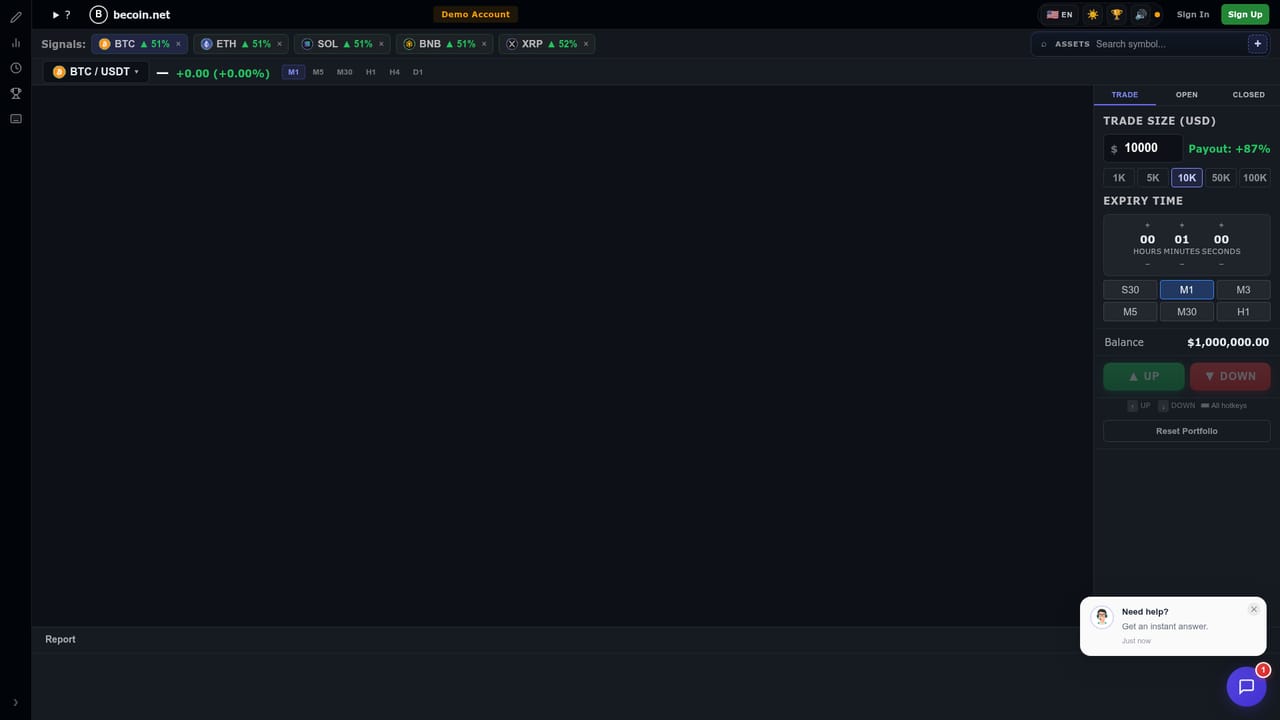
The site offers a free trading simulator for testing strategies with virtual funds on real market data, but it does not describe a free trial of the paid forecast plans.
Learn moreAI price forecasts across seven markets with adjustable signals

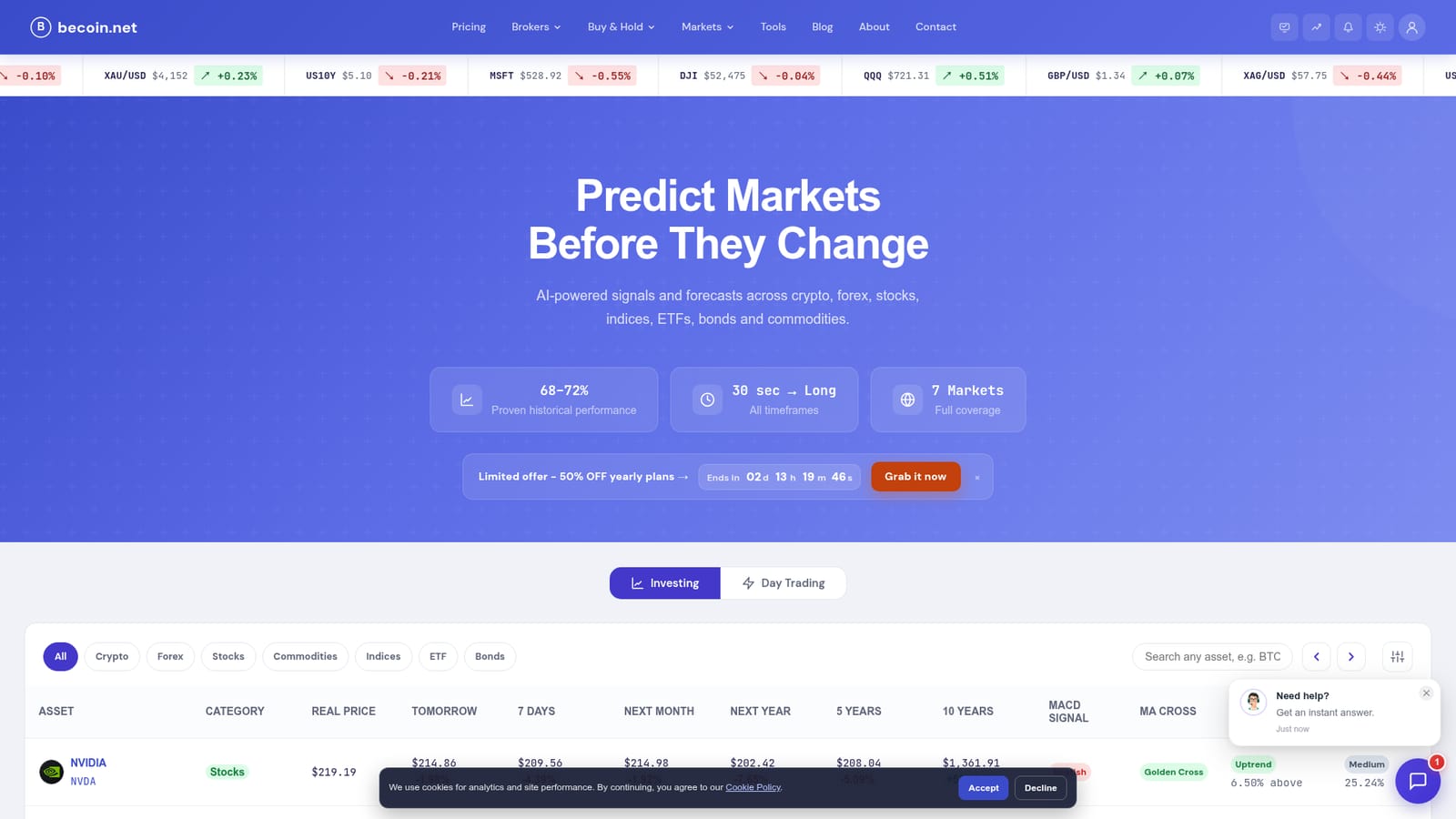
BeCoin is a pattern recognition tool. BeCoin combines live prices with AI forecasts for crypto, forex, stocks, indices, ETFs, bonds and commodities, showing targets from one day to ten years alongside technical signals such as MACD, moving average crosses and volatility.
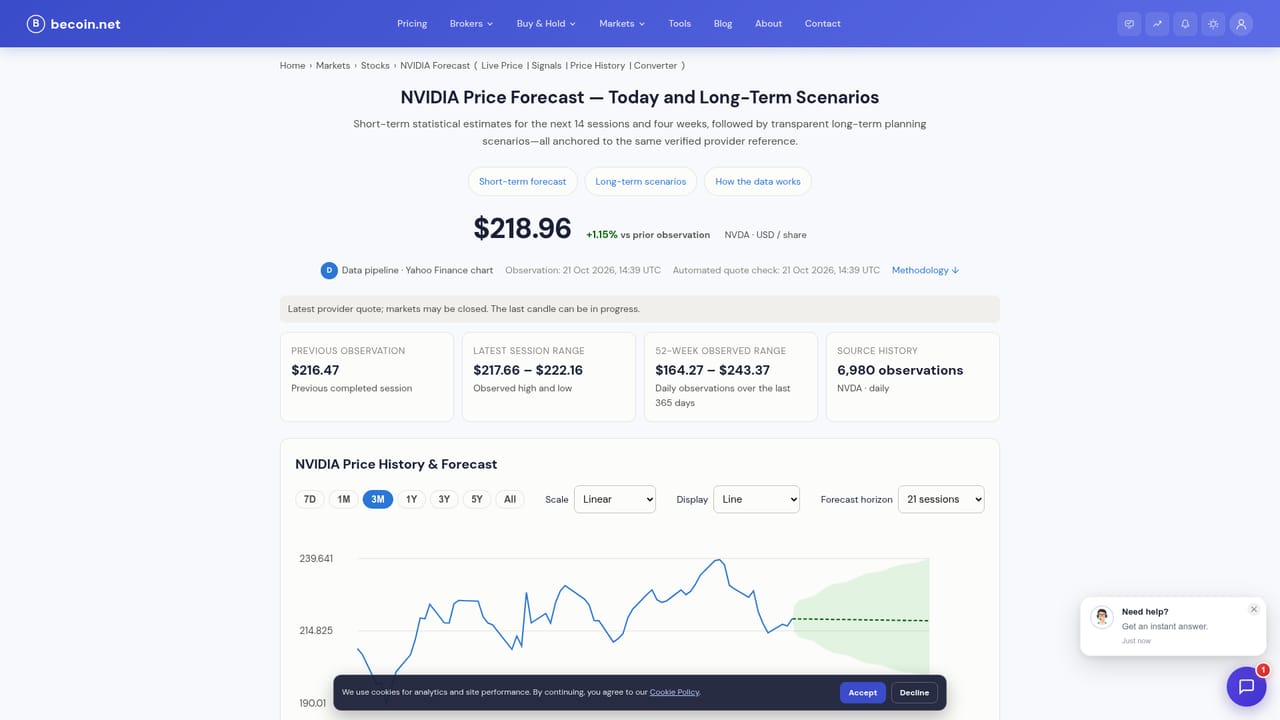
BeCoin is a forecasting dashboard that puts live market prices and AI-generated projections side by side across seven asset classes: crypto, forex, stocks, indices, ETFs, bonds and commodities. Each asset gets a table row with the current spot price and projected values for tomorrow, seven days out, one month, one year, five years and ten years, with the percentage change shown next to every target. The pitch is coverage: instead of stacking separate tools for each market, the same interface handles a Nvidia equity, a EUR/USD pair, gold, the S&P 500 and a Treasury yield. The forecast table is the core of the product, but the filtering and column controls are what make it usable. Users can narrow the list by market, signal strength (Strong Buy, Buy, Neutral, Sell, Strong Sell) and volatility level, then switch on the technical and risk columns they care about: MACD signal, moving average cross, 200-day trend, Sharpe ratio, dividend yield. Popular assets have their own detail pages, such as NVDA, SPY, EUR/USD and US 10Y, which package the same forecast data around a single instrument. The tool suits active traders and self-directed investors who already read technical indicators and want a second opinion in table form, rather than a black box that only outputs buy or sell. People learning the market can use the built-in trading simulator to test ideas with virtual funds against real price data. BeCoin also lists brokers that offer deposit bonuses, which puts it in the same neighbourhood as signal aggregators and broker comparison sites rather than pure research terminals. A risk notice on the site states that the forecasts are informational only and not financial advice.
The site offers a free trading simulator for testing strategies with virtual funds on real market data, but it does not describe a free trial of the paid forecast plans.
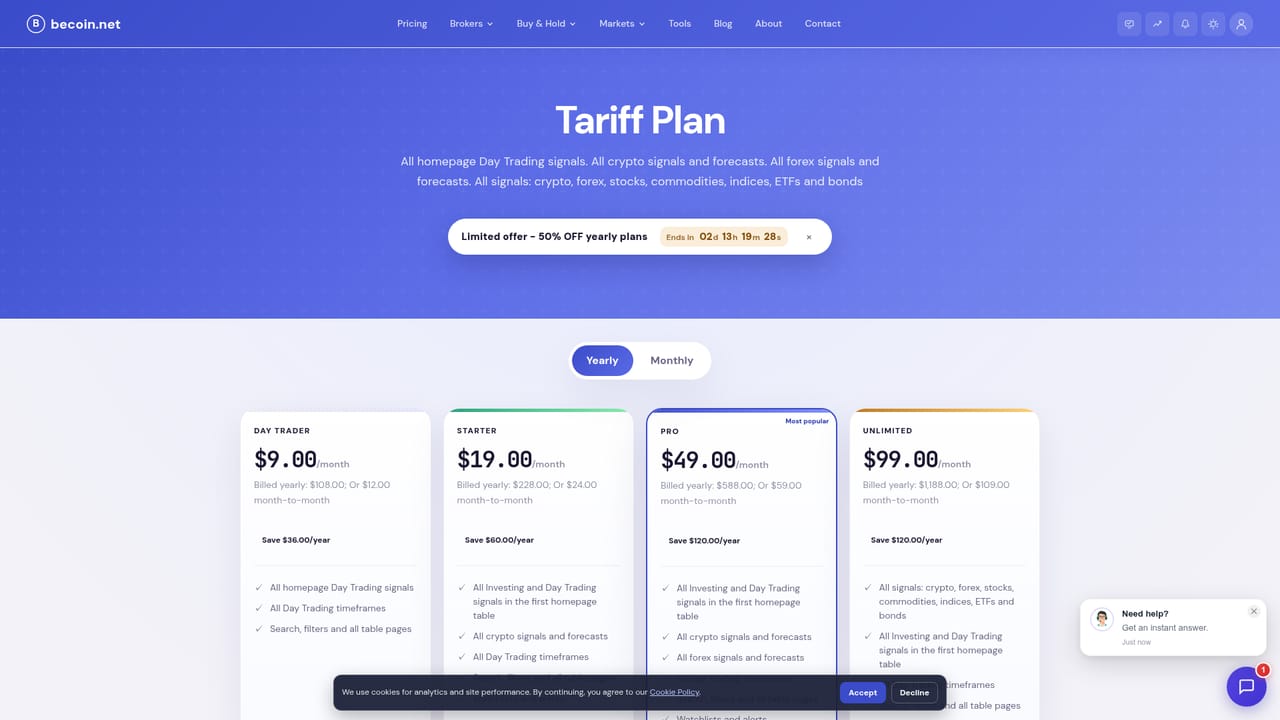
Learn moreThe homepage promotes yearly plans at 50 percent off during a limited offer, linking to the tariff plan page for details. Exact plan tiers and prices are not stated on the homepage, so check the tariff page for current figures.
Learn moreCore features include AI price forecasts for seven asset classes across six time horizons, filterable signal strength and volatility, adjustable technical columns (MACD, MA cross, 200-MA trend, Sharpe ratio, dividend yield), individual asset forecast pages, a virtual trading simulator and a broker directory with bonus offers.
 AI Angels400+ customizable AI girlfriends for NSFW chat, voice calls, and roleplay
 Candy AIExperience the future of companionship with AI friends who chat, role-play, and connect with you on a human level.
 ourdream.aiA vast AI roleplay platform with millions of characters for chat, images, video and voiceAI Angels400+ customizable AI girlfriends for NSFW chat, voice calls, and roleplayCandy AIExperience the future of companionship with AI friends who chat, role-play, and connect with you on a human level.ourdream.aiA vast AI roleplay platform with millions of characters for chat, images, video and voice