Free trial
The homepage offers free creation to start through the web app, and the meta description states the product is free to start, but no trial length or usage cap is published on the homepage.
Learn moreStudio-quality product photos without a photo shoot

Blend is a background remover tool. AI design studio for ecommerce sellers that turns product photos into studio shots, lifestyle scenes, ghost mannequin renders, on-model fashion images, and short product videos, with batch processing and marketplace-ready formatting built in.
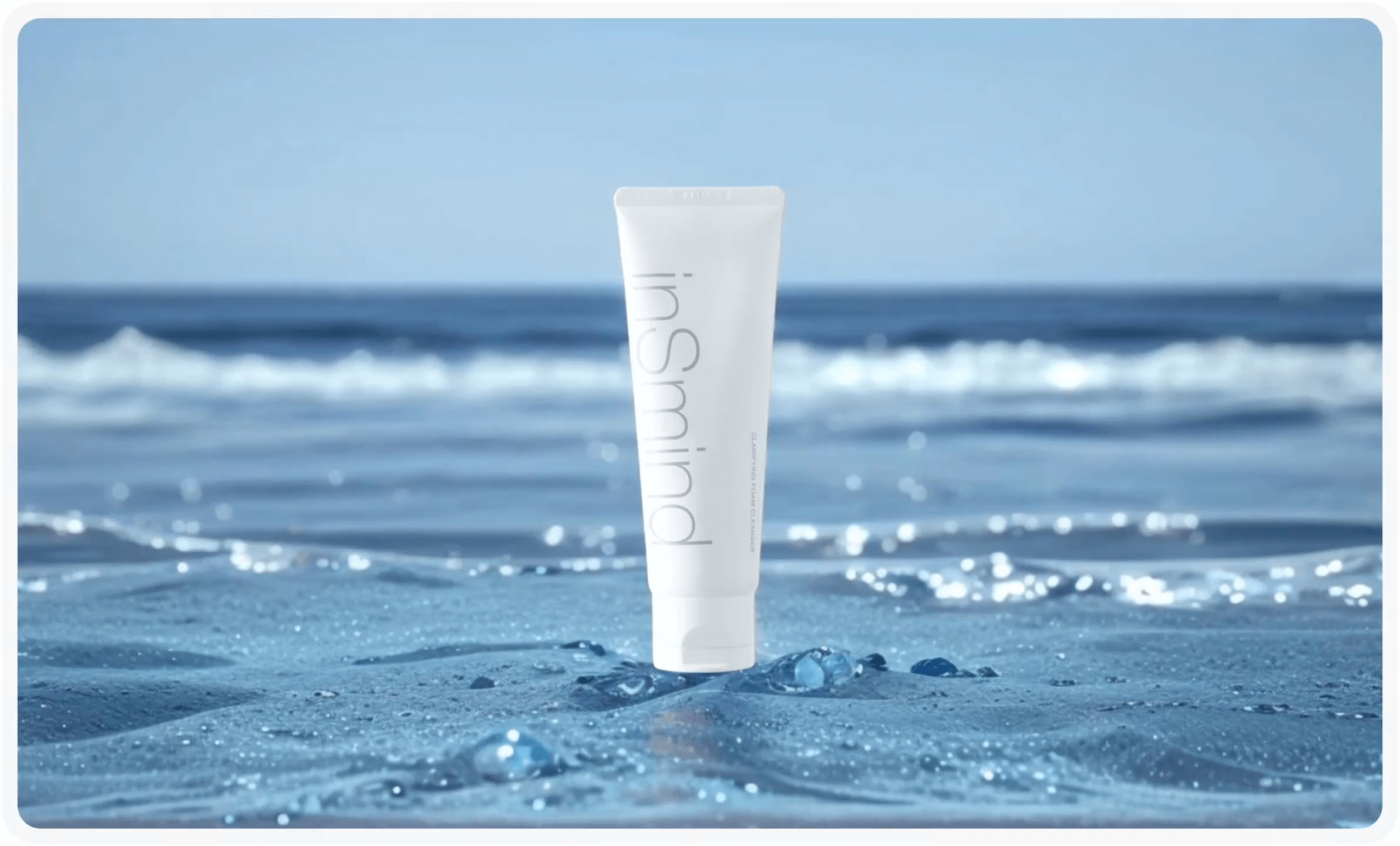
Blend is an AI design studio built around one job: turning plain product photos into the polished visuals an online store needs. A seller uploads a cutout or a raw shot and the platform generates studio backdrops, lifestyle scenes, ghost mannequin renders, on-model fashion shots, and short product videos. The site reports more than 10 million images created and 3.5 million sellers using the tool, and it claims an average 90 percent reduction in photo costs compared with traditional shoots. The feature set is broad for a single app. Background removal, AI backgrounds, lifestyle staging, text behind image, product recolor, pose changes, and dimension overlays all live in one workspace, alongside a poster maker and a logo maker for social and brand assets. Batch processing handles up to 20 photos at once according to a user review quoted on the homepage, which is the part that matters most for catalogue teams. Outputs are aimed at marketplace rules, including Amazon white background requirements, and at brand consistency across a Shopify storefront or social feed. Six seller types are named explicitly: fashion and apparel, Amazon and Etsy marketplace sellers, D2C and Shopify brands, beauty and skincare, home and furniture, and high-volume catalogue operations. In practice the tool suits small teams that have product photos but no photographer, retoucher, or studio budget, and it scales to sellers managing thousands of SKUs who need uniform output rather than bespoke art direction. Blend competes with general image editors and with dedicated background removal services. Its advantage is the ecommerce-specific workflow: model shots, ghost mannequin, and marketplace formatting sit next to the usual cutout tools, so a listing set can be produced end to end in one place. The tradeoff is that it is an ecommerce tool first; illustrators or marketers wanting open-ended generative art will find more range elsewhere. It runs as a web app and as iOS and Android apps, so edits can happen on a phone between listings.
The homepage offers free creation to start through the web app, and the meta description states the product is free to start, but no trial length or usage cap is published on the homepage.
Learn moreStudio shots, AI backgrounds, lifestyle scenes, on-model AI fashion shots, ghost mannequin renders, product recolor, pose changes, dimension overlays, text behind image, AI product video, a poster maker, and a logo maker. Batch processing supports high-volume catalogues, and output is built around marketplace image requirements.
 AI Angels400+ customizable AI girlfriends for NSFW chat, voice calls, and roleplay
 Candy AIExperience the future of companionship with AI friends who chat, role-play, and connect with you on a human level.
 ourdream.aiA vast AI roleplay platform with millions of characters for chat, images, video and voiceAI Angels400+ customizable AI girlfriends for NSFW chat, voice calls, and roleplayCandy AIExperience the future of companionship with AI friends who chat, role-play, and connect with you on a human level.ourdream.aiA vast AI roleplay platform with millions of characters for chat, images, video and voice