Free trial
A Start For Free button leads to the app gateway, which suggests a free way to begin using the platform. No trial length, credit allowance or model restrictions are stated.
Learn moreOne subscription, many premium AI models, compared side by side

Boxchat is an AI chat bot tool. Boxchat bundles GPT-4o, Gemini, Claude, Perplexity and Stable Diffusion into one workspace, with side-by-side chat boxes so a prompt can be judged across several premium models at once, plus an AI Playground and image generation tools.
Boxchat is a unified chat workspace that puts several premium AI models behind a single login. The homepage names GPT-4o, Gemini, Claude, Perplexity and Stable Diffusion, with a newer GPT-o1-mini option, and frames the product as an AI suite for professionals rather than a single chatbot. The core idea is that a user should not have to hold four or five separate subscriptions to compare how different models answer the same question. The defining feature is the side-by-side view. Prompts are sent to multiple models at once and each reply lands in its own chat box on one screen, so a copywriter, developer or analyst can weigh tone, accuracy and reasoning quality in the same glance. An AI Playground serves a similar purpose for creative work, letting a user test how different engines interpret the same idea before committing. Image generation rounds out the toolkit, so text and visual model output live under one roof. In practice Boxchat works like a model aggregator: the account and payment are managed by Boxchat, while the underlying generation is handled by the partner providers. That makes the onboarding short, but it also means a user is trusting the platform for availability, rate limits and model freshness. The site claims new popular models are added within the week they become available, and the roadmap is largely about curation rather than original research. The tool competes with direct subscriptions (each lab's own chat app) and with other multi-model routers and playgrounds. Its case rests on breadth, price and the comparison workflow rather than on proprietary models. It is aimed at curious generalists and small teams who want options, not at developers who need fine-grained API access or at buyers who require detailed published quotas.
A Start For Free button leads to the app gateway, which suggests a free way to begin using the platform. No trial length, credit allowance or model restrictions are stated.
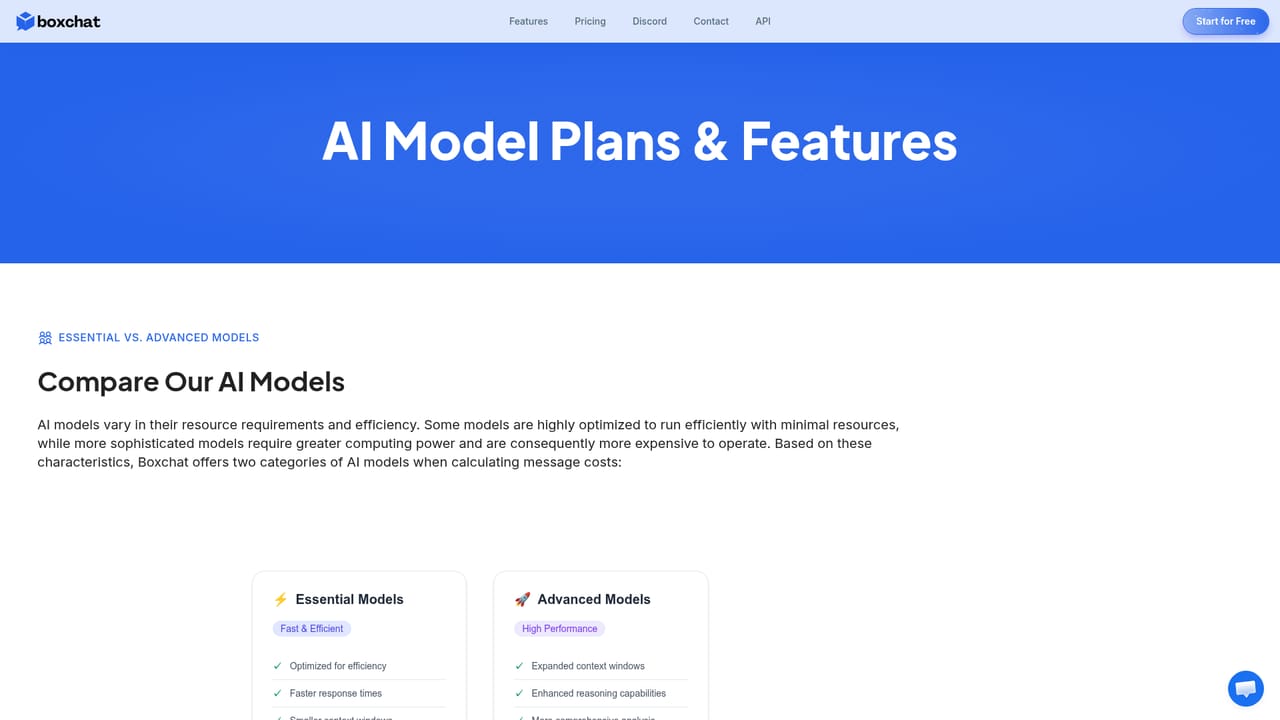
Learn moreThe homepage has a Pricing anchor and markets Boxchat as affordable compared with subscribing to each model separately, but it does not publish plan names, prices or usage limits. Only a free entry path through the gateway is confirmed on the page.
Learn moreSupport channels listed on the site are a contact email at team@boxchat.ai and a public Discord community invite. No help centre or ticketing system is described.
No third party integrations are documented on the homepage. A separate API interest form is linked, indicating programmatic access may be offered on request.
Core features are multi-model chat with side-by-side response boxes, an AI Playground for comparing model output on creative prompts, image generation with advanced AI models, and a model library that is refreshed regularly. The site also announces support for GPT-o1-mini.
Learn more AI Angels400+ customizable AI girlfriends for NSFW chat, voice calls, and roleplay
 Candy AIExperience the future of companionship with AI friends who chat, role-play, and connect with you on a human level.
 ourdream.aiA vast AI roleplay platform with millions of characters for chat, images, video and voiceAI Angels400+ customizable AI girlfriends for NSFW chat, voice calls, and roleplayCandy AIExperience the future of companionship with AI friends who chat, role-play, and connect with you on a human level.ourdream.aiA vast AI roleplay platform with millions of characters for chat, images, video and voice









