Free trial
No time-limited trial is advertised. The free web application serves as the no-cost entry point, while both extension plans are billed monthly.
Learn moreAnalyze tweets and news articles for bias and inaccuracy before you share them.
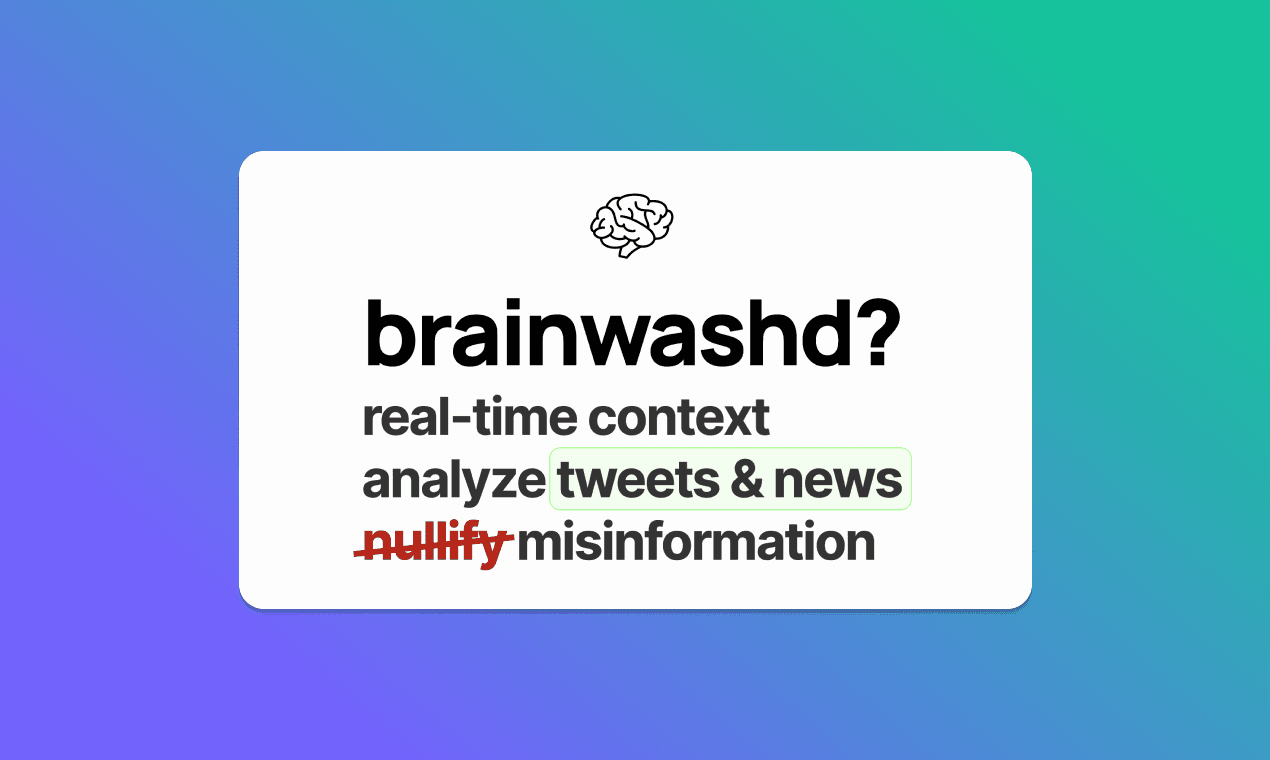
Brainwashd is a content detector tool that analyzes tweets and news articles for bias and inaccuracy before you share them. A link-based bias checker for tweets and news articles. It scans framing and wording, returns a short report with reasoning, and offers a free web app plus paid Chrome extension tiers.
brainwashd is a bias and misinformation checker aimed at readers who want a second opinion before they trust or reshare a story. You drop in a link to a tweet or a news article, and the tool returns a short report flagging language that may be biased or inaccurate, with a brief explanation of why the phrasing raises a concern. The stated goal is to add context instantly so readers can decide for themselves whether a piece deserves their attention. The approach is narrow on purpose. Rather than trying to fact-check every claim against a database, brainwashd looks at how a piece is framed: which side it favors, what it implies without stating outright, and whether the reporting looks balanced. In the sample reports shown on the homepage, a clearly favorable treatment of one political party gets called out for one-sided framing, while a data-driven science article and a film festival write-up are marked as free of obvious bias. That makes the verdict a framing check rather than a truth verdict, which is the right expectation to set. The product ships in two forms. A web application runs in the browser with no API key required and is free to use. A Chrome extension puts the same analysis one click away while you browse, and paired with a paid plan it removes usage limits. The paid tiers are aimed at heavy users: one at $10 per month with no OpenAI key needed, and a cheaper $5 per month option for people who supply their own OpenAI API key. Results can be shared to Twitter from the app. brainwashd sits closest to media literacy extensions and bias-rating browser plugins, but its focus on short-form tweets as well as articles gives it a social feed angle those tools often miss. It is a reading aid for journalists, students, researchers and casual scrollers, not a replacement for primary sources or dedicated fact-checking outlets.
No time-limited trial is advertised. The free web application serves as the no-cost entry point, while both extension plans are billed monthly.
Learn moreThree tiers are listed. The web application is free with no OpenAI API key needed. Chrome Extension Pro costs $10 per month with unlimited access and no key required. A Chrome Extension plan at $5 per month requires you to supply your own OpenAI API key. All paid tiers include unlimited extension access and share features.
Learn moreThe product runs as a Chrome browser extension and a web application. The paid extension plans also support sharing results to Twitter.
brainwashd accepts a link to a tweet or news article and returns a short report on possible bias and inaccuracy, including a brief explanation of the wording that triggered the flag. Results can be shared to Twitter. The same analysis is available in the free web application and in a Chrome extension for in-feed use. Paid plans lift usage limits, and one plan lets users supply their own OpenAI API key instead of relying on the built-in model access.
 AI Angels400+ customizable AI girlfriends for NSFW chat, voice calls, and roleplay
 Candy AIExperience the future of companionship with AI friends who chat, role-play, and connect with you on a human level.
 ourdream.aiA vast AI roleplay platform with millions of characters for chat, images, video and voiceAI Angels400+ customizable AI girlfriends for NSFW chat, voice calls, and roleplayCandy AIExperience the future of companionship with AI friends who chat, role-play, and connect with you on a human level.ourdream.aiA vast AI roleplay platform with millions of characters for chat, images, video and voice