Free trial
The homepage offers one free blog with no credit card required, which serves as a hands-on trial of the generation quality before any plan is chosen.
Learn moreAutomated SEO blog production from research to publishing

Buzzkit AI automates SEO blog production: keyword research, title generation, bulk article drafting, Pexels image insertion, multilingual output and Search Console analytics, with multi-domain management for agencies and entrepreneurs.
Buzzkit AI is a web platform that automates the production of SEO blog content. It handles the full chain: keyword research, title generation, article drafting, image sourcing and scheduling. The pitch is volume with consistency, aimed at people who need a steady stream of search-optimized posts without assembling a content team. The homepage frames it as "daily SEO blogs, automated" and shows a testimonial from an agency copywriter who produced 30 posts in 30 seconds and had them uploaded automatically. The feature set leans on scale and organization. Bulk Blog Generation turns a list of keywords into multiple articles in one pass. A Global Keyword Explorer and SEO keyword analysis surface terms worth targeting, while a Smart SEO Title Generator drafts headlines built to attract clicks. Seamless Image Integration pulls royalty-free photos from Pexels so posts publish with visuals. Multilingual Content Creation lets the same workflow produce copy in languages other than English. Manage Multiple Businesses and Domains keeps separate projects and domains under one account, each with its own keyword and content history. Integrated Analytics pipes Google Search Console data (clicks, impressions, ranking positions) back into the dashboard so you can judge which articles earned traffic. In practice Buzzkit fits between a standalone AI writer and a full SEO suite. You supply the domain and the keywords, the tool drafts and illustrates the posts, and you review before scheduling. It is built for entrepreneurs and small marketing teams who want output without a learning curve, and for agencies juggling several client sites. It will not replace a strategist: keyword choices, editorial judgment and link planning still sit with the user. As a beta product, it is best treated as a volume engine for routine posts rather than a tool for flagship content. The homepage offers a single free blog with no credit card to test the output quality. Plans are listed on the pricing page.
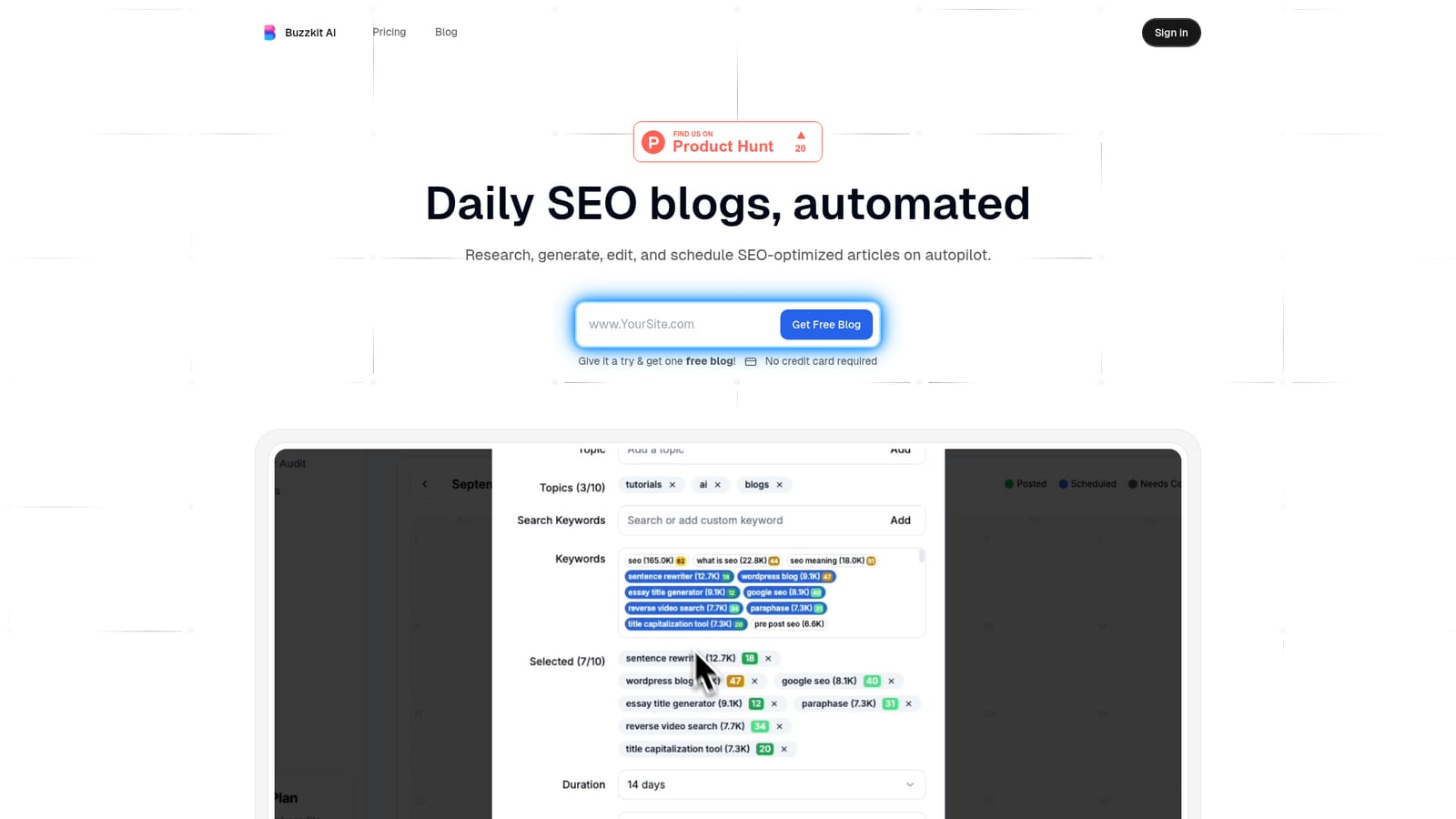
The homepage offers one free blog with no credit card required, which serves as a hands-on trial of the generation quality before any plan is chosen.
Learn moreGoogle Search Console supplies performance data inside the dashboard, and Pexels provides royalty-free images for generated posts. No other integrations are named on the homepage.
Core features include bulk blog generation, SEO keyword search and analysis, a smart SEO title generator, a global keyword explorer, Google Search Console analytics, Pexels image integration, multilingual content creation, and management of multiple businesses and domains from one account.
 AI Angels400+ customizable AI girlfriends for NSFW chat, voice calls, and roleplay
 Candy AIExperience the future of companionship with AI friends who chat, role-play, and connect with you on a human level.
 ourdream.aiA vast AI roleplay platform with millions of characters for chat, images, video and voiceAI Angels400+ customizable AI girlfriends for NSFW chat, voice calls, and roleplayCandy AIExperience the future of companionship with AI friends who chat, role-play, and connect with you on a human level.ourdream.aiA vast AI roleplay platform with millions of characters for chat, images, video and voice


