Pricing
Payment is per download with no login required, and you pay only for the icon you choose. Generation uses credits, and the site's FAQ addresses when those credits expire. No specific price points appear on the homepage.
Learn moreTurn a short text prompt into a finished app icon
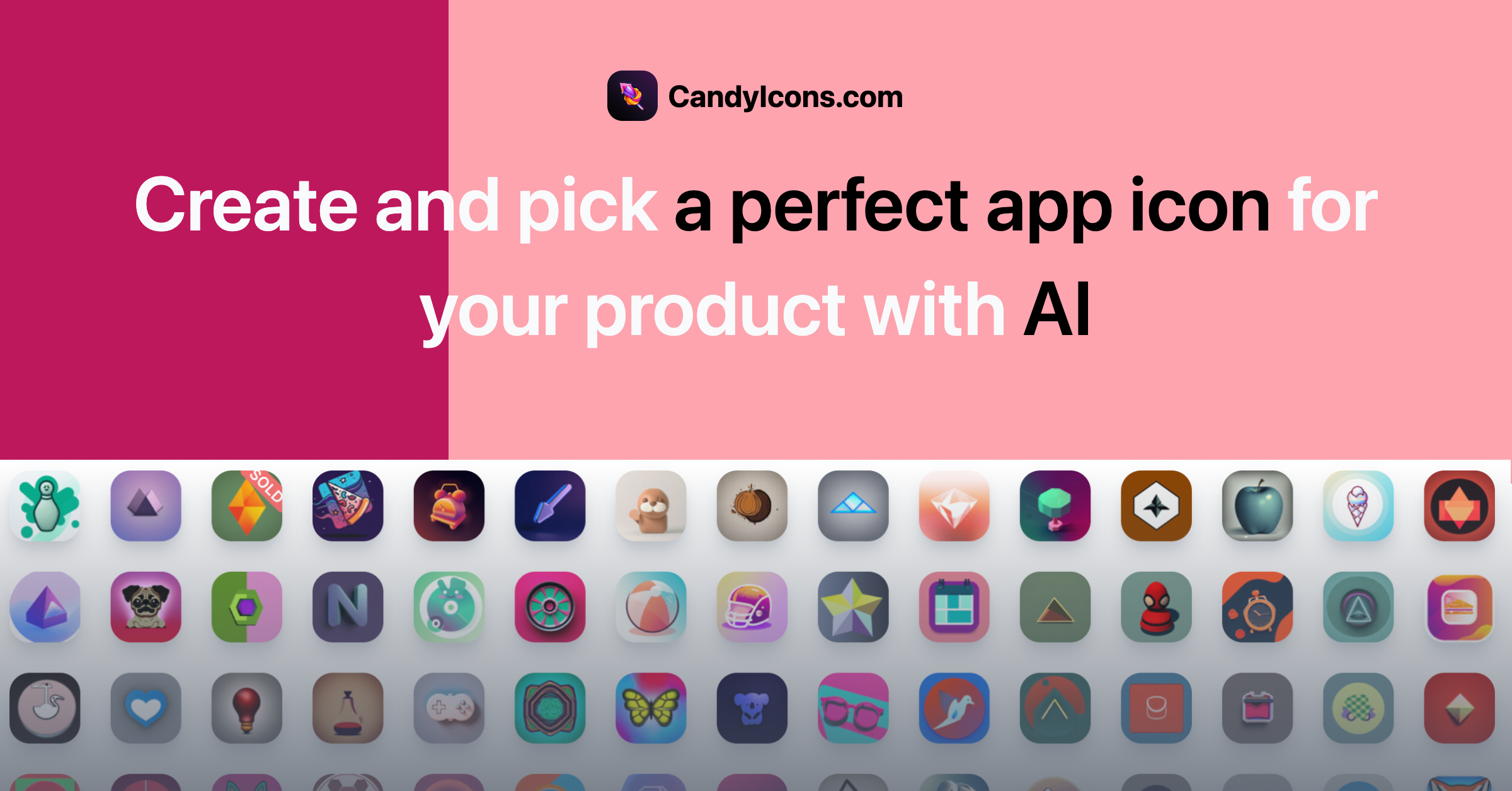
CandyIcons is an AI tool that turns a short text prompt into a finished app icon. CandyIcons generates app icons from a short text prompt plus color and style choices, with 18 visual styles, a premade icon library to browse, full copyright on purchases and no login required.
CandyIcons is a browser-based icon generator built around a three-step prompt workflow. You describe the object you want (a lion, a headphone, a tea kettle, a letterform), pick a color scheme, and choose one or more visual styles. The generator returns icons in whatever style mix you selected, and the same session lets you add more icons per style before you commit to a download. The style list is the product's real differentiator. It spans retro, cartoon, geometric, neon, clay, abstract, lineal, 3D, pixel, origami, minimal, gradient, steel, fibonacci, black and white, plus newer crayon, sticker and watercolor options. Because multiple styles can be combined in one run, the tool suits founders and indie developers who want to explore directions quickly rather than open a vector editor. It also suits designers who need a starting point for a brand mark and are comfortable refining the result afterward. Prompts are capped at 100 characters and the site advises sticking to concrete keywords instead of vague language, which keeps output focused. If you have no idea what to type, a ChatGPT-based assistant proposes icon concepts from a few keywords about your product. There is also a large library of premade icons for browsing, catalogued by subject and palette, so a suitable design can be bought outright without generating anything. Every purchase carries full copyright, and the site advertises custom sizing for macOS, Android and favicons among other targets. Payment is per download, no account is needed, and credits for generation are a separate concept the FAQ addresses. Against rivals, CandyIcons trades breadth of editing control for speed: it produces square app tiles, not full illustration suites, and it will not replace a dedicated design tool for anything beyond the icon itself. The pitch is narrow and honest: get a usable app icon in minutes, own it outright, move on.
Payment is per download with no login required, and you pay only for the icon you choose. Generation uses credits, and the site's FAQ addresses when those credits expire. No specific price points appear on the homepage.
Learn moreThe generator is tied to a ChatGPT assistant for prompt ideas. No third-party design tool integrations are listed on the homepage.
Text-to-icon generation in three steps, with a color palette picker and 18 styles (retro, cartoon, geometric, neon, clay, abstract, lineal, 3D, pixel, origami, minimal, gradient, steel, fibonacci, b&w, crayon, sticker, watercolor) that can be combined. A ChatGPT assistant suggests prompt ideas, and a browsable library of thousands of premade icons is available. Purchases include full copyright and customization for macOS, Android and favicon use.
Learn more AI Angels400+ customizable AI girlfriends for NSFW chat, voice calls, and roleplay
 Candy AIExperience the future of companionship with AI friends who chat, role-play, and connect with you on a human level.
 ourdream.aiA vast AI roleplay platform with millions of characters for chat, images, video and voiceAI Angels400+ customizable AI girlfriends for NSFW chat, voice calls, and roleplayCandy AIExperience the future of companionship with AI friends who chat, role-play, and connect with you on a human level.ourdream.aiA vast AI roleplay platform with millions of characters for chat, images, video and voice


