What these tools do
Roleplay with images covers AI chat tools that treat a picture as part of the scene rather than decoration. Some generate portraits of a companion or paint each story beat as it happens; others let you attach a photo so the character can react to it, or build a persona around an uploaded image. They suit roleplayers who want a face and a setting, not just text, and who would otherwise stitch together a chat app and a separate image tool. That is what these replace: the second tab where you generate a picture, download it and paste it back in.
How to choose one
Start with what image roleplay means in practice for you. If you want a consistent companion who looks the same across sessions, look for tools that mention persistent memory and a fixed visual identity, since a face that changes every message breaks the illusion. If you want scenes illustrated as the story moves, a game style tool that paints each scene fits better than a chat window with an avatar.
Then check how images enter the conversation: generated by the tool, uploaded by you, or pulled from the web. Upload support matters if you want a character built from a photo you already have. Platform is the next filter, because private offline companions live on mobile while browser extensions only make sense on desktop. Finally, weigh cost and privacy: free tiers often cap image generation, and a subscription is only worth it if you roleplay regularly.
Notable tools
SweetTalk AI pairs photorealistic companions with persistent memory, so a character keeps both a face and a history across chats.
Mythx.AI is built as a roleplay game that paints every scene as you play, which suits people who want illustration woven into the story rather than requested.
Roleplayr takes a different angle: a free browser extension that turns any image on the web into a conversation partner.
Soulmaite.io runs its companions through Telegram, with voice and photos, for people who would rather roleplay inside a messaging app.
Layla is a private offline companion and assistant for Android and iOS, useful when image roleplay should stay on the device.
JanitorAI offers a community library of characters for roleplay and interactive stories, a free starting point for testing how visuals change a scene.
Common questions
What is a roleplay picture?
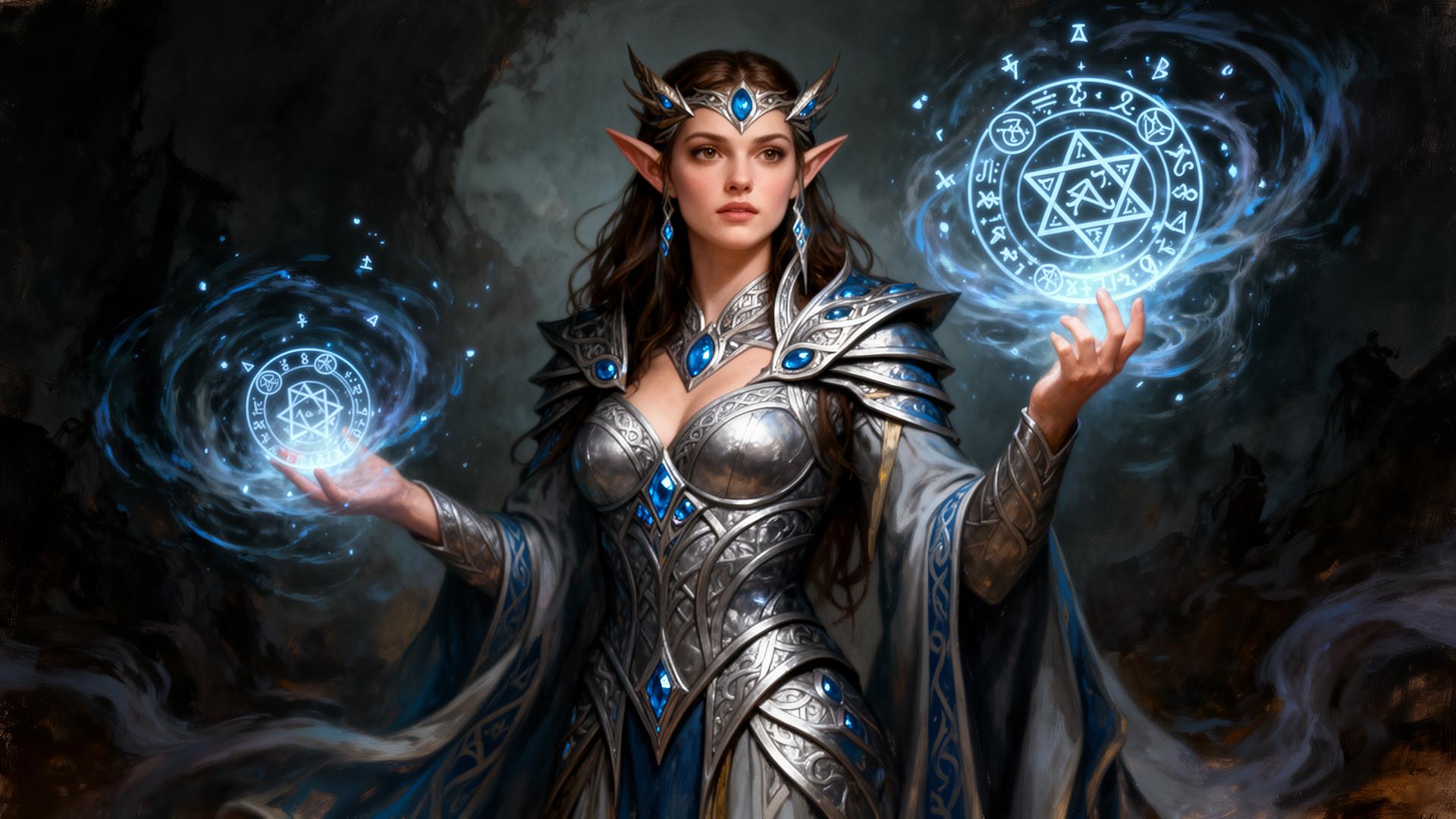
A roleplay picture is any image that anchors a scene: a generated portrait of your character, an uploaded photo the AI reacts to, or an illustrated frame of the story. Tools on this page handle at least one of those. The point is continuity, so the picture matches the character rather than resetting each session.
How does image roleplay differ from plain text chat?
Plain text chat relies on description alone. Image roleplay adds a visual layer: the tool generates a portrait or scene, or accepts one from you, and the character responds with that image in view. It changes how much you have to describe and how quickly a scene feels real.
Can I roleplay with images I upload myself?
Some tools support it, notably ones built around turning an existing image into a character or reacting to a photo. Others generate images internally and do not accept uploads. Check this before subscribing, because upload support is the dividing line between the two styles.
When to look elsewhere
If pictures are secondary and you mainly want unrestricted conversation, the Unrestricted AI Chat category covers tools with looser filters. For text only character play, AI Roleplay Chat lists chatbots built around personas and scenarios without the visual layer.