What these tools do
A YouTube to PDF workflow takes a video URL and returns a document. The tools here handle that in different ways: some generate structured files (PDF, Markdown, media), some extract a transcript and summary you can export, and some lean on key points and fact-checking. The PDF is the deliverable readers usually want because it is portable, printable and easy to file alongside notes or a reading list. The audience is students pulling citations from a lecture, analysts turning a conference talk into a brief, and anyone who would rather skim a document than scrub a timeline.
How to choose one
Start with the output you actually need. If the goal is a formatted file to hand to someone, check whether the tool exports PDF or Markdown rather than only showing text on screen. Next, look at how it handles the source: a clean transcript is the backbone of a usable PDF, so favour tools that give you searchable text you can edit before export. Consider the length and density of the videos you work with, since a ten minute explainer and a two hour interview place different demands on structure. If accuracy matters for citation, tools that add fact-checks or structured key points save a review pass. Finally, weigh where you work: browser extensions and share-sheet shortcuts suit quick capture on the move, while a web app suits longer sessions at a desk.
Notable tools
Y2Doc takes a YouTube link and returns structured documents, PDFs, Markdown and media files, which makes it the closest match when a PDF is the end product rather than a by-product.
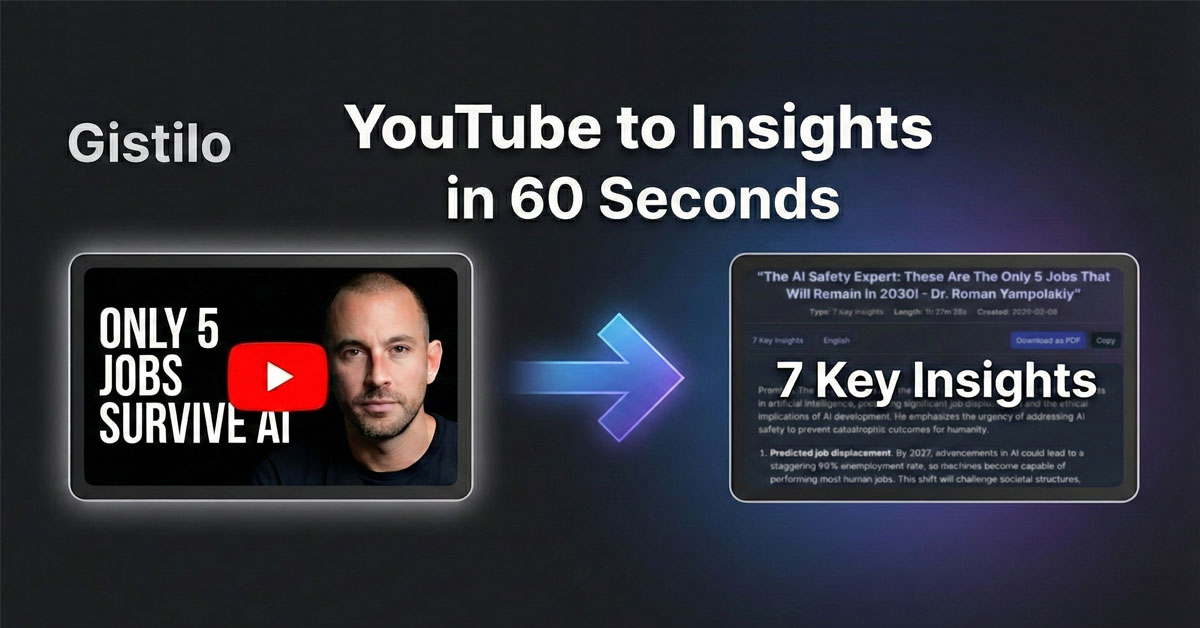
YouTube Summarizer by Gistilo produces structured key points from a pasted link, with optional fact-checks, useful when the document needs to stand up to scrutiny.
Claras turns a video into a transcript, summary and chat interface in seconds, so you can interrogate the content before you commit it to a document. It runs as a web app and a browser extension.
Summarify delivers AI summaries of YouTube videos straight from the iOS share sheet, which suits capturing a video while you are already on your phone or Mac.
SpotScribe converts Spotify podcast episodes into searchable transcripts, a useful companion when the source material for your PDF is audio rather than video.
Common questions
How do I turn a YouTube video into a PDF?
Paste the video link into a tool that produces a transcript or structured summary, then export the result as a PDF. Y2Doc handles the export directly, while transcript-first tools such as Claras give you text you can shape into a document yourself. The quality of the PDF depends on the transcript, so review names, numbers and technical terms before you file it.
Can I get a transcript as well as a PDF?
Yes, and it is worth having both. A transcript is searchable and quotable, while the PDF is the version you share or archive. Claras and SpotScribe both centre on searchable transcripts, and Y2Doc returns Markdown alongside PDFs so the text stays editable.
Do these tools work on long videos?
Longer videos produce longer documents, so check how each tool structures output before committing to a two hour source. Key-point formats such as Gistilo's are easier to skim than a raw transcript dump. It often helps to divide a long talk into sections and annotate the PDF yourself.
Are the summaries accurate enough to cite?
Treat every generated summary as a first draft. Fact-check options, like those in Gistilo, flag claims to verify, but the original video remains the authority. For academic or professional citation, confirm quotes against the transcript before publishing the document.
When to look elsewhere
If the source is a podcast episode rather than a video, the PDF route adds a step you may not need; a transcript tool is the shorter path. And if you only want to understand a video quickly without producing a file, the broader YouTube Video Summarizer category covers that lighter use case.