Free trial
A single free chatbot is included for testing and experimentation, which functions as a free trial of the builder rather than a time limited one.
Learn moreNo code chatbot builder for conversational lead forms
Own Chatbot Daddy? Verify ownership to get a dofollow link

Chatbot Daddy is an AI chat bot tool. A no code builder for web chatbots and conversational forms, with a visual editor, markdown style bot files, embeddable publishing and lead routing to CRMs, email tools and webhooks.
Chatbot Daddy is a browser based chatbot builder aimed at marketers, small agencies and founders who want conversational forms without touching code. The pitch is straightforward: instead of presenting visitors with a static form, you build a bot that asks questions one at a time, recommends products and captures the answers as structured lead data. The editor is visual, described by the team as working much like a word processor, so the person writing the conversation is also the person building it. Under the visual editor sits a second layer the company calls Daddy Code, a human readable markup format inspired by markdown. Bots built visually can be exported as text files, which makes templates portable: they can be shared, reused across accounts or sold. For teams that want to hand a bot file to a client or duplicate a proven conversation, that is a genuine differentiator compared with purely drag and drop builders. Publishing is flexible. A finished bot can live on its own standalone Chatbot Daddy URL, be embedded into any web page, or be chained into sequences, where a single site wide bot greets visitors differently depending on the page they land on, or several bots hand off to one another. Design is customisable, and the form answers can trigger email notifications, sync to a CRM such as Pipedrive, subscribe people to Sendy or Mailchimp lists, or fire a webhook for anything else. The use cases the site names are practical rather than experimental: product recommendation, lead collection and scoring, newsletter signup, sales automation, onboarding tours and problem solving wizards. Facebook Messenger support is announced as coming soon, so today the product is a web channel tool. It suits a marketer who wants a working lead form live in an afternoon more than a developer chasing deep NLP. The free bot is the sensible place to judge whether the conversation flow and integrations fit your funnel.
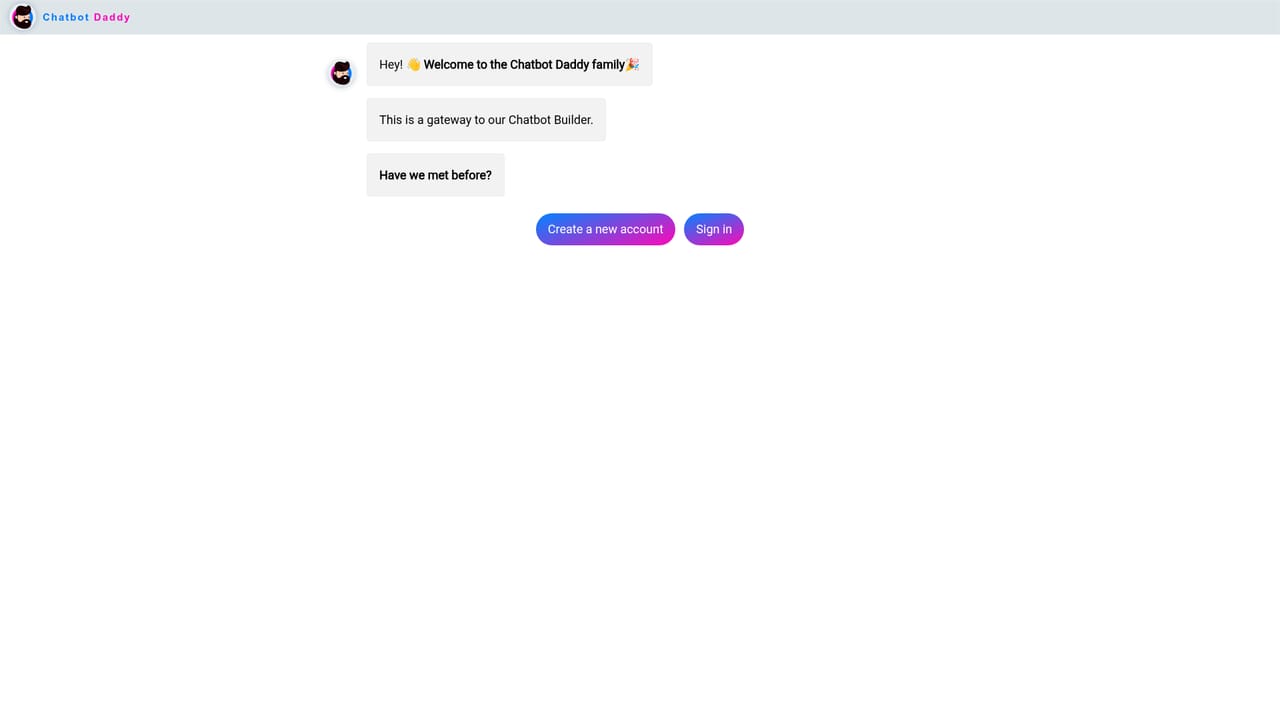
A single free chatbot is included for testing and experimentation, which functions as a free trial of the builder rather than a time limited one.
Learn moreThe homepage states that one chatbot is provided free to test and experiment with. No paid tiers, plan names or prices are listed on the page, so commercial pricing has to be confirmed with the team directly.
Learn moreSupport is promoted with a results guarantee and the team can be reached through Discord, Messenger, Twitter and email. No help centre or documentation site is linked from the homepage.
The site names Pipedrive, Sendy and Mailchimp as native integrations, and webhooks are available for anything not covered natively. No complete integrations directory is published.
A visual chatbot builder for web bots and conversational forms, paired with a markdown inspired markup format for portable templates. Publishing options cover embeds, standalone landing pages and chatbot sequences. Design is fully customisable, and form results can trigger email notifications, CRM and newsletter integrations, or webhooks.
 AI Angels400+ customizable AI girlfriends for NSFW chat, voice calls, and roleplay
 Candy AIExperience the future of companionship with AI friends who chat, role-play, and connect with you on a human level.
 ourdream.aiA vast AI roleplay platform with millions of characters for chat, images, video and voiceAI Angels400+ customizable AI girlfriends for NSFW chat, voice calls, and roleplayCandy AIExperience the future of companionship with AI friends who chat, role-play, and connect with you on a human level.ourdream.aiA vast AI roleplay platform with millions of characters for chat, images, video and voice










