Support
Support page content covers priority queuing and escalation, live chat with instant agent assignment and cross-channel support; a contact page is available for direct enquiries.
Learn moreAI-powered conversational marketing across WhatsApp, Instagram and RCS.

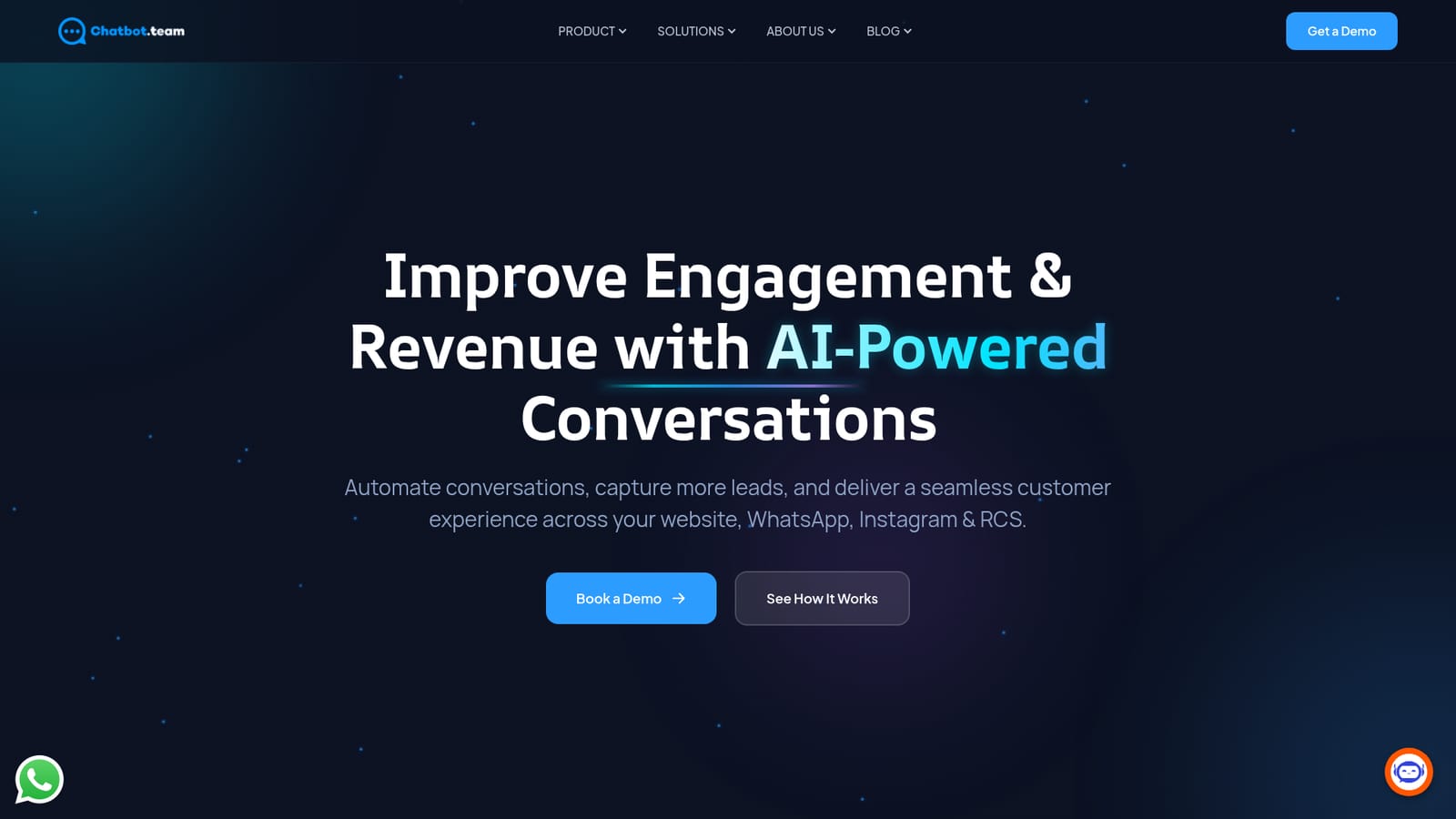
Chatbot.Team automates customer conversations across WhatsApp, Instagram, RCS and web chat, combining AI-driven product recommendations with live agent handoff, sentiment-aware NLP and CRM integrations for ecommerce and digital-first brands.
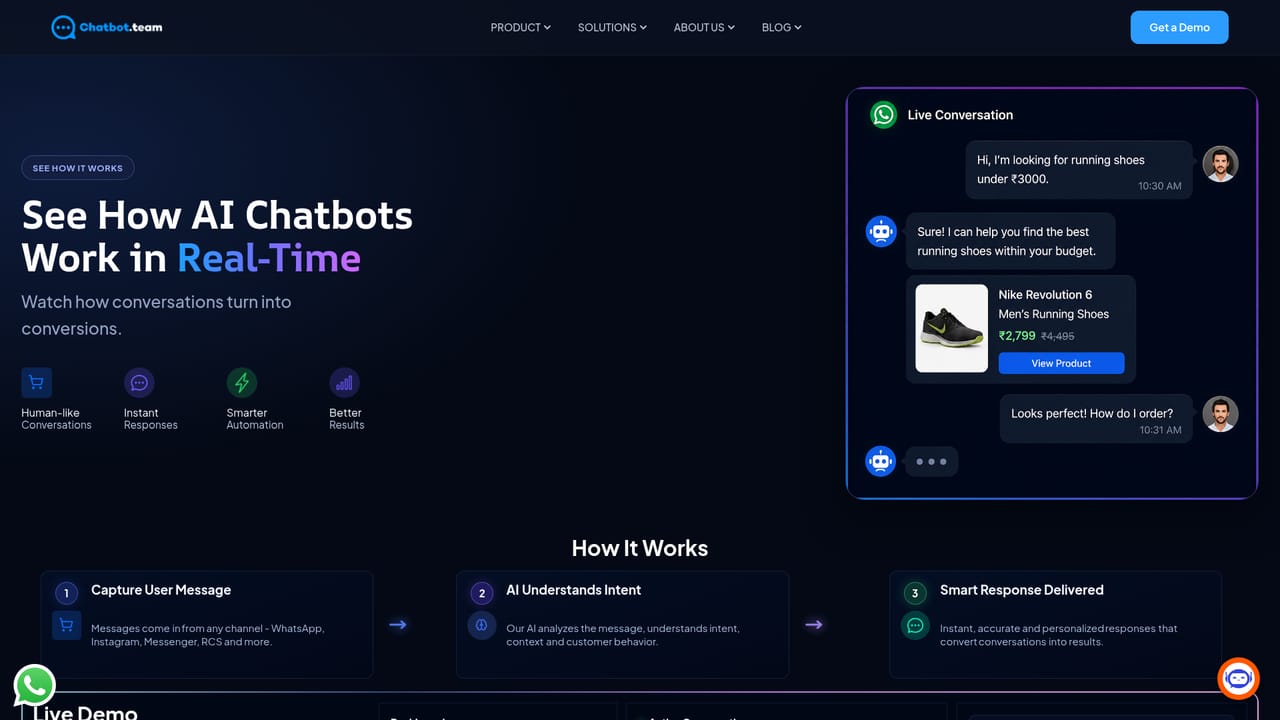
Chatbot.Team is an AI-powered engagement platform that helps ecommerce and digital-first brands automate customer conversations on WhatsApp, Instagram, RCS and the web. Built on the official WhatsApp Business API, it turns everyday chats into structured sales and support flows. Rather than a single-channel bot, the product positions itself as an omnichannel layer where marketing, sales and service teams can run campaigns, qualify leads and answer queries without stitching together separate tools. In practice, the platform covers three areas. Acquisition tools send hyper-personalized messages based on user behavior, launch click-to-chat entry points from ads, links or QR codes, and run referral and loyalty programs inside WhatsApp. Operations features automate lead capture and ticket assignment, scale support to handle far more conversations without adding headcount, and speed up responses by reducing agent dependency. Conversion tools use AI to recommend products, books, outfits, meals or wellness items based on stated preferences and past history, with the aim of lifting average order value and repeat purchases. The NLP layer does more than keyword matching. Sentiment detection lets the bot adapt its tone when a customer is frustrated, multilingual support keeps conversations natural across languages, and intent recognition routes each query to the correct flow. When automation is not enough, priority queuing pushes urgent chats to the front and escalates to senior agents, live chat assigns the right person instantly, and cross-channel support keeps WhatsApp, Instagram and web chat in one queue. Chatbot.Team is aimed at growth, support and operations teams in retail, ecommerce and other digital-first businesses that already rely on messaging apps as a primary customer channel. It competes with general-purpose chatbot builders and with messaging suites that treat WhatsApp as an add-on. The homepage does not publish pricing tiers, so buyers should expect to book a demo to get commercial details and judge the total cost against standalone WhatsApp API vendors and full-stack CRM platforms.
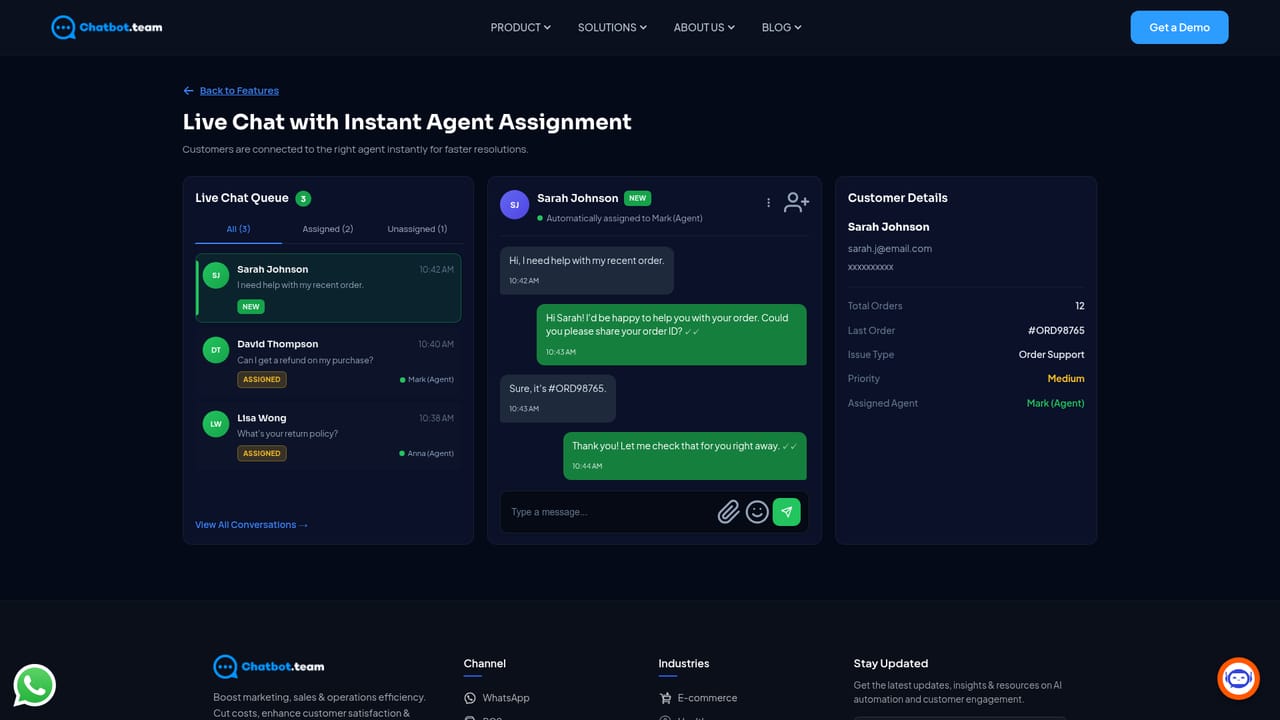
Support page content covers priority queuing and escalation, live chat with instant agent assignment and cross-channel support; a contact page is available for direct enquiries.
Learn moreConnects with Shopify, Razorpay, Shiprocket, Google Sheets, Facebook Messenger, Instagram and RCS, with CRM, ERP and marketing tools supported through APIs and automation workflows.
Core features span conversational marketing (hyper-personalized journeys, click-to-chat entry points, WhatsApp referral programs), operations (automated lead routing, scaled support, faster replies) and AI recommendations for products and services. NLP includes sentiment detection with tone adaptation, multilingual support and intent recognition. Support tooling adds priority queuing, instant agent assignment and cross-channel inboxes.
Learn more AI Angels400+ customizable AI girlfriends for NSFW chat, voice calls, and roleplay
 Candy AIExperience the future of companionship with AI friends who chat, role-play, and connect with you on a human level.
 ourdream.aiA vast AI roleplay platform with millions of characters for chat, images, video and voiceAI Angels400+ customizable AI girlfriends for NSFW chat, voice calls, and roleplayCandy AIExperience the future of companionship with AI friends who chat, role-play, and connect with you on a human level.ourdream.aiA vast AI roleplay platform with millions of characters for chat, images, video and voice









