Free trial
A free sign-up is offered on the homepage through a Get started free link, which creates a workspace without an upfront payment.
Learn moreAI-powered messaging platform for WhatsApp and multi-channel customer engagement.

ChatDaddy is an AI chat bot tool. ChatDaddy unifies WhatsApp, Instagram, Messenger, TikTok, SMS, and email conversations into one AI-assisted workspace with shared inbox, broadcast campaigns, CRM, workflow automation, and in-chat payments. It is aimed at businesses that handle high volumes of chat-based sales and support.
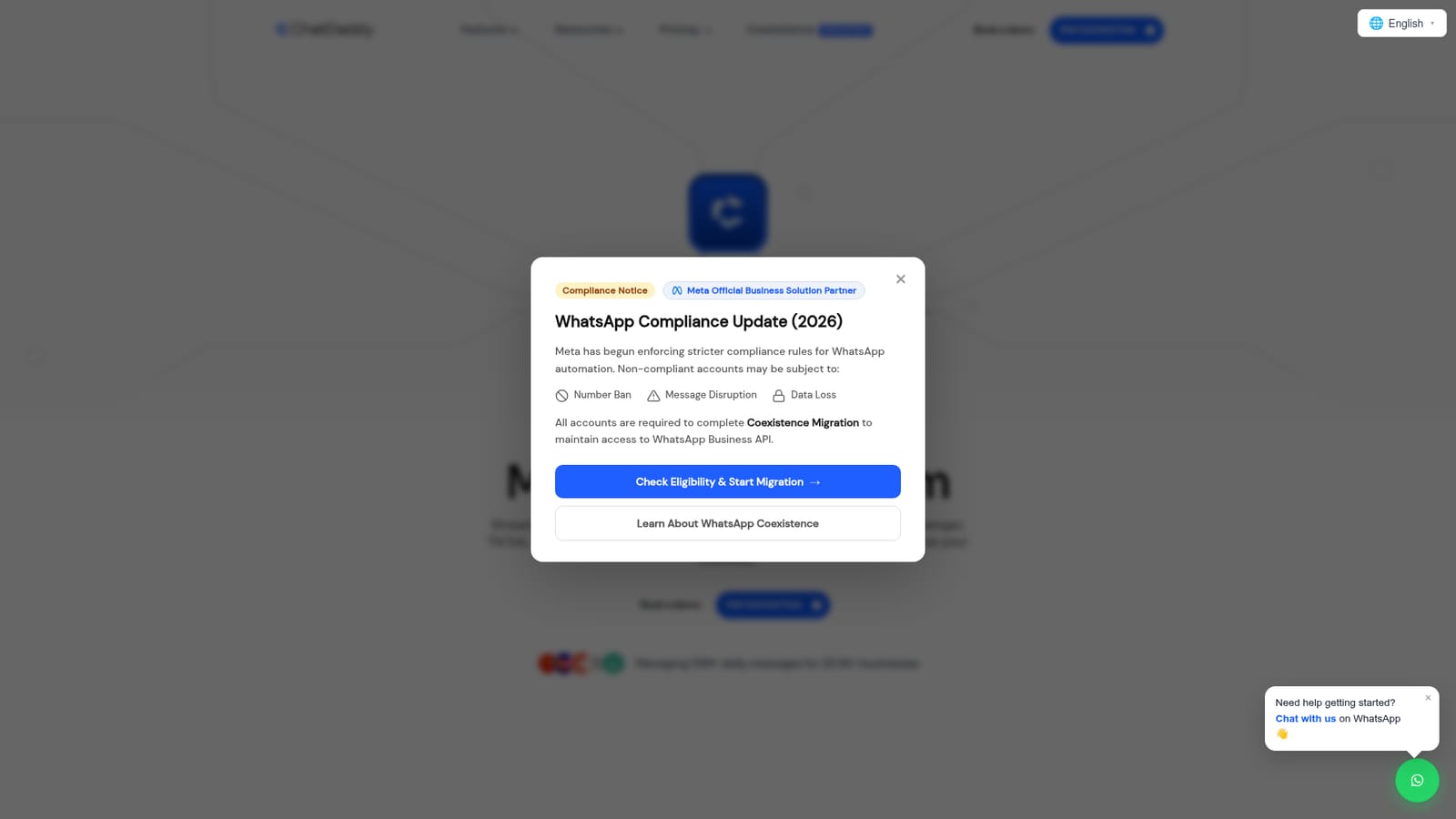
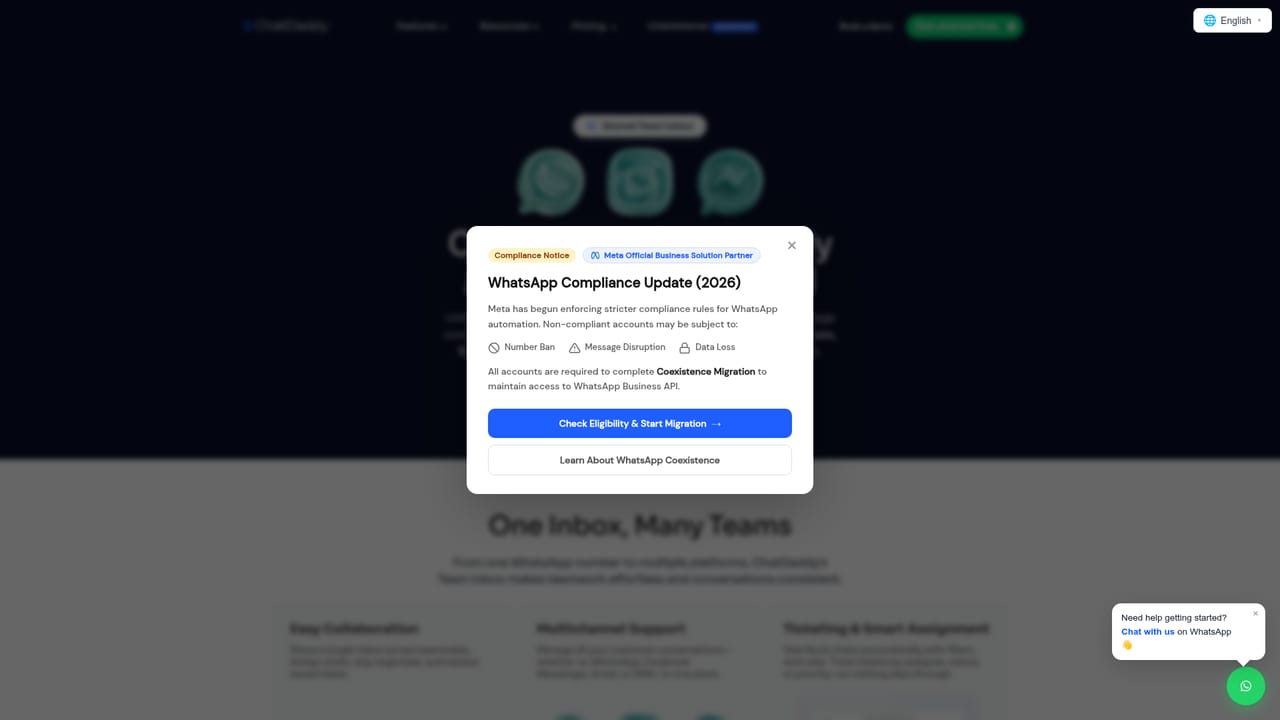
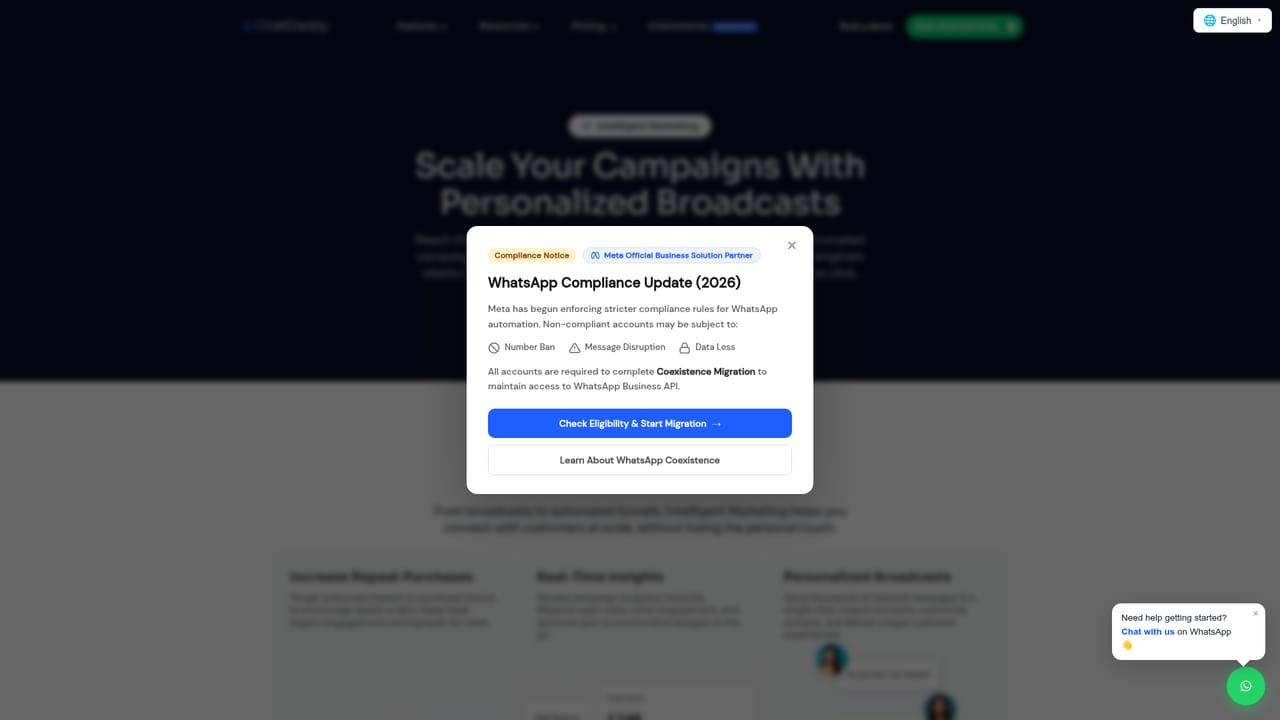
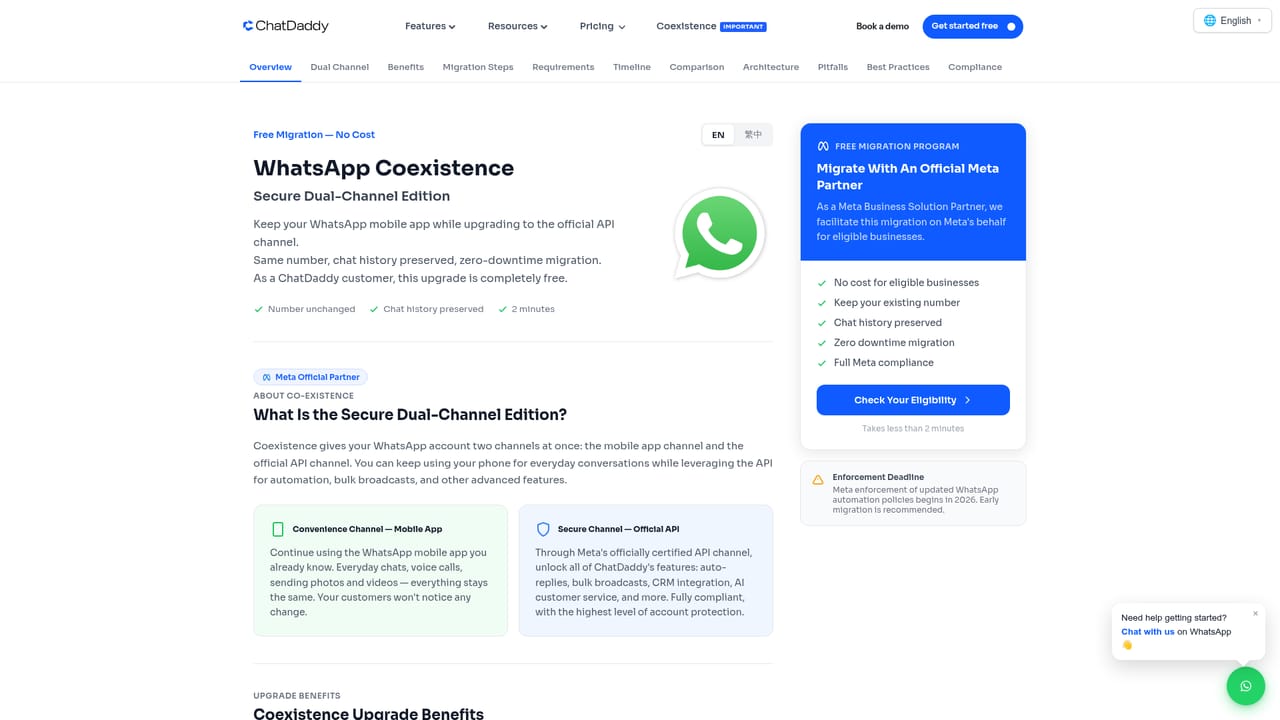
ChatDaddy is a messaging and customer engagement platform built around WhatsApp automation. It centralizes conversations from WhatsApp, Instagram, Facebook Messenger, TikTok, SMS, and email into one shared workspace, adding AI agents, broadcast campaigns, and a CRM so that marketing, sales, and support operate from the same system. The product is positioned for small to mid-sized businesses and growing teams that already handle a high volume of chat-based customer contact and want to reduce manual reply work. In practice, a team connects its channels, builds automated flows with a visual workflow builder (for example, classifying intent and routing support, sales, or FAQ messages), and uses the shared inbox to assign and resolve conversations. Product catalogs, payment requests, and order notifications can run inside the same chat thread, which means a WhatsApp conversation can move from inquiry to checkout without switching tools. Broadcast tools use customer data fields to personalize messages at scale, and the CRM records deal stages, notes, and activity history beside each contact. The platform reports handling more than 10 million daily messages for over 23,500 businesses, and it holds Meta Official Business Solution Partner status. That matters for WhatsApp specifically: ChatDaddy guides accounts through the Coexistence Migration that Meta now requires for continued WhatsApp Business API access, and it warns that non-compliant numbers risk bans, message disruption, and data loss. Compared with standalone chatbot builders, ChatDaddy is broader: it bundles inbox, CRM, campaigns, and commerce features into one subscription. Compared with full enterprise CRMs, it is narrower and chat-first, which suits teams whose customer relationships live mostly in messaging apps. Teams that need deep native mobile apps or heavy offline workflows should confirm coverage before committing.
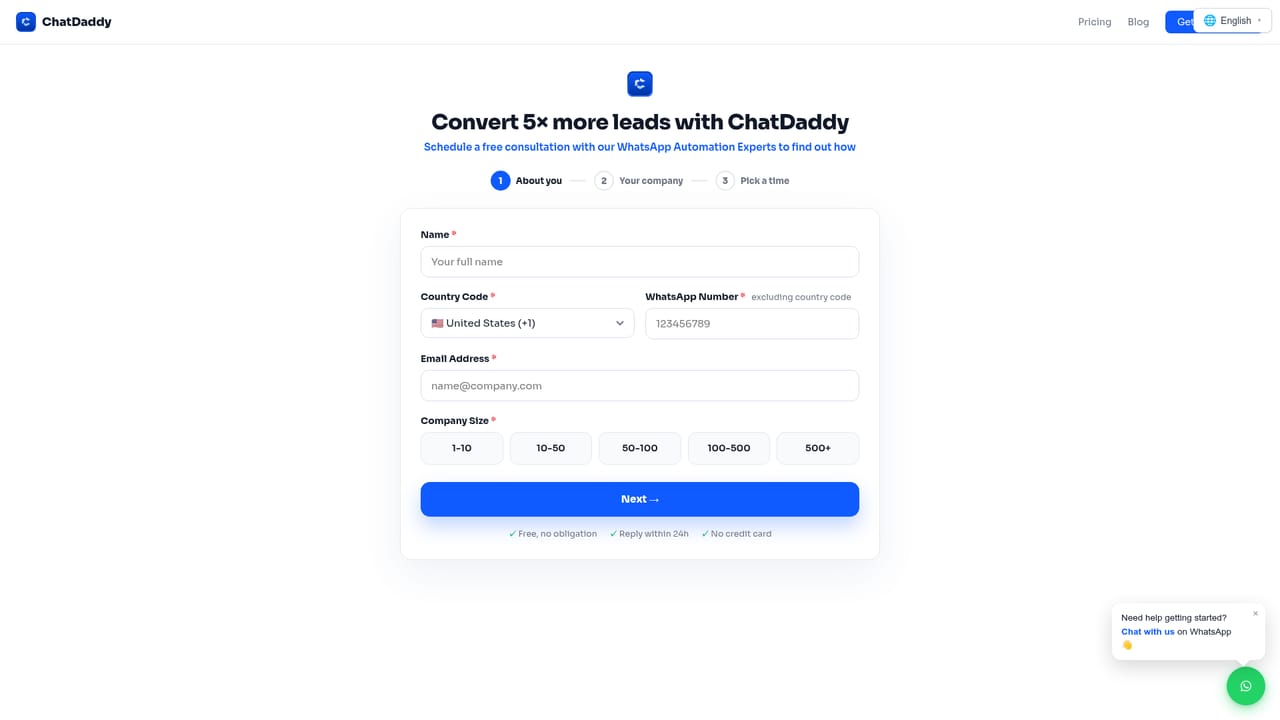
A free sign-up is offered on the homepage through a Get started free link, which creates a workspace without an upfront payment.
Learn moreSupport is available through a WhatsApp chat widget on the site and through demo booking. The homepage also mentions onboarding help from the ChatDaddy team.
Learn moreThe platform connects messaging channels including WhatsApp, Instagram, Facebook Messenger, TikTok, SMS, and email. The homepage also references integration with favorite tools but does not list specific third-party software.
Core modules include a shared team inbox, broadcast marketing campaigns, a customer CRM, a visual workflow automation builder, an AI agent for lead qualification and FAQs, a product storefront, in-chat payment requests and order notifications, and prospect discovery. Conversations from WhatsApp, Instagram, Facebook Messenger, TikTok, SMS, and email are managed from one dashboard.
Learn more AI Angels400+ customizable AI girlfriends for NSFW chat, voice calls, and roleplay
 Candy AIExperience the future of companionship with AI friends who chat, role-play, and connect with you on a human level.
 ourdream.aiA vast AI roleplay platform with millions of characters for chat, images, video and voiceAI Angels400+ customizable AI girlfriends for NSFW chat, voice calls, and roleplayCandy AIExperience the future of companionship with AI friends who chat, role-play, and connect with you on a human level.ourdream.aiA vast AI roleplay platform with millions of characters for chat, images, video and voice









