Free trial
The homepage offers a free account with no credit card required to evaluate full functionality, and says it can be cancelled at any time. No trial length or plan limits are stated.
Learn moreTrain a support chatbot on your own documents and embed it in one line of code.

ChatHelp.ai is an AI chat bot tool. ChatHelp.ai combines a document-trained website chat widget, a private AI knowledge base and a set of business and study agents in one dashboard, with optional bring-your-own API keys. Useful for small teams that want a support bot grounded in their own content.
ChatHelp.ai bundles a website chat widget, a private knowledge base and a growing set of task-specific AI agents into one platform aimed at small and medium businesses, office teams and students. The headline product is a support chatbot that answers visitor questions in real time using content the business supplies: website pages, support documents, product descriptions, PDFs and other guidelines. Installation is a single line of code, and the widget can hand a conversation over to a human agent at any point. Custom lead capture messages can be placed inside the widget to collect contact details during a chat. The second building block is the knowledge base. Files in pdf, doc, docx, ppt, pptx, xls, xlsx, csv, json, epub, mp3 and common image formats can be uploaded, along with YouTube transcripts, and the assistant answers questions drawn from that material with source references. Knowledge bases can be shared privately inside an organisation or exposed through a public link. The site claims support for more than 175 languages, and says business files sit on an encrypted cloud with the AI trained only on encrypted snippets rather than stored on third-party servers. Beyond chat, the dashboard hosts individual tools and agents. Examples shown on the homepage include a Flux-based image generator that turns text prompts and reference images into headshots and artwork, a Yelp review analyzer that condenses customer feedback into bullet points with suggested fixes, and a writer that produces long-form articles and can schedule WordPress posts. Users can also assemble their own custom tool from instructions, a knowledge base or an API data source. A distinguishing choice is that users may bring their own AI API keys, with the site positioning this as a way to avoid paying separately for many tools. The catalogue is still filling out: the site advertises 100 or more tools as planned or forthcoming, and the WordPress plugin, Slack and messenger integrations are all marked coming soon. That makes ChatHelp.ai a reasonable fit for a team that wants a document-grounded support bot now and is willing to wait for the wider ecosystem to mature.
The homepage offers a free account with no credit card required to evaluate full functionality, and says it can be cancelled at any time. No trial length or plan limits are stated.
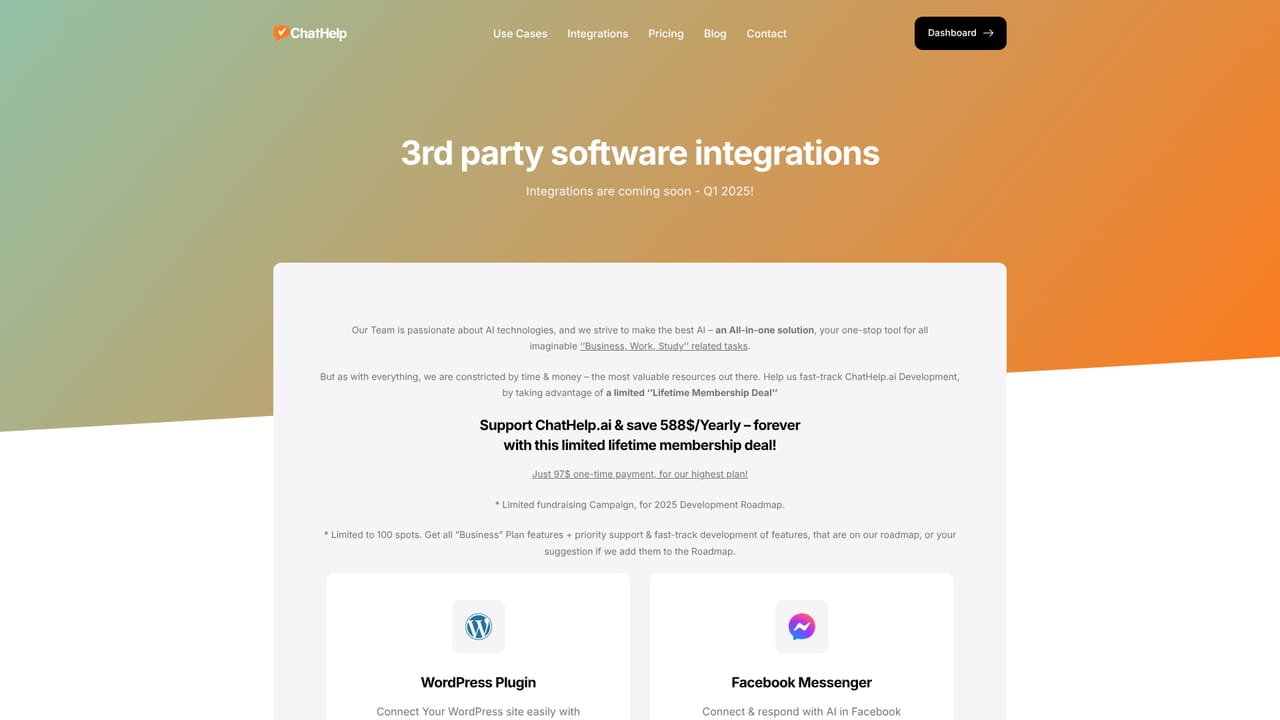
Learn moreA WordPress plugin plus Slack, WhatsApp, Instagram, Facebook Messenger, Telegram, Discord and Line connections are all listed as coming soon. The integrations page is the place to check current status.
Learn moreCore features include a custom-trained website chat widget with live agent takeover and lead capture, a private or public knowledge base with source references across many file formats and 175+ languages, and a dashboard of AI tools and agents including a long-form writer with WordPress scheduling, a Yelp review analyzer and a Flux image generator. Users can build custom tools and bring their own API keys.
Learn more AI Angels400+ customizable AI girlfriends for NSFW chat, voice calls, and roleplay
 Candy AIExperience the future of companionship with AI friends who chat, role-play, and connect with you on a human level.
 ourdream.aiA vast AI roleplay platform with millions of characters for chat, images, video and voiceAI Angels400+ customizable AI girlfriends for NSFW chat, voice calls, and roleplayCandy AIExperience the future of companionship with AI friends who chat, role-play, and connect with you on a human level.ourdream.aiA vast AI roleplay platform with millions of characters for chat, images, video and voice









