Pricing
The homepage mentions a one-time payment and a premium upgrade that unlocks ChatKit credits for users who do not want to supply their own API key. No prices, tiers or billing periods are listed.
Learn moreA refined ChatGPT interface that runs on your own API key
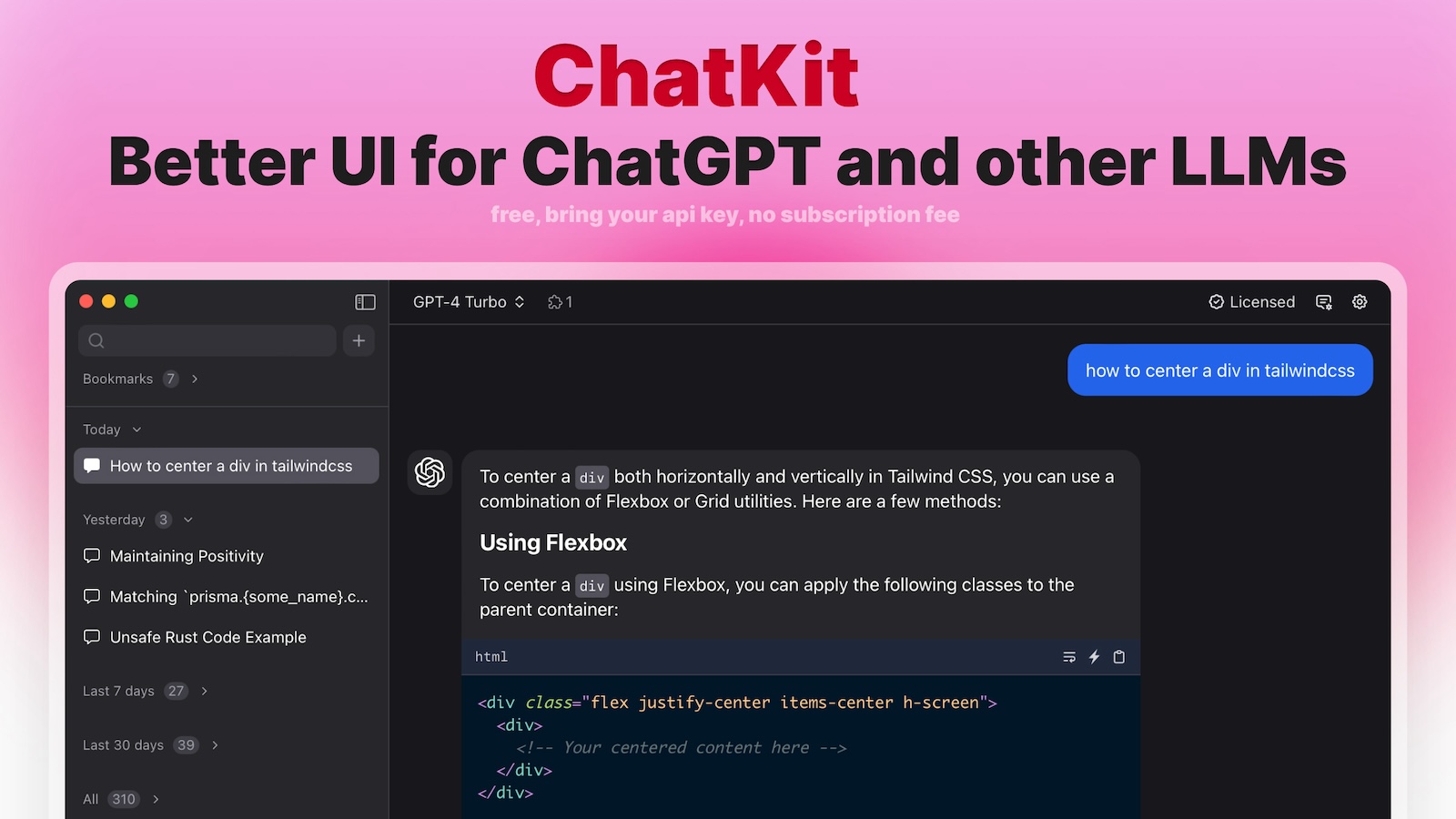
ChatKit is a refined ChatGPT interface that works with your own OpenAI, Gemini, Azure or custom API key. It adds prompt templates, chat bookmarks, file drops, web search, URL fetching, voice input and text-to-speech, with a one-time payment option and weekly feature updates.
ChatKit is a front-end layer for ChatGPT that replaces the stock interface with a more configurable workspace. The pitch is simple: keep the models you already trust, but swap the surrounding chat window for something with prompt templates, saved conversations and adjustable generation settings. Instead of a single locked provider, ChatKit accepts your own API key and can point at OpenAI, Gemini, Azure or custom model endpoints, so the same client can serve several backends without switching apps. In practice the tool behaves like a power-user console. You paste an API key, which the site states is stored locally, then pick a model and set a temperature of your choice. Prompt templates save frequently used instructions so they do not have to be retyped, and chat bookmarks keep important threads within reach. File drops into the conversation are supported, web search and URL fetching bring outside material into the chat, and text-to-speech plus voice input cover hands-free reading and dictation. Users who would rather not manage a key can run on ChatKit credits through a premium upgrade. It suits people who already live inside ChatGPT and want more control over how requests are made: developers testing prompts across providers, researchers collecting sources through URL fetches, and anyone who wants saved snippets and bookmarks without building their own client. Native desktop chat apps such as ChatWise occupy adjacent ground, while ChatKit's differentiator is the browser-based refined UI paired with a one-time payment rather than an ongoing per-seat license. A few caveats are worth flagging. The model list and feature set depend on what each provider exposes, so custom endpoints may not support every control. Much of the value presumes comfort with API keys and model parameters, which puts it closer to intermediate than beginner territory. And because features ship weekly, the interface can shift under you between sessions.
The homepage mentions a one-time payment and a premium upgrade that unlocks ChatKit credits for users who do not want to supply their own API key. No prices, tiers or billing periods are listed.
Learn moreConnects to OpenAI, Gemini, Azure and custom model endpoints through user-supplied API keys. No other third-party integrations are described on the homepage.
Prompt templates, chat bookmarks, adjustable temperature, file drops, web search and URL fetching, text-to-speech, voice input, local API key storage, and support for OpenAI, Gemini, Azure and custom models. No login is required to use your own key.
 AI Angels400+ customizable AI girlfriends for NSFW chat, voice calls, and roleplay
 Candy AIExperience the future of companionship with AI friends who chat, role-play, and connect with you on a human level.
 ourdream.aiA vast AI roleplay platform with millions of characters for chat, images, video and voiceAI Angels400+ customizable AI girlfriends for NSFW chat, voice calls, and roleplayCandy AIExperience the future of companionship with AI friends who chat, role-play, and connect with you on a human level.ourdream.aiA vast AI roleplay platform with millions of characters for chat, images, video and voice









