ChatWizard

Train a ChatGPT-style bot on your own documents and website, then embed it

Beginner
Screenshot of ChatWizard, Train a ChatGPT-style bot on your own documents and website, then embed it

What is ChatWizard?

ChatWizard is an AI chat bot tool. ChatWizard trains a ChatGPT-style support bot on your website URLs or uploaded PDF, Word and text files, then hands you an embeddable widget. No coding is required, replies can be styled to your brand and the bot handles over 30 languages, with free and paid tiers priced by message credits and training volume.

ChatWizard builds ChatGPT-style customer service bots from material a business already owns. A site owner supplies source data, either by pointing the tool at website URLs or uploading PDF, Word or plain text files, and the platform trains a chatbot on that content. The finished bot answers visitor questions from the supplied knowledge base rather than from general model knowledge, which keeps replies tied to what the business actually publishes. The setup path is deliberately non-technical. After training, the bot gets a visual pass so its colors and framing match the host site, and the owner can seed it with conversation starters or frequently asked questions. Distribution is a snippet of HTML pasted into the site, which the homepage describes as three lines of code, plus what it calls unlimited business channels. The company positions the product squarely against hiring staff: the pitch is a support or sales agent that works around the clock at a fraction of the cost of a dedicated representative. Use cases on the homepage split into two camps. One is reliable customer assistance, resolving queries 24 hours a day with answers tailored to the visitor. The other is a low-cost sales or marketing agent that qualifies and nudges prospects. Small and mid-sized businesses running WordPress, Webflow, Shopify, Squarespace, Framer and similar builders are the obvious audience, since the embed model fits any platform and no engineering time is required to launch. Competitively, ChatWizard sits in the document chat and retrieval-assisted chatbot space alongside general purpose chat interfaces and larger support suites. Its differentiator is narrow and practical: fast self-serve deployment, brandable widgets and multilingual replies in more than 30 languages. Buyers who need deep ticketing workflows, CRM sync or human handoff logic will find it thin. Message credits cap each tier, so heavy traffic sites should model volume before committing. The free tier is real but tight, with 10 message credits per month, so it functions as a test drive rather than a production plan. Paid tiers unlock meaningfully larger training corpora and message allowances, and a 30-day money-back guarantee lowers the entry risk.

How do you use ChatWizard?

  1. 1Create your account
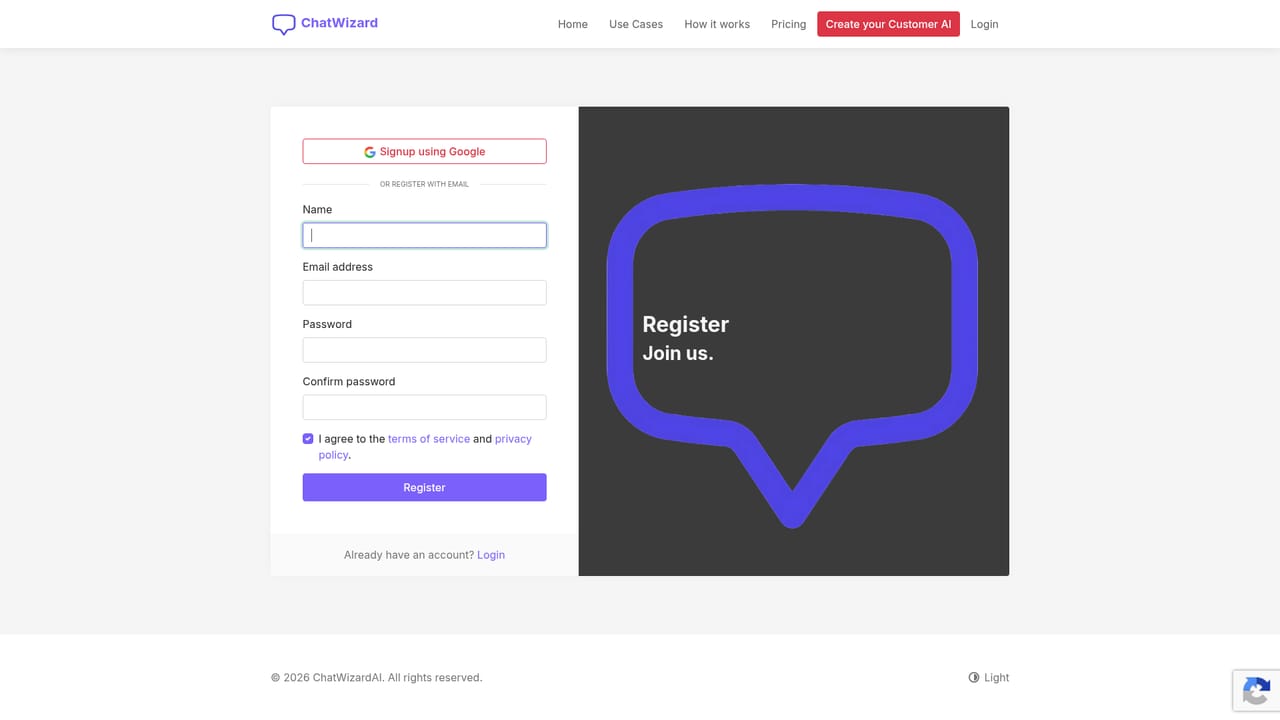
    Sign up with the registration form and choose a plan or start on the free tier to explore the builder.
    ChatWizard — Create your account
  2. 2Add training sources
    Enter your website URLs or upload PDF, Word and text documents. ChatWizard uses this material as the knowledge base for the bot.
  3. 3Customize the bot
    Match widget colors to your brand and add conversation starters or frequently asked questions visitors will see first.
  4. 4Test the bot in the live demo
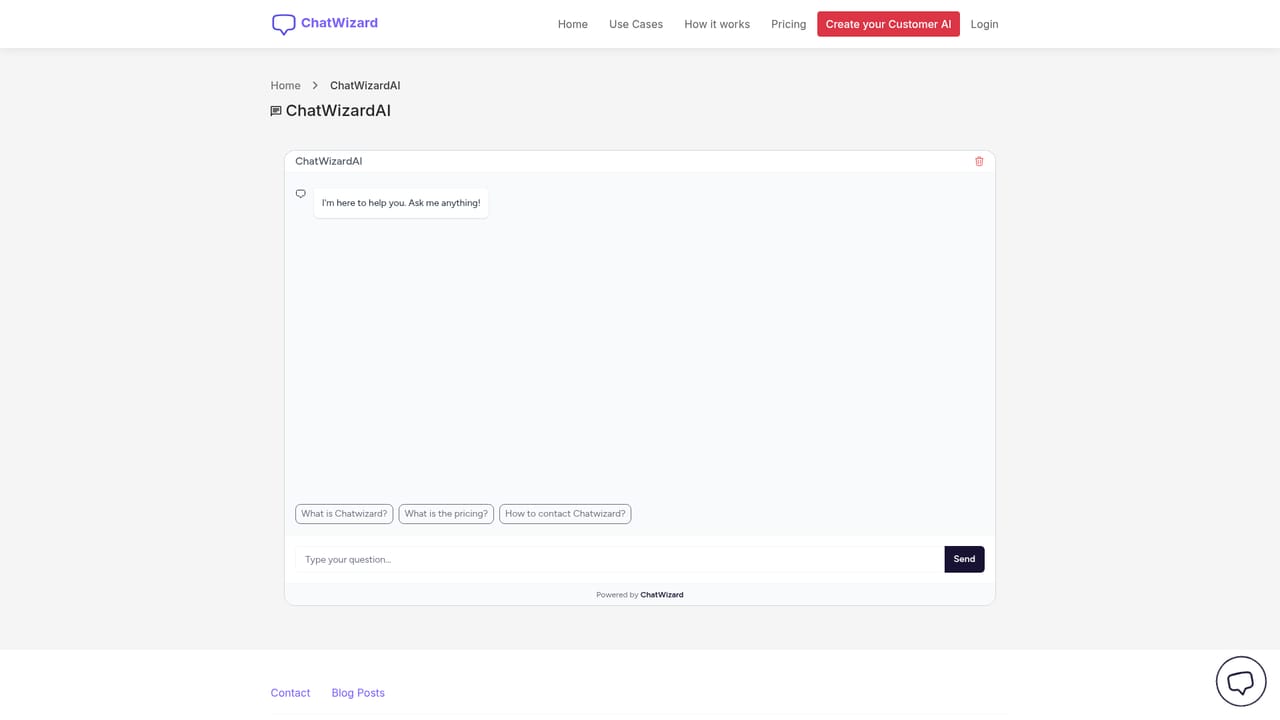
    Open the sample chatbot to see how an embedded widget behaves on a page before you commit to your own configuration.
    ChatWizard — Test the bot in the live demo
  5. 5Embed the widget
    Copy the provided HTML snippet into your site builder or platform, then review conversation history in the dashboard as chats arrive.

Pros and cons

Pros

  • No-code setup: point the tool at URLs or upload documents, then paste an embed snippetAI
  • Training volume scales clearly by tier, from 50 URLs on the free plan to 2,000 on BusinessAI
  • Widget matches brand colors and supports conversation starters for common questionsAI
  • Handles customer conversations in more than 30 languagesAI
  • 30-day money-back guarantee and cancel-anytime terms on paid plansAI

Cons

  • Free plan allows only 10 message credits a month, too little for real traffic testingAI
  • Only one document can be used to train on the free tier, which limits useful knowledge basesAI
  • No stated API, so chatbots cannot be wired into existing support or CRM systemsAI
  • Homepage gives no detail on answer accuracy, source citation or how retrieval failsAI
  • Human handoff and ticketing workflows are not described anywhere on the siteAI

How much does ChatWizard cost?

Pricing

Four tiers. Free: 1 bot, 10 message credits per month, 50 URLs and 1 document to train on. Starter: 9 USD per month (89 USD yearly), 1,000 credits, 200 URLs, 10 documents. Growth: 29 USD per month (229 USD yearly), 3 bots, 5,000 credits. Business: 99 USD per month (899 USD yearly), 15 bots, 15,000 credits, 2,000 URLs. All paid plans include a 30-day money-back guarantee.

Learn more

Integrations

The embed snippet is described as working with any platform, with Webflow, WordPress, Shopify, Carrd, Kajabi, Bubble, Squarespace and Framer shown as examples.

Features

Train a bot on website URLs plus PDF, Word and text uploads, then style it to match your brand with conversation starters. Deploy via an HTML embed snippet on any site builder, review and export conversation history, and serve visitors in more than 30 languages. Bots run continuously.

Frequently asked questions about ChatWizard

  • How much does ChatWizard cost?
    Four tiers. Free: 1 bot, 10 message credits per month, 50 URLs and 1 document to train on. Starter: 9 USD per month (89 USD yearly), 1,000 credits, 200 URLs, 10 documents. Growth: 29 USD per month (229 USD yearly), 3 bots, 5,000 credits. Business: 99 USD per month (899 USD yearly), 15 bots, 15,000 credits, 2,000 URLs. All paid plans include a 30-day money-back guarantee.
  • How do you use ChatWizard?
    The walkthrough on this page covers 5 steps: 1. Create your account 2. Add training sources 3. Customize the bot 4. Test the bot in the live demo 5. Embed the widget.
  • What platforms does ChatWizard support?
    ChatWizard is available on Web App.
  • What does ChatWizard integrate with?
    The embed snippet is described as working with any platform, with Webflow, WordPress, Shopify, Carrd, Kajabi, Bubble, Squarespace and Framer shown as examples.
  • What are the limitations of ChatWizard?
    Free plan allows only 10 message credits a month, too little for real traffic testing. Only one document can be used to train on the free tier, which limits useful knowledge bases. No stated API, so chatbots cannot be wired into existing support or CRM systems.

Status

StatusActive
Views0
Outbound clicks0
Added10/21/2026

Platforms

Web App

Pricing

FreeFreemiumPaid




