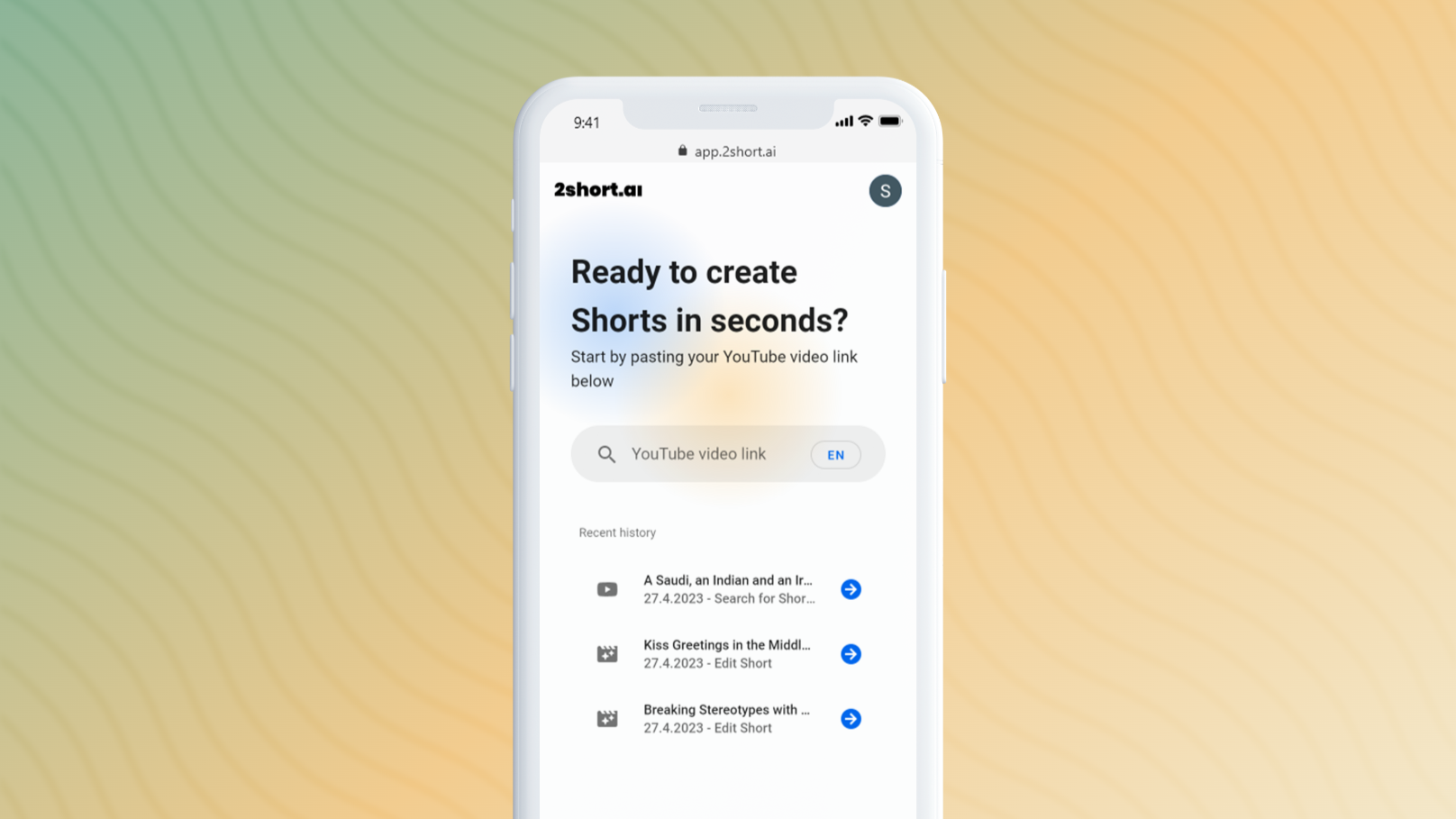
ClipsAI

Transform video content into social media clips.

Screenshot of ClipsAI, Transform video content into social media clips

What is ClipsAI?

ClipsAI is a social media tool that transforms video content into social media clips. ClipsAI auto-generates social media clips from long videos with captions and resizing, suited to creators repurposing long-form video without learning a dedicated video editor.

ClipsAI is an AI-powered video editing tool that automatically transforms video content into engaging social media clips, saving users time and effort.

How do you use ClipsAI?

  1. 1Sign Up
    You can create an account with your email and some personal information.
  2. 2Upload Content
    Upload MP3, WAV or MP4 files and store them to generate content.
  3. 3Create Clips
    Select the criterias and the AI tool will start generating clips using the content you uploaded
  4. 4Select Clips
    After creating clips you can search, trim and download them.

Pros and cons

Pros

  • Auto video summarization saves hours of manual clip selectionAI
  • AI-generated captions and resizing handle the full social-clip workflowAI
  • Lower friction than dedicated video editors for short-form outputAI

Cons

  • Output less polished than human-edited clips on platforms like CapCutAI
  • Crowded category against OpusClip, Munch, and similar toolsAI
  • Quality of clip selection varies based on source video structureAI

How much does ClipsAI cost?

Free trial

ClipsAI can be used for free, but the created content will come with a watermark.

Learn more

Pricing

The basic package starts from $25 per month and allows you to export up to 50 clips.

Learn more

Refund policy

Refund terms are not mentioned on their website, its likely that all payments are non-refundable.

Learn more

Support

ClipsAI provides customer support through a chat widget available on their website or via email support@clipsai.com.

Learn more

Integrations

There isn't any specific information regarding integrations with other tools or the availability of a public API on the ClipsAI website.

Learn more

Features

The main features of ClipsAI include automatic video summarization, AI-generated captions, video resizing, and a user-friendly editing interface.

Learn more

Frequently asked questions about ClipsAI

  • How much does ClipsAI cost?
    The basic package starts from $25 per month and allows you to export up to 50 clips.
  • Does ClipsAI offer a free trial?
    ClipsAI can be used for free, but the created content will come with a watermark.
  • How do you use ClipsAI?
    The walkthrough on this page covers 4 steps: 1. Sign Up 2. Upload Content 3. Create Clips 4. Select Clips.
  • What does ClipsAI integrate with?
    There isn't any specific information regarding integrations with other tools or the availability of a public API on the ClipsAI website.
  • What are the limitations of ClipsAI?
    Output less polished than human-edited clips on platforms like CapCut. Crowded category against OpusClip, Munch, and similar tools. Quality of clip selection varies based on source video structure.
  • What is ClipsAI's refund policy?
    Refund terms are not mentioned on their website, its likely that all payments are non-refundable.

Status

StatusActive
Views0
Outbound clicks0
Added4/12/2023

Categories