Free trial
A 7-day free Pro plan trial is offered. No credit card is required to start, and signup happens through the app.
Learn moreTurn existing content into weeks of LinkedIn and X posts

ContentRadar is a content tool that turns existing content into weeks of LinkedIn and X posts. ContentRadar repurposes existing content into LinkedIn and X posts, generates ideas per profile, and manages scheduling, approvals and engagement triggers in a shared team workspace.
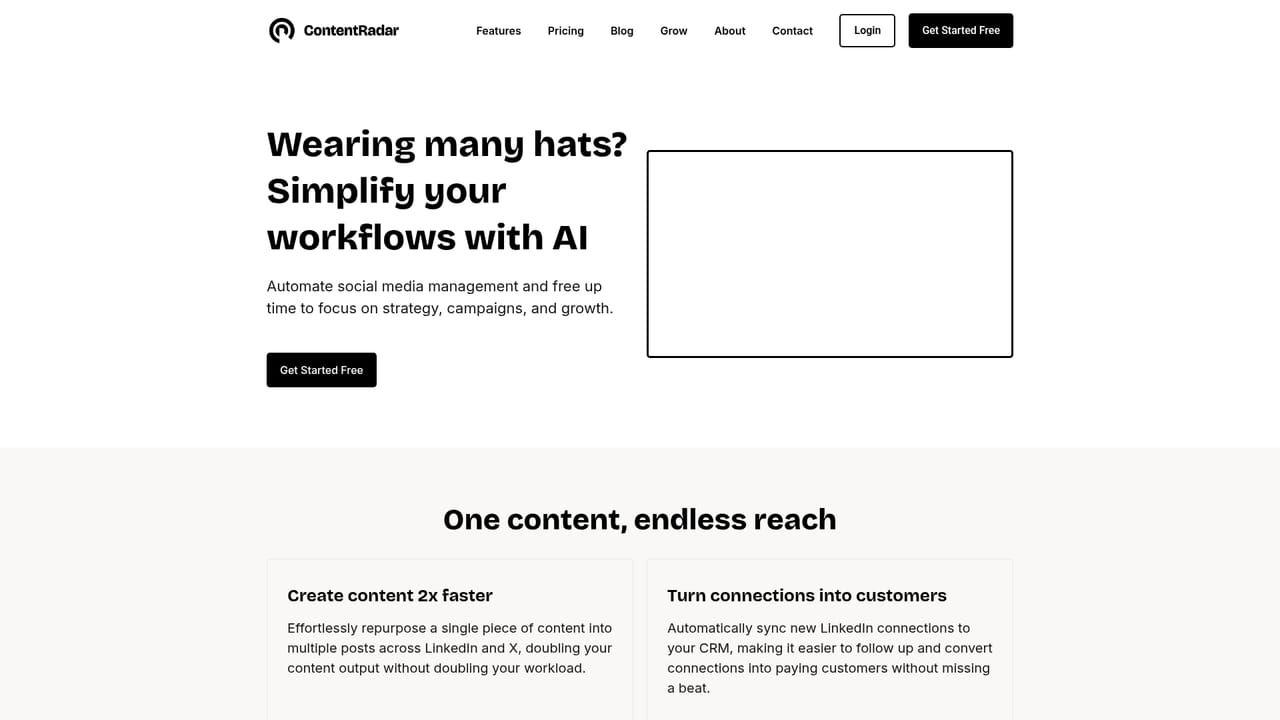
ContentRadar is a content repurposing and publishing workspace built around LinkedIn and X (Twitter). The core premise is that most B2B professionals already produce plenty of raw material (blog posts, notes, newsletters, ideas) but lack the time to convert it into a steady social presence. ContentRadar reads that source material and generates posts from it, so a single asset can become weeks of scheduled output rather than one throwaway update. The product breaks into three stages. Repurpose handles the conversion work, taking existing content and producing multiple draft posts. Ideate generates angles tuned to a specific personal profile and company page, which matters because the two audiences respond to different framing. Write takes an idea, a note or a rough draft and turns it into a finished post in the user's tone, which several quoted customers describe as the reason the output is usable without heavy rewriting. Around those generators sits the operational layer. A shared content calendar tracks scheduled posts across channels, tags and authors, and shared workspaces give teams a single dashboard for planning, approvals and publishing. Carousels can be generated from text posts using brand guidelines. Post actions let users pre-program reactions and reposts and queue comments (including links), with Slack notifications prompting teammates to engage on published posts. The stated goal is engagement support rather than pure scheduling. ContentRadar positions itself for founders and solopreneurs, marketing managers, agencies and ghostwriters, and talent acquisition teams. It competes less with general writing assistants than with social scheduling tools augmented by AI, so the buying question is whether a LinkedIn and X focused repurposing workflow replaces a more general scheduler plus a separate AI writer. Pricing tiers beyond the free entry point are not detailed on the homepage.
A 7-day free Pro plan trial is offered. No credit card is required to start, and signup happens through the app.
Learn moreLinkedIn and X (Twitter) publishing are the core connections. Slack notifications are listed for engagement prompts.
Repurpose existing content into weeks of posts, generate ideas tailored to personal and company profiles, and write posts from notes or drafts. Includes a shared content calendar, shared workspaces for approvals, AI carousel generation with brand guidelines, and post actions (scheduled reactions, reposts, comment links) with Slack notifications.
 AI Angels400+ customizable AI girlfriends for NSFW chat, voice calls, and roleplay
 Candy AIExperience the future of companionship with AI friends who chat, role-play, and connect with you on a human level.
 ourdream.aiA vast AI roleplay platform with millions of characters for chat, images, video and voiceAI Angels400+ customizable AI girlfriends for NSFW chat, voice calls, and roleplayCandy AIExperience the future of companionship with AI friends who chat, role-play, and connect with you on a human level.ourdream.aiA vast AI roleplay platform with millions of characters for chat, images, video and voice








