Daft Art

AI album cover generator with curated aesthetics and a simple text editor

Beginner
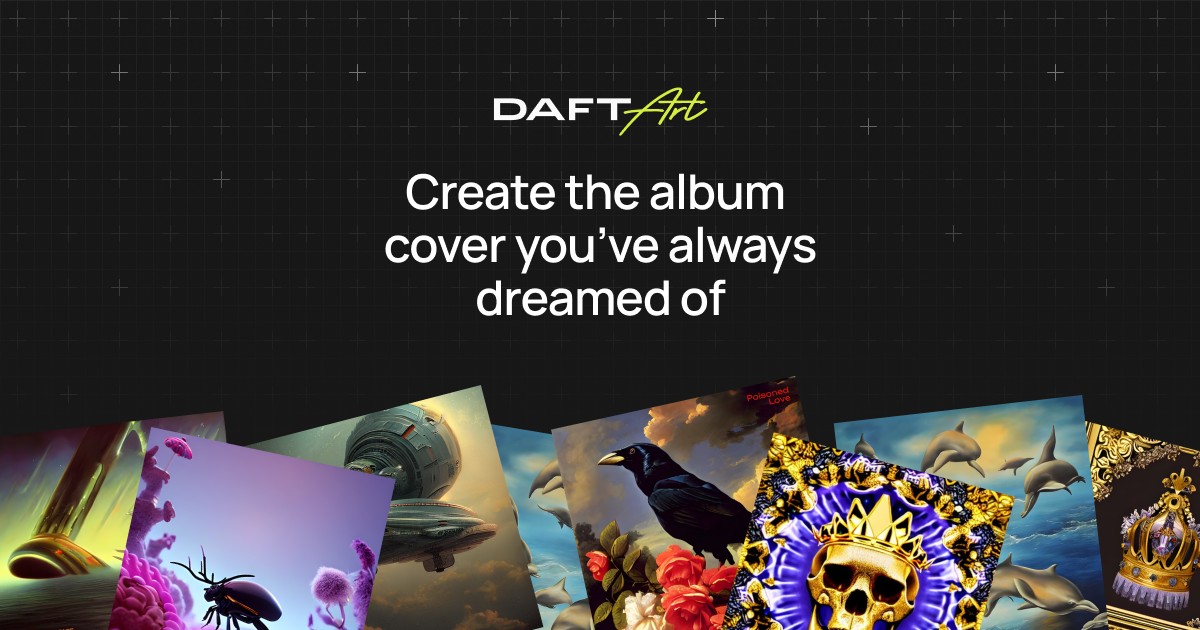
Screenshot of Daft Art, AI album cover generator with curated aesthetics and a simple text editor

What is Daft Art?

Daft Art generates album and track covers from a written description using curated aesthetics, then lets you add titles and artist names in a simple editor. Exports are 3000x3000 px and release-ready. Sold as time-limited passes with unlimited generation, aimed at musicians, producers, bands and podcasters.

Daft Art is a browser-based tool that generates album artwork from a text description. The premise is narrow and deliberate: rather than being a general image generator, it is built around one output format, the square cover that goes onto a release. A user picks an aesthetic, describes the cover they want, and generates candidates until one fits the music. From there a lightweight editor handles the typography layer. The aesthetic filter is the part that separates it from generic image tools. Daft Art's own framing is that AI has no taste, so the product narrows the prompt space for you by offering carefully curated looks rather than a blank text box. That suits musicians, producers, bands, podcasters and independent artists who know the mood they want but not the vocabulary or the visual references to describe it. Someone who already has a strong art direction and a preferred model will find the curated path restrictive. In practice the workflow is short: choose an aesthetic, write a description, generate as many variations as needed, then add the album or track title and artist name. Text controls cover font, colour and style so the cover reads as a finished piece rather than raw AI output. Exports arrive at 3000x3000 px in the correct aspect ratio, which is the resolution distribution and streaming services expect, so there is no separate upscaling step. Rights are worth flagging: Daft Art states it holds no claim over generated covers, leaving the artist free to use them. Access is sold as time-limited passes with unlimited generation inside the window, which rewards batch working over occasional single-cover use. There is no free tier any more, so the tool has to justify itself against free general-purpose generators on convenience and finish rather than on price. The site shows distribution and streaming logos (DistroKid, Landr, Ditto, Amazon and others) as context for where covers end up, not as integrations that push artwork into those services; downloads are manual. Contact is by email only.

How do you use Daft Art?

  1. 1Open the studio
    Go to the Daft Art studio and start a new cover. A pass is required before generation is enabled.
  2. 2Choose a curated aesthetic
    Pick from the curated aesthetic filters to set the visual direction that matches the vibe of your release.
  3. 3Describe your cover and generate
    Write a description of the artwork you want and generate. Repeat until one of the results fits the music.
  4. 4Add title and artist name
    Place the album or track title and artist name on the cover, then adjust font, colour and style to match the artwork.
  5. 5Download the release-ready file
    Save the finished cover and download it at 3000x3000 px, ready to upload to distribution and streaming platforms.

Pros and cons

Pros

  • Curated aesthetic filters remove the guesswork of writing image prompts from scratchAI
  • Built-in title and artist text controls with font, colour and style optionsAI
  • Exports at 3000x3000 px in the correct aspect ratio, ready for distribution platformsAI
  • No claim on generated artwork, so covers can be used freelyAI
  • Unlimited generations inside a pass, which suits batch cover creationAI

Cons

  • No free tier: creating anything requires buying a passAI
  • Passes expire, so work done after the window closes needs a new purchaseAI
  • Curated aesthetics constrain users who want full control over the image model or promptAI
  • Text and logo tools are basic compared with a dedicated design appAI
  • No direct publishing to distributors; covers are downloaded and uploaded by handAI

How much does Daft Art cost?

Pricing

One-time payment, no subscription. Three passes with unlimited generation and all features: 7-Day Pass at $9.97, 30-Day Pass at $24.97, and 180-Day Pass at $99. All plans include curated aesthetics, the title editor, and high-resolution exports.

Learn more

Support

Support is handled by email at yo@daftart.com for problems, feedback or general questions.

Features

Curated aesthetic filters, text-to-cover generation from a written description, an editor for album and artist titles with font, colour and style controls, unlimited generation within a pass, and 3000x3000 px release-ready downloads.

Frequently asked questions about Daft Art

  • How much does Daft Art cost?
    One-time payment, no subscription. Three passes with unlimited generation and all features: 7-Day Pass at $9.97, 30-Day Pass at $24.97, and 180-Day Pass at $99. All plans include curated aesthetics, the title editor, and high-resolution exports.
  • How do you use Daft Art?
    The walkthrough on this page covers 5 steps: 1. Open the studio 2. Choose a curated aesthetic 3. Describe your cover and generate 4. Add title and artist name 5. Download the release-ready file.
  • What platforms does Daft Art support?
    Daft Art is available on Web App.
  • What are the limitations of Daft Art?
    No free tier: creating anything requires buying a pass. Passes expire, so work done after the window closes needs a new purchase. Curated aesthetics constrain users who want full control over the image model or prompt.

Status

StatusActive
Views0
Outbound clicks0
Added10/21/2026

Platforms

Web App

Pricing

Paid