Free trial
A free browser version of the denoiser is offered for trying the processing before purchase. It is a demo path rather than a timed trial of the desktop bundle.
Learn moreStudio grade noise removal that runs on your own machine
Own Denoiser by TapeIt? Verify ownership to get a dofollow link
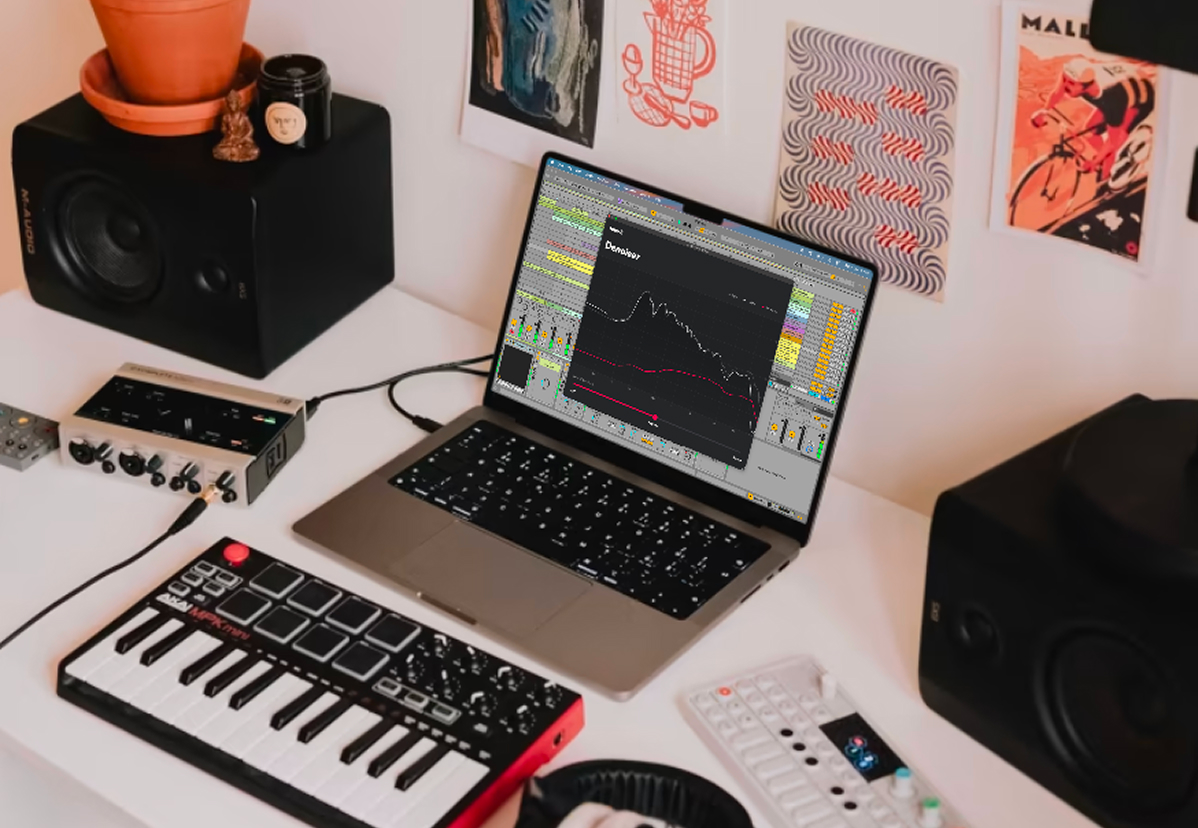
Denoiser by TapeIt is an AI tool. A local audio denoiser for Mac and Windows that pairs an AI noise detection model with a classic multi-band expander, sold as VST3, AU and AAX plugins plus a standalone app.
Denoiser by Tape It is an audio restoration tool built for cleaning background noise out of recordings while keeping the source material sounding natural. It ships as a bundle: VST3, AU and AAX plugins for use inside a DAW, plus a standalone desktop app for processing files without opening a session. The plugin covers Ableton, Logic, Pro Tools and other major hosts, and the standalone app takes any audio file directly. Everything runs locally, so audio is never uploaded to a server, and the package supports sample rates up to 192 kHz on both Windows and macOS (the Mac build is a universal binary). The approach separates it from typical AI denoisers. A machine learning model listens to the audio and works out the noise profile, adapting as the noise changes over time and without needing a clean noise-only section to learn from. The model does not alter the waveform itself. Instead it steers a multi-band expander, a classical signal processing technique, to reduce the noise. Tape It argues this hybrid keeps the predictable, artefact-free character of proven studio noise reduction while gaining the convenience of automatic detection. The standalone app leans on this: for most files the default strength setting is correct, and the strength control exists for cases where it is not. Producers, mixing and mastering engineers, podcast editors, and archivists restoring older material are the obvious users. In a DAW the plugin usually goes first in the chain to clean the source before compression or saturation, though Tape It also notes it can sit after amp simulations and other noisy processors. Anyone without a DAW can use the standalone app as a quick one-file cleanup tool. Alternatives include cloud-based AI denoisers and traditional spectral repair suites. Denoiser's pitch is a local, one-time purchase that behaves like a conventional plugin, with AI used for detection rather than for generating audio. Tape It also publishes a research paper describing the method and runs a free browser version for testing before buying.
A free browser version of the denoiser is offered for trying the processing before purchase. It is a demo path rather than a timed trial of the desktop bundle.
Learn moreOne-time purchase of $99, currently offered at $49 as a special launch offer. The bundle includes the VST3, AU and AAX plugins and the standalone app for macOS and Windows. No subscription pricing is mentioned on the page.
Learn moreWorks as VST3, AU and AAX plugins inside major DAWs including Ableton, Logic and Pro Tools. The standalone app processes audio files directly without a host.
AI model detects the noise profile, including noise that changes over the course of a recording, without needing a clean noise-only segment. A multi-band expander then performs the reduction, keeping the processing classical and the sound natural. Includes VST3, AU and AAX plugins plus a standalone app, support for sample rates up to 192 kHz, local processing with no cloud upload, and a universal binary on Mac.
 AI Angels400+ customizable AI girlfriends for NSFW chat, voice calls, and roleplay
 Candy AIExperience the future of companionship with AI friends who chat, role-play, and connect with you on a human level.
 ourdream.aiA vast AI roleplay platform with millions of characters for chat, images, video and voiceAI Angels400+ customizable AI girlfriends for NSFW chat, voice calls, and roleplayCandy AIExperience the future of companionship with AI friends who chat, role-play, and connect with you on a human level.ourdream.aiA vast AI roleplay platform with millions of characters for chat, images, video and voice


