Free trial
No trial is needed because the page describes the tool as completely free, with a Start for FREE signup link as the entry point.
Learn moreTurn links and topics into swipeable LinkedIn carousels
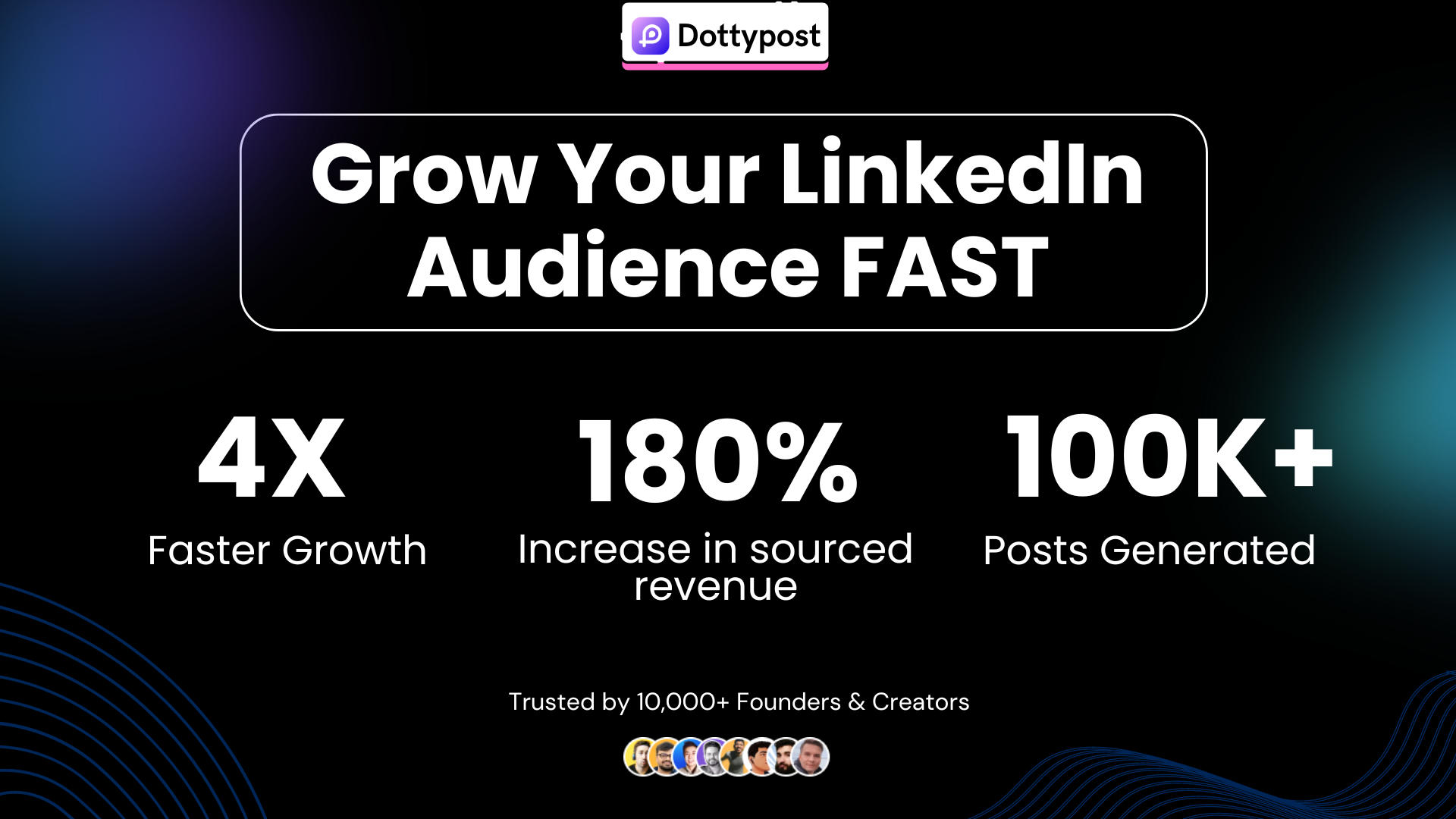
Dottypost is a content tool that turns links and topics into swipeable LinkedIn carousels. Dottypost generates LinkedIn carousels from a YouTube link, blog URL, or plain topic, then lets you pick a template, adjust colors, add a personal photo to the CTA slide, and download the result.
Dottypost's carousel tool is built around a single, narrow job: turning source material you already have into a swipeable LinkedIn carousel without opening a design app. You paste in a YouTube link, a blog URL, or just a topic, and the platform drafts the slide content for you. From there you pick a template, adjust colors, and drop your own photo into the closing call to action slide. The output is downloaded as a finished carousel that the site says is formatted to display well in LinkedIn's feed. The workflow is short by design. Three stages are described on the page: enter your content, customize the design, download and share. The vendor claims the whole cycle takes under a minute for a generated carousel, which is plausible for repurposing a video or article you have already published, since the drafting step is automated and the layout comes from a template rather than a blank canvas. Templates are the main design control, so users who want pixel-level layout freedom will find the ceiling early. The natural audience is individual creators, founders, and small marketing teams who post on LinkedIn regularly and want a repeatable way to convert long-form material into a visual format. Repurposing is the core use case: a YouTube video, a blog post, or a trending topic becomes a carousel with your branding on the final slide. Testimonials on the page come from founders and directors who mention improved impressions, engagement, and lead quality. In a crowded field of carousel and social design tools, Dottypost competes on speed and simplicity rather than depth. The site lists the product as 100% free, which changes the calculus for anyone currently paying for a general design suite just to build slide decks. The trade-off is a focused feature set aimed at one platform, so teams needing multi-network scheduling or advanced brand systems should look elsewhere. It is a sensible first stop for anyone who wants LinkedIn carousels with minimal setup, and a weaker fit for designers who need full layout control.
No trial is needed because the page describes the tool as completely free, with a Start for FREE signup link as the entry point.
Learn moreThe carousel page states that Dottypost is 100% free to use and lists no paid tiers, credits, or subscription levels. No pricing page is linked from the source content.
Learn moreCore features are carousel generation from a YouTube link, blog, or topic, template selection with color adjustments, a personalized CTA slide that accepts your own image, and export of a carousel formatted for LinkedIn. Generation from a single source is described as taking under a minute.
 AI Angels400+ customizable AI girlfriends for NSFW chat, voice calls, and roleplay
 Candy AIExperience the future of companionship with AI friends who chat, role-play, and connect with you on a human level.
 ourdream.aiA vast AI roleplay platform with millions of characters for chat, images, video and voiceAI Angels400+ customizable AI girlfriends for NSFW chat, voice calls, and roleplayCandy AIExperience the future of companionship with AI friends who chat, role-play, and connect with you on a human level.ourdream.aiA vast AI roleplay platform with millions of characters for chat, images, video and voice








