Features
Daily drawing ideas for building a consistent habit, detailed scorecards that give specific advice, leaderboards for tracking skill growth, and selectable art styles including concept art, cartoon, character design and anime.
Learn to draw with daily prompts, scorecards and style guides

Drawww is an art critique tool that learns to draw with daily prompts, scorecards and style guides. A drawing practice app that combines daily sketch prompts, detailed scorecards, leaderboards and adjustable art styles (concept art, cartoon, character design, anime) to turn regular sketching into measurable progress.
DRO (published as Drawww) is a drawing learning app built around one idea: skill comes from repetition. Rather than generating artwork for you, it sets a daily drawing task, lets you complete the sketch, then scores the result against clear criteria so progress becomes visible instead of vague. The app leans on habit mechanics borrowed from fitness trackers. Daily drawing ideas keep the streak alive, detailed scorecards break down what worked and what did not, and a leaderboard ranks users against each other as their scores climb. Because the feedback is specific rather than just encouraging, the app aims to show concrete movement in line control, proportion, shading and similar fundamentals over weeks rather than months. Style guidance is a central part of the experience. Users pick from directions such as concept art, cartoon, character design and anime, so practice sessions align with the visual language they actually want to master. That makes it useful for hobbyists who want to move beyond doodling, illustration students building a portfolio, and self-taught artists who never had a structured critique loop. The positioning is deliberately playful and almost gamified, with copy that pitches drawing as a kind of therapy and a replacement for aimless scrolling. It is a good fit for people who need external structure and measurable targets. It is not a replacement for a human teacher, a full illustration course, or a generative art tool: the output is your own hand work, and the app is the coach.
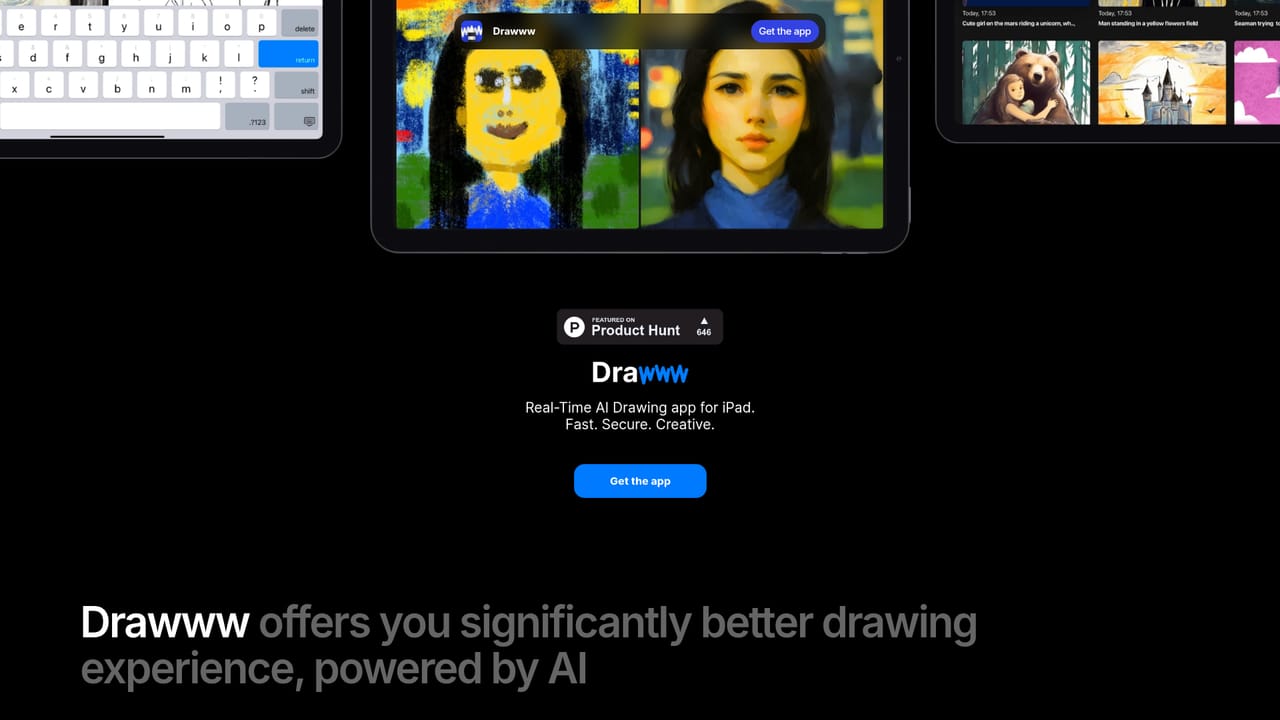
Daily drawing ideas for building a consistent habit, detailed scorecards that give specific advice, leaderboards for tracking skill growth, and selectable art styles including concept art, cartoon, character design and anime.
 AI Angels400+ customizable AI girlfriends for NSFW chat, voice calls, and roleplay
 Candy AIExperience the future of companionship with AI friends who chat, role-play, and connect with you on a human level.
 ourdream.aiA vast AI roleplay platform with millions of characters for chat, images, video and voiceAI Angels400+ customizable AI girlfriends for NSFW chat, voice calls, and roleplayCandy AIExperience the future of companionship with AI friends who chat, role-play, and connect with you on a human level.ourdream.aiA vast AI roleplay platform with millions of characters for chat, images, video and voice


