Support
Help is delivered through an in-app Help Center covering availability, privacy controls, deleting history, feedback and data permissions. No email or chat support channel is listed on the homepage.
A daily drop of stories brewed from the Google apps you connect
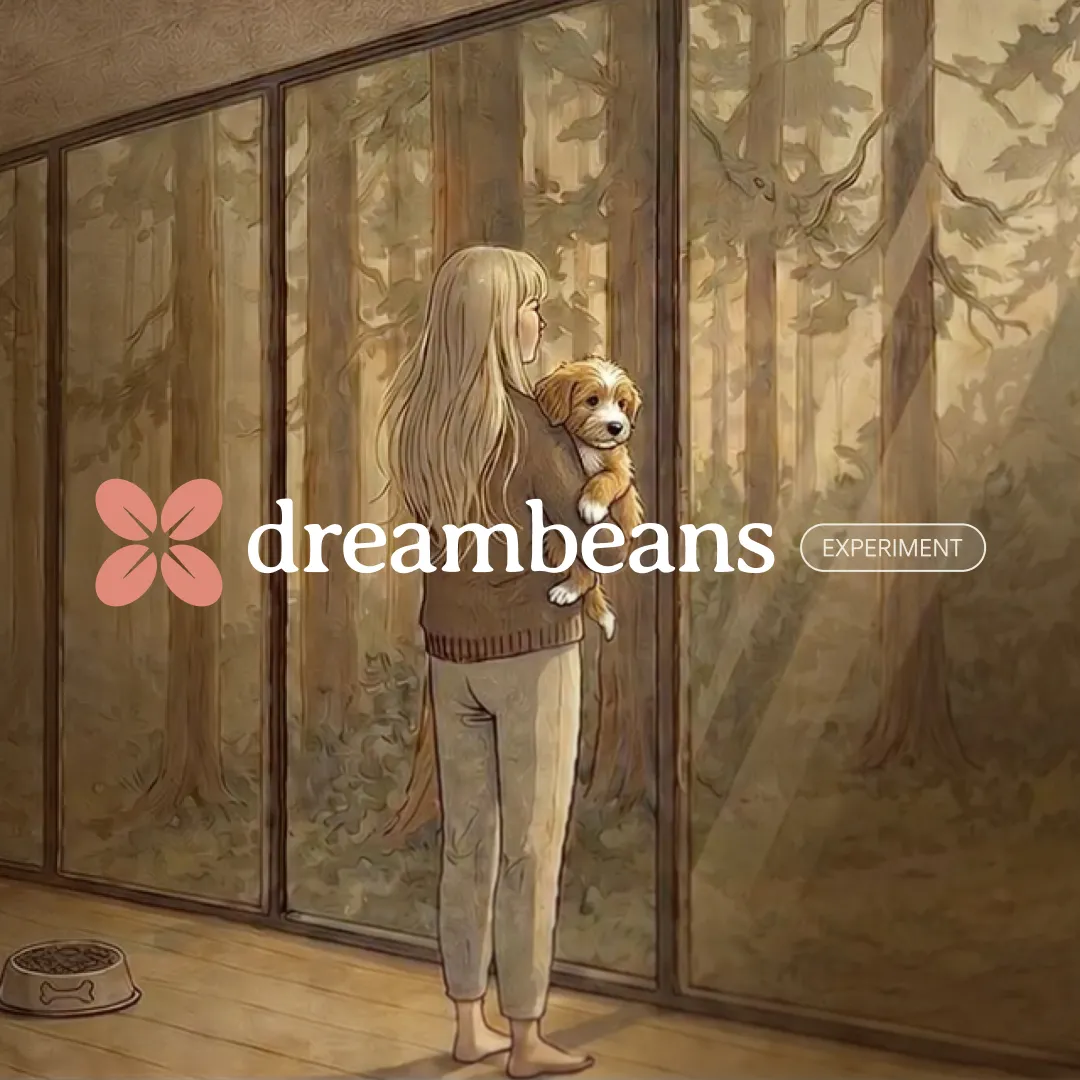
Dreambeans is a companion tool. A Google Labs app that connects to Gemini, Gmail, Calendar, Photos, YouTube and Search, then synthesizes a daily illustrated set of personalized stories overnight. Tuning controls and thumbs down feedback adjust future drops. US only, 18+, iOS and Android.
Dreambeans is an experimental app from Google Labs that builds a fresh set of personalized stories for you each morning. Instead of a feed you scroll through and curate yourself, it reads the context from Google services you deliberately connect (Gemini, Gmail, Calendar, Google Photos, YouTube and Search) and turns that material into a short daily collection of places to visit, topics to explore, things to try or events worth knowing about. The app works overnight, which is where the name comes from: the dream is the synthesis, and the beans are the stories brewed for the next day. Setup is a two part process. You sign in with a personal Google account and choose exactly which connected apps Dreambeans may draw on. At least one source is required, since the app has no generic feed to fall back on, and each additional service widens the picture. The first collection takes up to a day to assemble, and an in-app notification tells you when it is ready. From then on, new drops arrive daily. If you want stories that feature you or people in your life, Google Photos face grouping needs to be switched on. Every story ships with AI-generated artwork rather than stock photography. When a story involves real people, the app uses Google Photos together with Nano Banana 2 to personalize the scene. Each card includes a thumbs down control and a tuning button that opens a short chat where you can correct a detail, confirm a recommendation or say a topic is not for you. Some stories carry one-tap actions such as See Ticket or Watch Trailer. Corrections are processed overnight, so they shape future drops rather than the current one. The appeal is strongest for people who already live inside Google's ecosystem and want a passive briefing instead of another feed to manage. It is not a general news reader, not a search replacement and not a productivity tool, so anyone unwilling to grant access to Gmail or Calendar history will find little to use. Availability is the other limit: the app is offered to users 18 and older in the United States only, on Android and iOS.
Help is delivered through an in-app Help Center covering availability, privacy controls, deleting history, feedback and data permissions. No email or chat support channel is listed on the homepage.
Connects to Gemini, Gmail, Calendar, Google Photos, YouTube and Search history. At least one connection is mandatory, and Google Photos face grouping must be enabled for stories that feature people you know.
Daily AI-synthesized story collections drawn from connected Google apps, personalized AI artwork with Nano Banana 2 and Google Photos face grouping, per-story thumbs down and tuning chat for feedback, one-tap actions like See Ticket and Watch Trailer, plus controls to change sources, review feedback history and delete all data in the app.
 AI Angels400+ customizable AI girlfriends for NSFW chat, voice calls, and roleplay
 Candy AIExperience the future of companionship with AI friends who chat, role-play, and connect with you on a human level.
 ourdream.aiA vast AI roleplay platform with millions of characters for chat, images, video and voiceAI Angels400+ customizable AI girlfriends for NSFW chat, voice calls, and roleplayCandy AIExperience the future of companionship with AI friends who chat, role-play, and connect with you on a human level.ourdream.aiA vast AI roleplay platform with millions of characters for chat, images, video and voice


