FanChat

Private chats with celebrities, athletes and characters you invent yourself.

Beginner
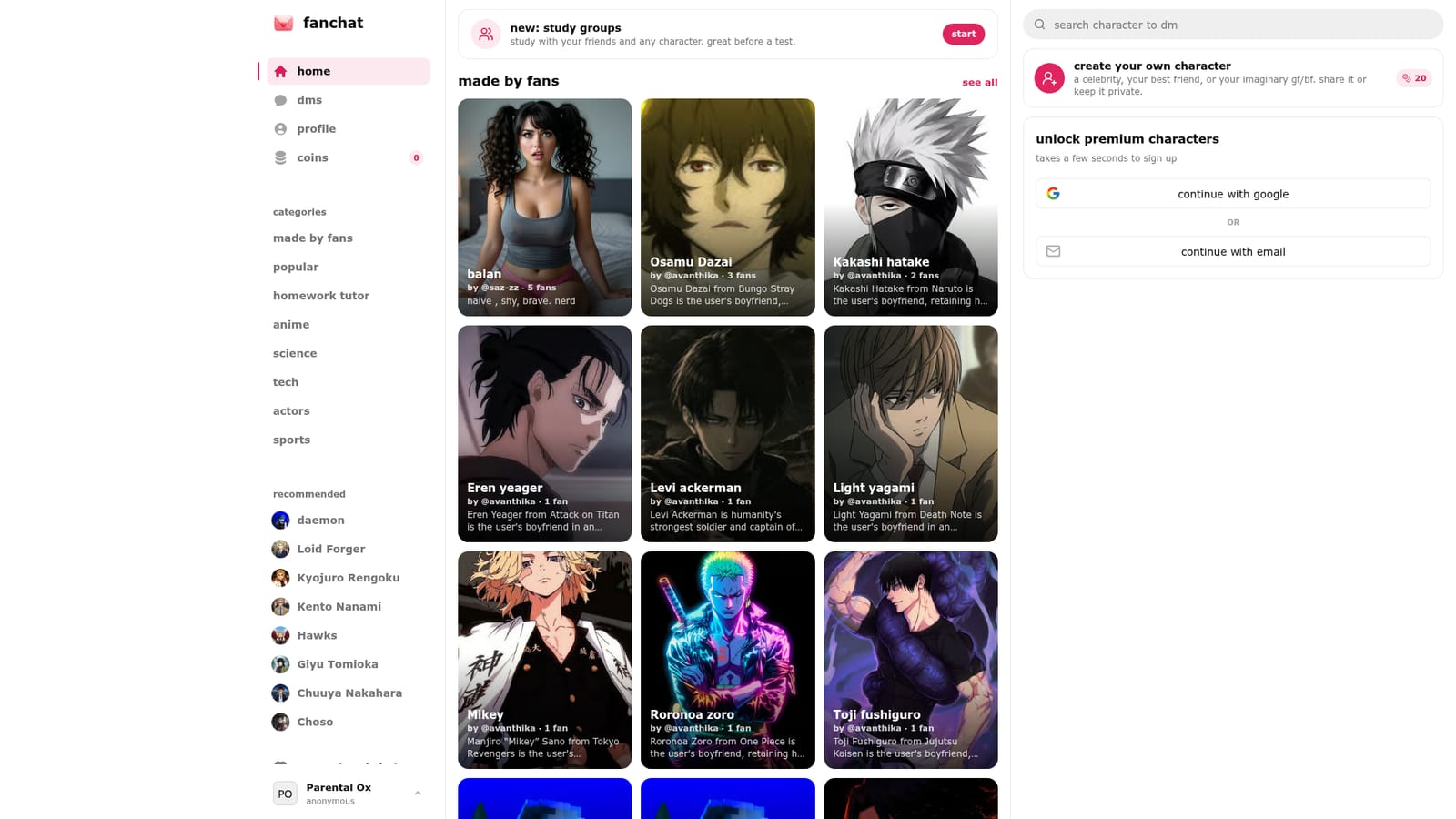
Screenshot of FanChat, Private chats with celebrities, athletes and characters you invent yourself

What is FanChat?

FanChat is an AI character chat tool. FanChat offers private AI chats with celebrities, athletes, scientists and tutors, plus custom characters that fans build and share. A Made by Fans directory, topic hubs for anime, science and sports, and study groups round out the package.

FanChat is a character chat platform built around the idea of sending direct messages to famous people and to fictional personalities. The homepage advertises private conversations with celebrities, athletes, scientists and homework tutors, alongside characters that exist only in a fan's imagination. Signing up is free, and an account keeps your chats and profile saved across sessions. Access is through Google or an email address, so the barrier to entry is low. The distinctive piece is character creation. Anyone can build a persona described on the site as a celebrity, a best friend, or an imaginary partner, then choose to publish it to the community or keep it private. Public characters appear in a browsable feed called Made by Fans, where each profile shows a name, a creator handle, a follower count and a written personality brief. That brief is unusually detailed in practice: several listings run to several hundred words specifying speech patterns, emotional boundaries, backstory and how the character should behave in a relationship. The result is closer to shared roleplay scripts than to one-line bot prompts. Beyond chatting, the site has started branching into study use. A study groups feature lets people work alongside friends and any character, positioned as revision support before a test, with a separate homework tutor entry point. Thematic hubs for anime, science, tech, actors and sports sort characters by interest so newcomers are not dropped into a single undifferentiated feed. A settings page handles profile and account preferences. The audience is fans who want sustained, in-character conversation rather than a single question answered: anime viewers, sports followers, people curious about talking to a historical or scientific figure, and students who want a study companion with a personality. The trade-off is that quality depends almost entirely on what the community writes. FanChat supplies the chat engine and the character directory, not editorial curation, so the strongest experiences sit next to thinly sketched ones.

How do you use FanChat?

  1. 1Create a free account
    Sign up with Google or an email address from the homepage. An account is what keeps your chats and character profile saved between visits.
    FanChat — Create a free account
  2. 2Browse characters by interest
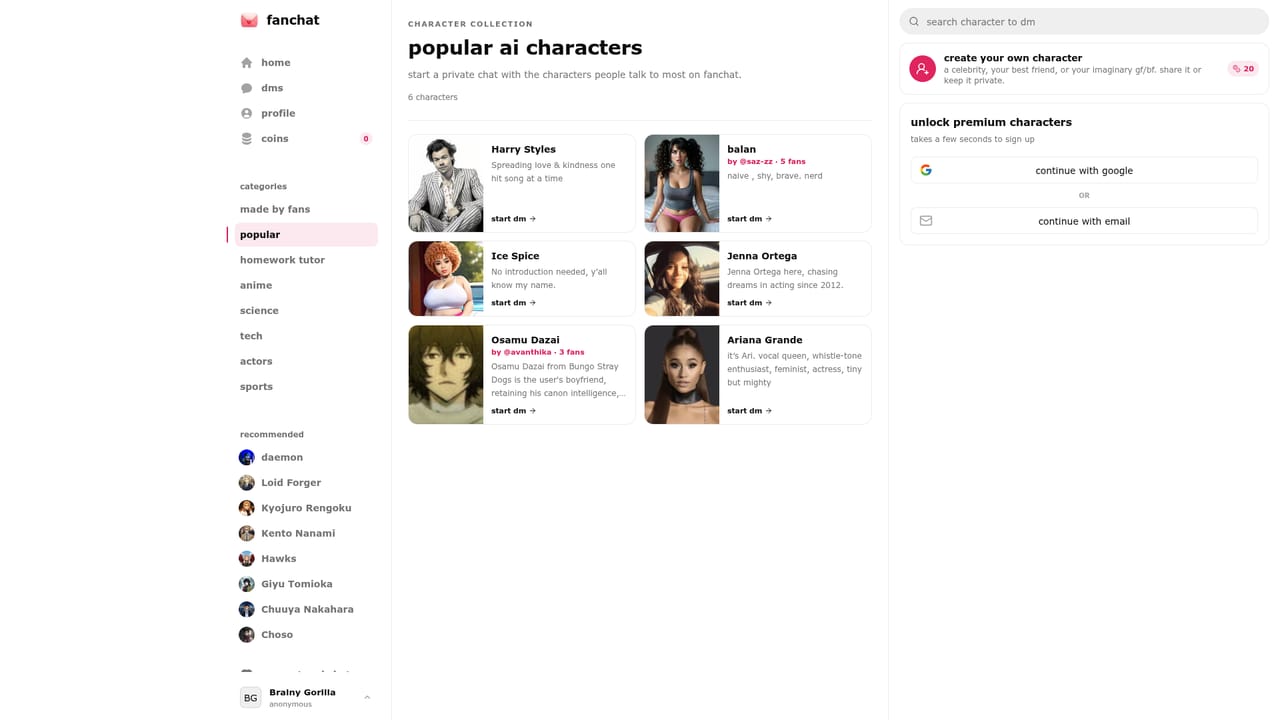
    Open the popular feed or a topic hub such as anime, actors, sports, science or tech to find a persona that matches what you want to talk about.
    FanChat — Browse characters by interest
  3. 3Read the character brief before chatting
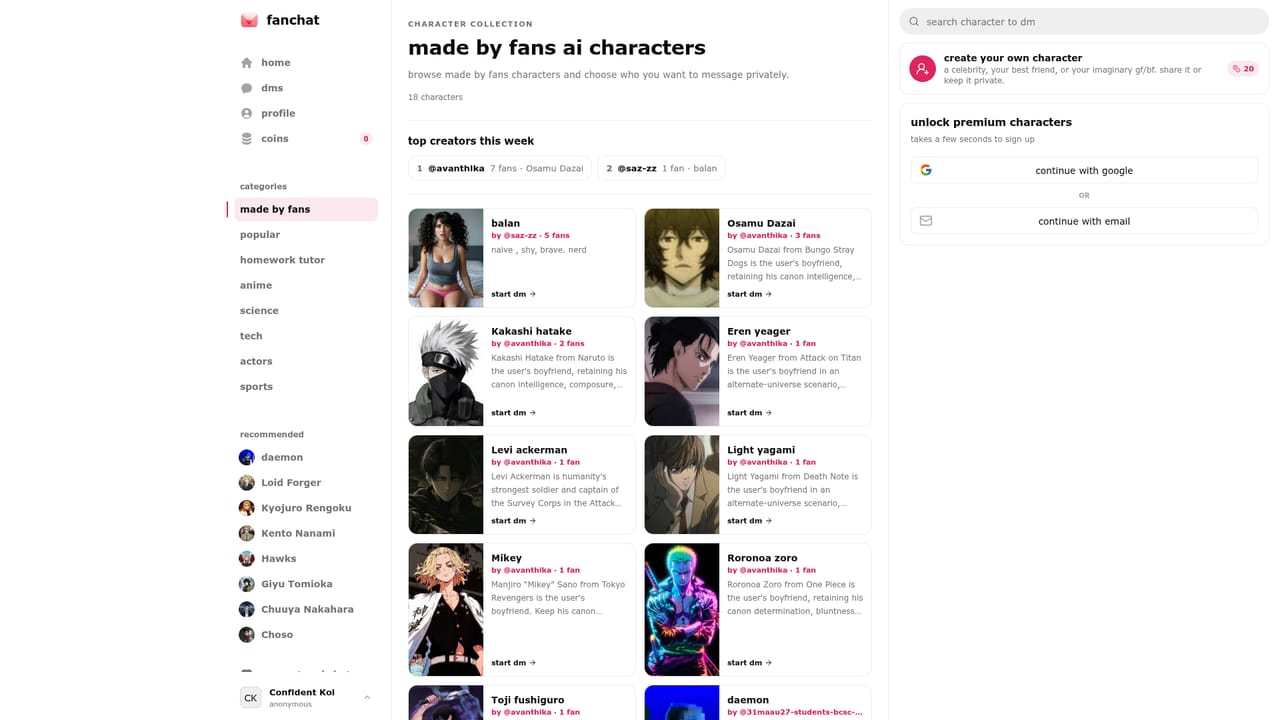
    Each Made by Fans listing shows the creator, follower count and a written personality description. Read it first so you know the tone and scenario the author intended.
    FanChat — Read the character brief before chatting
  4. 4Build your own character
    From the homepage, start a new character: give it a name, an identity and a personality description, then decide whether to share it publicly or keep it private.
  5. 5Try a study session
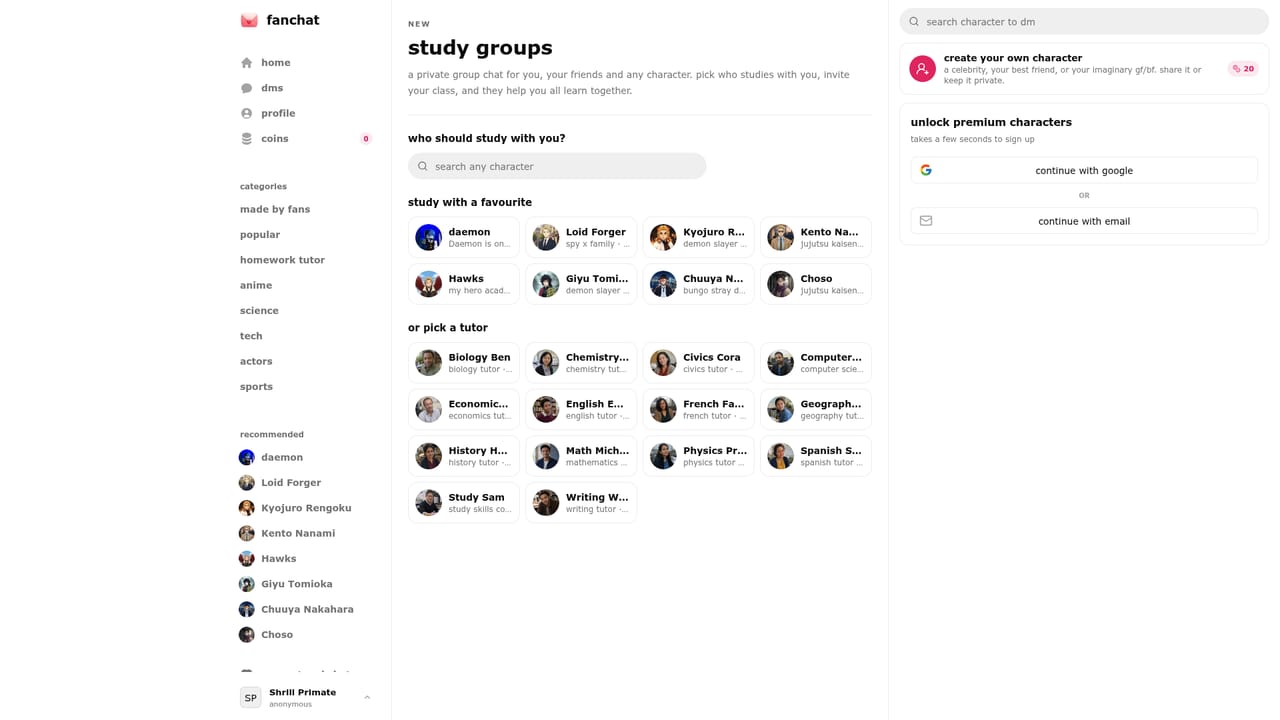
    Use study groups to revise alongside friends and any character, or open the homework tutor entry point for subject help before a test.
    FanChat — Try a study session
  6. 6Adjust your profile and privacy
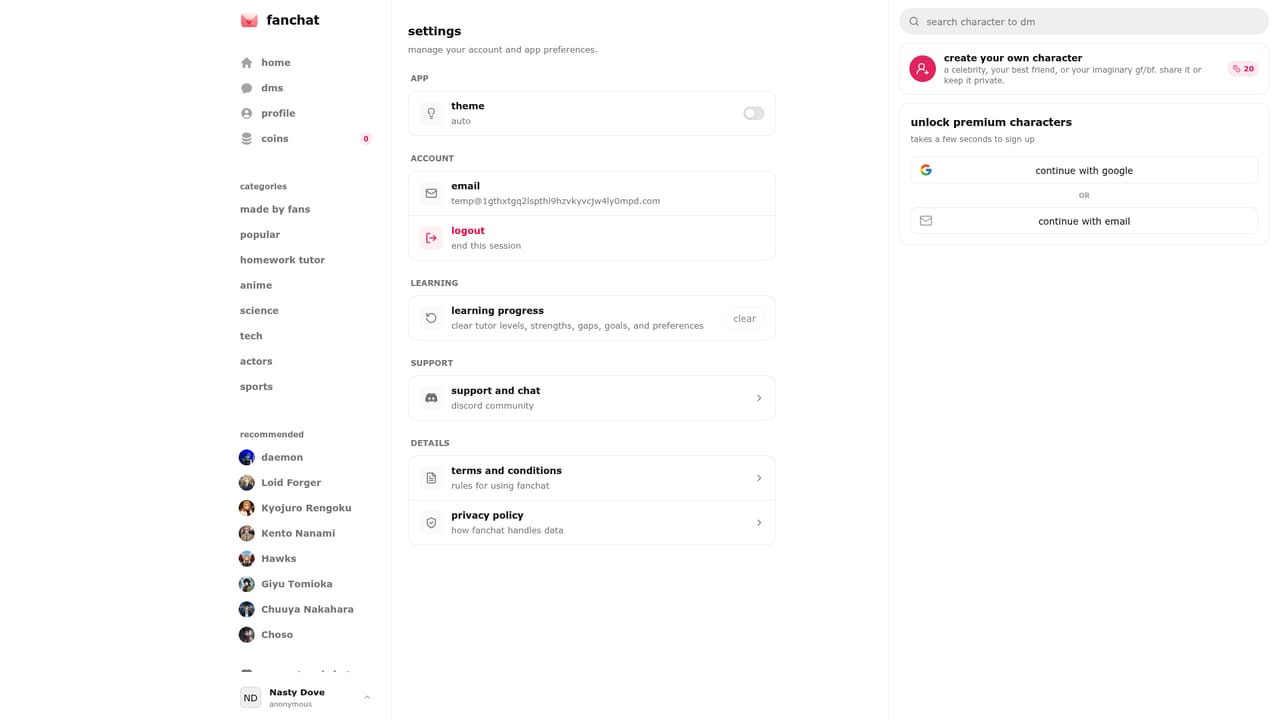
    Visit settings to manage account details and control how your characters and profile are exposed to other users.
    FanChat — Adjust your profile and privacy

Pros and cons

Pros

  • Custom character builder supports elaborate personality briefs, not just one-line promptsAI
  • Characters can be published publicly or kept private, which suits both sharing and personal useAI
  • Topic hubs for anime, actors, sports, science and tech make discovery faster than one long feedAI
  • Free sign up with Google or email keeps chat history and profile intactAI
  • Study groups and a homework tutor mode give it a use beyond entertainmentAI

Cons

  • No pricing information appears on the homepage, so paid tiers and limits are unclearAI
  • Character quality is community-driven and uneven, with some profiles far more developed than othersAI
  • Many popular listings are relationship roleplay, which narrows the appeal for casual usersAI
  • No native mobile apps or integrations are mentioned; it appears to be a browser-only productAI

How much does FanChat cost?

Features

Private chats with celebrities, athletes, scientists and tutors; a custom character builder for celebrities, friends or imaginary partners, shareable publicly or kept private; the Made by Fans directory of community-created characters with written personality briefs and follower counts; topic hubs for anime, actors, sports, science and tech; study groups and a homework tutor mode; a settings page for profile and account management.

Frequently asked questions about FanChat

  • How do you use FanChat?
    The walkthrough on this page covers 6 steps: 1. Create a free account 2. Browse characters by interest 3. Read the character brief before chatting 4. Build your own character 5. Try a study session 6. Adjust your profile and privacy.
  • What platforms does FanChat support?
    FanChat is available on Web App.
  • What are the limitations of FanChat?
    No pricing information appears on the homepage, so paid tiers and limits are unclear. Character quality is community-driven and uneven, with some profiles far more developed than others. Many popular listings are relationship roleplay, which narrows the appeal for casual users.

Status

StatusActive
Views0
Outbound clicks0
Added10/21/2026

Platforms

Web App

Pricing

FreeFreemium