Free trial
A 7-day free trial is offered with no charges during the trial period, after which users choose a subscription plan or a gift card.
Learn morePersonalized bedtime stories with illustrations and narration in 18 languages

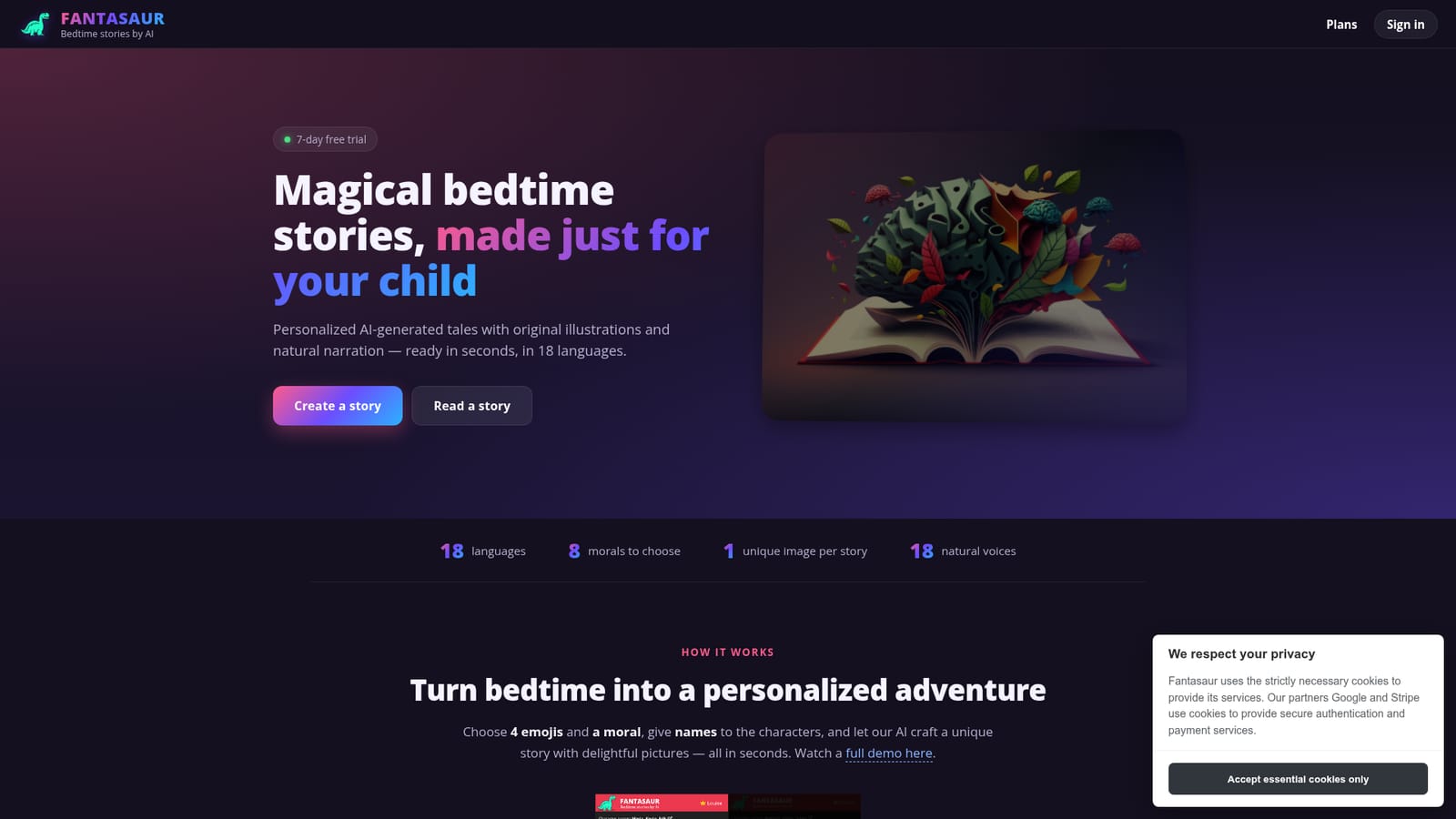
Fantasaur turns four emojis, a chosen moral and your children's names into an illustrated bedtime story with optional narration in any of 18 languages. A structured, parent-facing tool with a saved story library, an interactive scene-by-scene mode and a 7-day free trial.
Fantasaur is a web and Android app that generates bedtime stories for children from a handful of simple inputs. A parent picks four emojis, selects one moral from a set of eight, and assigns names to up to three characters. The service then produces a short illustrated tale, complete with a single original picture per story and an optional narrated audio version, typically within seconds. Story language is chosen from 18 options covering English, Spanish, French, German, Italian, Portuguese, Dutch, Danish, Norwegian, Swedish, Finnish, Russian, Hebrew, Arabic, Hindi, Chinese, Japanese and Korean, so a family can read in a heritage language or practice a second one. In practice the workflow is a preferences panel rather than a blank prompt. Emojis act as loose story seeds, names anchor the characters to real children, and the moral gives the tale a lesson. Stories are saved to a personal library and can be revisited, read aloud by one of 18 natural voices, or played as an interactive mode where the child decides what happens next, scene by scene. The homepage presents a gallery of public sample stories in every supported language, which is a useful way to judge output quality and translation tone before subscribing. This is explicitly a parent-facing tool, not a children's app. Fantasaur states that it is not intended for unsupervised use by kids, and while content guardrails are built in for bedtime suitability, stories are AI-generated and not human-moderated. That positioning puts it closer to a family ritual assistant than to an interactive kids platform, and anyone wanting vetted content should assume a parent reviews the story first. Relative to general chatbots that can write a story on request, Fantasaur trades flexibility for structure: fixed inputs, one image, built-in narration, saved library, and a strong multilingual range. Distribution is straightforward. Fantasaur runs in any major browser on desktop and mobile, plus a dedicated Android build via Google Play. There is no iOS app listed. A 7-day free trial runs with no charges, after which subscription plans and gift cards are offered. Account management, including permanent deletion of an account and its data, sits inside the app, and payment handling is delegated to Stripe.
A 7-day free trial is offered with no charges during the trial period, after which users choose a subscription plan or a gift card.
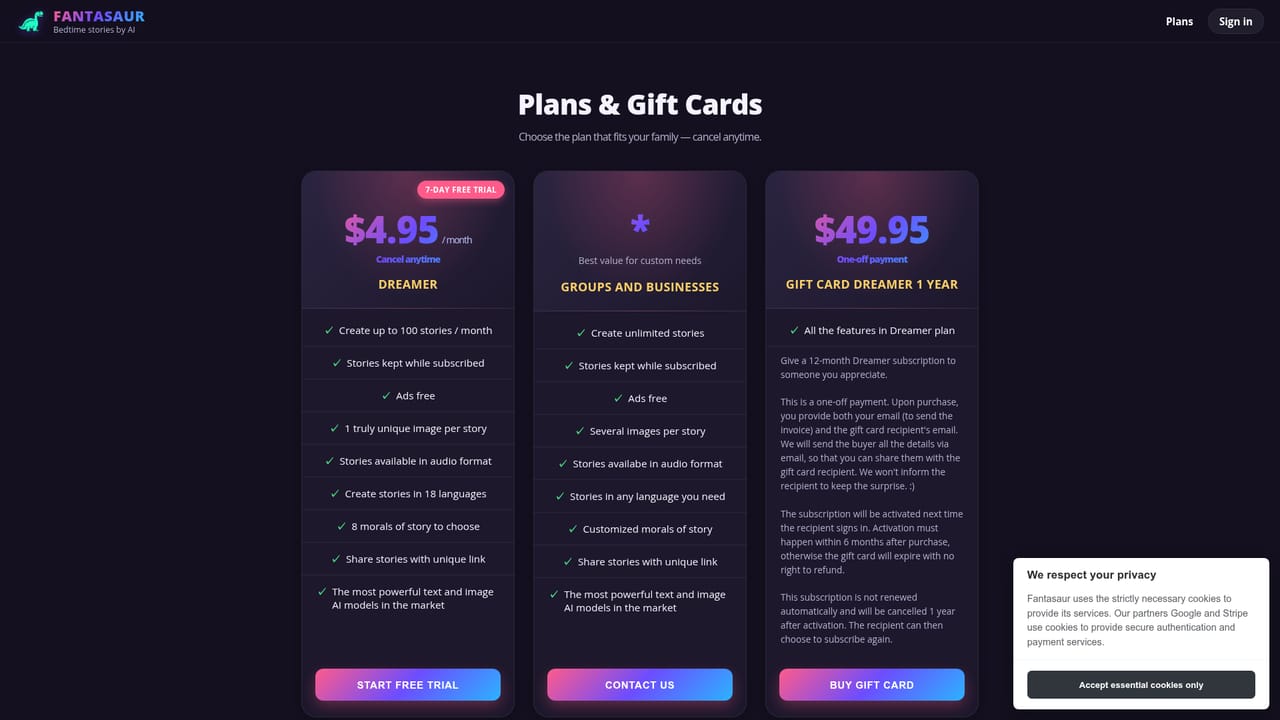
Learn moreFantasaur starts with a 7-day free trial with no charges during the trial, then moves to subscription plans, with gift cards also available. Exact prices and plan tiers are listed on the pricing page rather than the homepage.
Learn moreNo dedicated help centre, documentation or contact channel is described on the homepage; account deletion is self-managed inside the app.
No third-party integrations are described. Google and Stripe are used for secure authentication and payment processing only.
Story setup from four emojis, one of eight morals and up to three character names; 18 story languages; one original AI illustration per tale; 18 natural narration voices; read or listen modes; interactive scene-by-scene storytelling; a saved My Stories library; content guardrails built for bedtime material.
 AI Angels400+ customizable AI girlfriends for NSFW chat, voice calls, and roleplay
 Candy AIExperience the future of companionship with AI friends who chat, role-play, and connect with you on a human level.
 ourdream.aiA vast AI roleplay platform with millions of characters for chat, images, video and voiceAI Angels400+ customizable AI girlfriends for NSFW chat, voice calls, and roleplayCandy AIExperience the future of companionship with AI friends who chat, role-play, and connect with you on a human level.ourdream.aiA vast AI roleplay platform with millions of characters for chat, images, video and voice





