Free trial
A free account is offered with no credit card required, according to the homepage. Plan limits and any paid tiers are not described there.
Learn moreDescribe a form in plain words and let AI draft the questions, logic and design

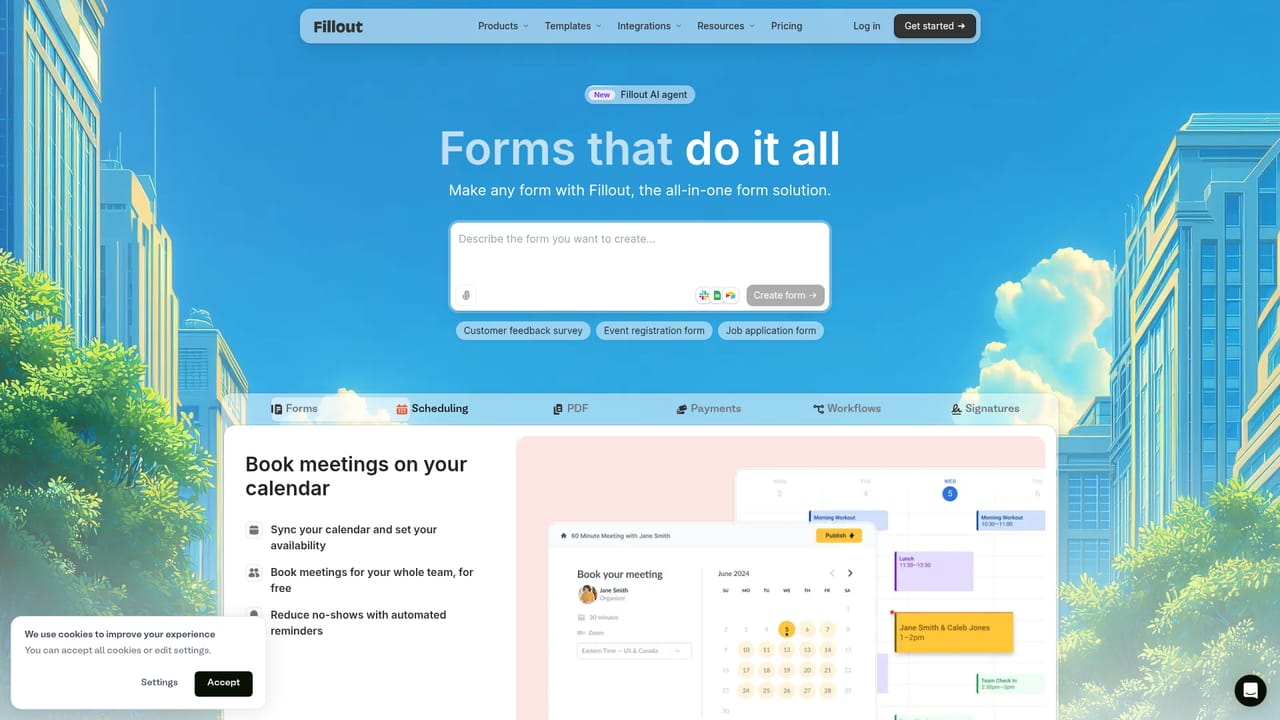
Fillout is a google form filler tool. Fillout's AI form builder writes questions, conditional logic and themes from a plain-language prompt, a PDF upload or an imported Google Form, then hands the result to a full drag-and-drop editor. Surveys, quizzes, payment forms and applications run on the same platform, with Stripe, scheduling, PDFs, e-signatures and workflows attached.
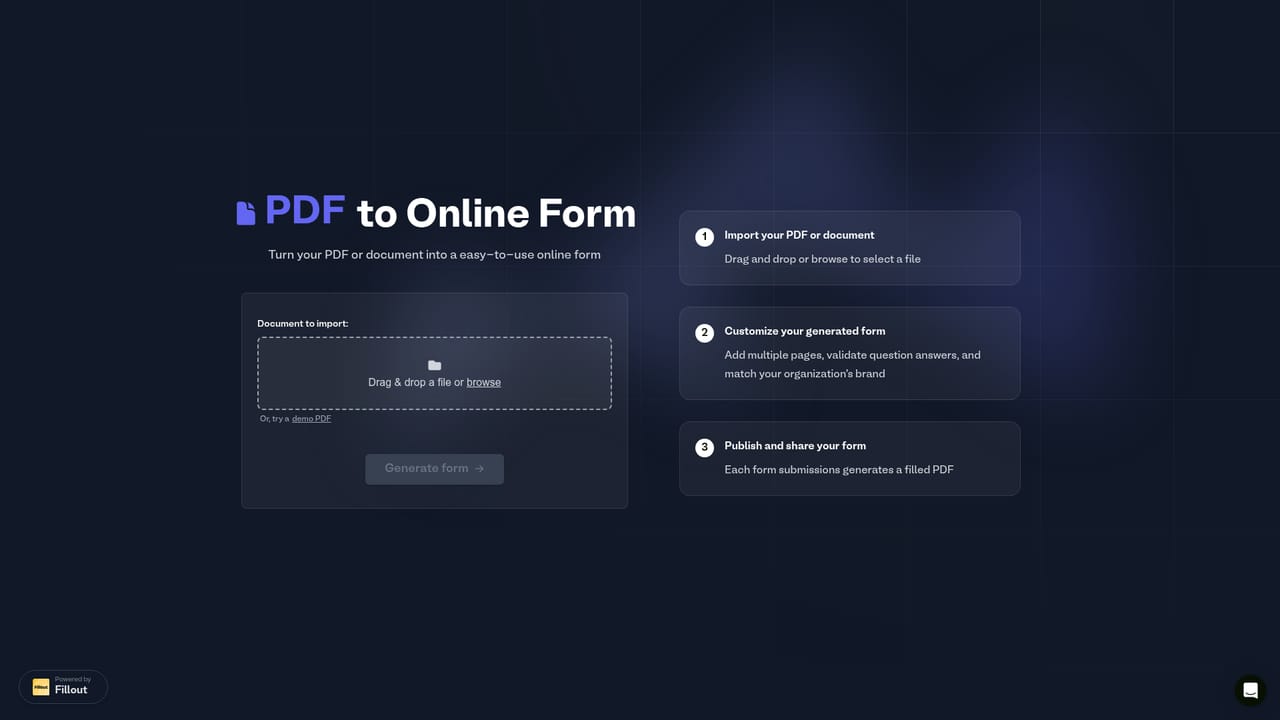
Fillout's AI form builder turns a written description into a working form. You type what you need in ordinary language, paste questions you already have, upload a PDF or import an existing form, and the builder writes the fields, chooses appropriate input types, wires up conditional logic and applies a visual theme. The output is a real Fillout form, not a locked mockup, so every question, rule and color stays editable in the full drag-and-drop editor. The tool covers more than intake forms. The same prompt box produces surveys with NPS and rating questions, quizzes with scoring and answer keys, order forms with deposit payments, and applications that accept file uploads and e-signatures. Follow-up prompting handles revisions: ask for an optional phone field, a deposit step or a branch that reveals a text box when a checkbox is ticked, and the form updates in place. Nothing is published until you choose to share it by link, embed or email. It suits operations, HR, marketing and events teams that build forms regularly and would rather describe the structure than assemble it field by field. Small businesses without a designer benefit most from the one-sentence branding, where a described palette and font choice is applied across the whole form. The platform behind the builder adds Stripe payments with discounts and free trials, calendar synced scheduling, PDF generation from responses, and post-submission workflows that include AI steps for summarizing, tagging and routing answers. Against template libraries or manual builders, the advantage is speed on first drafts and on revisions, plus a migration path from Google Forms and Typeform. It is a less obvious fit if you need highly bespoke front-end code or want to reason about the AI output before trusting it, since generated logic should still be tested on a real submission.
A free account is offered with no credit card required, according to the homepage. Plan limits and any paid tiers are not described there.
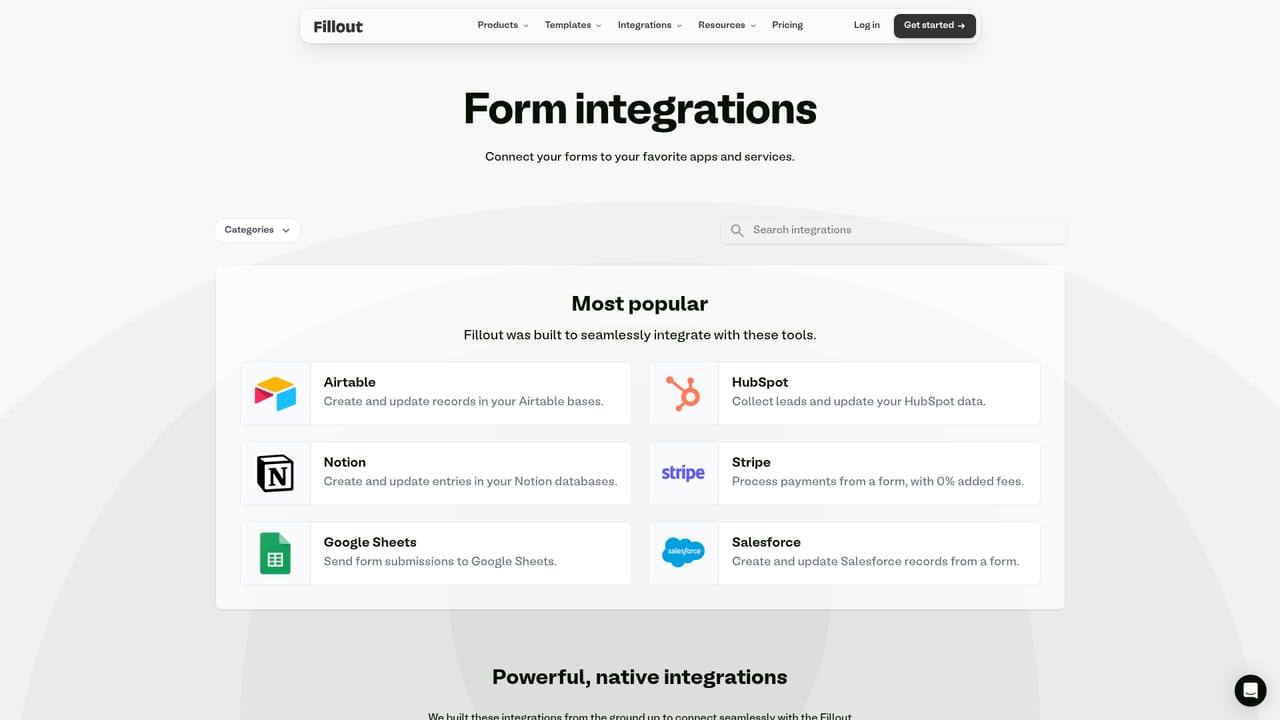
Learn moreThe homepage names Google Sheets, Airtable, Notion, Slack, HubSpot, Salesforce, Stripe, Gmail, Mailchimp and Make, and states that more than 50 other apps are supported. Imports from Google Forms and Typeform are also offered.
Learn moreThe AI writes questions, picks field types, wires conditional logic, page jumps, scoring and calculations, and applies themes from a one-sentence brand description. Forms can be generated from a prompt, a PDF, pasted questions or an import. The platform adds Stripe payments, calendar booking, PDF generation from responses, e-signatures, and workflows with AI steps that summarize, tag, score and route submissions.
Learn more AI Angels400+ customizable AI girlfriends for NSFW chat, voice calls, and roleplay
 Candy AIExperience the future of companionship with AI friends who chat, role-play, and connect with you on a human level.
 ourdream.aiA vast AI roleplay platform with millions of characters for chat, images, video and voiceAI Angels400+ customizable AI girlfriends for NSFW chat, voice calls, and roleplayCandy AIExperience the future of companionship with AI friends who chat, role-play, and connect with you on a human level.ourdream.aiA vast AI roleplay platform with millions of characters for chat, images, video and voice