Free trial
A free starting tier is advertised with no credit card required and no stated commitment. Sign-up opens directly from the homepage, but the length and limits of any paid trial are not specified there.
Learn moreAI autopilot that drafts, schedules and publishes to nine social platforms
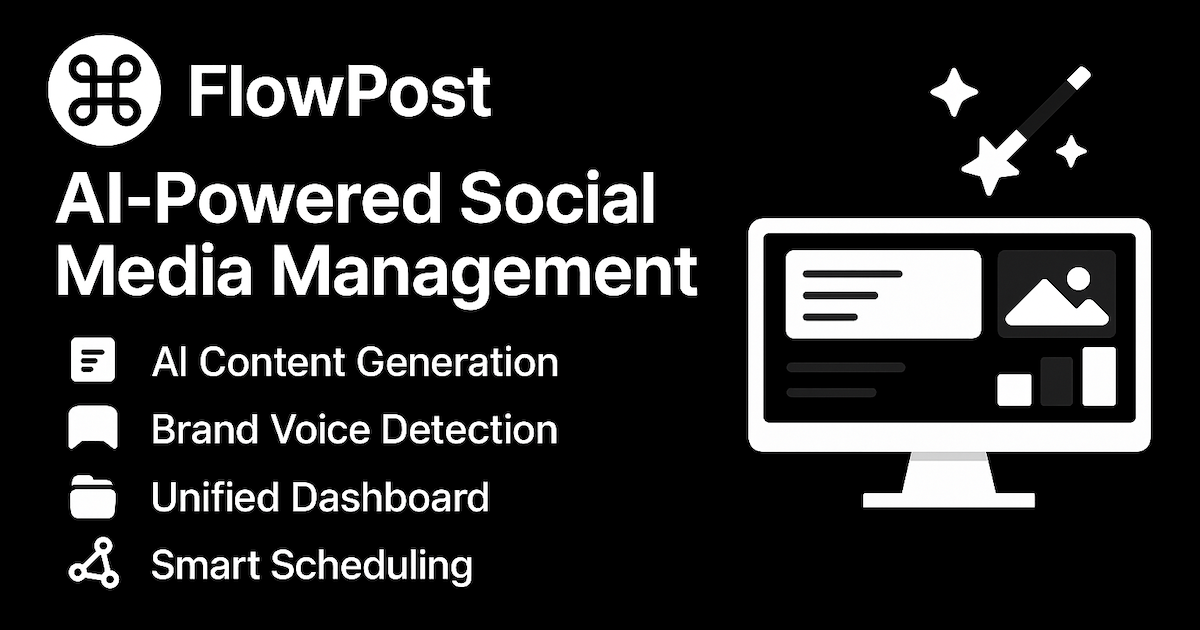
FlowPost is an AI social media autopilot that learns a brand voice from content you provide, then drafts, schedules and publishes posts to nine platforms including LinkedIn, Instagram, TikTok and YouTube. It adds carousels, AI images and video repurposing, RSS-to-social automation and a comment hub in one dashboard.
FlowPost is a social media publishing workspace built around an AI autopilot. The core idea is that a single dashboard should handle drafting, scheduling and publishing to nine destinations: LinkedIn, Instagram, Facebook, TikTok, Twitter (X), Threads, Pinterest, YouTube and Google Business Profile. Instead of writing one caption and rewriting it four times across different apps, users build a post once and assign it to the accounts that matter. The voice-matching engine is the centerpiece. Users supply existing content, and FlowPost analyzes tone, style, recurring keywords and writing preferences to build a voice profile. Future drafts are generated against that profile, with fine-tuning controls for length, tone and style before anything goes live. The same profile guides AI-drafted comment replies in the engagement hub, where supported comments from multiple accounts are reviewed in one place and replies can be automated for eligible workflows. Autopilot covers the repetitive layer. A publishing cadence can be configured, RSS feeds can be connected so new blog items become social drafts, and the calendar handles the rest with drag-and-drop scheduling. Beyond text, FlowPost generates carousel drafts and short images or videos from creative direction, and a single upload can be prepared for TikTok, YouTube Shorts, Instagram Reels and LinkedIn. Media persists in an unlimited library for reuse. It fits solo creators and small marketing teams who want consistency without living in feeds, and multi-workspace support with individual logins makes it viable for agencies running several brands. The pitch is focus as much as automation: work happens inside FlowPost rather than inside distracting apps. Compared with single-network schedulers, the breadth of nine destinations plus voice learning is the differentiator, though the homepage does not publish pricing tiers, so cost has to be checked directly.
A free starting tier is advertised with no credit card required and no stated commitment. Sign-up opens directly from the homepage, but the length and limits of any paid trial are not specified there.
Learn moreA FAQ page covers what FlowPost is, free access and supported platforms. No email, chat or phone support channels are listed on the homepage.
Learn moreRSS feeds are the integration named on the homepage, used to turn new blog items into social drafts. Publishing destinations include LinkedIn, Instagram, Facebook, TikTok, Twitter (X), Threads, Pinterest, YouTube and Google Business Profile.
One dashboard covers nine publishing destinations, voice-matched caption generation with tone and length controls, AI carousels, generated images and short video, multi-format video distribution, drag-and-drop scheduling, RSS-to-social drafts, a comment and engagement hub with drafted replies, multi-workspace management, unlimited media storage and cross-channel performance reporting.
 AI Angels400+ customizable AI girlfriends for NSFW chat, voice calls, and roleplay
 Candy AIExperience the future of companionship with AI friends who chat, role-play, and connect with you on a human level.
 ourdream.aiA vast AI roleplay platform with millions of characters for chat, images, video and voiceAI Angels400+ customizable AI girlfriends for NSFW chat, voice calls, and roleplayCandy AIExperience the future of companionship with AI friends who chat, role-play, and connect with you on a human level.ourdream.aiA vast AI roleplay platform with millions of characters for chat, images, video and voice