Free trial
14-day free trial on both Team and Pro plans, no credit card required.
Learn moreQuery your website analytics through an AI agent instead of a dashboard
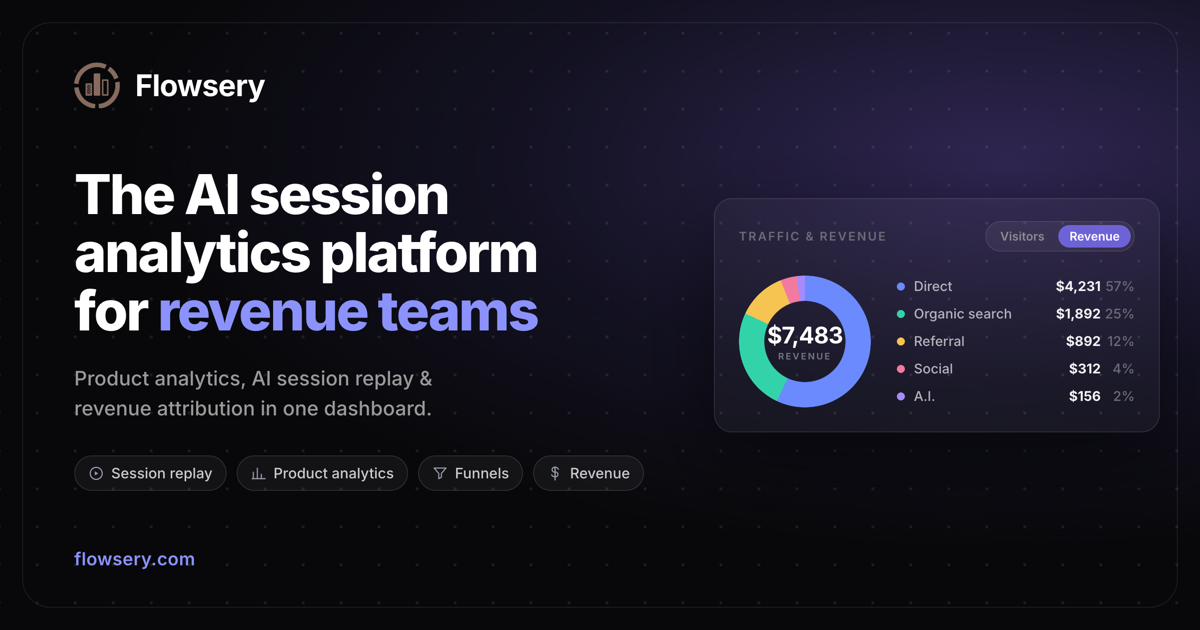
Flowsery is an AI agent analytics layer: connect Claude, ChatGPT, Cursor, OpenClaw or a custom agent through MCP, a skill, CLI or REST API, then ask plain language questions about traffic, revenue, goals and funnel drop-off without opening a dashboard.
Flowsery exposes website analytics to AI agents rather than asking you to read charts in a browser tab. The agent layer connects to traffic, pageview, source, geographic, revenue, goal, funnel and custom event data, then answers questions in natural language. Instead of building a report by hand, you describe the question and the agent pulls the numbers. The product positions this as a replacement for the dashboard habit rather than an addition to it: the vendor's own pitch is "no dashboard needed." The connection options cover most working styles. MCP is the primary route, available to Claude, ChatGPT, Cursor, Windsurf and any other MCP capable client, with an OAuth sign-in flow so no token has to be pasted. Coding agents can install a skill with a single npx command, which the site says returns 28 analytics tools. OpenClaw users get an autonomous agent that can also create goals and monitor funnels, not just read data. A preconfigured Grok bot can be opened in the Grok app with a workspace token. For everything else there is a REST API with endpoints for stats, goals and exports, plus a CLI for terminal and CI use that can print JSON. In practice this suits developers, growth teams and small analytics minded companies already working inside an AI assistant. Agent autonomy extends past querying: the agent can define multi step funnels and return drop-off analysis, set conversion goals and track progress, and generate CSV or JSON exports for a date range. Questions can span multiple tracked sites, and the vendor states the data is cookie-free with no personal data collected. It is not a general BI platform and it is not aimed at people who want a visual report builder. The value depends entirely on the agent you bring, and the analytics feature set is narrower than a dedicated product analytics suite. Teams already committed to Claude, Cursor or similar assistants will get the most from it.
14-day free trial on both Team and Pro plans, no credit card required.
Learn moreTwo plans, Team and Pro, with every feature included on both and a free 14-day trial without a credit card. The plans differ by session volume, websites (2 versus unlimited), team members (5 versus 10), AI fix PRs and replay retention (3 versus 12 months). A Custom tier covers volume above Pro limits, custom retention and invoicing.
Learn moreContact address listed as contact@flowsery.com, with priority support on the Custom tier and documentation pages for getting started and CLI use.
Learn moreMCP for Claude, ChatGPT, Cursor and Windsurf; an npx installed agent skill; OpenClaw autonomous agents; a preconfigured Grok bot; a Claude directory connector; REST API; CLI for terminal and CI; Zapier.
Learn moreAgent access to visitors, pageviews, sources and geographic data with filtering by date range, source, page and country. Agents can create and track conversion goals, build multi step funnels with drop-off analysis, monitor custom events, export CSV or JSON reports, and query across multiple tracked websites.
Learn more AI Angels400+ customizable AI girlfriends for NSFW chat, voice calls, and roleplay
 Candy AIExperience the future of companionship with AI friends who chat, role-play, and connect with you on a human level.
 ourdream.aiA vast AI roleplay platform with millions of characters for chat, images, video and voiceAI Angels400+ customizable AI girlfriends for NSFW chat, voice calls, and roleplayCandy AIExperience the future of companionship with AI friends who chat, role-play, and connect with you on a human level.ourdream.aiA vast AI roleplay platform with millions of characters for chat, images, video and voice