Support
Support is handled by email at support@flowspeech.io, listed at the end of the FAQ section on the homepage.
Context-aware text to speech with emotion and pause tags built into the script

FlowSpeech is an AI narration tool. A browser text to speech studio where inline bracket tags for emotion, accent, and pause control shape the delivery, with single speaker, multi speaker, and instant modes, 30 voices, and renders up to 100k characters.
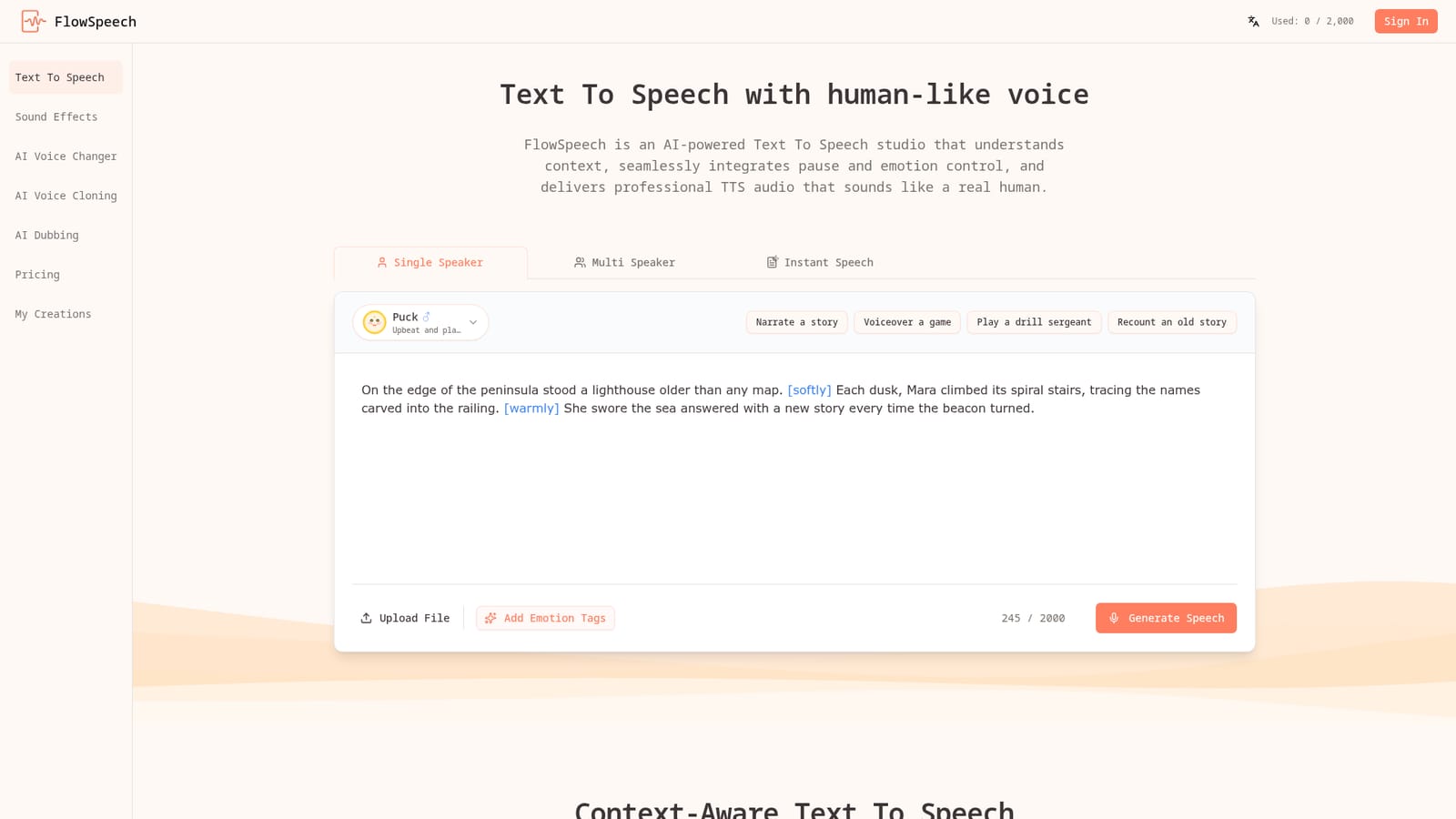
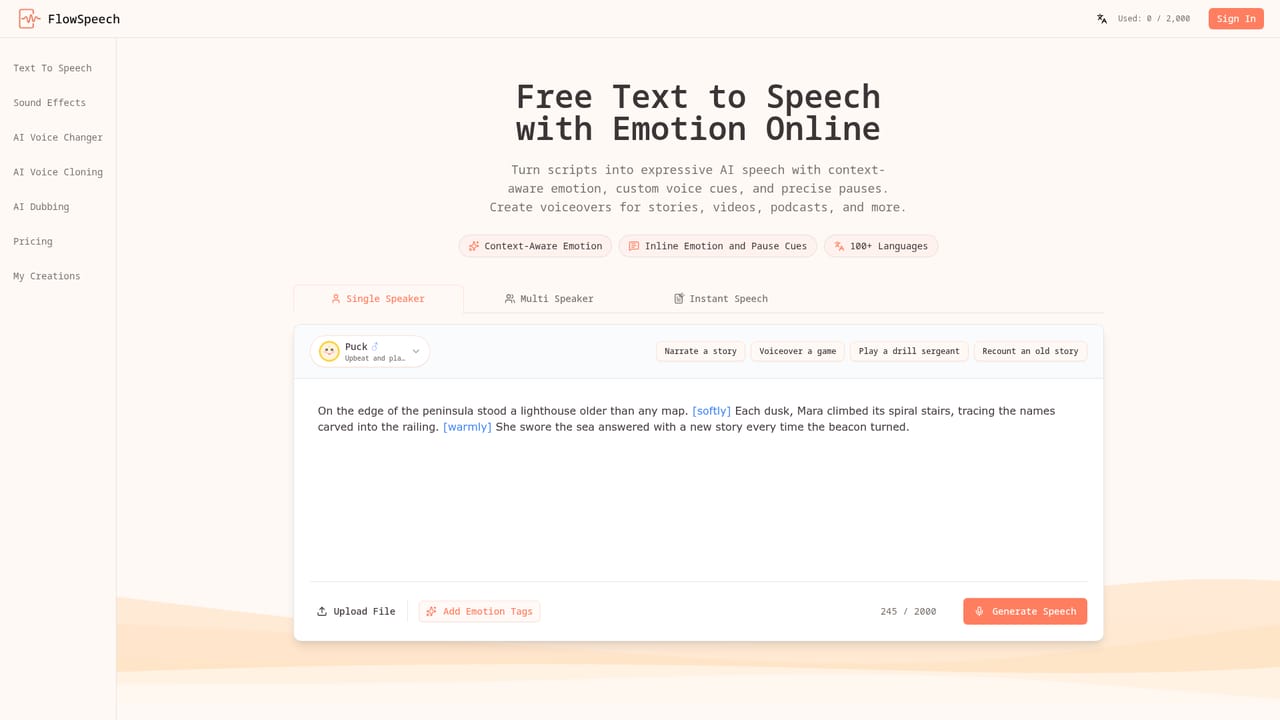
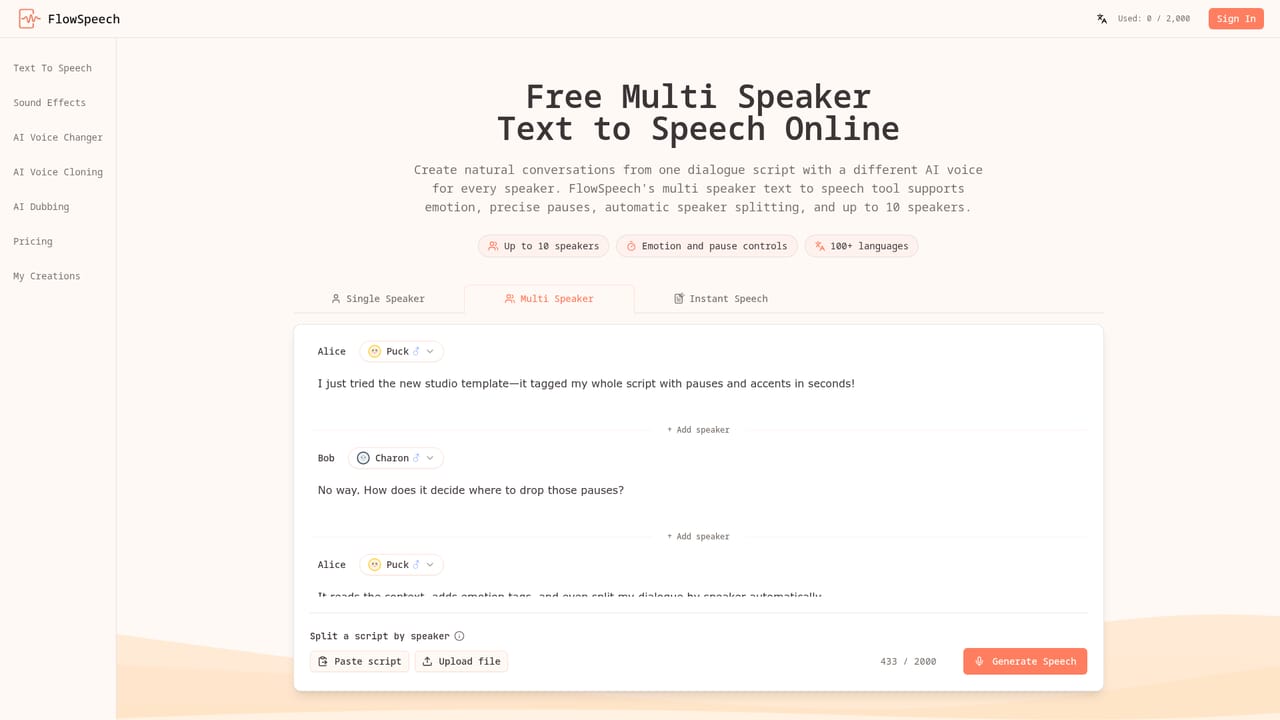
FlowSpeech is a browser-based text to speech studio built around a single idea: the script itself should carry the performance directions. Instead of generating flat narration and fixing it later in an audio editor, writers insert square-bracket tags inline, such as an instruction to whisper, shout, or switch to a British accent, or a pause marker like a one second hold. The engine parses those cues alongside the surrounding prose and adjusts sentiment, timing, and delivery, so the exported audio lands closer to the intended read on the first pass. The tool offers three working modes. Single Speaker handles monologues and includes an Add Emotion Tags action that reads the draft and inserts context-aware cues automatically while keeping one voice character throughout. Multi Speaker scans a script, detects where the speakers change, splits the text, and assigns each segment a voice, which suits dialogue-heavy fiction and interview-style podcasts. Instant Speech is the fast path for short lines that need no setup. Scripts can be pasted, typed, or uploaded as PDF, DOC, DOCX, PPT, PPTX, TXT, RTF, EPUB, or image files, with the text extracted before conversion. Voice selection runs across 30 distinct voices grouped into four styles: serious news, energetic marketing, warm narrative, and expressive character. The standard voice set covers more than 100 languages, though coverage differs by voice. A single render accepts up to 100,000 characters, which means long manuscripts can be processed without splitting chapters. The audience is practical rather than experimental: authors producing audiobooks, marketers cutting video voiceovers, podcasters staging multi-voice episodes, and educators narrating course material. Compared with general-purpose TTS services, FlowSpeech trades breadth of voice cloning or API plumbing for tighter in-script control over pacing and emotion. Clipchamp and CapCut users will find it a dedicated audio stop before editing; Descript and ElevenLabs cover overlapping ground, but FlowSpeech's pitch is the tagged script workflow rather than a full production suite.
Support is handled by email at support@flowspeech.io, listed at the end of the FAQ section on the homepage.
Context-aware emotion delivery, bracket tags for emotion and accent, timed pause tags, auto emotion tagging for single speaker scripts, automatic speaker detection and voice matching in multi speaker mode, 30 voices in four styles, 100+ languages with per-voice variation, renders up to 100k characters, and ingestion of PDF, Word, PowerPoint, TXT, RTF, EPUB, and image files.
Learn more AI Angels400+ customizable AI girlfriends for NSFW chat, voice calls, and roleplay
 Candy AIExperience the future of companionship with AI friends who chat, role-play, and connect with you on a human level.
 ourdream.aiA vast AI roleplay platform with millions of characters for chat, images, video and voiceAI Angels400+ customizable AI girlfriends for NSFW chat, voice calls, and roleplayCandy AIExperience the future of companionship with AI friends who chat, role-play, and connect with you on a human level.ourdream.aiA vast AI roleplay platform with millions of characters for chat, images, video and voice





