Free trial
A 7-day free trial is offered on your first brand. A card is required but nothing is charged until day seven, and the trial generates 3 real posts and 2 articles for your brand.
Learn moreAI that researches, writes and publishes your monthly social posts and SEO articles

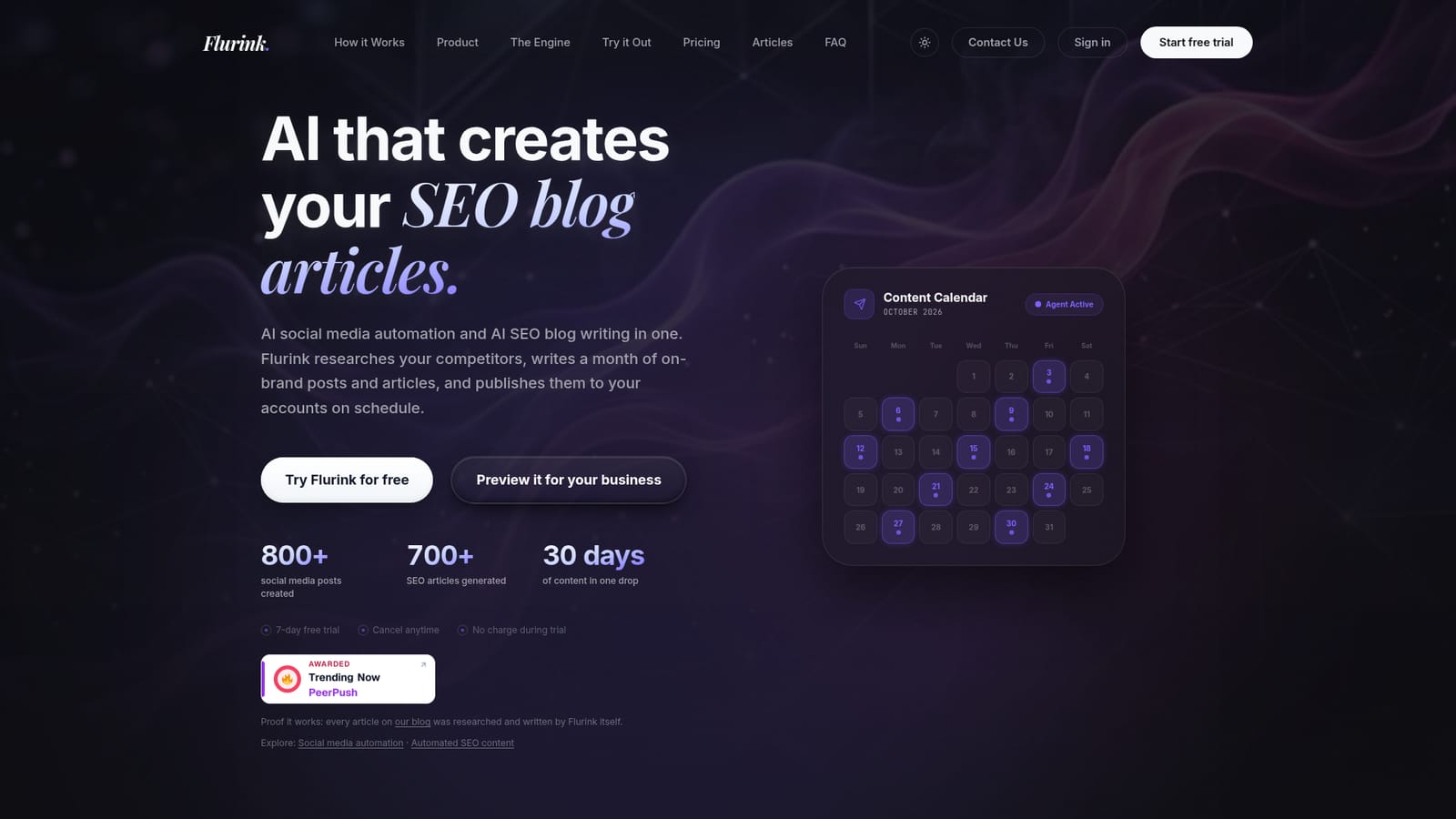
Flurink generates a month of on-brand social posts (images, captions, hashtags) plus keyword-researched SEO blog articles from your website and competitor research, then auto-publishes to connected accounts on a schedule. Built for founders, agencies and small marketing teams that want consistent output without hiring a full content team.
Flurink is a content engine that combines social media automation with SEO blog writing. You point it at your website and a few product details, and it builds a brand profile, identifies your main competitors, and studies what those competitors publish, which hashtags they use and which keywords they already rank for. From there it produces a full month of social posts (image, caption and hashtags together) plus long-form blog articles, all in one batch per billing cycle. The research layer is what separates it from a plain article spinner. Before writing, Flurink reads Reddit and niche forums to surface the questions customers actually ask, then builds topics around those questions and backs each article with keyword data. Content is structured for AEO and GEO as well as classic search, so the stated aim is being cited in ChatGPT, Claude and AI Overviews rather than only ranking on Google. Images are generated per post from the brand and strategy context instead of drawn from stock libraries. In daily use the workflow is light. Connect Instagram, Facebook, LinkedIn or X, and scheduled posts go out automatically; anything you leave unconnected stays in the calendar for manual posting. Each post comes with one free regeneration if the first attempt misses, and publishing times are set from engagement patterns rather than picked at random. Posts and articles arrive together on every plan, though the company says it will scope a posts-only or articles-only arrangement on request. It suits founders, small marketing teams, agencies and ecommerce or local businesses that need steady output without hiring a social manager, writer and designer separately. The honest framing is that Flurink replaces the production layer, not the judgment layer: someone still has to review the calendar and keep the brand voice honest. It is closer to a content service than to a scheduler like Hootsuite or Buffer, which organize work you already did. The company also publishes its own blog, written by the tool, as a live sample of output quality.
A 7-day free trial is offered on your first brand. A card is required but nothing is charged until day seven, and the trial generates 3 real posts and 2 articles for your brand.
Learn morePlans start at $49 per month, with Starter, Growth ($89 per month for 30 posts and 16 blog articles), Scale and Enterprise tiers up to $189 per month. Volumes and included features scale by plan. Posts-only and articles-only scopes are available on request.
Learn moreAccount contact runs through a contact form on the site. Users can send feedback on individual posts to request a regeneration, and cancellation is handled in two clicks from the dashboard.
Publishing connects to Instagram, Facebook, LinkedIn and X/Twitter. Posts for unconnected networks stay in the calendar for manual publishing. No other integrations are documented on the homepage.
Learn moreCompetitor analysis of posts, hashtags and ad campaigns; Reddit and forum question mining for topics; keyword research with real search volume; brand voice derived from your site; on-brand image generation; hook-first captions with 5 hashtags per post; AEO and GEO optimisation for AI search citation; scheduling at engagement-based times; automatic publishing to connected accounts; one free regeneration per post.
Learn more AI Angels400+ customizable AI girlfriends for NSFW chat, voice calls, and roleplay
 Candy AIExperience the future of companionship with AI friends who chat, role-play, and connect with you on a human level.
 ourdream.aiA vast AI roleplay platform with millions of characters for chat, images, video and voiceAI Angels400+ customizable AI girlfriends for NSFW chat, voice calls, and roleplayCandy AIExperience the future of companionship with AI friends who chat, role-play, and connect with you on a human level.ourdream.aiA vast AI roleplay platform with millions of characters for chat, images, video and voice


