Support
Support begins with a sales enquiry route. The homepage does not document a help centre, community forum or tiered support agreements.
Learn moreAI product photography that keeps your product's pixels intact

Fotographer is a background remover tool. An AI product photography platform for commerce teams, combining scene generation, multi-product inpainting and background swapping while preserving the original product's pixels, geometry and branding. Available through a web app and a developer API.
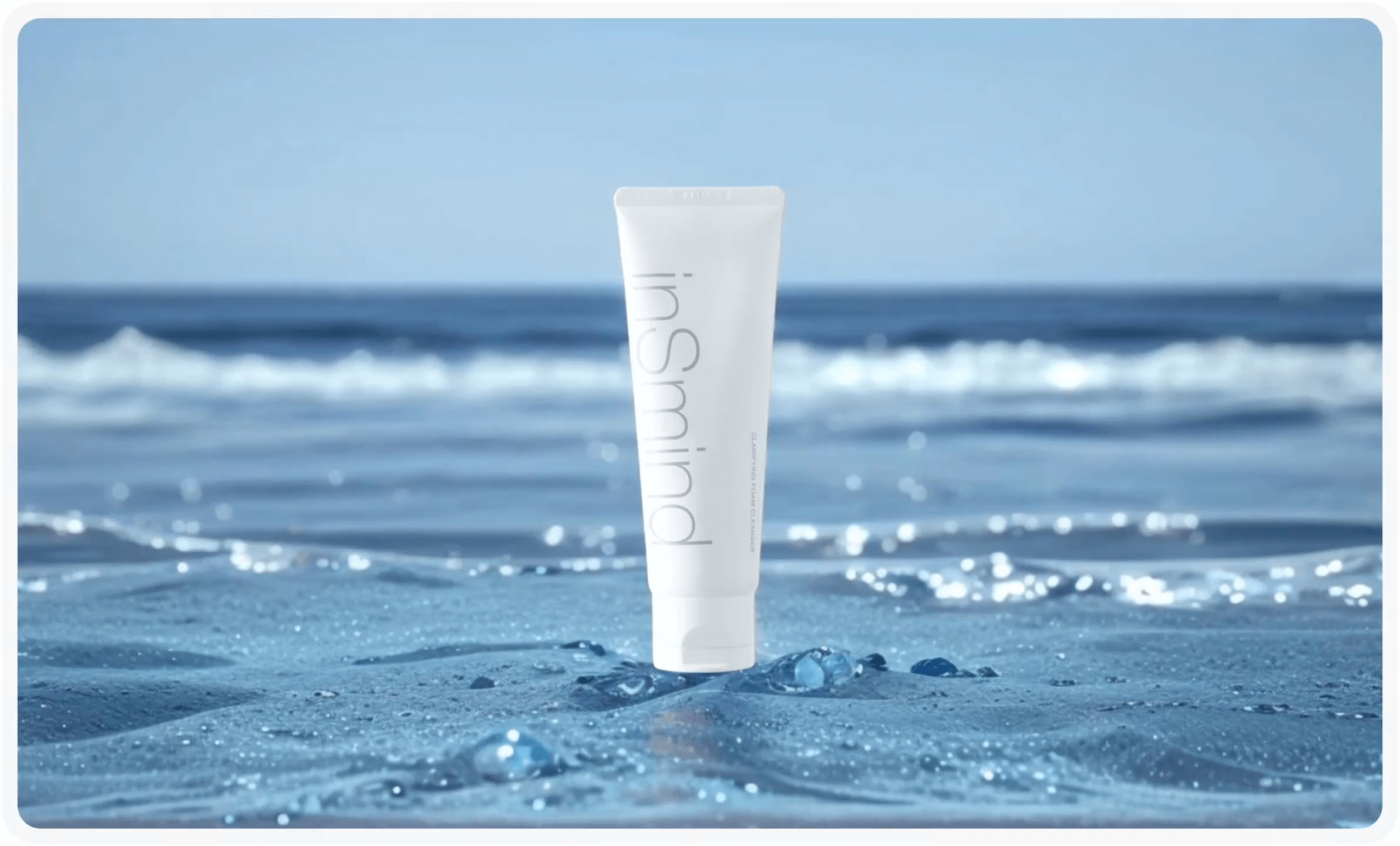
Fotographer is an AI image platform built around a specific commercial problem: producing catalogue-grade product photography without shooting every scene in a studio. Its headline capability is ZenInpaint, an inpainting engine that swaps or generates backgrounds and places multiple products into a single composition while preserving the original appearance, geometry and branding of each item. That constraint matters. Most generative image tools redraw whatever is in front of them, which quietly alters logo shapes, fabric texture and proportions. Fotographer positions its model as one that respects those details rather than approximating them. The product surface breaks into three connected tasks. Scene Generation takes a rough or draft image and turns it into a detailed final render, which removes the long render cycles normally associated with 3D workflows. Inpaint handles multi-item composition, so a set of products can be arranged in one shot without each item being repainted. Background Generation changes only the backdrop and blends it into the subject, which is the loop most ecommerce teams run most often. Fotographer is aimed at commerce brands, 3D visualisation vendors and agencies that produce volume. The public partnership with Cylindo, a Chaos company, is revealing: Fotographer supplies the image models and infrastructure behind part of Cylindo's AI product suite, and the stated outcome is production cost cuts of up to 80 percent for brands. That is enterprise positioning rather than a consumer toy. Teams that already hold product renders or clean packshots get the most from it, because the input quality sets the ceiling on the output. The comparison set is crowded. General image generators are cheaper and more flexible but unreliable on brand fidelity; traditional 3D rendering is precise but slow and expensive. Fotographer sits between the two, trading some creative latitude for consistency. Access runs through a web app and a developer API with key provisioning, so both marketers and engineering teams can use it.
Support begins with a sales enquiry route. The homepage does not document a help centre, community forum or tiered support agreements.
Learn moreAccess is API first, with a dashboard for key management and a demonstrated infrastructure role inside Cylindo's AI product suite. No third-party plugin or connector list is published on the homepage.
Learn moreThree core capabilities: Scene Generation, which turns rough images into detailed renders and skips long render cycles; Inpaint, which composes multiple items in one image while preserving each product's appearance; and Background Generation, which replaces only the backdrop and blends it naturally. All are exposed through an API for automated, high-volume product photography.
Learn more AI Angels400+ customizable AI girlfriends for NSFW chat, voice calls, and roleplay
 Candy AIExperience the future of companionship with AI friends who chat, role-play, and connect with you on a human level.
 ourdream.aiA vast AI roleplay platform with millions of characters for chat, images, video and voiceAI Angels400+ customizable AI girlfriends for NSFW chat, voice calls, and roleplayCandy AIExperience the future of companionship with AI friends who chat, role-play, and connect with you on a human level.ourdream.aiA vast AI roleplay platform with millions of characters for chat, images, video and voice