Free trial
No time limited trial is described. Building a study in the quest builder is free, and a live demo study block can be run on the site before committing credits.
Learn moreRun brain and behavior studies remotely from one platform
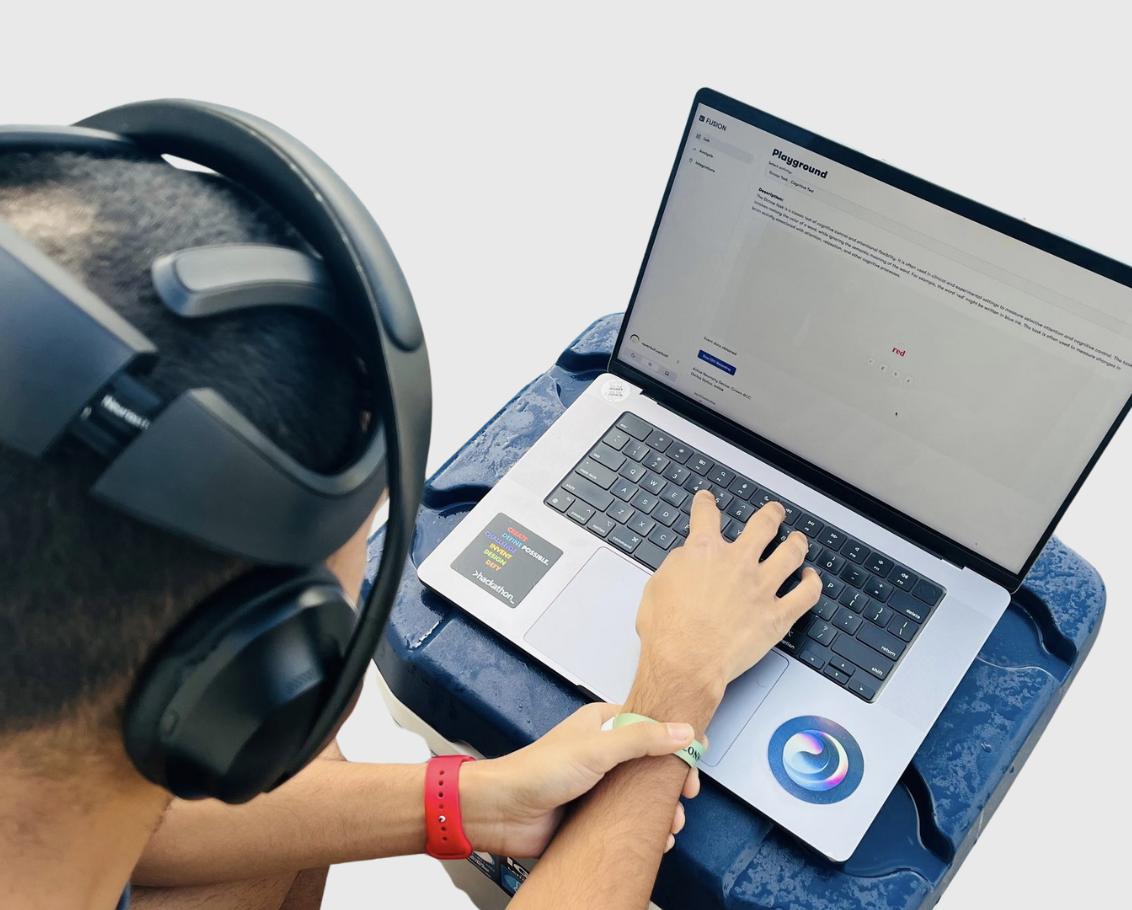
Fusion App is an academic research tool. A remote research platform for designing quests that mix questionnaires, cognitive tasks and consumer EEG recordings, then reviewing and exporting the results. Credit based pricing starts at $0.10 per participant with free study building.
NeuroFusion is a research platform for running brain and behavior studies with participants who never need to visit a lab. Investigators build a study, called a quest, that bundles informed consent, onboarding, questionnaires, interactive cognitive tasks and optional EEG recording into a single container. Participants join from a phone, tablet or web browser on their own schedule, and the outputs land in a structured dataset that can be reviewed or exported as CSV. The platform is aimed at academic labs, clinical research groups and small research operations teams that run longitudinal or observational work: repeated self-reports, scheduled mobile check-ins, remote cognitive assessments, resting state recordings and passive health data from wearables. Instead of stitching together a survey tool, a task runner, an EEG app and a spreadsheet pipeline, teams keep the whole protocol in one place. Prompts support text, numbers, scales and custom response options, and conditional logic plus notification schedules let a study adapt to each participant over weeks or months. In practice a researcher opens the quest builder, assembles consent flows and task blocks, attaches a recording protocol if needed, then shares the study for remote completion. Supported headsets include Muse and Neurosity Crown, with resting state (eyes open and closed) and standard cognitive paradigms such as Stroop, Oddball and N back. Offline capture syncs automatically, and custom HTML or JavaScript experiments can be embedded for teams that need something beyond the stock tasks. Analysis runs inside the same product: frequency power, ERP (P300) comparisons, periodic versus aperiodic activity, dashboards and optional Python notebooks that execute after collection. Pricing is credit based rather than subscription based, starting at $0.10 per participant, so building a study costs nothing until real participants join. Compared with lab-first neurophysiology suites, the tradeoff is narrower hardware support and a design built around short, repeatable measures rather than long in person sessions.
No time limited trial is described. Building a study in the quest builder is free, and a live demo study block can be run on the site before committing credits.
Learn moreCredit based, with no subscription and no monthly fee. Studies are built for free and credits are consumed as participants join, starting at $0.10 per participant. The homepage does not state credit expiry terms.
Learn morePublic documentation is available and the team offers contact about custom research programs. The homepage does not describe support tiers or response times.
Learn moreMuse EEG, Neurosity Crown, Apple Health, Google Fit, jsPsych and custom task support. The platform also advertises a Microsoft for Startups partnership.
Quest builder with consent flows, conditional logic, notification schedules and collaboration. Remote participation on iOS, Android and web with offline sync. EEG capture from Muse and Neurosity Crown, resting state and Stroop, Oddball and N back paradigms, plus jsPsych and custom HTML or JavaScript tasks. Analysis covers frequency power, ERP (P300), periodic versus aperiodic activity, CSV export and Python notebooks.
Learn more AI Angels400+ customizable AI girlfriends for NSFW chat, voice calls, and roleplay
 Candy AIExperience the future of companionship with AI friends who chat, role-play, and connect with you on a human level.
 ourdream.aiA vast AI roleplay platform with millions of characters for chat, images, video and voiceAI Angels400+ customizable AI girlfriends for NSFW chat, voice calls, and roleplayCandy AIExperience the future of companionship with AI friends who chat, role-play, and connect with you on a human level.ourdream.aiA vast AI roleplay platform with millions of characters for chat, images, video and voice