Free trial
Premium features can be tried free for 14 days from a free account. The free plan itself exists but does not allow you to publish the website.
Learn moreDescribe your business, get a generated site, then edit it without code
Own GetResponse AI Website Builder? Verify ownership to get a dofollow link

GetResponse AI Website Builder generates a complete website from a few questions about your business, then hands it to a no-code drag-and-drop editor. It ships with 100+ industry templates, free hosting on a subdomain, SEO fields, and built-in popups, forms, live chat and web push for capturing visitors.
GetResponse AI Website Builder is the site creation layer of the GetResponse marketing platform. Instead of starting from a blank canvas, you answer a short set of questions about your business and your visual preferences, and the AI wizard proposes three complete websites you can pick from. Whatever you choose lands in a drag-and-drop editor where text, buttons, images and prebuilt sections can be rearranged. Two more routes exist alongside the AI: a manual drag-and-drop creator for people who already know their structure, and more than 100 responsive templates organized around industries such as restaurants, real estate, law firms, schools, churches, tourism, sports and photography portfolios. The builder is aimed at small businesses and solo operators who need a credible web presence without an IT team. Publishing is part of the same account, so a free domain in the yourcompanyname.grwebsite.com format is available, or you can connect a domain you already own or buy one through GetResponse. Built-in SEO fields let you set the meta title and meta description directly in the editor, and native reports show visits and clicks so you can see which pages hold attention. A stock photo library from Unsplash (roughly one million images) and Giphy animations are available inside the editor, and a global design setting keeps typography and colors consistent across pages. The real differentiator is what surrounds the site. Popups, forms with timers and CTA buttons, web push notifications, and live chat all come from the same account, so visitor capture and follow-up email sit next to the website rather than in separate subscriptions. That same suite covers email marketing, a campaign generator, automation, and Google and Meta ad creation, which matters if the website is the top of a funnel rather than a standalone brochure. Where it fits: this is a marketing-first builder, not a general purpose site platform for complex custom builds. Someone who only needs a static portfolio may find a lighter tool sufficient, while teams already paying for an email platform get the site almost as an extension of that spend.
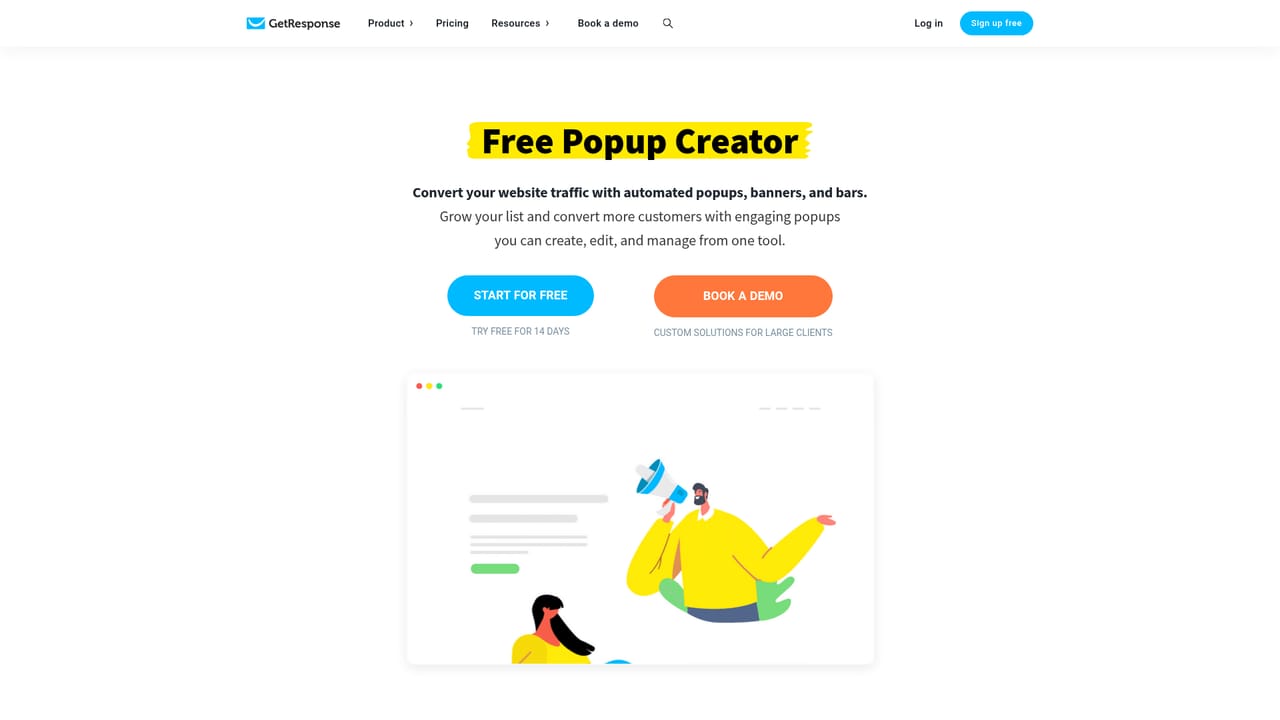
Premium features can be tried free for 14 days from a free account. The free plan itself exists but does not allow you to publish the website.
Learn moreA free account includes a 14 day trial of premium features, but publishing a website requires an upgrade to a paid plan. Paid plans start at $15 according to the site FAQ, and the pricing page has the current tiers.
Learn moreSupport is available 24/7 by email, with live chat during supported hours. A Website Builder help center and video walkthroughs cover setup questions.
Learn moreGetResponse lists 125+ integrations, including ecommerce stores and Google Analytics, which can be connected in a few clicks to keep data synchronized.
Learn moreThree build routes (AI wizard, drag-and-drop creator, 100+ templates), free hosting on a grwebsite.com subdomain or a custom domain, SEO metadata fields, native visit and click reports, Unsplash and Giphy libraries, and global design controls. Popups, forms, web push, live chat, email marketing and ad creation sit in the same account.
 AI Angels400+ customizable AI girlfriends for NSFW chat, voice calls, and roleplay
 Candy AIExperience the future of companionship with AI friends who chat, role-play, and connect with you on a human level.
 ourdream.aiA vast AI roleplay platform with millions of characters for chat, images, video and voiceAI Angels400+ customizable AI girlfriends for NSFW chat, voice calls, and roleplayCandy AIExperience the future of companionship with AI friends who chat, role-play, and connect with you on a human level.ourdream.aiA vast AI roleplay platform with millions of characters for chat, images, video and voice


