GPT Games

A browsable arcade of ChatGPT text games, plus a builder for your own.

Beginner
Screenshot of GPT Games, A browsable arcade of ChatGPT text games, plus a builder for your own

What is GPT Games?

GPT Games is a 20 questions game tool. A web arcade of ChatGPT-powered text games, from riddles and escape rooms to RPGs and life simulators, with a builder for publishing your own prompt-based game.

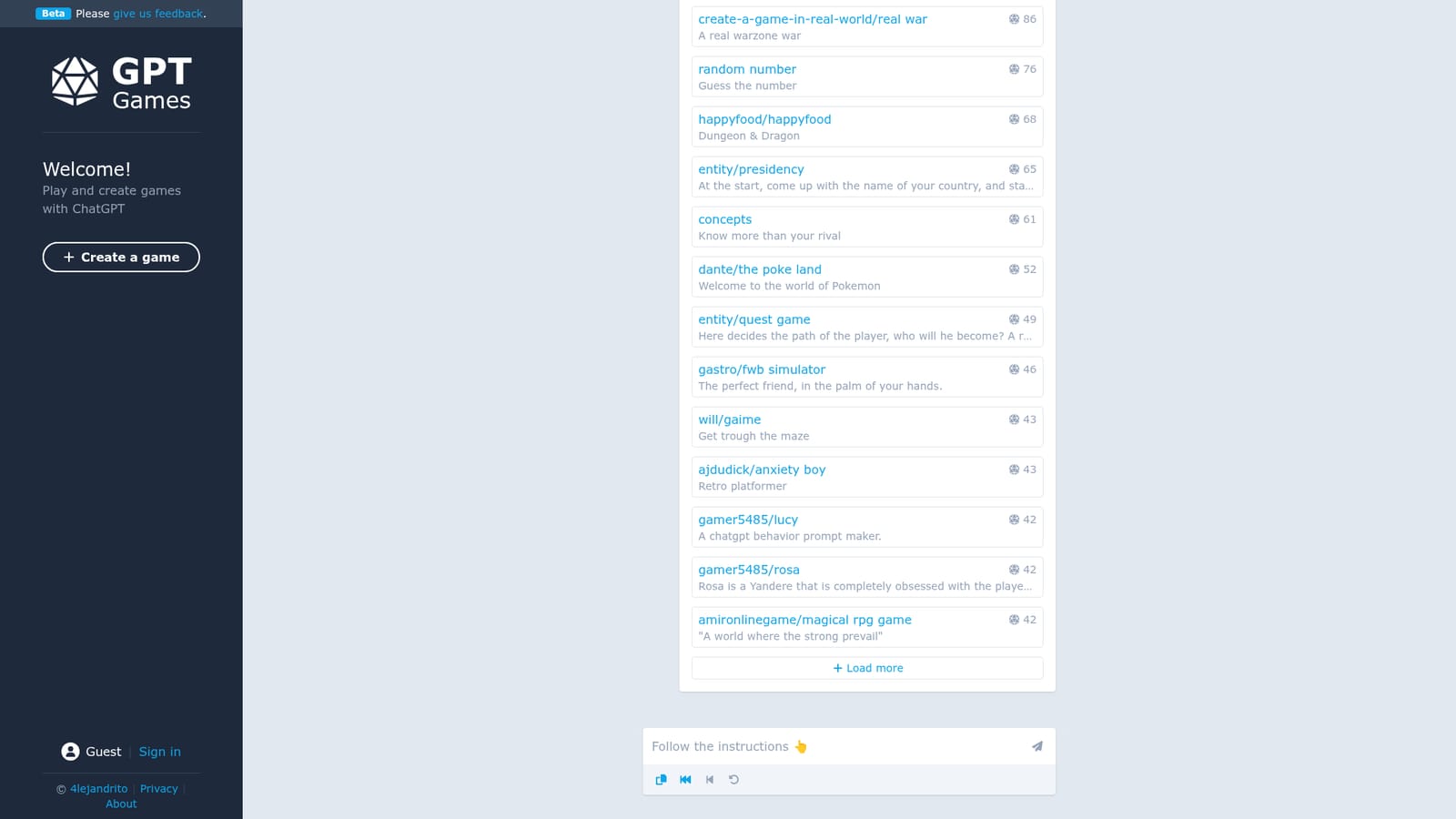
GPT Games is a web arcade where the games run on top of ChatGPT rather than on a traditional engine. The homepage opens onto a catalogue of playable scenarios with short descriptions and play counts, sorted by most popular, latest or official. Entries range from quick puzzle loops such as guessing a language, a painting or a hidden number, to longer text adventures like an escape room, a life simulator, a country-ruling political sim and a Pokemon-inspired world. A separate create page lets anyone with the link build and publish a new game of their own, which is why the catalogue mixes official entries with titles credited to individual creators. Each game is essentially a structured chat: the player types actions or answers, and the model narrates consequences, judges correct guesses or keeps score in prose. That makes the format cheap to produce and easy to remix. A riddle game, a dungeon crawl and a Yandere companion scenario all share the same underlying mechanics, differing only in the prompt behind them. The site surfaces rough popularity numbers next to each card, so the busiest titles (a bug-catching game and an escape room sit at the top in the hundreds of plays) are a reasonable starting point. The audience is casual players who want something to do inside a chat window, plus tinkerers who enjoy writing prompts as a design craft. It suits short sessions and curiosity more than long campaigns. Compared with polished game platforms, it is closer to a community prompt gallery with a play button: no downloads, no accounts required to browse, and no engine between you and the model. The variety is the draw, and the uneven quality of user submissions is the trade-off. The homepage carries a standing disclaimer that GPT may produce inaccurate information about people, places or facts. Treat narration as unreliable, especially in history-flavoured or celebrity-flavoured scenarios.

How do you use GPT Games?

  1. 1Open the arcade and scan the catalogue
    Land on the homepage to see every listed game with a one-line description and a play count. Use the Most popular, Latest and Official tabs to change the ordering.
    GPT Games — Open the arcade and scan the catalogue
  2. 2Start with an official crowd favourite
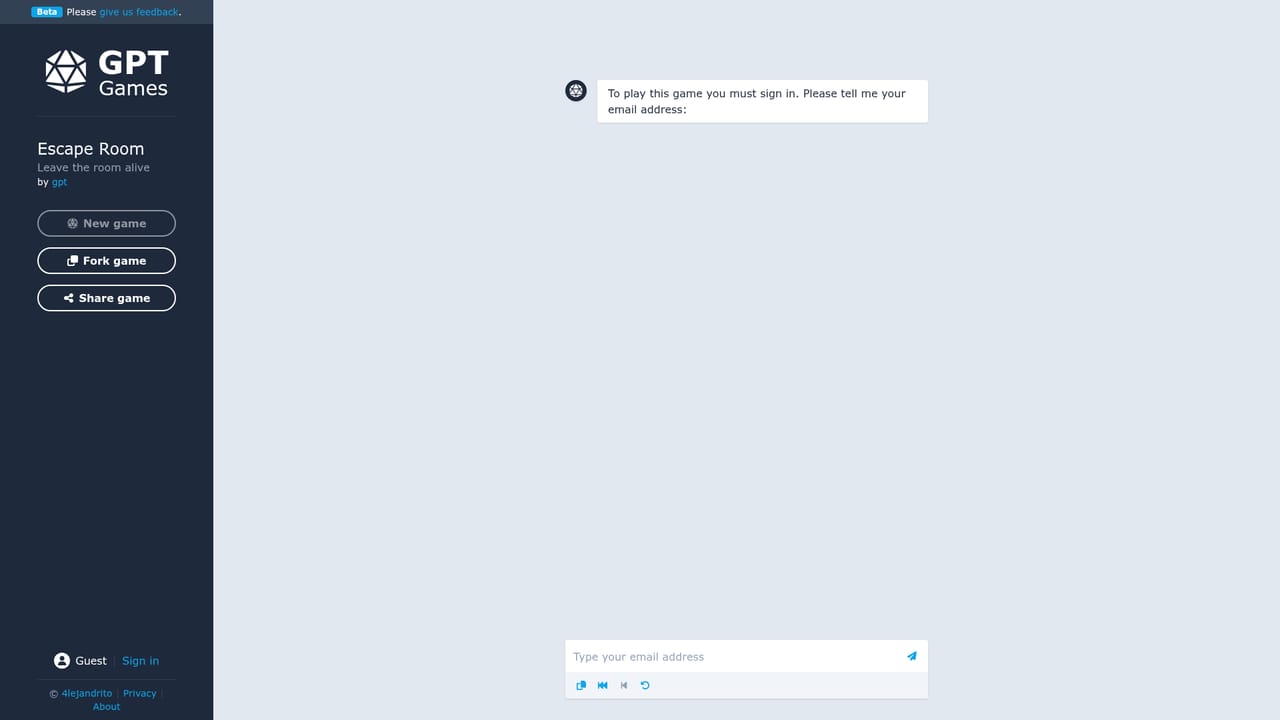
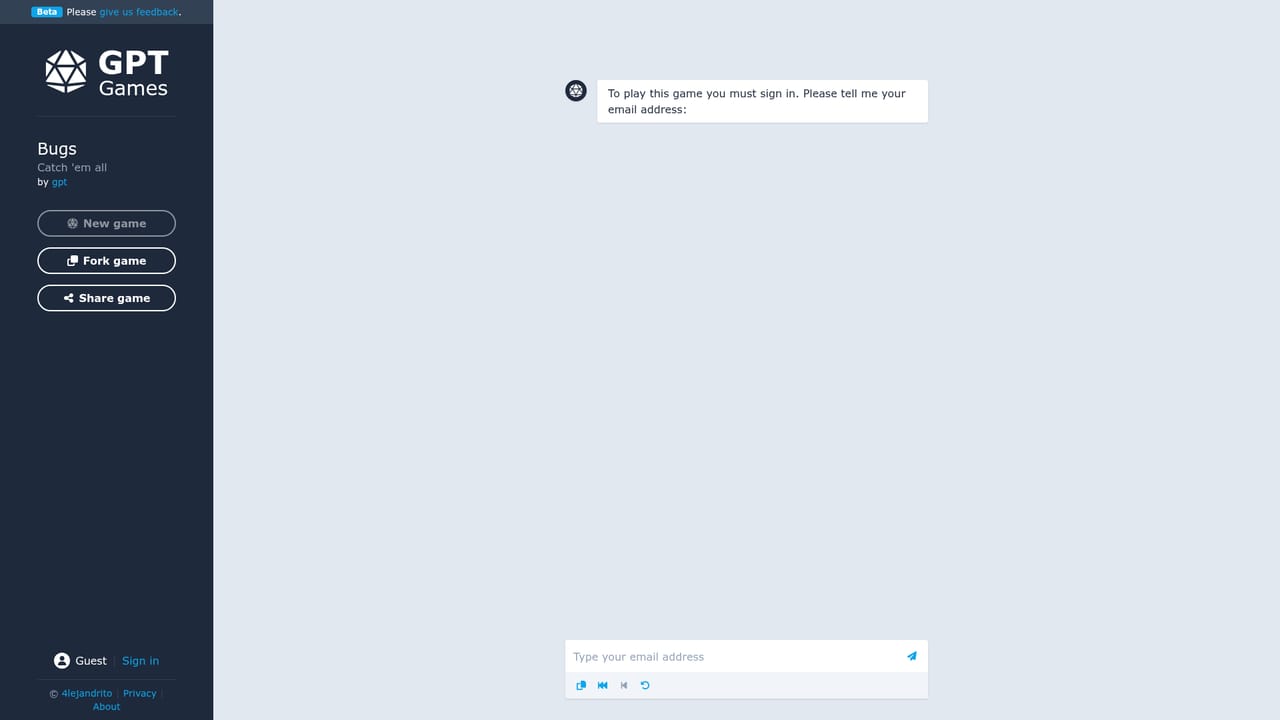
    Pick a high-traffic official title such as bugs or escape room to see how the chat-driven format plays before sampling community entries.
    GPT Games — Start with an official crowd favourite
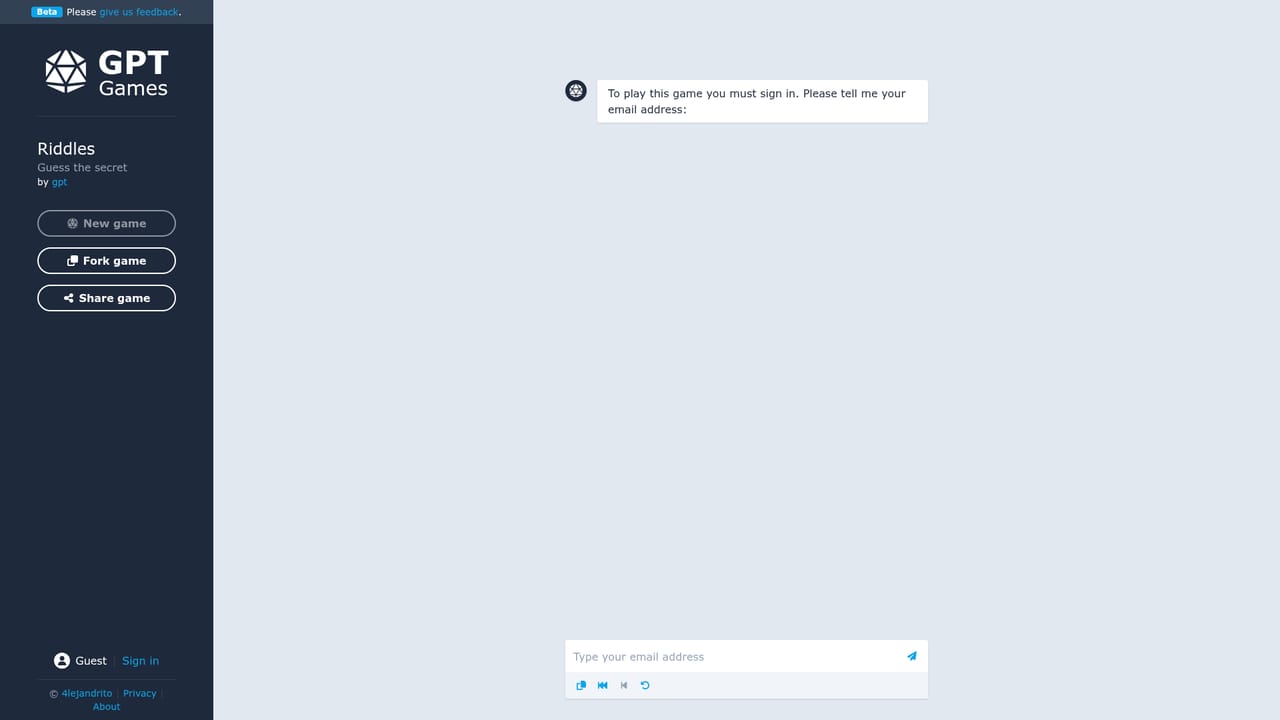
  3. 3Read the setup and type your first move
    Each game page explains the premise. Reply in the chat box with an action or an answer, and the model narrates or scores the result.
    GPT Games — Read the setup and type your first move
  4. 4Branch into other genres
    Try a puzzle game like riddles or a longer scenario such as rpg life to compare how differently the same chat mechanic can be used.
    GPT Games — Branch into other genres
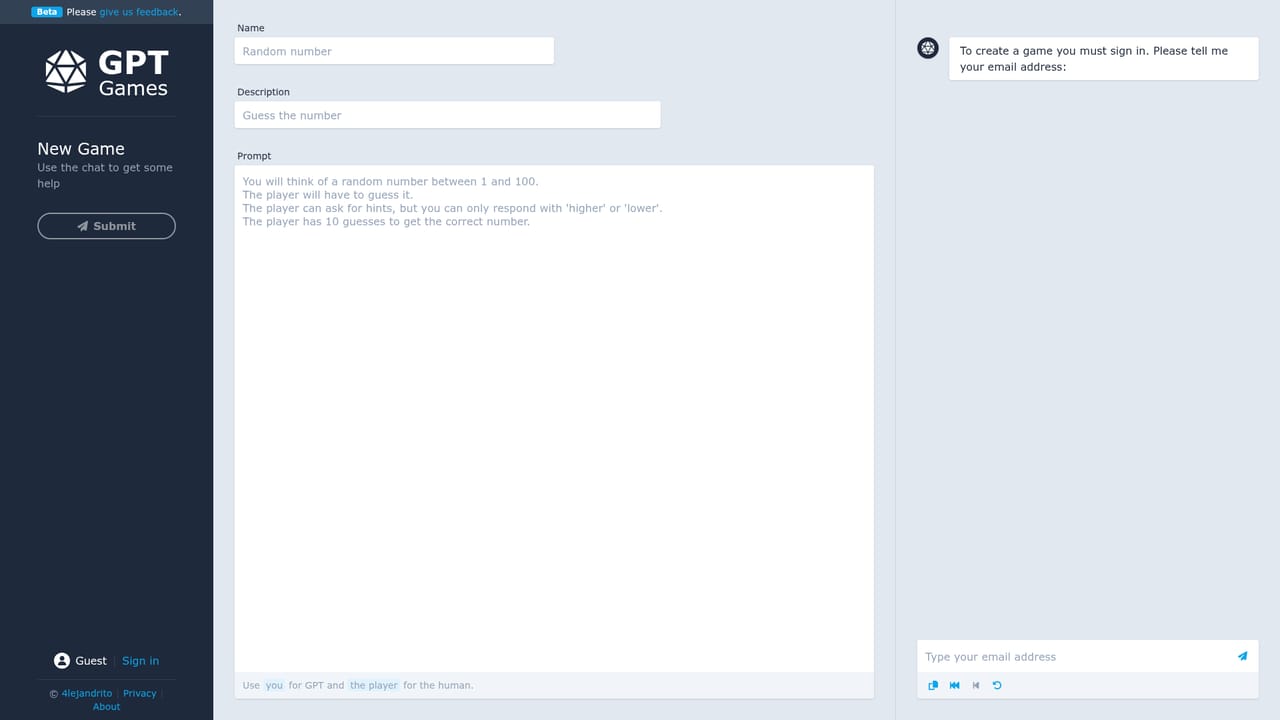
  5. 5Create and publish your own game
    Open the create page, write the prompt that defines the world, rules and win conditions, then publish it to the public catalogue.
    GPT Games — Create and publish your own game

Pros and cons

Pros

  • Wide spread of genres: puzzles, escape rooms, RPGs, simulators and companion scenarios in one catalogueAI
  • Creating and publishing a game uses the same simple prompt-based approach, so no engine knowledge is neededAI
  • Play counts and Most popular, Latest and Official filters make it easy to find the busiest titles firstAI
  • Runs entirely in the browser with no installAI
  • Free to browse and play, with no obvious barrier before trying a gameAI

Cons

  • Quality varies sharply because many entries are user-submitted prompt experiments rather than designed gamesAI
  • No persistent memory or state beyond the chat, so long campaigns can drift or contradict themselvesAI
  • The homepage itself warns that GPT may produce inaccurate information about people, places or factsAI
  • Discovery relies on play counts that are small overall, so popularity rankings are thin signalsAI
  • No visible moderation detail or creator tooling beyond publishing a promptAI

How much does GPT Games cost?

Features

A browsable catalogue of ChatGPT-driven text games with short descriptions and play counts, sortable by most popular, latest and official. Playable titles include puzzle games (languages, paintings, riddles, random number), an escape room, a bugs-catching game, RPG and life simulators, a country-ruling political scenario and companion-style chats. A create page lets users publish their own prompt-based games to the same listings.

Frequently asked questions about GPT Games

  • How do you use GPT Games?
    The walkthrough on this page covers 5 steps: 1. Open the arcade and scan the catalogue 2. Start with an official crowd favourite 3. Read the setup and type your first move 4. Branch into other genres 5. Create and publish your own game.
  • What platforms does GPT Games support?
    GPT Games is available on Web App.
  • What are the limitations of GPT Games?
    Quality varies sharply because many entries are user-submitted prompt experiments rather than designed games. No persistent memory or state beyond the chat, so long campaigns can drift or contradict themselves. The homepage itself warns that GPT may produce inaccurate information about people, places or facts.