Free trial
The base assistant is free to use on web and mobile, and the apps can be installed and used without a paid plan. SuperGrok sits above the free tier.
Learn moreChat, live search, reasoning and media generation in one assistant
Grok is an AI chat bot tool that chats live search, reasoning and media generation in one assistant. Grok combines chat, live web and X search, multi-agent reasoning, image and video generation, voice conversation and code help in one assistant, free to try on web, iOS and Android with a SuperGrok tier for higher limits.
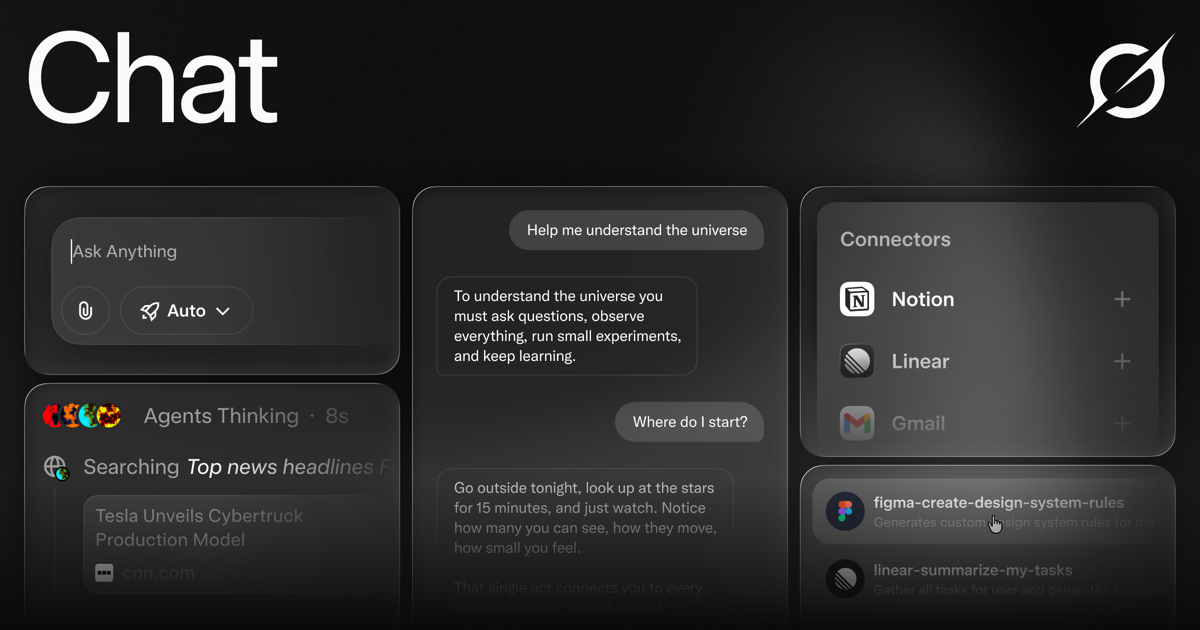
Grok is a general purpose AI assistant from SpaceXSI that bundles conversation, live web search, step by step reasoning, and media generation into a single thread. The web app, iOS build and Android build all sync history, so a question started on a phone can be finished on a desktop without losing context. Sign in with an X account or an email address and the assistant carries preferences and past conversations forward through memory across chats. In daily use the tool behaves like a chat surface with switchable modes. Standard chat handles writing, research and recaps. Search mode pulls live citations from primary sources on the web and folds in real time activity from X, which makes it suited to breaking news and current market questions rather than static training data. Multi-agent mode runs several agents in parallel on the hardest questions, shows each agent's working, and merges the output into one cited answer, so a user can audit how a conclusion was reached instead of trusting a black box. Grok Imagine extends the same conversation into image and video. Text-to-image and text-to-video run in the thread, generated output can be edited with follow-up prompts, and clips reach 15 seconds. Voice conversations run with sub-second latency, uploaded PDFs and files are summarised, screenshots and diagrams can be analysed, and code can be written, debugged or explained in any language. The tool claims native support for 30 or more languages. It fits best with people who already live in the X ecosystem or want one assistant for chat, current-events research and quick media drafts rather than several subscriptions. Buyers who need deep enterprise controls or published compliance documentation should look elsewhere until that material is on the site.
The base assistant is free to use on web and mobile, and the apps can be installed and used without a paid plan. SuperGrok sits above the free tier.
Learn moreGrok is free to try on web, iOS and Android. A SuperGrok plan is offered for higher limits, priority access and multi-agent reasoning, but the homepage does not publish prices or quota figures. API access is available separately with a key.
Learn moreLive X integration for news and trends, plus an API that exposes the same text, vision, voice, image and video models for production use. The homepage names no other third party integrations.
Learn moreChat with followable reasoning, live web and X search with citations, multi-agent parallel reasoning, text-to-image and text-to-video via Imagine, voice conversations with sub-second latency, code generation, PDF and file analysis, vision understanding, 30+ languages, memory across chats, a writing canvas and custom instructions.
 AI Angels400+ customizable AI girlfriends for NSFW chat, voice calls, and roleplay
 Candy AIExperience the future of companionship with AI friends who chat, role-play, and connect with you on a human level.
 ourdream.aiA vast AI roleplay platform with millions of characters for chat, images, video and voiceAI Angels400+ customizable AI girlfriends for NSFW chat, voice calls, and roleplayCandy AIExperience the future of companionship with AI friends who chat, role-play, and connect with you on a human level.ourdream.aiA vast AI roleplay platform with millions of characters for chat, images, video and voice









