Free trial
No separate trial is described. The free tier itself acts as the trial: unlimited humanizing requests with a per-request limit, using the Basic mode only.
Learn moreRewrites AI-generated drafts so they read like human writing
Own HumanizeAI.io? Verify ownership to get a dofollow link

HumanizeAI.io is an AI detection remover tool that rewrites AI-generated drafts so they read like human writing. An online humanizer that rewrites AI-generated drafts into more natural, conversational text, with basic free use, paid Aggressive and Enhanced modes, keyword locking, synonym swaps and roughly 45 supporting writing tools on the same site.
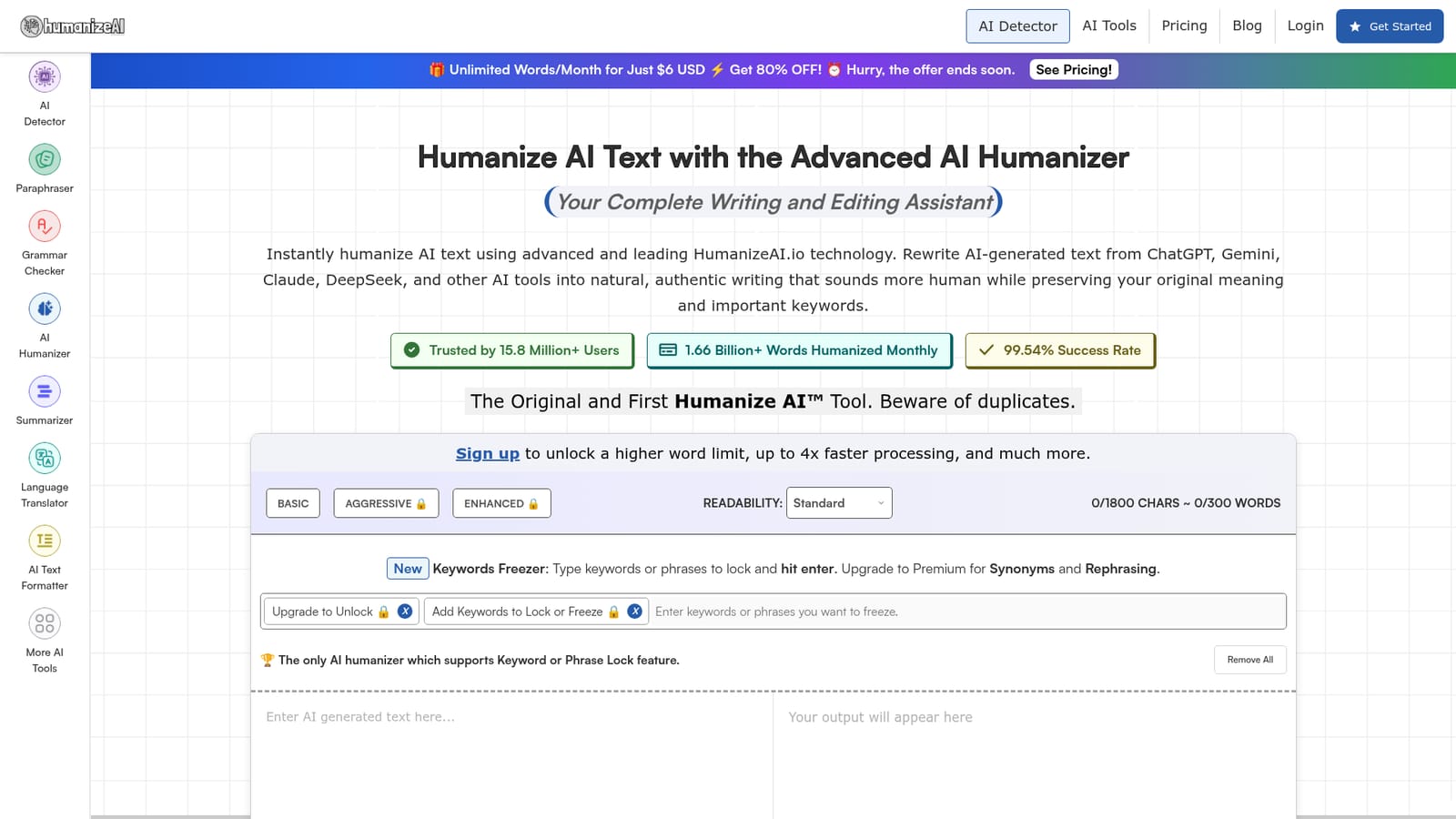
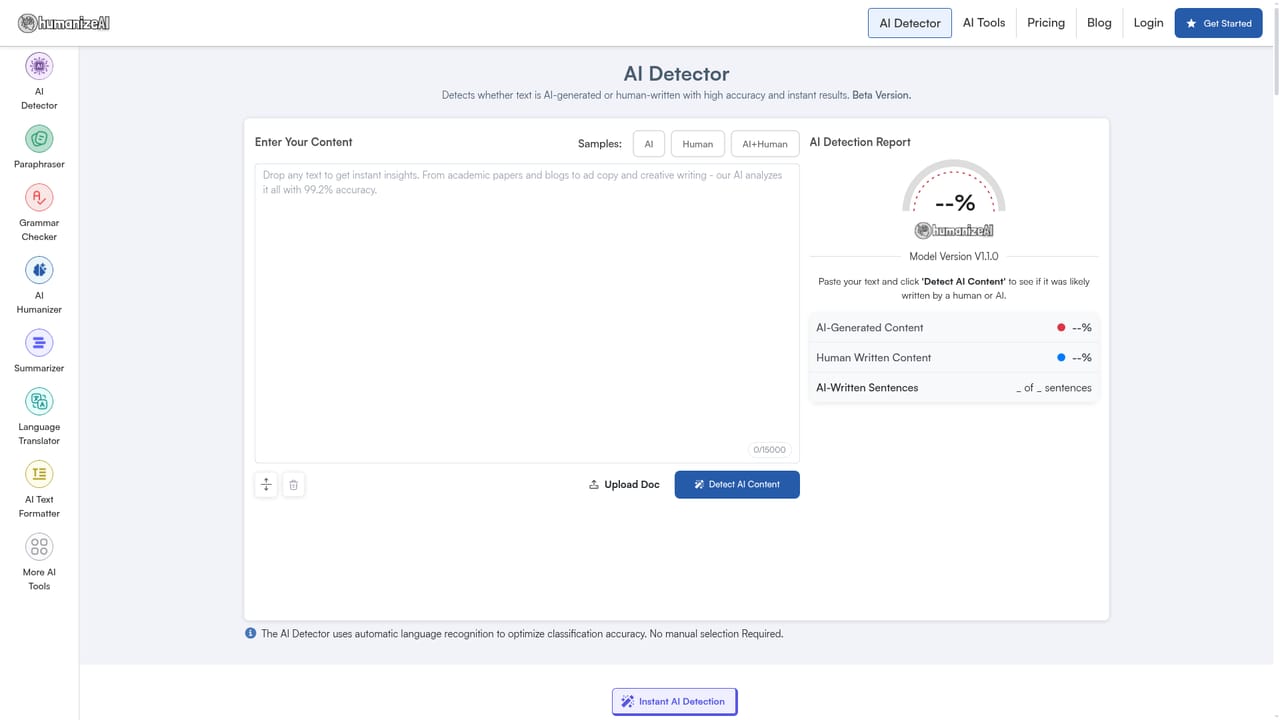
HumanizeAI.io is a text rewriting service built around a single job: taking output from ChatGPT, Gemini, Claude, DeepSeek and similar generators and reworking it so the phrasing reads like ordinary human prose. The company presents itself as the original Humanize AI tool and reports 15.8 million users and roughly 1.66 billion words processed each month. The core editor rewrites pasted text while trying to hold on to the original meaning and the keywords that matter, which separates it from a generic paraphrasing tool. The practical workflow is straightforward. Text goes into the input box, the humanize button is pressed, and a revised version appears beside it with copy, download and a show difference option. Free users get a Basic mode that makes light edits. Aggressive and Enhanced modes, which rewrite more deeply at sentence and paragraph level, sit behind an account. Paid tiers add a keyword freezer for locking terms and phrases in place, synonym suggestions on individual words, one-click rephrasing and readability presets aimed at high school, university, doctorate, journalist and marketing audiences. The site is candid that public models can still be flagged by detectors and sells a private model as the route to stronger results. It suits content marketers, bloggers, students and researchers who already draft with AI and want the final copy to feel less templated. Around 45 companion tools cover paraphrasing, grammar checking, summarizing, translation, an AI text formatter, word counting and text comparison, so most cleanup happens without leaving the site. There is also a separate AI detector for checking text before and after. The honest positioning: this is a readability and style tool first. Anyone buying it purely to beat GPTZero or Turnitin should treat detection claims as conditional, and the site's own warning about public models supports that caution. The ethics page asks users to follow institutional rules where relevant.

No separate trial is described. The free tier itself acts as the trial: unlimited humanizing requests with a per-request limit, using the Basic mode only.
Learn moreA free tier covers unlimited requests with a per-request word cap. Premium plans unlock Aggressive and Enhanced modes, keyword freezing with synonyms and rephrasing, and readability presets. The homepage advertises unlimited words per month for $6 USD at 80 percent off for a limited period; check the pricing page for current plans.
Learn moreThe site lists a contact page and a blog, and Trustpilot reviewers describe support responses as prompt and helpful. No live chat or ticketing system is described on the homepage.
Learn moreBasic, Aggressive and Enhanced rewriting modes; keyword and phrase locking; one-click synonym suggestions; sentence rephrasing; readability presets for high school through marketing; copy, download and show difference; a private model updated for GPTZero and Turnitin claims; plus roughly 45 extra writing tools such as a paraphraser, grammar checker, summarizer, translator, AI text formatter, word counter, text compare and AI detector.
Learn more AI Angels400+ customizable AI girlfriends for NSFW chat, voice calls, and roleplay
 Candy AIExperience the future of companionship with AI friends who chat, role-play, and connect with you on a human level.
 ourdream.aiA vast AI roleplay platform with millions of characters for chat, images, video and voiceAI Angels400+ customizable AI girlfriends for NSFW chat, voice calls, and roleplayCandy AIExperience the future of companionship with AI friends who chat, role-play, and connect with you on a human level.ourdream.aiA vast AI roleplay platform with millions of characters for chat, images, video and voice