Free trial
A daily free usage quota is advertised on the homepage, so the tool can be tested at no cost within that limit. No trial length or volume is specified.
Learn moreRewrites AI-generated text so it reads like a human wrote it

Humanize.im is an AI detection remover tool that rewrites AI-generated text so it reads like a human wrote it. A single-purpose web tool that rewrites AI-generated text into more natural-sounding prose, with multilingual support and an on-site AI detector for checking results.
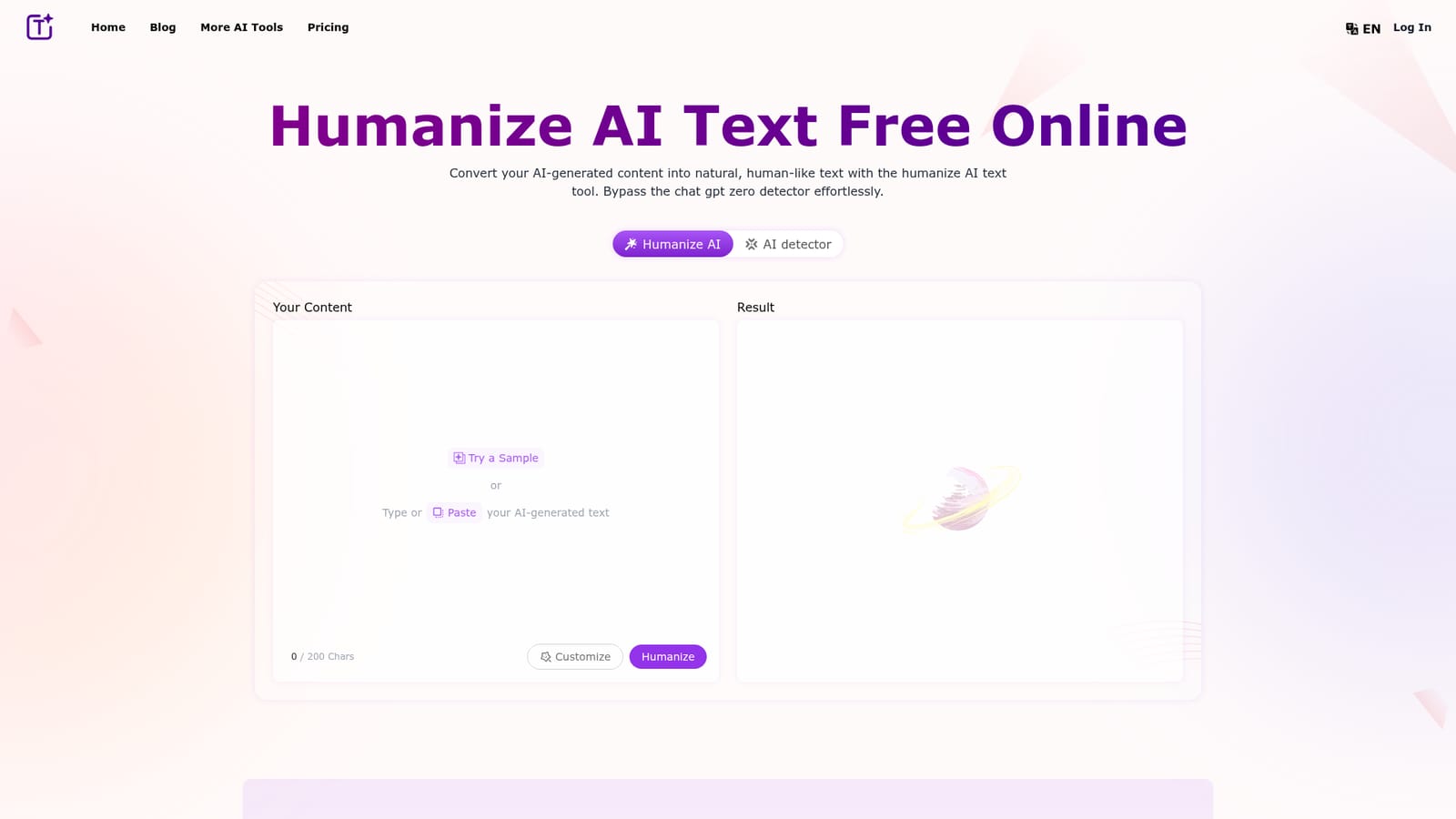
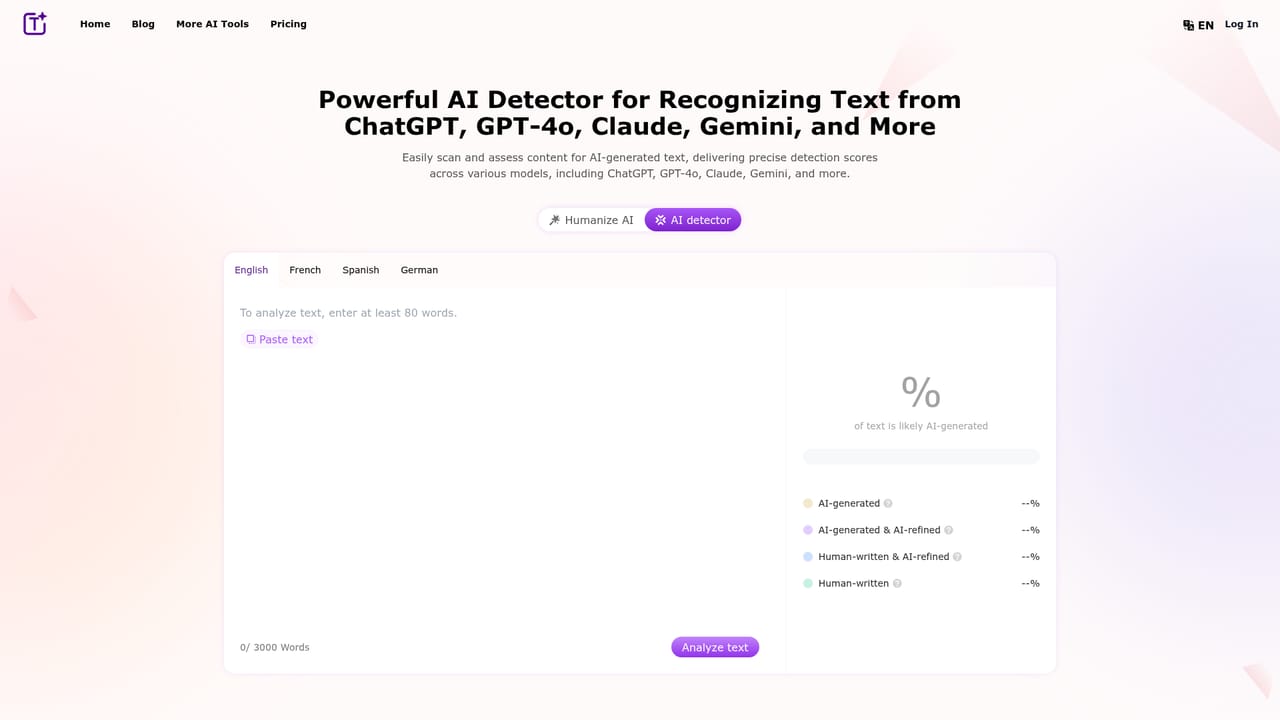
Humanize.im is a browser-based rewriting tool that takes text produced by AI writers such as ChatGPT or Bard and restyles it to read like ordinary human prose. The pitch is straightforward: paste a block of machine-generated copy, press generate, and the service reworks the wording so it sounds less formulaic and, according to the site, slips past detectors such as GPTZero. It is aimed at anyone publishing AI-assisted content and worrying about how that content is judged, including bloggers, marketers, SEO specialists, students, educators and social media creators. In practice the workflow is a single text box. The homepage caps input at 200 characters in the demo field, you paste your draft, choose whether to customize the output, and the tool returns a rewritten version you can copy out. Behind that simple interface the site describes contextual analysis, sentiment analysis and natural language processing, which together are meant to preserve the original meaning while smoothing out repetitive phrasing and flattening the robotic rhythm that gives AI drafts away. The company also says feedback loops with human reviewers are used to keep refining output quality. Language coverage is one of the broader claims: English, Chinese, Russian, Arabic and Japanese are named, with the suggestion that other languages work too. The service runs in a browser on desktops, laptops, tablets and phones, so there is nothing to install. A separate AI detector page on the same site lets you test text before and after treatment, which is a sensible way to judge whether the rewriting actually moves the needle for your particular draft. Where it fits: this is a narrow, single-purpose utility rather than a writing suite. It does not draft, plan or edit structure; it restyles text you already have. Compared with general-purpose paraphrasers, its selling point is the explicit focus on detector evasion and tone, so it is best evaluated as a post-processing step at the end of an AI-assisted writing pipeline. Treat the detector-bypass claims as marketing until you have run your own samples through both the humanizer and the detector page.
A daily free usage quota is advertised on the homepage, so the tool can be tested at no cost within that limit. No trial length or volume is specified.
Learn moreThe homepage states that the tool offers a daily free usage quota, but it does not publish plan names, prices or the size of any paid allowance. Treat any paid tier details as unconfirmed until you check inside the product.
Learn moreCore features described on the homepage: AI-to-human text rewriting, daily free usage quota, multilingual support (English, Chinese, Russian, Arabic, Japanese and others), contextual and sentiment analysis, browser-based use across desktop and mobile, and a companion AI detector page for testing output.
 AI Angels400+ customizable AI girlfriends for NSFW chat, voice calls, and roleplay
 Candy AIExperience the future of companionship with AI friends who chat, role-play, and connect with you on a human level.
 ourdream.aiA vast AI roleplay platform with millions of characters for chat, images, video and voiceAI Angels400+ customizable AI girlfriends for NSFW chat, voice calls, and roleplayCandy AIExperience the future of companionship with AI friends who chat, role-play, and connect with you on a human level.ourdream.aiA vast AI roleplay platform with millions of characters for chat, images, video and voice