Free trial
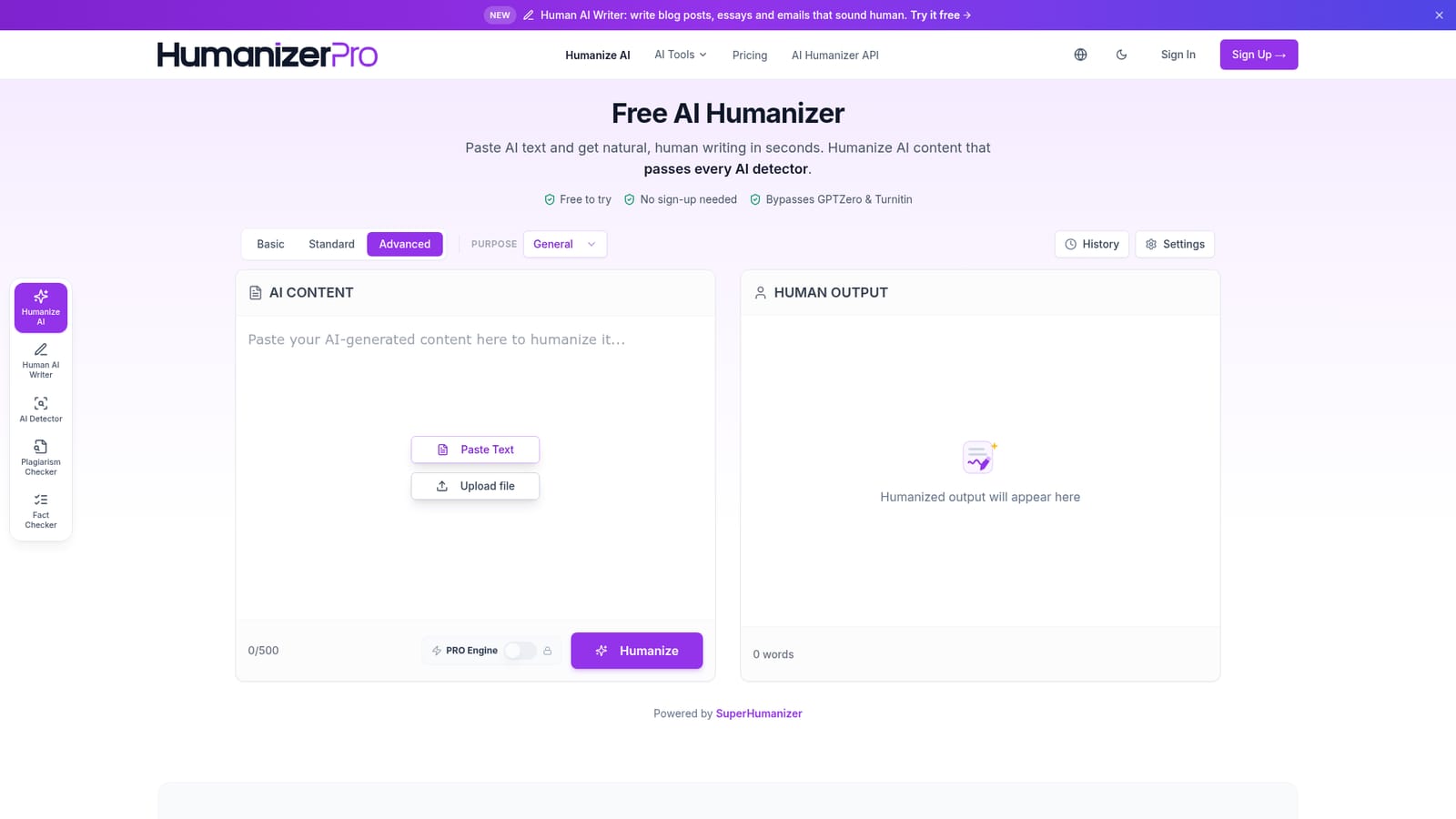
No sign-up is needed to humanize up to 500 words a month; a free account lifts that to 1,000 words a month and unlocks saved history.
Learn moreHumanize AI text so it reads like a person wrote it.

HumanizerPRO rewrites AI-generated drafts into natural-sounding prose, with three rewrite intensities, nine tone presets, eight-plus languages and bundled detector, plagiarism and fact-check tools. Free tiers are capped at 500 words monthly without an account and 1,000 with one.
HumanizerPRO is a text humanization tool that takes machine-written copy from ChatGPT, Gemini, Jasper or any other AI writer and rebuilds it so it reads like ordinary human prose. The site frames the product as something more than a paraphraser: instead of swapping individual words for synonyms, it examines sentence structure and rhythm, then reassembles the text using patterns drawn from large collections of human writing. The message itself is meant to survive the rewrite, with facts, intent and nuance left in place while phrasing and flow change. The workflow is deliberately short. Text goes into a box or is uploaded as a file, and the user picks one of three intensity levels (Basic, Standard, Advanced) before running the humanizer. Output appears alongside the input for comparison, and individual sentences can be reworked alone without disturbing the paragraphs around them. The tool covers eight or more languages, including English, Spanish, French, German, Italian, Portuguese, Dutch and Russian, and the same account also holds an AI detector, a plagiarism checker and a fact checker. Nine tone presets, among them Academic, Business, Marketing and Story, adjust the register of the finished text. The pitch leans heavily on detector evasion. HumanizerPRO publishes dated test screenshots showing a single processed sample scoring 99 percent human on GPTZero, 0 percent AI on Turnitin and Copyleaks, and 93 percent human on Originality.ai, and it states that results should evade GPTZero, Turnitin, Copyleaks, Originality.ai and similar tools. Those are the vendor's own tests on one passage, so treat them as a demonstration rather than a guarantee; detectors retrain, and results vary by text. It is aimed at content writers cleaning up drafts, marketers making ad and email copy feel personal, SEO specialists preparing AI-assisted pages for publication, freelancers and agencies facing client detector checks, and business teams polishing internal reports. The free tier is small (500 words monthly without an account, 1,000 with one), so anyone humanizing at volume will be comparing paid plans or the sister service SuperHumanizer, which the site promotes for unlimited free use.
No sign-up is needed to humanize up to 500 words a month; a free account lifts that to 1,000 words a month and unlocks saved history.
Learn moreFree tier gives 500 words a month with no account, rising to 1,000 words a month with a free account, which also adds saved history. Paid plans are sold through a plan selector on the homepage (Basic, Standard, Advanced); per-plan prices and word volumes are not stated in the homepage text. Paid plans carry a 3 day money-back guarantee.
Learn moreSupport is limited to an FAQ on the homepage covering pricing, data handling and plagiarism. No help centre, email address or live chat is listed on the pages provided.
The homepage advertises a developer API with a single key for the humanizer, detector, plagiarism checker and fact checker. No named third-party integrations are listed.
Context-aware rewriting that preserves meaning, three rewrite intensities, nine tone presets including Academic and Business, per-sentence rephrasing, support for eight or more languages, and a bundled AI detector, plagiarism checker and fact checker. Accounts keep a history of past runs, and the site promotes a developer API with one key covering all four tools.
 AI Angels400+ customizable AI girlfriends for NSFW chat, voice calls, and roleplay
 Candy AIExperience the future of companionship with AI friends who chat, role-play, and connect with you on a human level.
 ourdream.aiA vast AI roleplay platform with millions of characters for chat, images, video and voiceAI Angels400+ customizable AI girlfriends for NSFW chat, voice calls, and roleplayCandy AIExperience the future of companionship with AI friends who chat, role-play, and connect with you on a human level.ourdream.aiA vast AI roleplay platform with millions of characters for chat, images, video and voice