Support
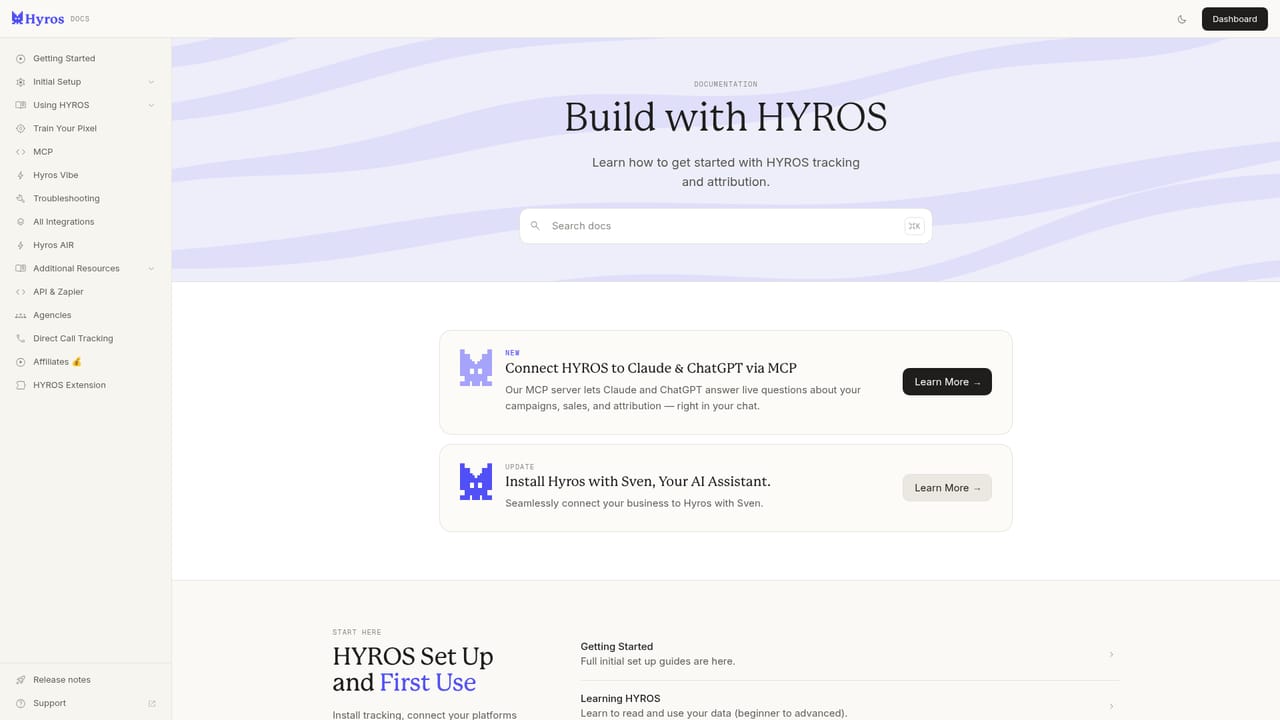
Support runs through documentation, a community hub, an API reference and a direct support email. Accounts are onboarded through a booked setup call, and agencies can apply to a partner program or find certified agencies.
Learn moreAd tracking and AI attribution that catches the sales ad platforms miss

Hyros is a landing page analysis tool. Hyros recovers ad conversions that Meta and Google miss, attributes them to the right campaigns, then feeds them back to the platforms to improve targeting. Aimed at performance marketers, e-commerce stores, SaaS teams, info businesses and agencies, with an LLM and MCP layer for querying data and building custom reports.
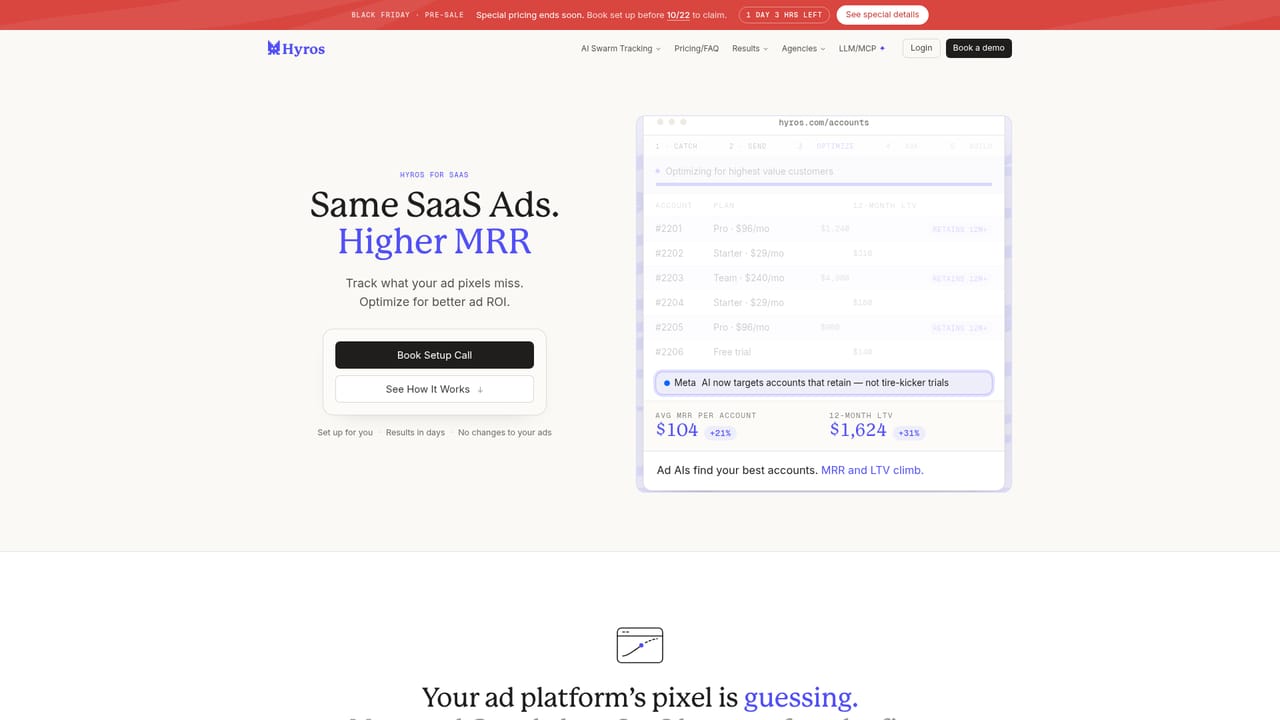
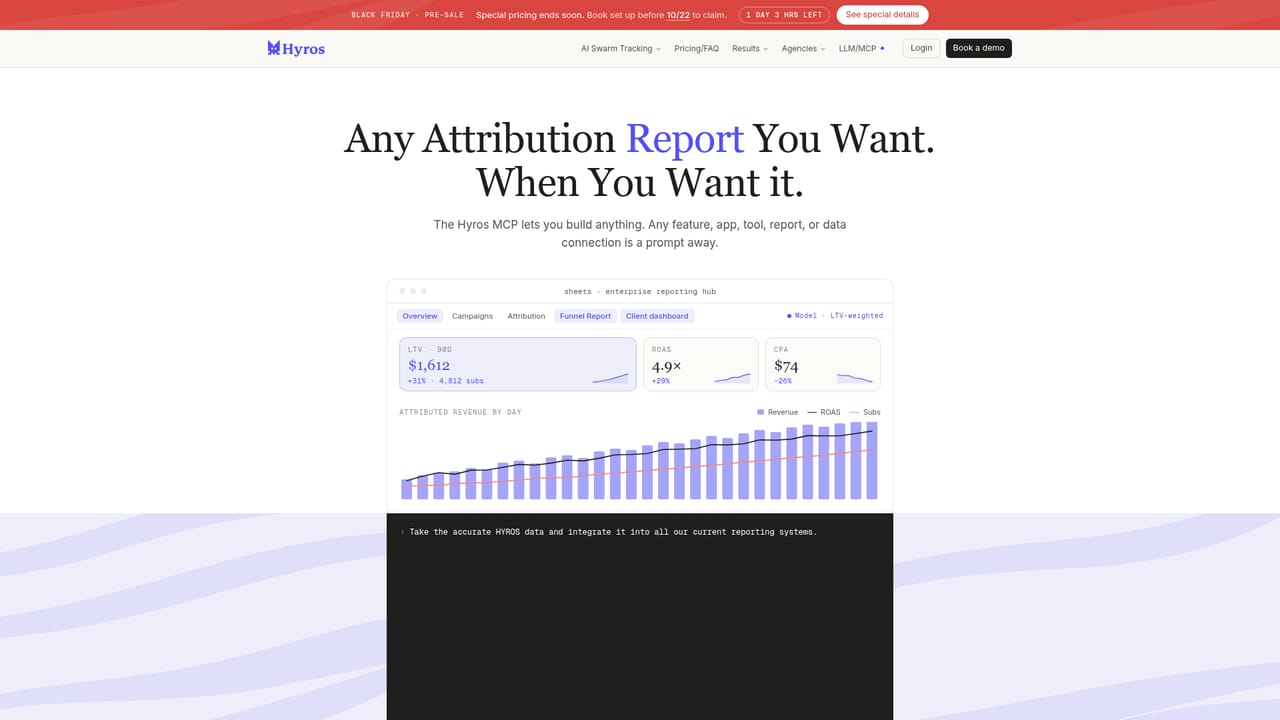
Hyros is an ad tracking and attribution platform built around a deceptively simple premise: the ad platforms do not see every sale they cause, so media buyers are optimizing on incomplete numbers. Its system captures conversions that Meta and Google fail to report, ties them back to the right campaigns, and then feeds those recovered sales back into the ad platforms so their delivery algorithms learn from a fuller picture. The homepage claims a typical 30 percent gap between platform-reported sales and what Hyros observes. The product is organized around what the company calls swarm data, which is assembled from multiple sources rather than a single pixel. Shopify stores get a one-click install, and other e-commerce setups, SaaS products with trials and subscriptions, info businesses selling courses and webinars, and call-based B2B operations each have a dedicated path with its own tracking logic. Reporting shows ad set level performance next to the platform figures, and the sync layer pushes the missing conversions back out to Meta and Google for bid and delivery optimization. An LLM and MCP layer is where Hyros diverges from conventional attribution suites. Connections let a model such as Claude read account data, recommend which ad sets to cut or scale based on lifetime value, and apply changes. The same interface is positioned as a way to build custom reports, dashboards and attribution models by prompt instead of waiting on a roadmap. It suits performance marketers and agencies spending enough to feel the attribution gap, and the vendor backs the pitch with a results guarantee. Against standard pixel and post-purchase survey tools, Hyros leans harder on data recovery and platform feedback, which makes it a heavier but more complete option for teams that treat attribution as an optimization input rather than a reporting chore.

Support runs through documentation, a community hub, an API reference and a direct support email. Accounts are onboarded through a booked setup call, and agencies can apply to a partner program or find certified agencies.
Learn moreShopify installs in one click, and recovered conversions sync to Meta and Google for optimization. An API and an MCP server expose Hyros data to external models and reporting tools, and the vendor lists a Claude MCP connection as a supported workflow.
Learn moreConversion recovery that captures sales the ad platforms miss, ad set level attribution reporting, and a sync layer that sends recovered conversions back to Meta and Google for better AI targeting. Separate tracking setups for e-commerce, SaaS, info education and call-based sales, plus LLM and MCP connections for querying data, building custom attribution models, dashboards and reports.
Learn more AI Angels400+ customizable AI girlfriends for NSFW chat, voice calls, and roleplay
 Candy AIExperience the future of companionship with AI friends who chat, role-play, and connect with you on a human level.
 ourdream.aiA vast AI roleplay platform with millions of characters for chat, images, video and voiceAI Angels400+ customizable AI girlfriends for NSFW chat, voice calls, and roleplayCandy AIExperience the future of companionship with AI friends who chat, role-play, and connect with you on a human level.ourdream.aiA vast AI roleplay platform with millions of characters for chat, images, video and voice


