Free trial
The Free plan is permanent, and Starter includes a 7-day free trial after signup. The homepage builder also lets you train an agent on a URL before creating any account.
Learn moreAn AI agent trained on your website, live with one line of code
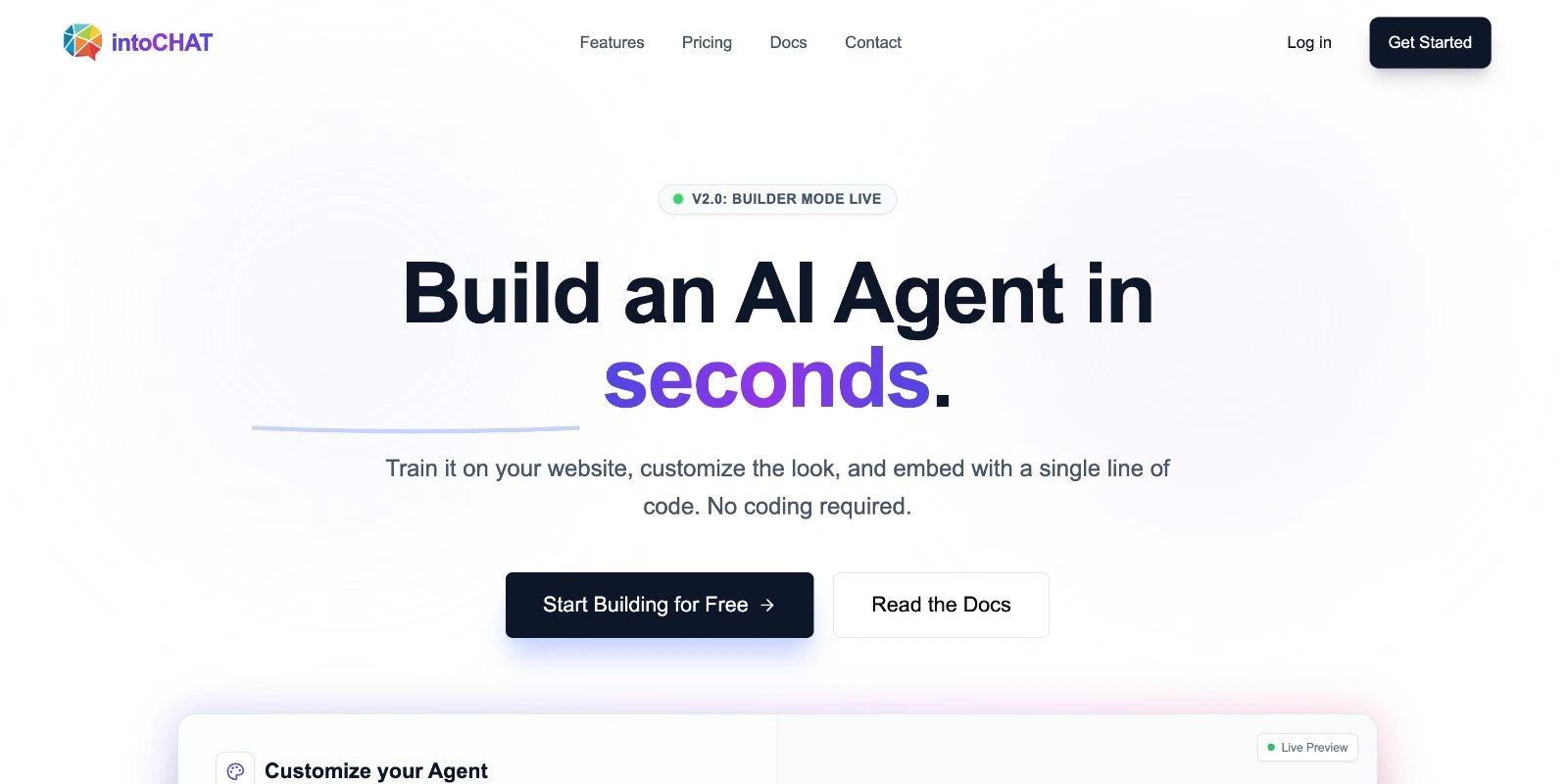
intoCHAT builds a website trained AI agent from a pasted URL in about 30 seconds, then embeds it with one line of code. It adds API actions for live data, lead capture with email alerts and CSV export, a conversation dashboard and Shopify or WordPress product search.
intoCHAT is a chatbot builder for turning a website into a support and sales agent. The core idea is speed of entry: a visitor pastes a URL, the crawler reads up to 500 public pages, and a working agent can answer questions about that content in roughly half a minute, without creating an account. When the result looks right, the agent is embedded with a single line of code. Beyond web pages, the knowledge base accepts PDFs and other files, plain text snippets and Q&A pairs, and sources can be starred for priority, retrained manually or resynced daily or weekly so a changing site does not leave stale answers behind. The product positions itself as more than a FAQ bot. Custom API actions let the agent call an outside endpoint mid conversation, so questions like order status or stock levels are answered from a live system rather than from documentation. Lead capture can be triggered by the visitor, by the model's judgment or by rules you configure, with each new lead sent by email to you and up to five colleagues and exportable as CSV for a CRM. The dashboard reports conversations, messages and leads across 7, 30 and 90 day windows and keeps searchable chat logs. Answers are grounded in uploaded sources and the agent is designed to say when it does not know, while rate limits per visitor and per agent, HTTPS transport and temporary chats that are not saved cover the more routine safety concerns. Setup suits non technical owners first: the WordPress plugin takes an agent ID and a WooCommerce store can be connected through public product data without an API key. Developers get the API actions and model choice on paid tiers. The pitch is closest to hosted chat agent platforms such as Chatbase or SiteGPT, with the live catalog search and affordability being its main differentiators. The fit is small businesses, ecommerce stores and support teams that want a grounded assistant without a build project. It is not a voice platform, and its value depends entirely on how good the source content is.
The Free plan is permanent, and Starter includes a 7-day free trial after signup. The homepage builder also lets you train an agent on a URL before creating any account.
Learn moreFree at $0/mo with 1 agent, 25 messages and 1 crawl per month. Starter is $19/mo for 3 agents, 2,500 messages and 9 crawls, with extra agents and seats at $9/mo each. Pro is $49/mo for 10 agents, 10,000 messages, 20 crawls, custom domain and audit log. Enterprise is custom with unlimited agents, messages and crawls plus SSO.
Learn moreCommunity support on Free, email support on Starter, priority support on Pro and dedicated support with single sign-on and custom roles on Enterprise. Documentation and a sales contact form are available on the site.
Learn moreShopify stores connect by address for live product search without an app or API key, and a free WordPress plugin adds the agent plus WooCommerce product search. Custom API actions cover other systems. Full catalog search is also listed for WooCommerce, Magento and VTEX.
Learn moreWebsite crawl of up to 500 pages, PDF and file uploads, text snippets and Q&A pairs feed the knowledge base. Agents run on GPT-6 Luna or a chosen OpenAI, Anthropic or Google model on Starter and up. Custom API actions fetch live data, lead capture collects contact details with email alerts and CSV export, and the dashboard tracks conversations, messages and leads with searchable logs.
Learn more AI Angels400+ customizable AI girlfriends for NSFW chat, voice calls, and roleplay
 Candy AIExperience the future of companionship with AI friends who chat, role-play, and connect with you on a human level.
 ourdream.aiA vast AI roleplay platform with millions of characters for chat, images, video and voiceAI Angels400+ customizable AI girlfriends for NSFW chat, voice calls, and roleplayCandy AIExperience the future of companionship with AI friends who chat, role-play, and connect with you on a human level.ourdream.aiA vast AI roleplay platform with millions of characters for chat, images, video and voice









