Support
Matchmaker review is part of the core process, and member feedback after each date is used to refine future matches. No public help centre or support channel details are described on the homepage.
AI matchmaking for people who intend to marry, not just date.

Keeper is an AI assisted matchmaking service for marriage minded singles. Members complete a detailed intake, the AI scans a large candidate pool, and a human matchmaker vets each suggested pairing before a mutual introduction.
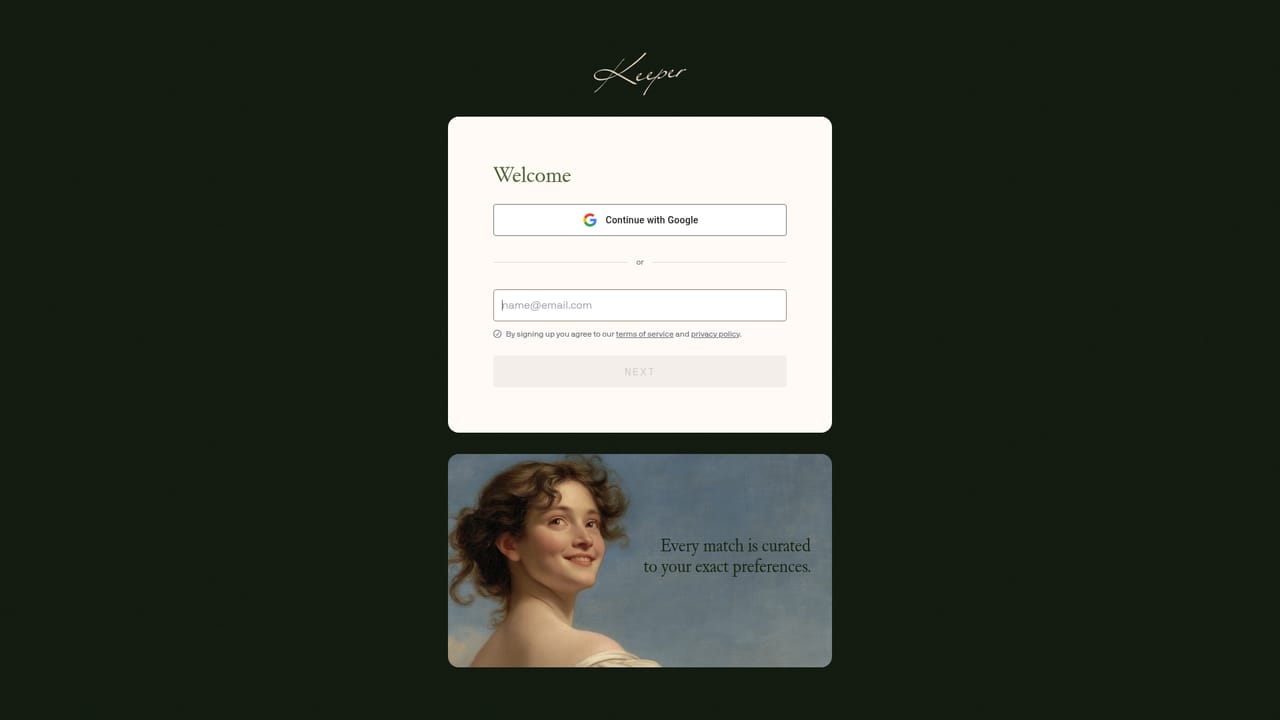
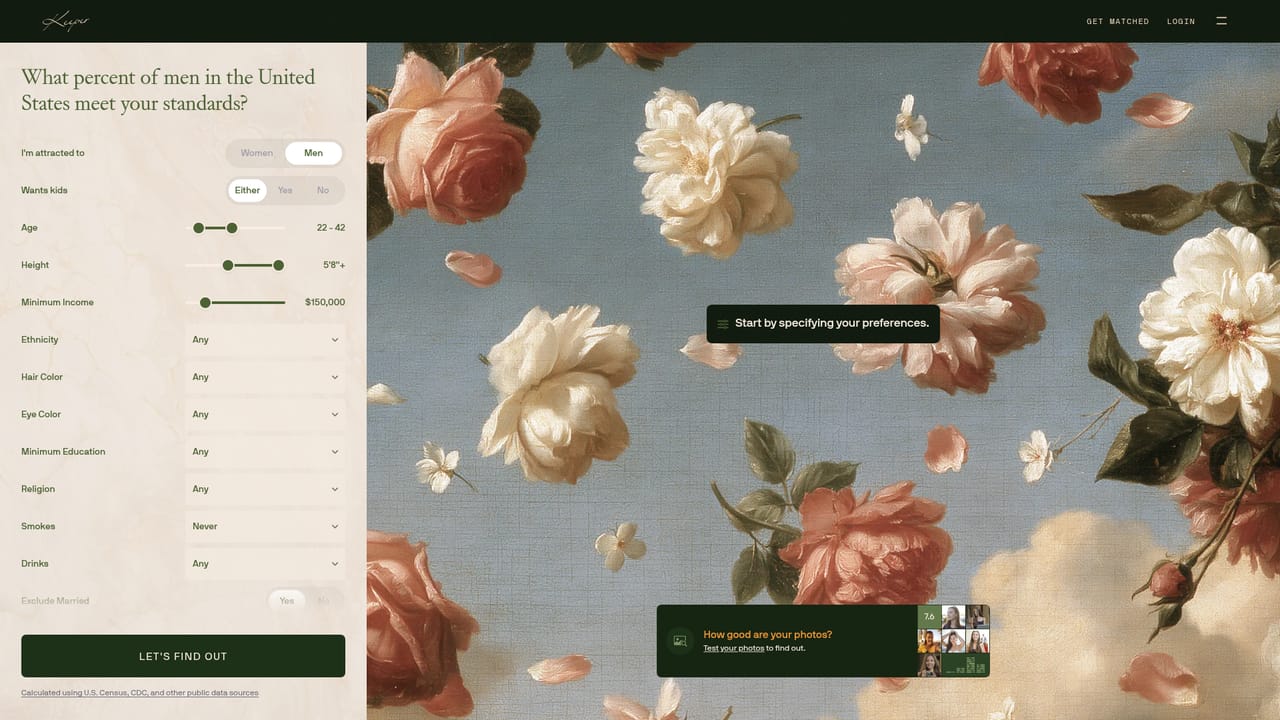
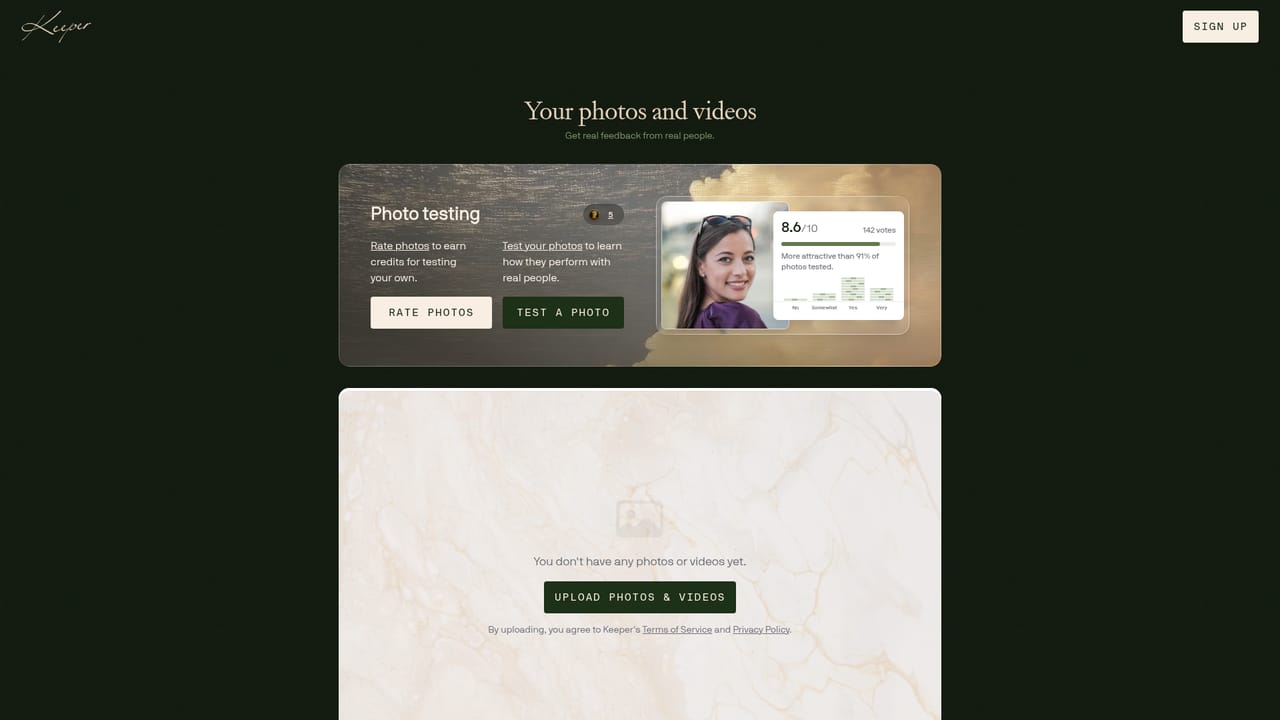
Keeper is an AI assisted matchmaking service built around a single outcome: marriage. Instead of a swipe feed, members answer a long intake questionnaire (the site shows questions numbered into the seventies) covering upbringing, religion, family plans, finances and day to day habits. The platform then reads through a large candidate pool, surfaces a small number of plausible partners, and a human matchmaker reviews each suggested pairing by hand before anything moves forward. The process runs in a fixed sequence. Members describe themselves and what they want, the AI narrows hundreds of thousands of candidates down to a shortlist, a matchmaker vets the shortlist, and then the introduction happens with a specific protocol: women see the match first, and the man only sees her profile if she expresses interest. Both sides have to say yes before contact details are exchanged. After a date, feedback feeds back into the model so the next suggestion is adjusted. Keeper states that 1 in 10 first dates arranged through the service lead to marriage, and that over 1.6 million people have joined. It suits people in their late twenties and beyond who are clear about wanting a long term partner and are willing to trade browsing volume for a low count of carefully screened introductions. The service screens for long term intent and says casual daters are banned, which is the main thing separating it from apps where marriage is a filter rather than the premise. Keeper positions itself against both dating apps and traditional offline matchmakers: the AI handles scale, the human matchmaker handles judgment, and the business model is aligned with a single successful pairing rather than months of engagement. Side tools include a Standards Calculator that estimates how rare a set of preferences is using US Census data, a photo test, and a Love Letters section of member notes.
Matchmaker review is part of the core process, and member feedback after each date is used to refine future matches. No public help centre or support channel details are described on the homepage.
A detailed intake questionnaire, AI shortlisting across a large member pool, hand vetting by human matchmakers, a reciprocal introduction protocol where the woman sees the match first, post date feedback that feeds the next suggestion, plus free side tools: a Standards Calculator built on US Census data, a photo test, and a Love Letters section.
Learn more AI Angels400+ customizable AI girlfriends for NSFW chat, voice calls, and roleplay
 Candy AIExperience the future of companionship with AI friends who chat, role-play, and connect with you on a human level.
 ourdream.aiA vast AI roleplay platform with millions of characters for chat, images, video and voiceAI Angels400+ customizable AI girlfriends for NSFW chat, voice calls, and roleplayCandy AIExperience the future of companionship with AI friends who chat, role-play, and connect with you on a human level.ourdream.aiA vast AI roleplay platform with millions of characters for chat, images, video and voice


