Integrations
The homepage references Shopify, Meta and TikTok ad accounts, social media accounts and an email inbox. No wider integration list is given.
A team of AI agents that runs ads, creative, SEO and Shopify
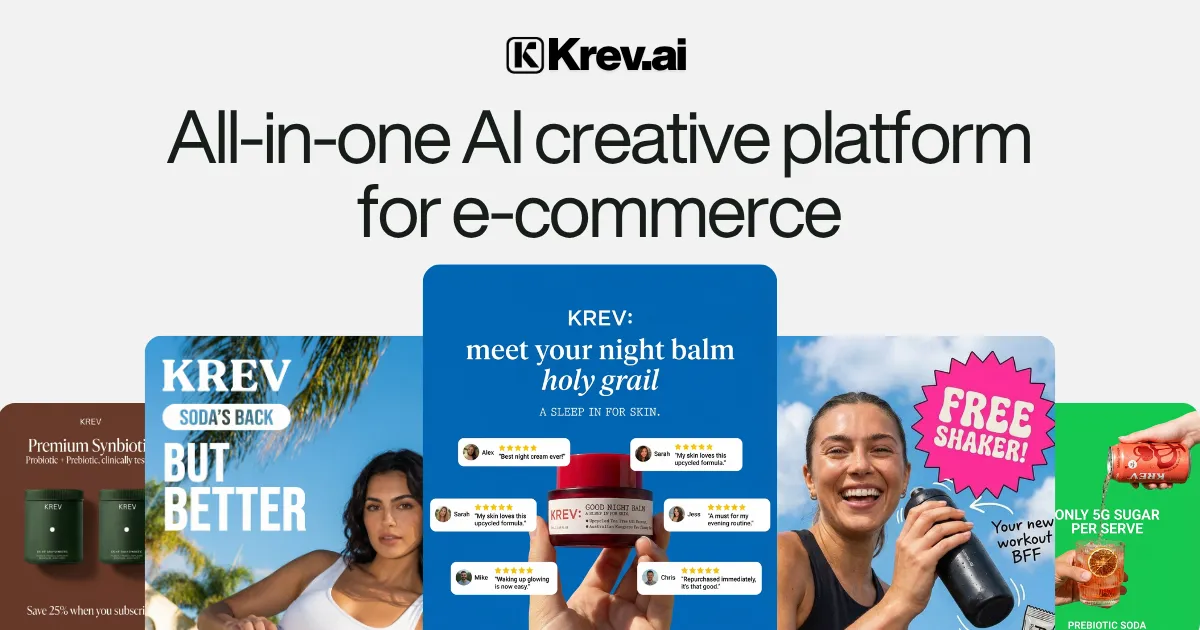
Krev AI is an ecommerce-focused platform that gives Shopify brands a team of named AI agents for market research, creative, Meta and TikTok ads, social content, SEO, email and storefront edits, coordinated through a Chief of Staff agent.
Krev AI is a platform for ecommerce and Shopify brands that replaces a set of separate marketing hires with a roster of named AI specialists. Instead of a single chatbot, the product organizes work around agents with defined roles: Chief of Staff coordinates requests, Scout handles market research, Luna produces creative, Kai manages paid ads, Chloe plans social content, Toshi edits the Shopify storefront, Max covers SEO and answer-engine optimization, and Rue runs email. Setup starts with the store itself. A brand supplies its products, website and goals, and the agents work from that context so output stays tied to the brand. The homepage walkthrough shows the intended flow: a user asks Chief of Staff for a month of launch posts, approves a drafted social calendar in one click, then asks for ads built on a reference brand found in a Discover view. Scout, Luna and Kai turn that request into staged Meta and TikTok campaigns that wait for approval. A dashboard scores the store across website, brand, products, ads and social, and lists weekly recommended moves such as checking which ads are returning revenue. The intended buyers are ecommerce operators, particularly small teams selling on Shopify who cannot staff a researcher, designer, media buyer, developer and email manager at once. Each agent has its own page describing its scope, for example Toshi accepting plain-English instructions to change sections, copy and product pages, and Rue handling cart recovery flows, campaigns and inbox replies. Scout is described as monitoring competitor ads, hooks and offers daily so creative briefs start from observed patterns. Among alternatives, Krev sits between single-purpose tools (ad creative generators, email builders, SEO assistants) and agency services. Its pitch is breadth and coordination across channels in one workspace, with approval steps keeping a human in control of launches. The homepage cites a 4.9 out of 5 rating on G2 and a second-place Product of the Day finish on Product Hunt. Pricing and integration details are not stated on the homepage, so buyers need to check the signup flow for plan terms.
The homepage references Shopify, Meta and TikTok ad accounts, social media accounts and an email inbox. No wider integration list is given.
Eight named agents: Chief of Staff, Scout (market research), Luna (creative), Kai (paid ads), Chloe (social), Toshi (Shopify editing), Max (SEO and AEO) and Rue (email). Includes a brand health score, weekly recommended moves and one-click approvals.
 AI Angels400+ customizable AI girlfriends for NSFW chat, voice calls, and roleplay
 Candy AIExperience the future of companionship with AI friends who chat, role-play, and connect with you on a human level.
 ourdream.aiA vast AI roleplay platform with millions of characters for chat, images, video and voiceAI Angels400+ customizable AI girlfriends for NSFW chat, voice calls, and roleplayCandy AIExperience the future of companionship with AI friends who chat, role-play, and connect with you on a human level.ourdream.aiA vast AI roleplay platform with millions of characters for chat, images, video and voice


