Free trial
Free plan available with no credit card required to start. The trial scope and any time limits are not described on this page.
Learn moreNo-code AI agents for web and WhatsApp, with rules you control
Own Landbot Chatbots? Verify ownership to get a dofollow link
Landbot Chatbots is an AI chat bot tool. No-code builder for AI agents that answer from your own knowledge on web and WhatsApp, capture validated lead data through rule-based steps, and hand off to humans with the full transcript attached.
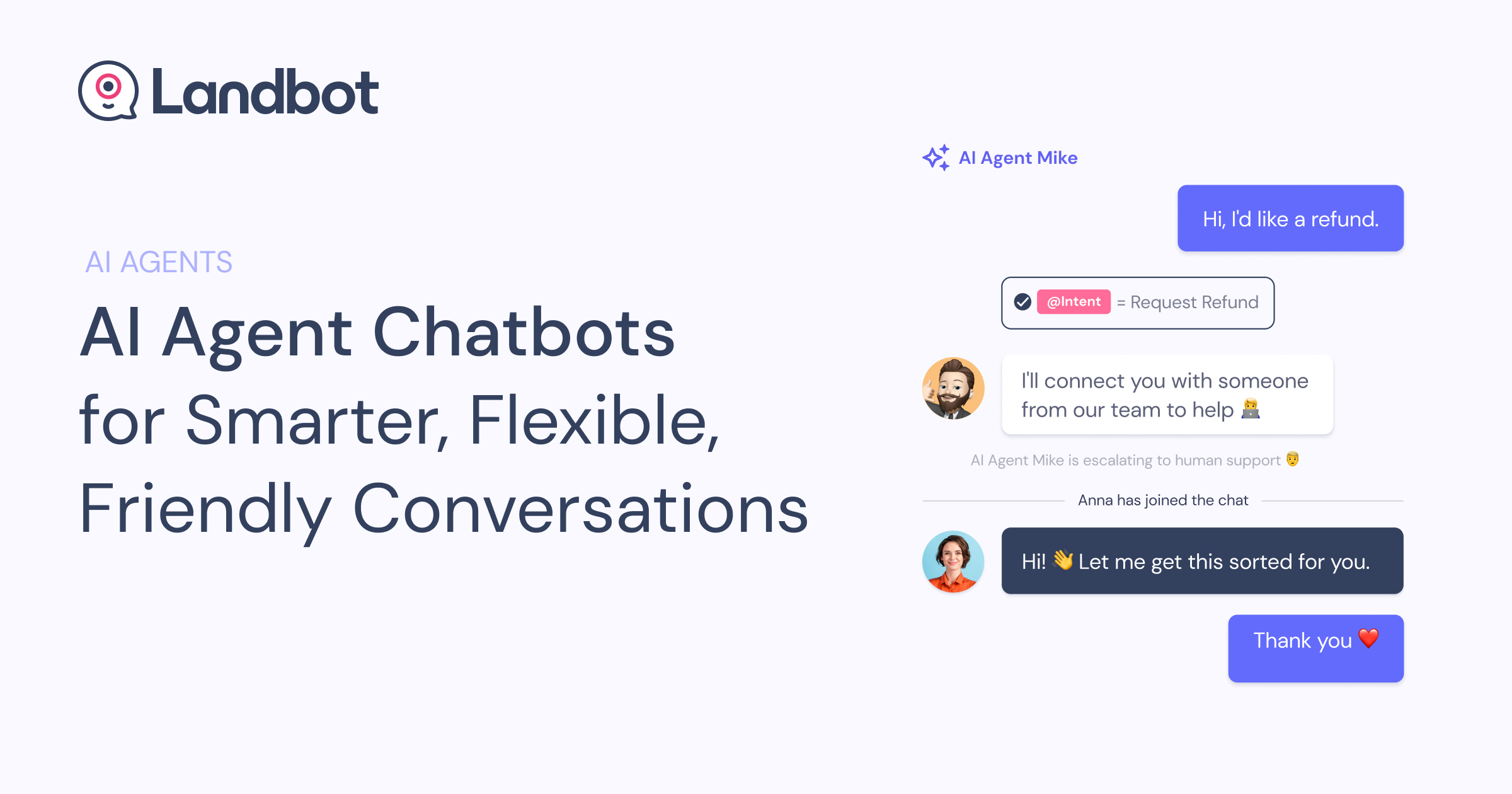
Landbot is a no-code builder for AI agents that handle conversations on a website and on WhatsApp. The product is aimed at marketing, sales and support teams that want an assistant capable of answering open questions but still bound to rules the business sets. Agents draw answers from knowledge the team supplies (text, documents, crawled pages of a site, or live data from an in-house API), and those pages are re-crawled on a schedule you choose, so answers follow the site when it changes. The design leans on guardrails rather than letting the model roam. Three limits are set explicitly: what the agent reads (only connected sources are indexed, a competitor blog post is not a source), what it does with data (field capture runs as a deterministic flow with validation, never generated by the model), and when it steps back to a human. Escalation carries the full transcript and every captured field, with the team notified by email and in-app. The agent also prefers buttons and option lists over free typing when a tap fits the moment. Common use cases are lead generation, customer support and appointment booking, and all three run on the same canvas. For leads, the agent answers pricing, feature and fit questions before asking for contact details, then syncs fields to a CRM. For support, it starts from context already held in your systems, such as order or plan, and avoids asking for what you already know. For booking, qualification runs on rules you define, and the meeting is booked inside the conversation. On the website it can be embedded as a widget, popup or full-page bot; on WhatsApp it runs from a connected Business number, and it also reaches Messenger, SMS and an API and SDK. Alternatives split between scripted chatbot builders, which are predictable but brittle with open questions, and general AI chat platforms, which are flexible but weak on validated data capture and handoff. Landbot sits between them, and teams aged into the category through 10+ years of conversational AI and 12,000+ customers are its natural audience.
Free plan available with no credit card required to start. The trial scope and any time limits are not described on this page.
Learn moreThe site states that a free plan exists and no credit card is needed to start, and it references a Pro plan with 8 seats and 300 AI chats a month inside a sample conversation. Full tiers, prices and limits are not listed on this page.
Learn moreEscalated conversations reach your team with the transcript and captured fields, notified by email and in-app. Vendor-side support channels are not described on this page.
Learn moreTwo-way HubSpot and Salesforce sync is mentioned, alongside data pulled from your own API and channels including website embed, WhatsApp, Messenger and SMS. A full integration list lives on the integrations page.
Learn moreKnowledge-grounded answers from documents, site pages, pasted text or your own API, with scheduled re-crawling. Guardrails cover what the agent reads, validated deterministic data capture and human handoff with the transcript attached. Agents favor buttons and option lists, run on web and WhatsApp plus Messenger, SMS and API or SDK, and support lead generation, customer support and appointment booking on one canvas.
Learn more AI Angels400+ customizable AI girlfriends for NSFW chat, voice calls, and roleplay
 Candy AIExperience the future of companionship with AI friends who chat, role-play, and connect with you on a human level.
 ourdream.aiA vast AI roleplay platform with millions of characters for chat, images, video and voiceAI Angels400+ customizable AI girlfriends for NSFW chat, voice calls, and roleplayCandy AIExperience the future of companionship with AI friends who chat, role-play, and connect with you on a human level.ourdream.aiA vast AI roleplay platform with millions of characters for chat, images, video and voice









