Free trial
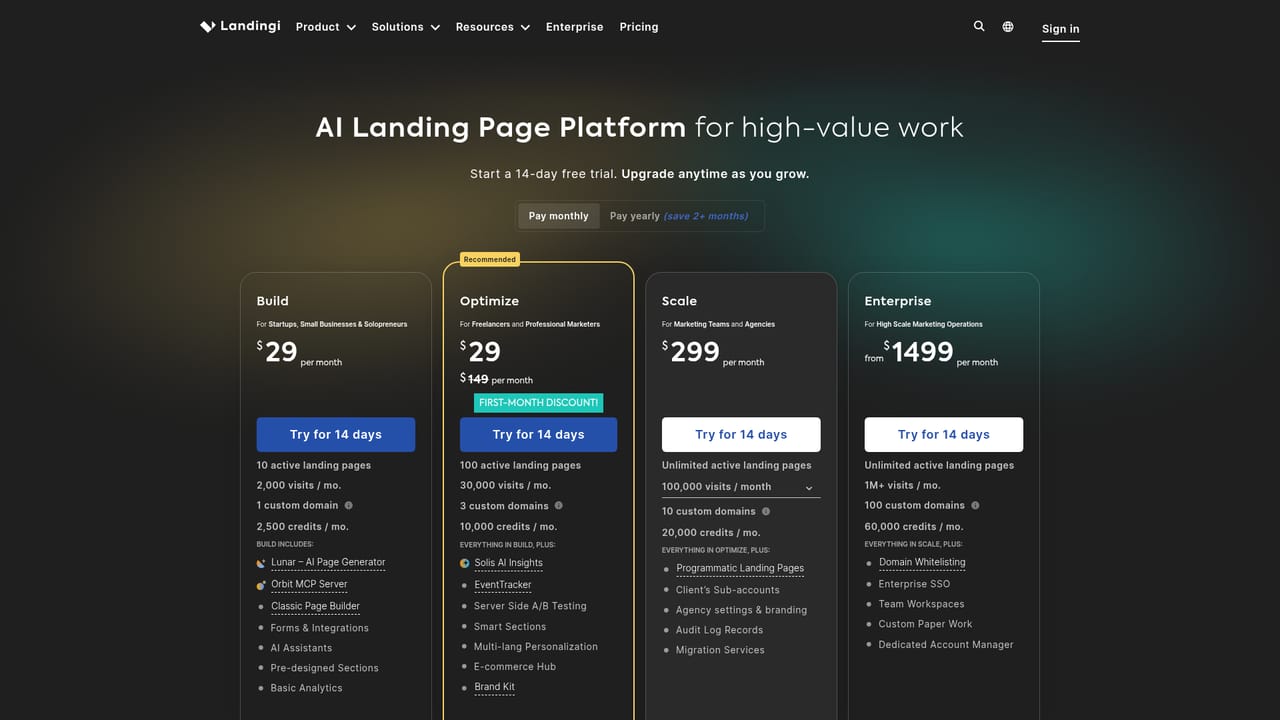
A 14-day free trial is offered, with upgrade available at any point during or after the trial period.
Learn moreAI landing pages, testing and localization in one campaign workspace

Landingi is a landing page analysis tool. AI landing page builder combining Lunar page generation, a pixel-perfect visual editor, EventTracker analytics, A/B/X testing, bulk programmatic pages, translation for 35+ languages, and enterprise governance features in one marketing workspace.
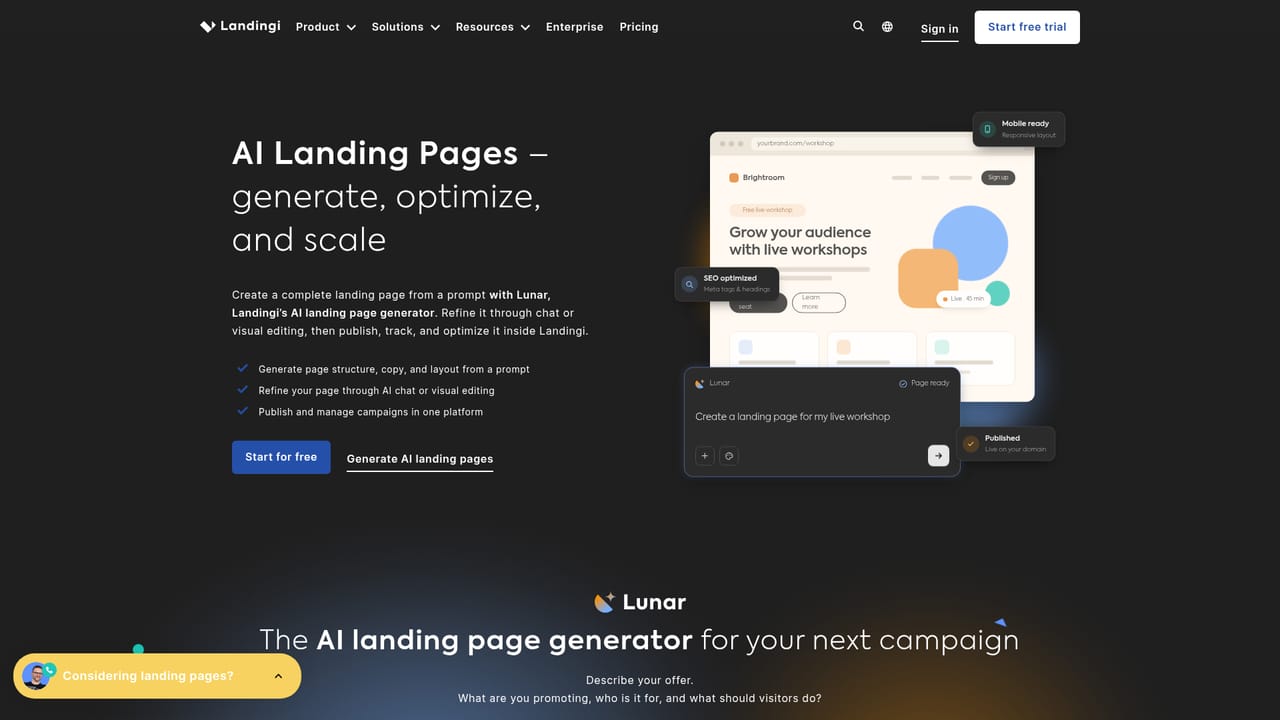
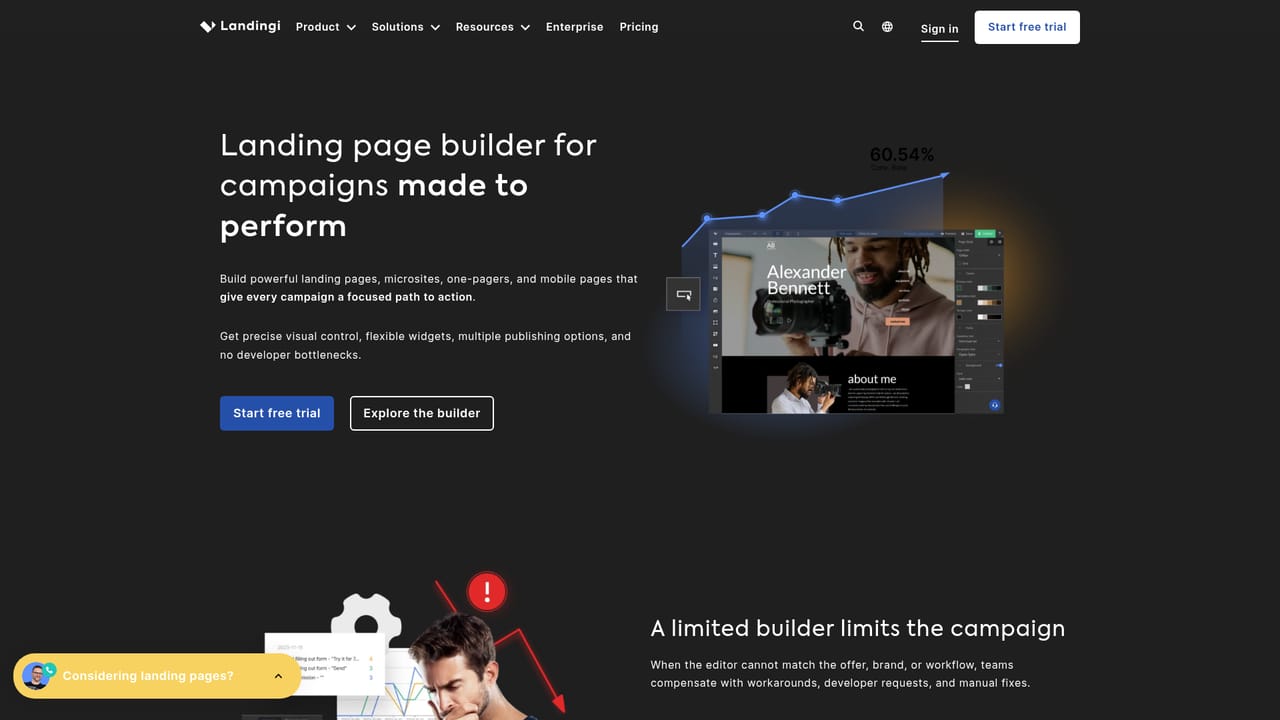
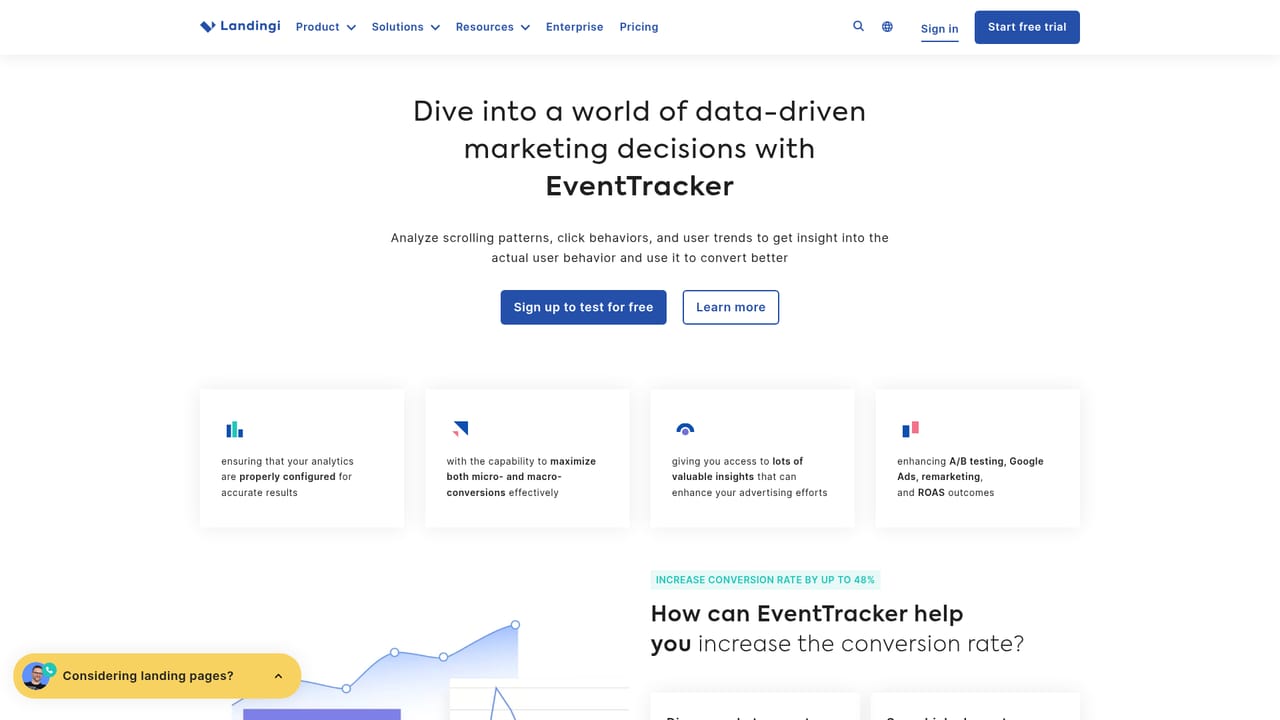
Landingi is a landing page platform built for marketing teams that launch campaigns regularly and need the page, the testing, and the governance around it in one place. The entry point is Lunar, an AI page generator that accepts an offer, audience, and goal, breaks the work into specialist tasks, routes them across five different AI models, and assembles the outputs into a complete page that stays fully editable. A Brand Kit keeps generated pages aligned with visual guidelines. Teams that prefer manual control can skip generation and design from scratch in a pixel-perfect visual editor without a fixed grid, then send the result through the same publishing and management workflow. Optimization sits next to creation rather than in a separate tool. EventTracker records clicks, scroll depth, form interactions, and lightbox events, while A/B/X testing compares page variants. Solis reads that behavioral and performance data, flags friction points and patterns, and suggests which improvements to prioritize. For volume, Programmatic Landing Pages generates targeted pages in bulk from one template and structured data, translation covers content, forms, and SEO settings across 35+ languages, and Smart Sections let one edit update shared headers, footers, legal blocks, or offers across many pages. Orbit, the MCP server, connects supported external LLM workflows to the Landingi workspace. The audience is broad but the fit is clearest for three groups: marketing teams that want to escape development queues, agencies that need separated client workspaces and repeatable production, and enterprise organizations that require permissions, 2FA, audit logs, and account structures alongside speed. Landingi reports 14+ years in the market, 99.9% uptime, 2.5M+ pages created, and 170+ integrations with CRM, analytics, email, and automation tools. Against a generic AI writer that outputs copy needing separate implementation, or a CMS that depends on developer resources, the pitch is consolidation. The tradeoff is commitment to a single platform, and generative quality still needs an editor's judgment before anything goes live.
A 14-day free trial is offered, with upgrade available at any point during or after the trial period.
Learn moreAnnual billing starts at $24 per month on the Build plan, which includes 10 active landing pages, 2,000 visits per month, 1 custom domain, 2,500 credits per month, Lunar, Orbit MCP, the classic builder, and forms with integrations. One extra unit costs $5 per month; beyond two, the site directs users to the Optimize plan.
Learn moreThe homepage states 170+ integrations covering CRM, analytics, email, and automation tools, and notes publishing to custom domains, WordPress, Landingi infrastructure, or your own server.
Learn moreLunar AI page generation with Brand Kit, pixel-perfect visual builder, EventTracker behavior tracking, A/B/X testing, Solis AI optimization analysis, Programmatic Landing Pages, Smart Sections, translation for 35+ languages, the Orbit MCP server for external LLM workflows, plus CDN hosting, SSL, 2FA, and audit logs.
Learn more AI Angels400+ customizable AI girlfriends for NSFW chat, voice calls, and roleplay
 Candy AIExperience the future of companionship with AI friends who chat, role-play, and connect with you on a human level.
 ourdream.aiA vast AI roleplay platform with millions of characters for chat, images, video and voiceAI Angels400+ customizable AI girlfriends for NSFW chat, voice calls, and roleplayCandy AIExperience the future of companionship with AI friends who chat, role-play, and connect with you on a human level.ourdream.aiA vast AI roleplay platform with millions of characters for chat, images, video and voice


