Integrations
Character cards are made for SillyTavern and similar apps, and prompts are formatted for pasting into ChatGPT, Claude or Gemini.
Shut-down AI persona chat app; existing users can export their data
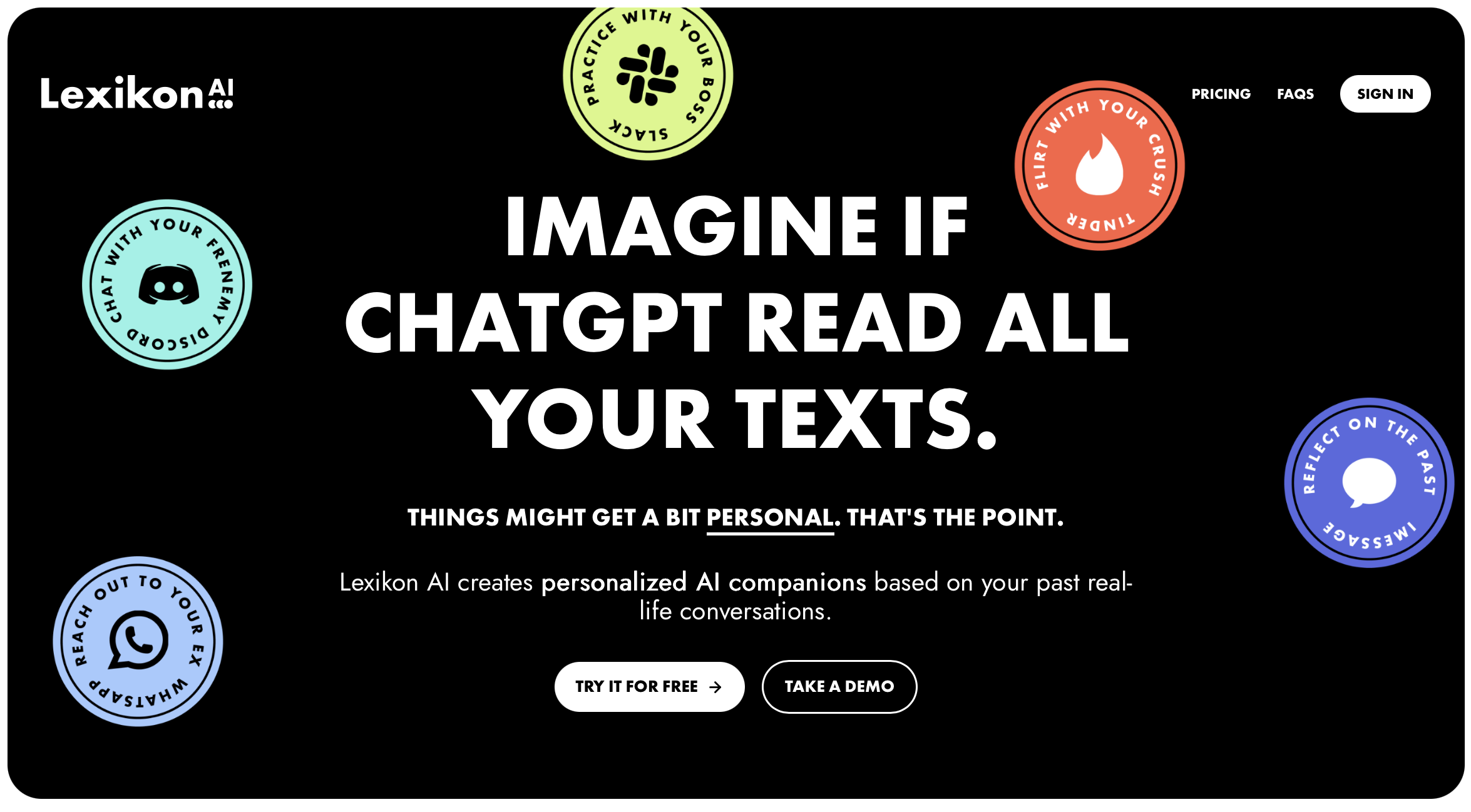
Lexikon AI is an AI character chat tool. Lexikon AI was a persona-based chat service that has shut down and no longer accepts new accounts. Existing users can sign in to export personas and chats as a zip with character cards, ready-to-paste prompts and raw data.
Lexikon AI was a chat service built around personas, meaning characters a user could talk with and keep conversations going over time. According to its homepage, the service has now shut down and no new accounts can be created. The site today works only as an exit route for people who already had an account, which makes this listing mainly a record of what the product was and what remains available. What remains is a sign-in page at the app address that lets existing users download everything stored for their personas, chats included, as a zip file. Each persona is packaged in three forms. The first is a character card meant for SillyTavern and similar roleplay front ends. The second is a ready-to-paste prompt that can be dropped into ChatGPT, Claude or Gemini to recreate the character elsewhere. The third is the full raw data, which suits anyone who wants to archive or process the material themselves. The export design is the notable part for former users. Character cards are a common interchange format among companion and roleplay chat tools, so a persona built here can be loaded into other apps rather than being lost with the service. The prompt version covers people who prefer a mainstream assistant over a dedicated persona platform, and the raw dump covers everyone else. Anyone who never held an account cannot use Lexikon AI at all, so it is not a candidate for new adoption. People researching persona-based chat tools should treat it as a discontinued option and look at active alternatives that support character cards and long-running character conversations. For people who did use it, the practical task is simple: sign in, download the archive, and move the personas to a tool that is still maintained. The homepage does not state how long the export will stay available, so saving the data promptly is the sensible approach.
Character cards are made for SillyTavern and similar apps, and prompts are formatted for pasting into ChatGPT, Claude or Gemini.
Data export for existing users: a zip of all personas and chats, each persona as a character card (SillyTavern and similar apps), a prompt for ChatGPT, Claude or Gemini, and the full raw data.
 AI Angels400+ customizable AI girlfriends for NSFW chat, voice calls, and roleplay
 Candy AIExperience the future of companionship with AI friends who chat, role-play, and connect with you on a human level.
 ourdream.aiA vast AI roleplay platform with millions of characters for chat, images, video and voiceAI Angels400+ customizable AI girlfriends for NSFW chat, voice calls, and roleplayCandy AIExperience the future of companionship with AI friends who chat, role-play, and connect with you on a human level.ourdream.aiA vast AI roleplay platform with millions of characters for chat, images, video and voice