LightSite AI

Make your site readable for AI engines and measure the traffic they send back.

Intermediate
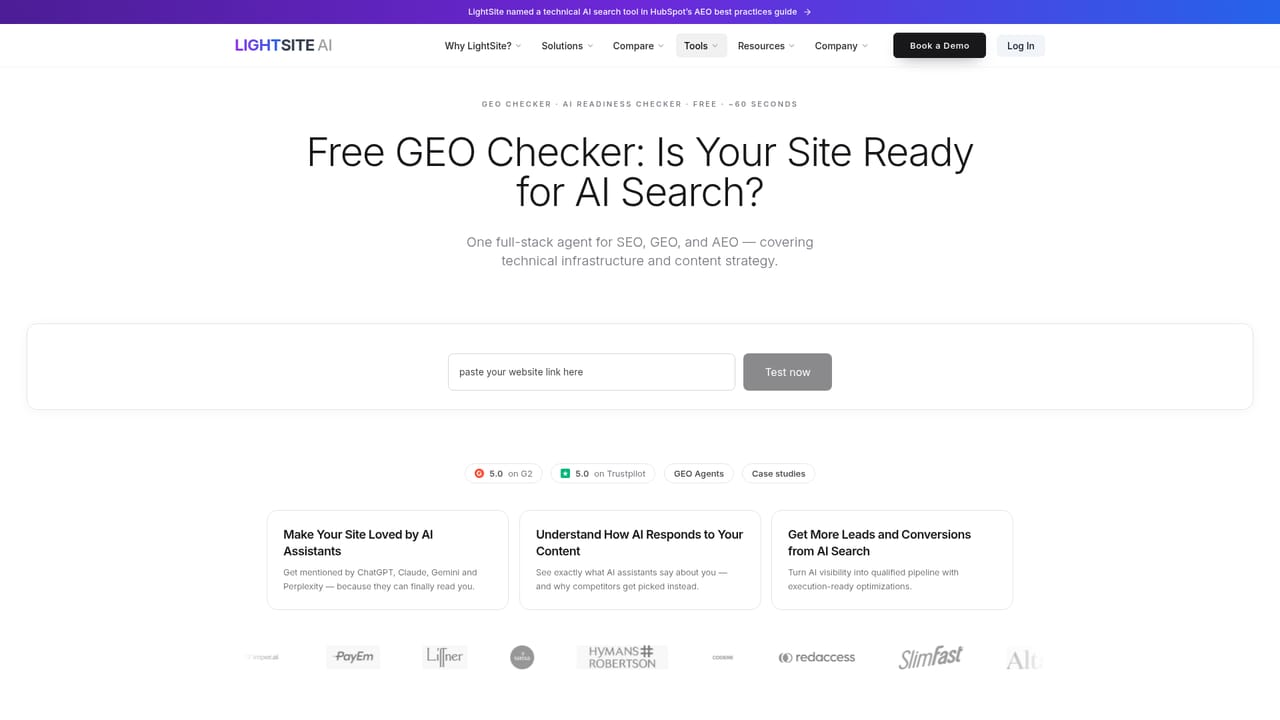
Screenshot of LightSite AI, Make your site readable for AI engines and measure the traffic they send back

What is LightSite AI?

LightSite AI is a website audit tool that makes your site readable for AI engines and measure the traffic they send back. LightSite AI combines a machine-readable structured data layer, AI bot and visitor analytics across ChatGPT, Gemini, Claude, Perplexity, Copilot and Kagi, and an approval-gated agent that drafts content, finds backlink opportunities and preps outreach.

LightSite AI is built for the shift from blue links to AI answers. The platform layers a technical foundation onto your website, publishes structured data and machine-readable business information so assistants such as ChatGPT, Gemini, Claude and Perplexity can parse what you sell and who you serve, and then keeps that layer current. The pitch is that no developer sprint or agency retainer is required: pages are made AI-readable, an AI sitemap and a discovery endpoint are generated, and the work is handled from the LightSite dashboard rather than inside the CMS codebase. On top of that sits the measurement side. The dashboard separates bot impressions from human clicks and tracks unique visitors and AI click-through rate over time, with visitors attributed by platform (ChatGPT, Perplexity, Gemini, Claude, Copilot, Kagi) and compared against conversion rates. Deeper views show which pages AI crawlers visit and read, what questions assistants actually send to the site, how often they return, and how much data they consume. A visibility trend line, a competitor landscape showing which brands AI recommends in your category, and a sources-of-influence view that contrasts source influence against your share of tracked questions round out the picture. The execution layer is agentic but gated by approval. Agents draft blog posts, comparison pages, LinkedIn and Reddit posts, surface backlink and listicle opportunities where you are missing, find contacts and prepare outreach messages, then wait for a human to sign off on each step. Results are measured afterward so teams can attribute changes. Marketers at B2B and ecommerce brands, fractional CMOs and AEO or SEO specialists are the core audience, and the site leans on case quotes from companies of that shape. It competes with AI visibility trackers that stop at dashboards; LightSite's differentiator is bundling site infrastructure with monitoring and outbound execution. Buyers who only want rank tracking will find more than they need here, and anyone expecting plug-and-play CMS integrations should confirm the setup path first.

How do you use LightSite AI?

  1. 1Run the free GEO check
    Start with the generative engine optimization checker to see how your site currently reads to AI engines and where the gaps are before creating an account.
    LightSite AI — Run the free GEO check
  2. 2Create your account
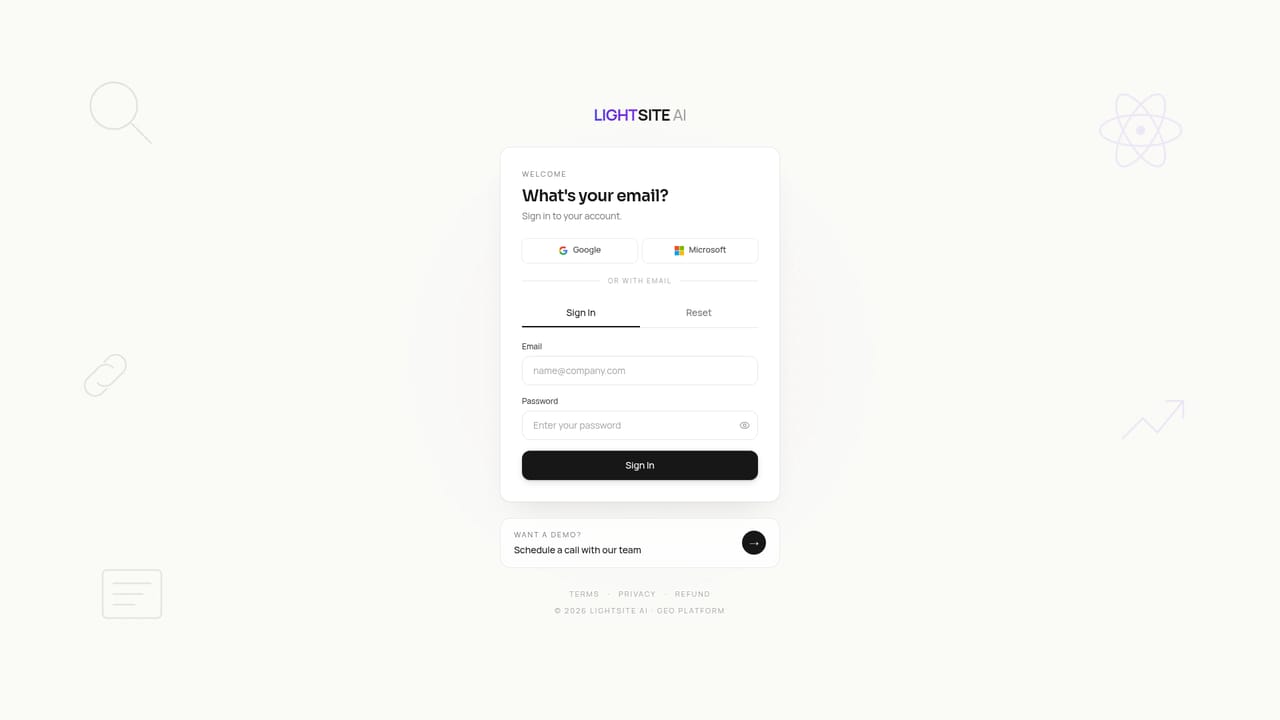
    Sign in through the LightSite app to connect your website and open the dashboard where infrastructure, analytics and agent tasks live.
    LightSite AI — Create your account
  3. 3Publish your AI-readable layer
    Let the platform generate structured data, an AI sitemap and a discovery endpoint so assistants can parse your business information, then review what was published.
  4. 4Watch bot and visitor traffic
    Use the dashboard to separate bot impressions from human clicks, see visitors by AI platform and check AI click-through and conversion rates over time.
  5. 5Act on agent opportunities
    Review the content drafts, backlink gaps and outreach messages the agent prepares, approve what fits and reject the rest before anything goes out.
  6. 6Study the playbook
    Read the AI search authority guide and structured data training material to understand what signals influence AI recommendations and plan the next round of work.
    LightSite AI — Study the playbook

Pros and cons

Pros

  • Covers infrastructure, analytics and execution in one product instead of stopping at a visibility dashboardAI
  • Breaks AI traffic down by platform and pairs it with conversion rates, which most trackers omitAI
  • Shows the actual questions assistants send to your site and which pages crawlers readAI
  • Agent drafts content and outreach but requires human approval at every stepAI
  • Structured data layer can be published without developer time, per the site and customer quotesAI

Cons

  • Pricing is not published on the homepage, so cost has to be confirmed through a demo or accountAI
  • No list of CMS, analytics or CRM integrations is given, leaving setup effort unclearAI
  • Competitor and visibility features depend on the tracked prompt set, so coverage quality is hard to judge before signing upAI
  • The agentic outreach adds complexity that small teams with no content workflow may not useAI
  • No mobile apps are mentioned, and the product appears to be browser onlyAI

How much does LightSite AI cost?

Features

Structured data and machine-readable business information published to the site, an AI sitemap and discovery endpoint, AI bot and visitor analytics by platform, AI click-through and conversion tracking, pages visited and crawled by AI, questions AI sends to the site, visibility trend scores, competitor landscape, sources of influence, and an approval-gated agent for content drafting, backlink discovery and outreach preparation.

Learn more

Frequently asked questions about LightSite AI

  • How do you use LightSite AI?
    The walkthrough on this page covers 6 steps: 1. Run the free GEO check 2. Create your account 3. Publish your AI-readable layer 4. Watch bot and visitor traffic 5. Act on agent opportunities 6. Study the playbook.
  • What platforms does LightSite AI support?
    LightSite AI is available on Web App.
  • What are the limitations of LightSite AI?
    Pricing is not published on the homepage, so cost has to be confirmed through a demo or account. No list of CMS, analytics or CRM integrations is given, leaving setup effort unclear. Competitor and visibility features depend on the tracked prompt set, so coverage quality is hard to judge before signing up.

Status

StatusActive
Views0
Outbound clicks0
Added10/22/2026

Platforms

Web App

Pricing

FreemiumPaid