Free trial
Free to try: $50 in free credits, no credit card required. Plans and usage costs are documented separately on the pricing page.
Learn moreAn AI employee that works inside your Slack and your stack

Lindy is an AI employee that plugs into Slack, ad platforms, ticketing, GitHub and billing tools, then executes multi-step requests such as spend teardowns, ticket clustering, deploy debugging and Stripe reconciliation, replying with completed actions rather than advice.
Lindy is an AI employee: a chat-driven worker that connects to the tools a team already uses, learns how that team operates, and then completes tasks inside the conversation. Rather than living in a separate dashboard, it appears in channels such as #growth, #support, #eng and #finance, where a person types a request and Lindy replies with executed steps rather than suggestions. The product framing is deliberate: Lindy is positioned as a hire, not a copilot, and the marketing copy stresses doing real work for the whole team. In practice the work is multi-step and cross-application. Marketing questions trigger it to pull ad spend from Meta and Google, join that data to signups and activation in PostHog, then write a teardown with replacement creatives in Notion. Support requests lead it to read ticket volumes across Zendesk and Intercom, cluster by root cause instead of keyword, and file an engineering ticket in Linear. Engineering questions have it diff recent pull requests in GitHub, match traces to a code path, and prepare a revert and incident note. Finance closes turn on reconciling Stripe charges against a sheet ledger and surfacing exceptions. The intended audience is teams rather than single users, with obvious pull for growth marketers, support leads, engineering managers and finance operators who spend hours stitching tools together. Anyone comparing it to Zapier or Claude will notice the contrast Lindy draws itself: those tools are presented as workflow builders or general chat models, while Lindy is sold as a delegated worker with company context. Two practical points deserve attention before adoption. The homepage lists free credits with no card required, but plan tiers and per-task costs live on a separate pricing page, so budget planning requires that lookup. And an assistant given write access to ad accounts, ticketing and billing needs a permission review up front; the security page exists, but oversight is the buyer's job.

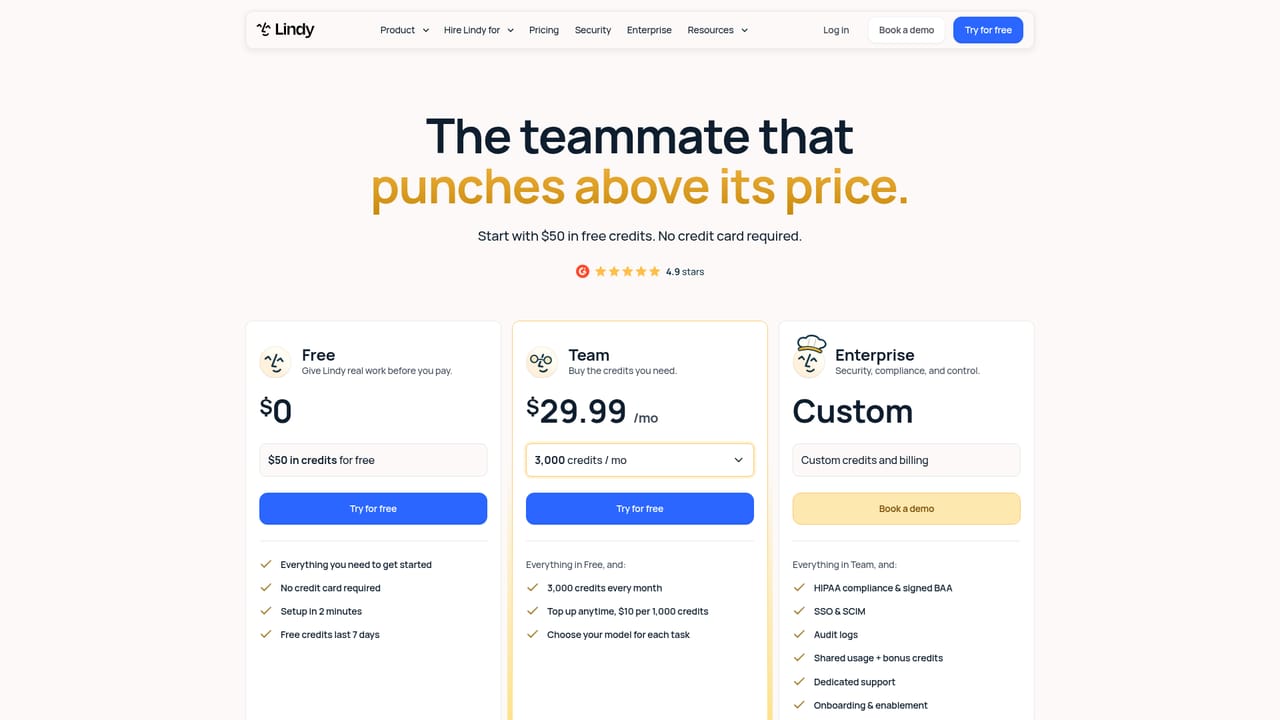
Free to try: $50 in free credits, no credit card required. Plans and usage costs are documented separately on the pricing page.
Learn moreThe homepage advertises $50 in free credits with no credit card required, and offers a free trial via chat signup. Specific plan tiers, credit consumption rates and paid pricing are not listed on the homepage; those details sit on the pricing page.
Learn moreNo help desk details are stated on the homepage. A contact route for booking a sales demo is listed, and documentation is available for technical questions.
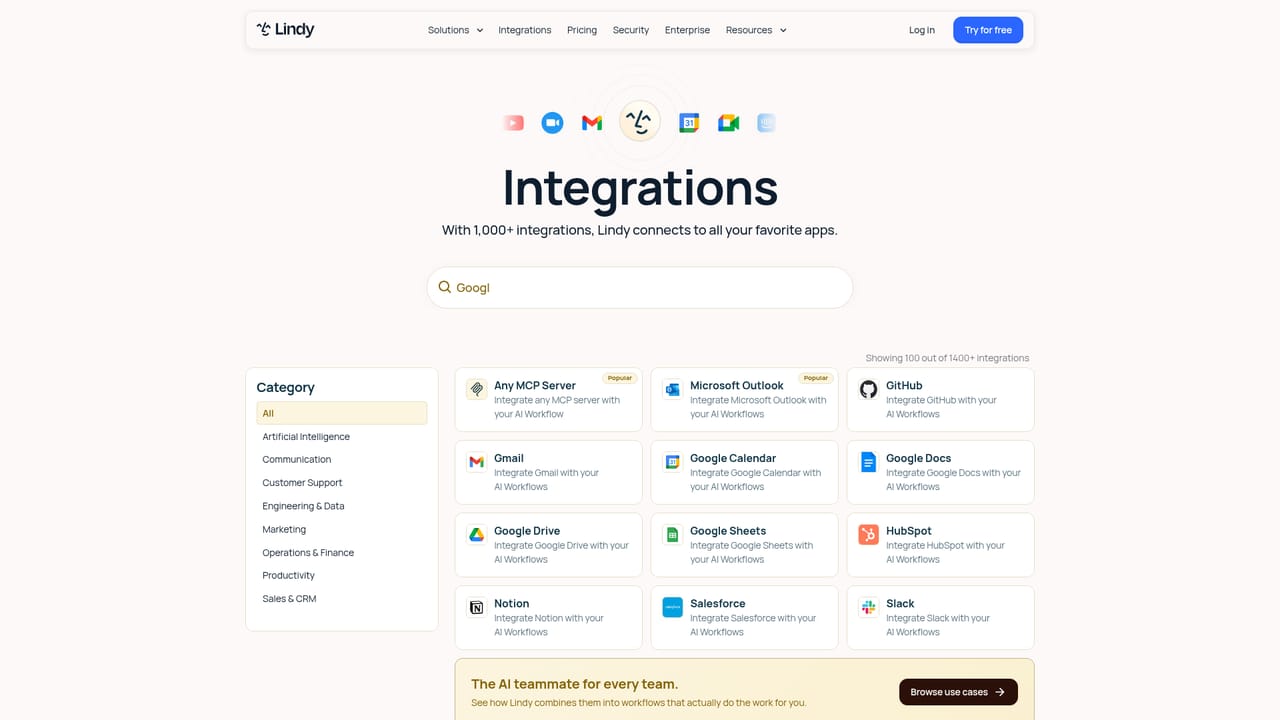
Learn moreThe site references Slack, Gmail, Notion, GitHub, Linear, HubSpot, Stripe, Google Ads, Meta, PostHog, Zendesk, Intercom and Microsoft Teams, among others, with a full directory on the integrations page.
Learn moreChat-delivered AI worker that connects to business tools and executes multi-step tasks. Marketing examples cover pulling ad spend from Meta and Google and joining it to PostHog activation data, plus writing creative teardowns in Notion. Support examples show ticket clustering across Zendesk and Intercom with issues filed in Linear. Engineering and finance examples include pull request diffing in GitHub and Stripe reconciliation against a ledger.
Learn more AI Angels400+ customizable AI girlfriends for NSFW chat, voice calls, and roleplay
 Candy AIExperience the future of companionship with AI friends who chat, role-play, and connect with you on a human level.
 ourdream.aiA vast AI roleplay platform with millions of characters for chat, images, video and voiceAI Angels400+ customizable AI girlfriends for NSFW chat, voice calls, and roleplayCandy AIExperience the future of companionship with AI friends who chat, role-play, and connect with you on a human level.ourdream.aiA vast AI roleplay platform with millions of characters for chat, images, video and voice










